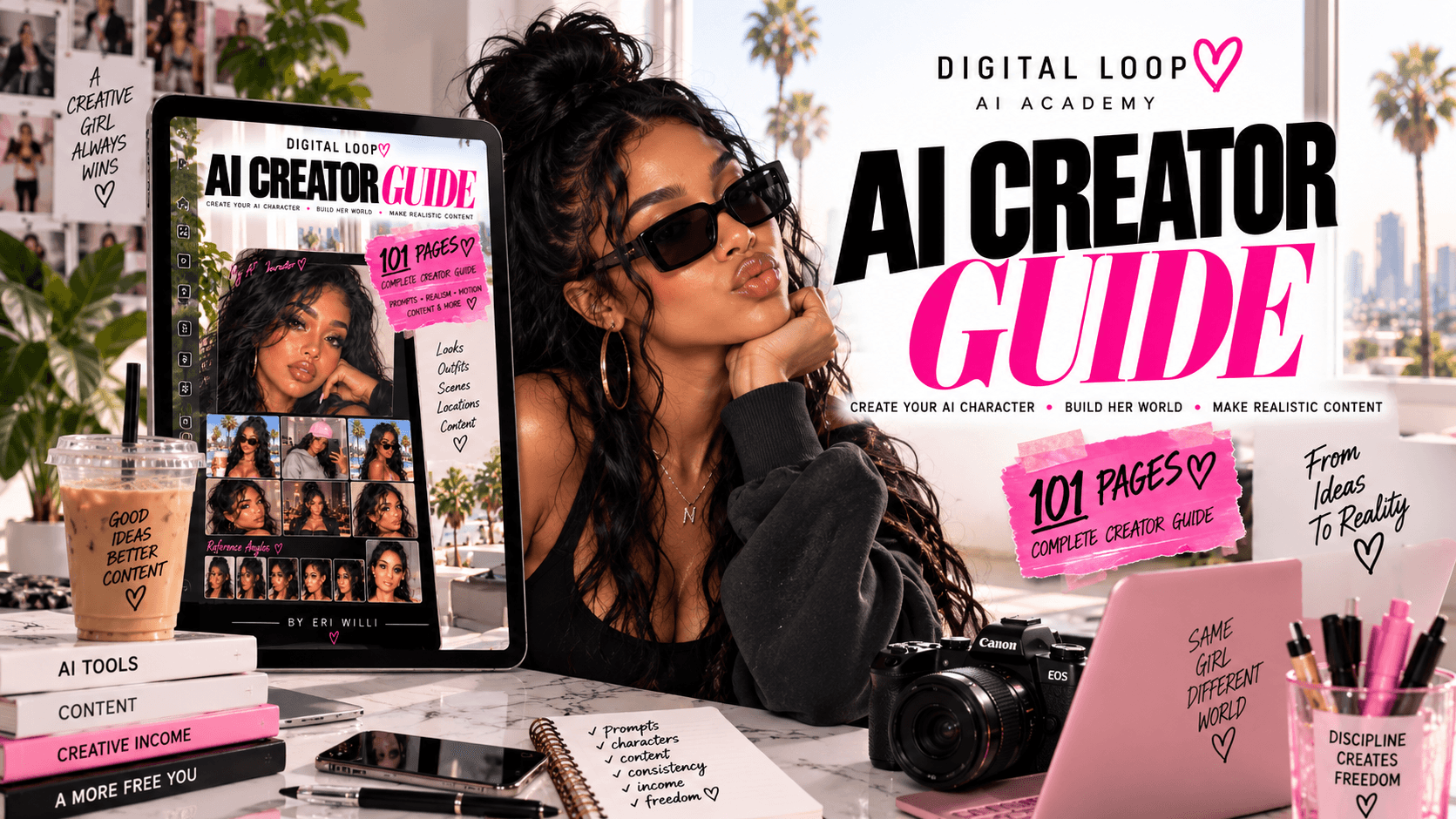
DigitalLoop AI Creator Guide 💕
$37$47
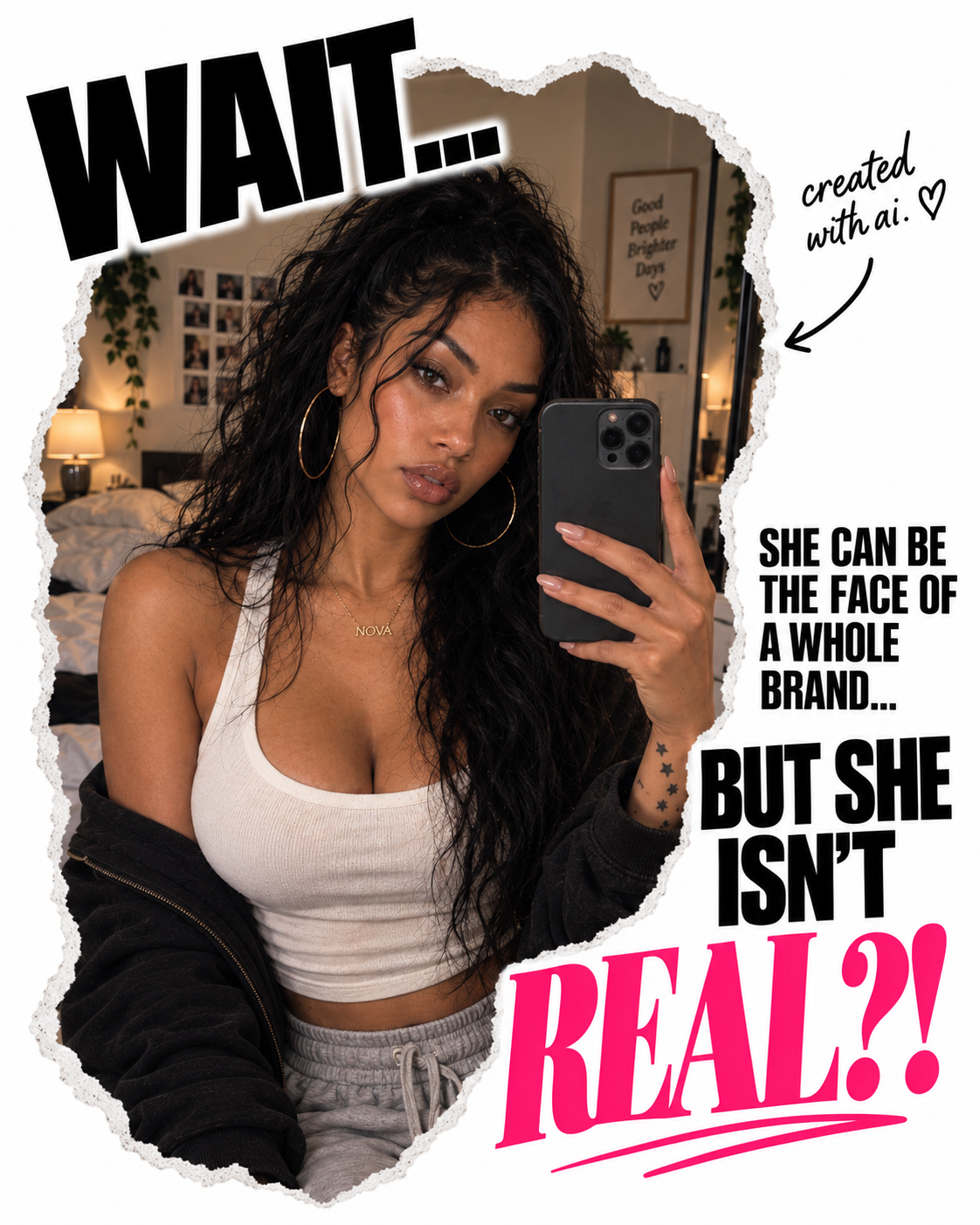
Nope. 👀
The face. The outfit. The location. The photos.
Created with AI.
And if you clicked because you were thinking, “Wait... how are people making this stuff?”
You're exactly who I made this for.
Maybe you've never created an AI image before. Maybe you've played around with it a little. Or maybe five minutes ago, you didn't even know something like this was possible.
You don't have to be a designer or already understand AI.
You can start with an idea and learn how to turn it into something you can actually see.
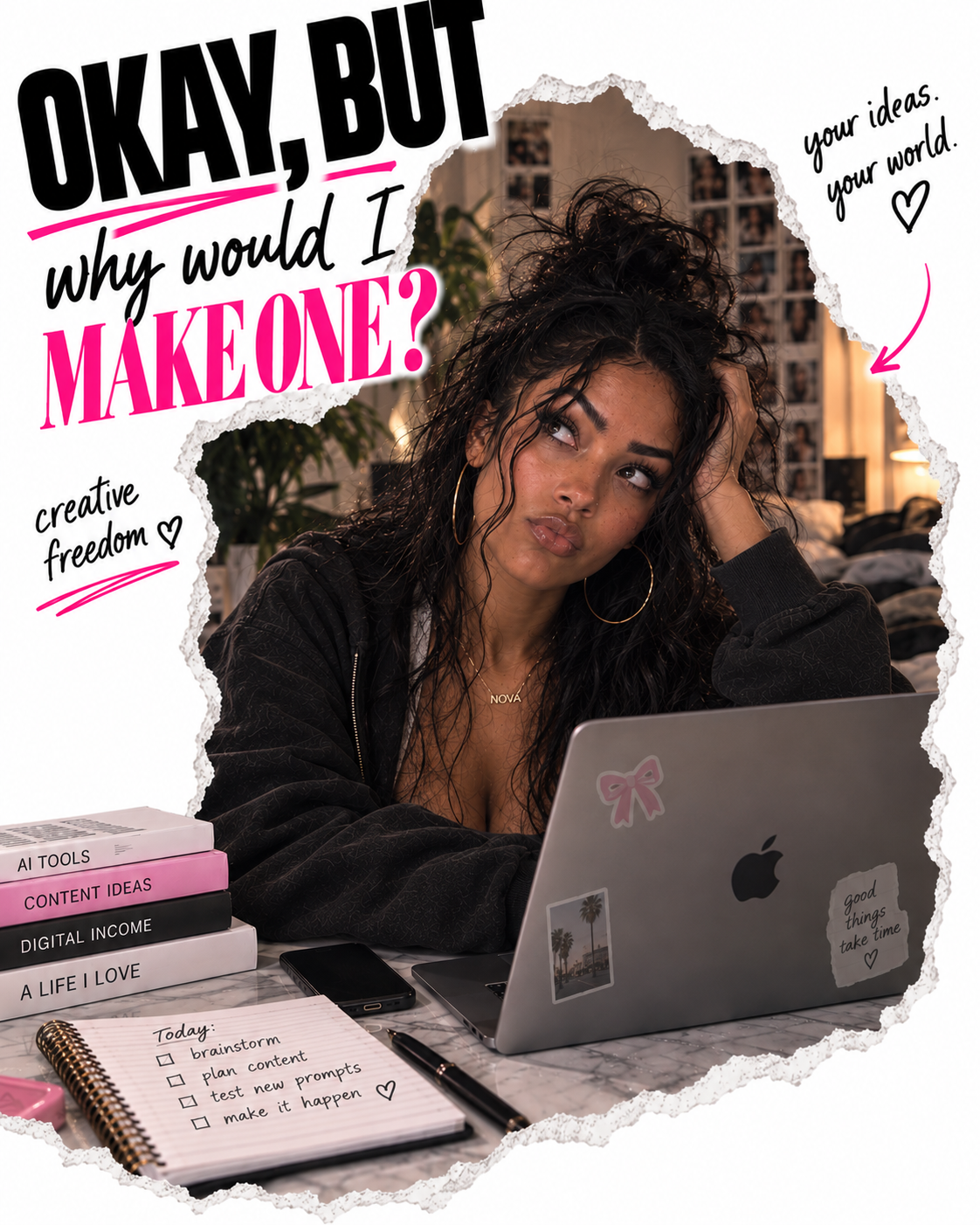
Because once you understand what you can do with one character, it gets a lot more interesting.
You don't always need a photoshoot. You don't need a model. You don't even need the perfect location.
And you don't always have to be the person in front of the camera.
You can create the person you need for the idea.
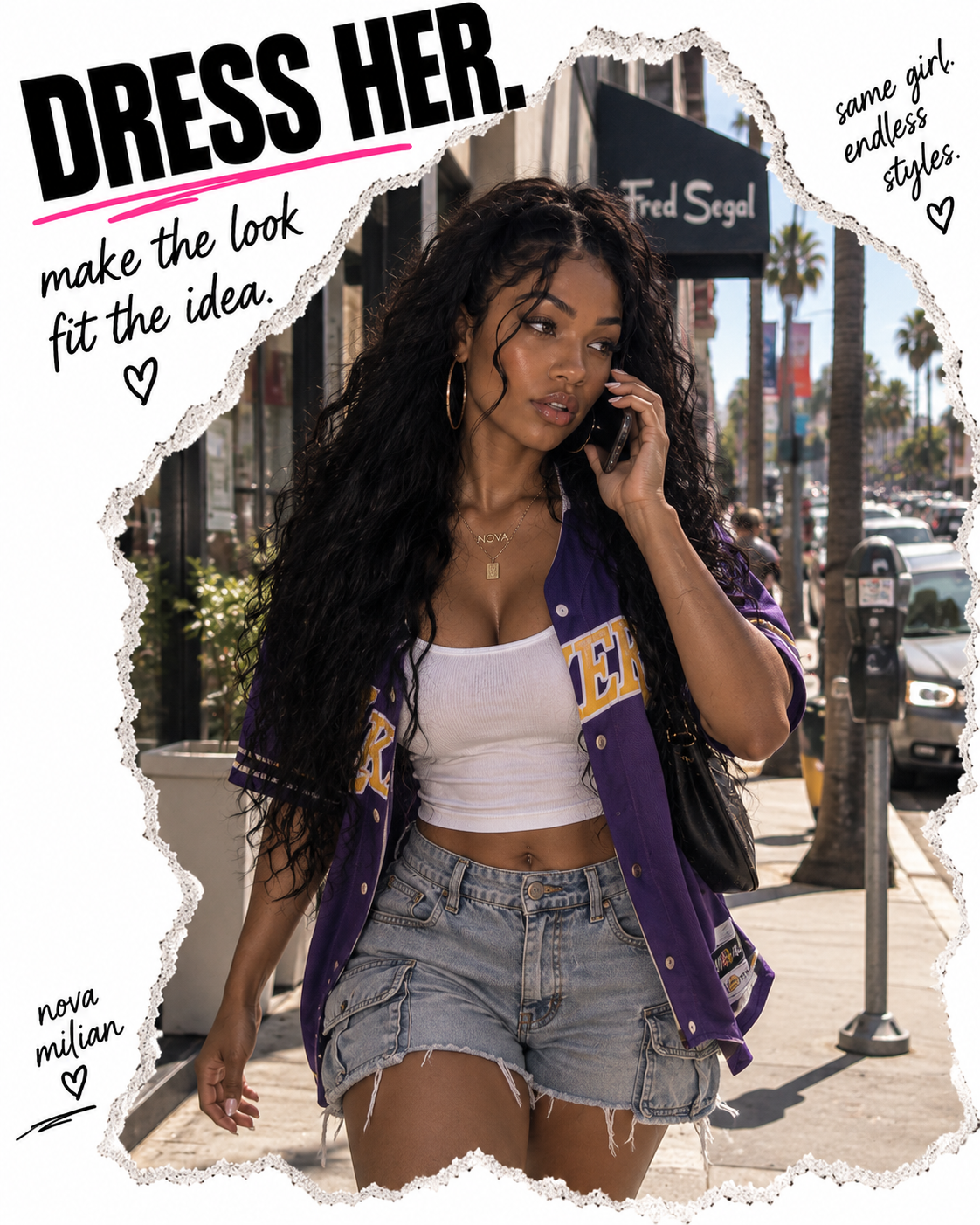
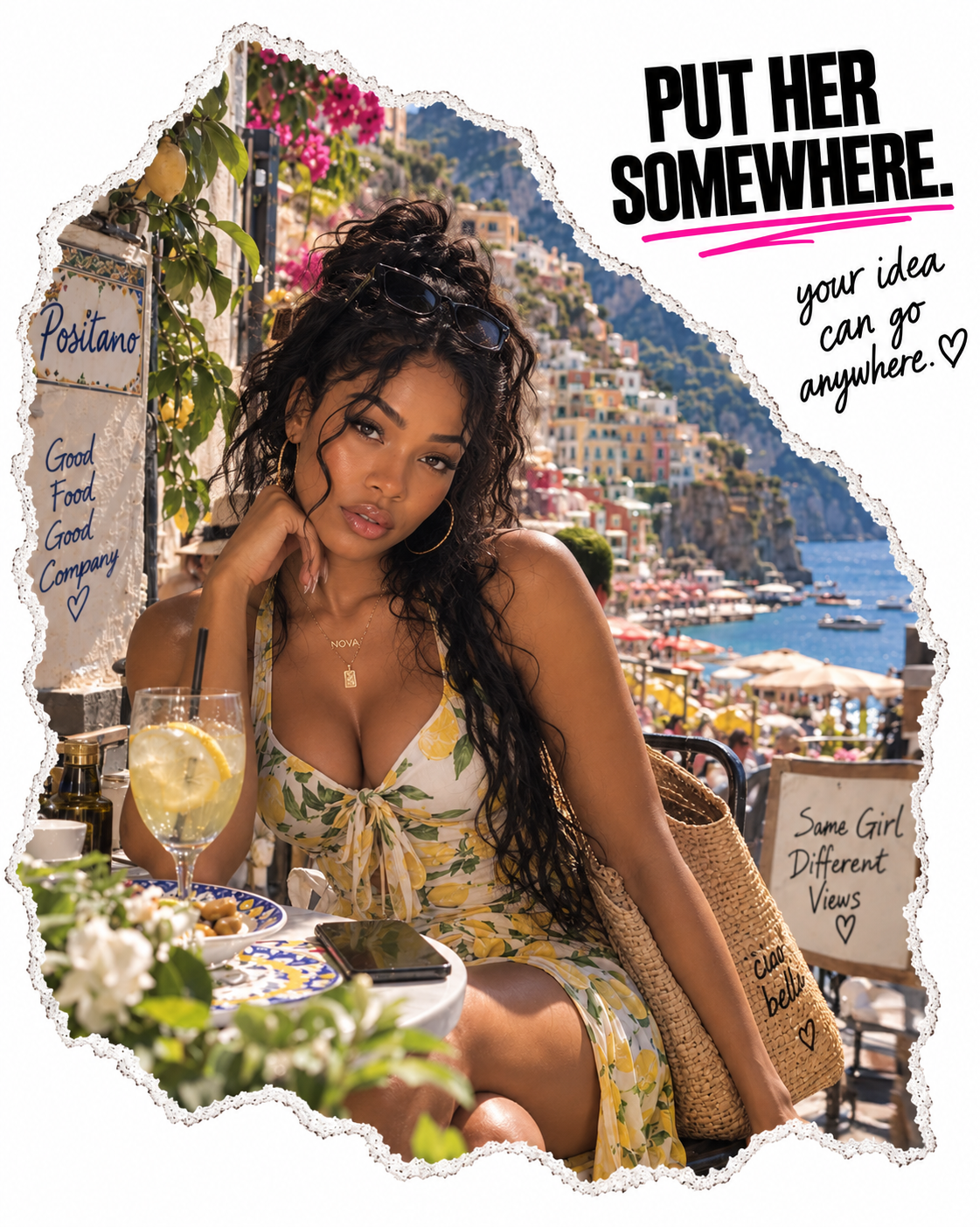
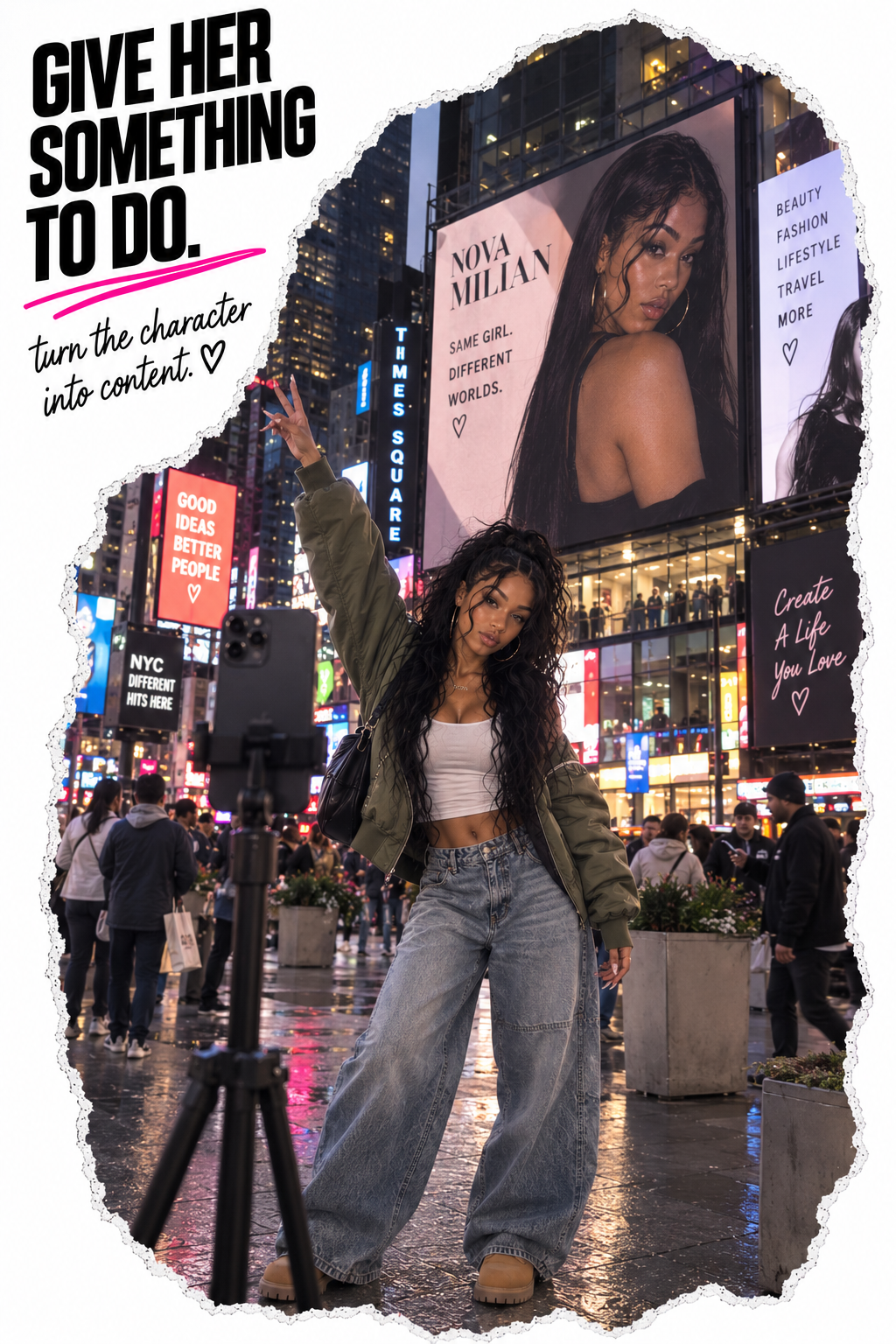
Create photos around her, build content around her, and eventually bring her into motion. 💕
And suddenly you're not just making a cool AI picture. You're learning another way to create.
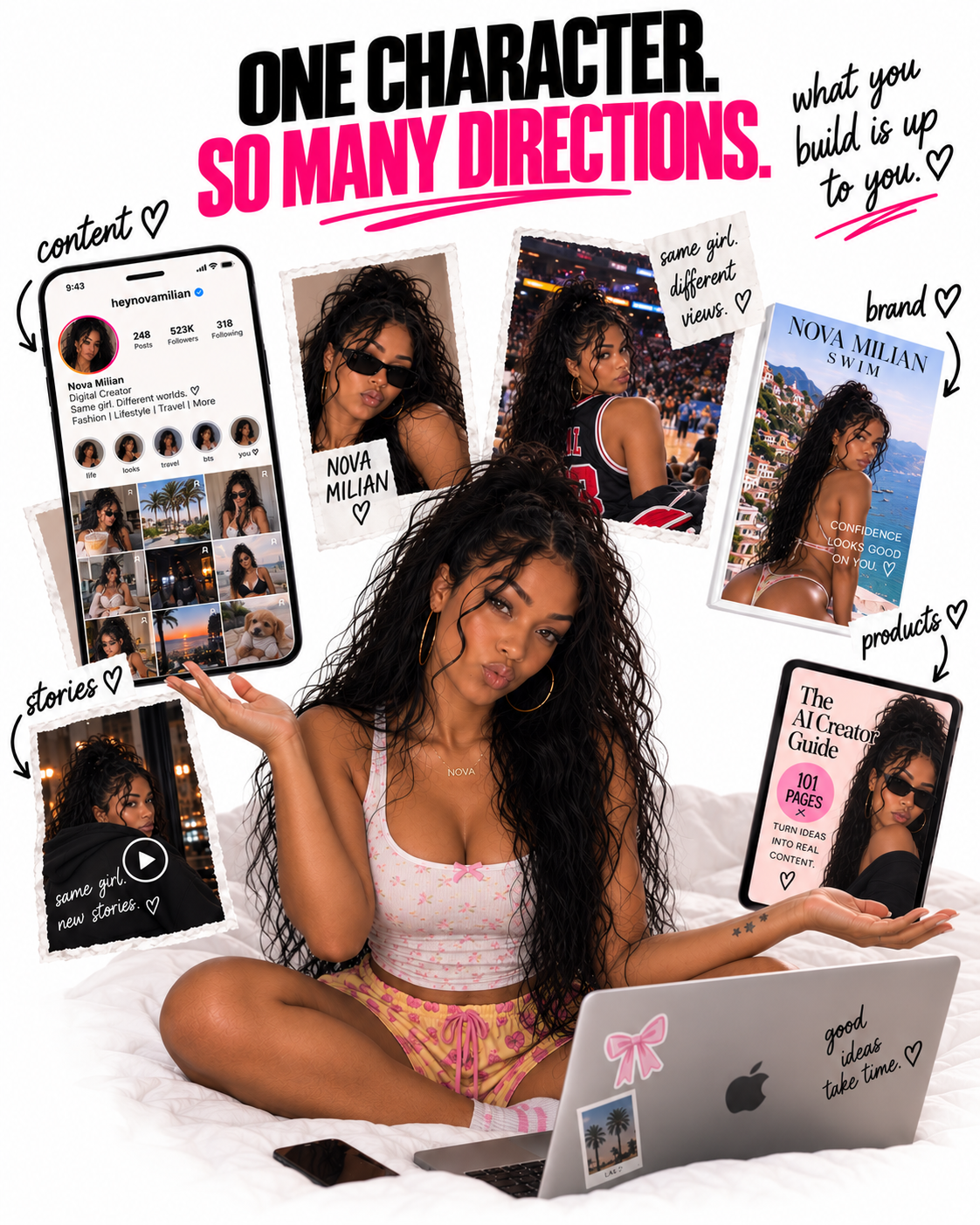
Maybe you build a whole page around her.
Maybe you don't.
What you learn can be used for content, storytelling, social media, products, creative services or simply bringing an idea in your head to life.
What you build with the skill is up to you. 💕
So how do you actually go from an idea in your head to something you can see? 👀
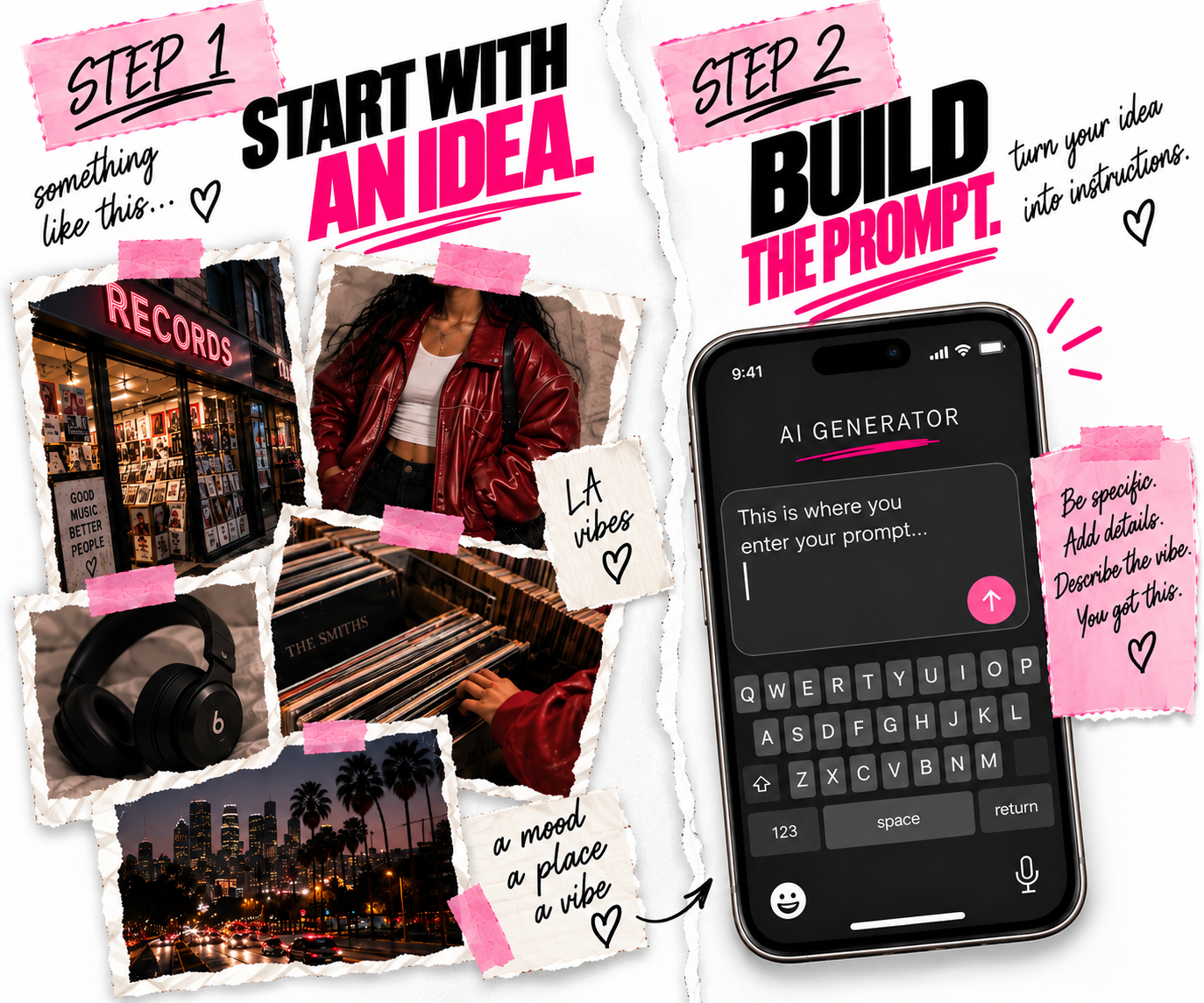
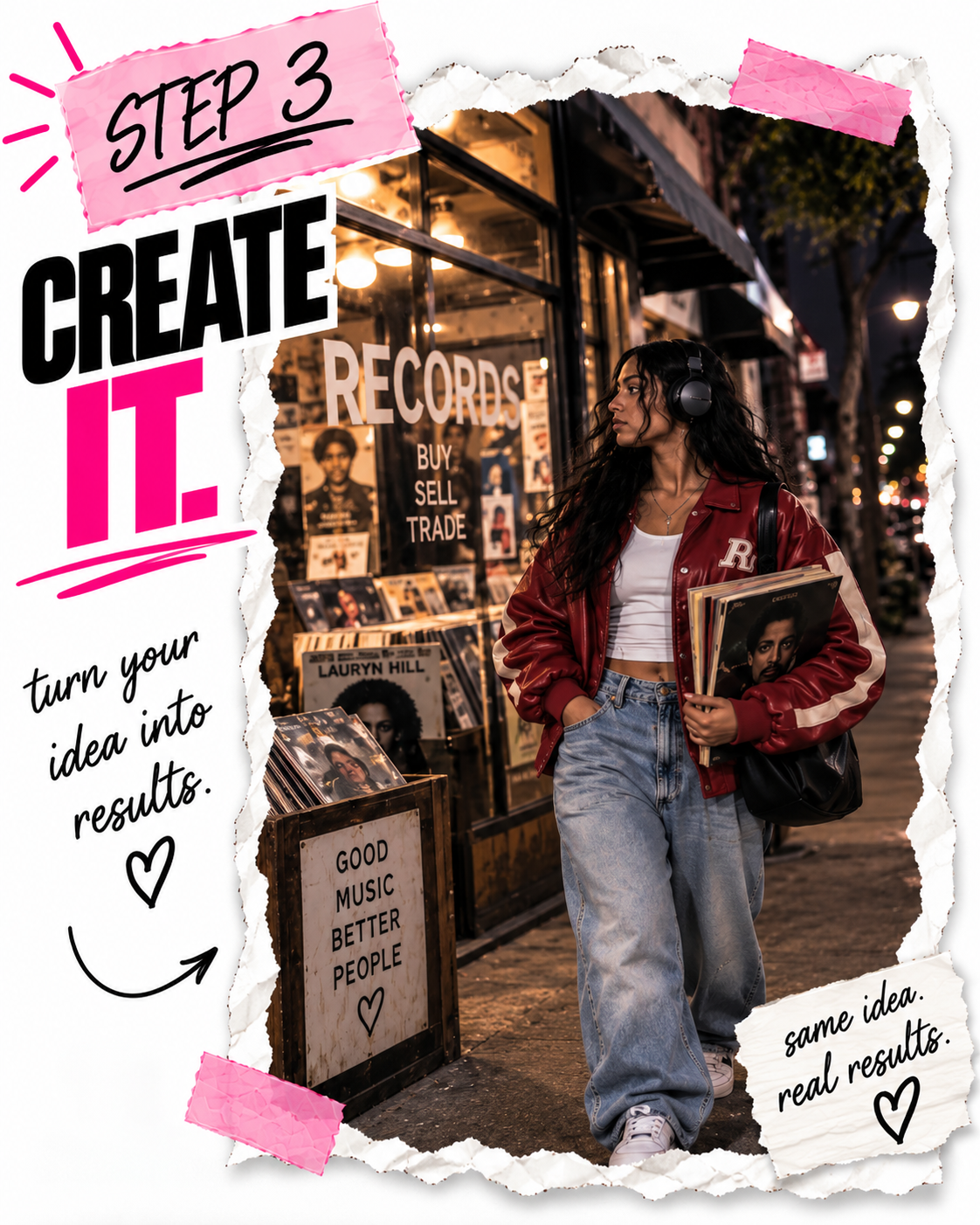
That's the part I had to learn.
By creating. Messing things up. Fixing them. Trying again. Wondering why my girl suddenly looked like her cousin. 😂 Trying to figure out what happened to her hand. Making a beautiful image that somehow still looked obviously AI.
Eventually, I started noticing the little things that made the biggest difference. I learned how to create a character I could keep creating with.
How to change her clothes without accidentally changing her face. Put her somewhere new. Make the camera feel more natural. Make the world around her feel lived in.
And most importantly, how to take the idea in my head and explain it well enough for AI to helps me create it.
So I put what I've learned into one place.
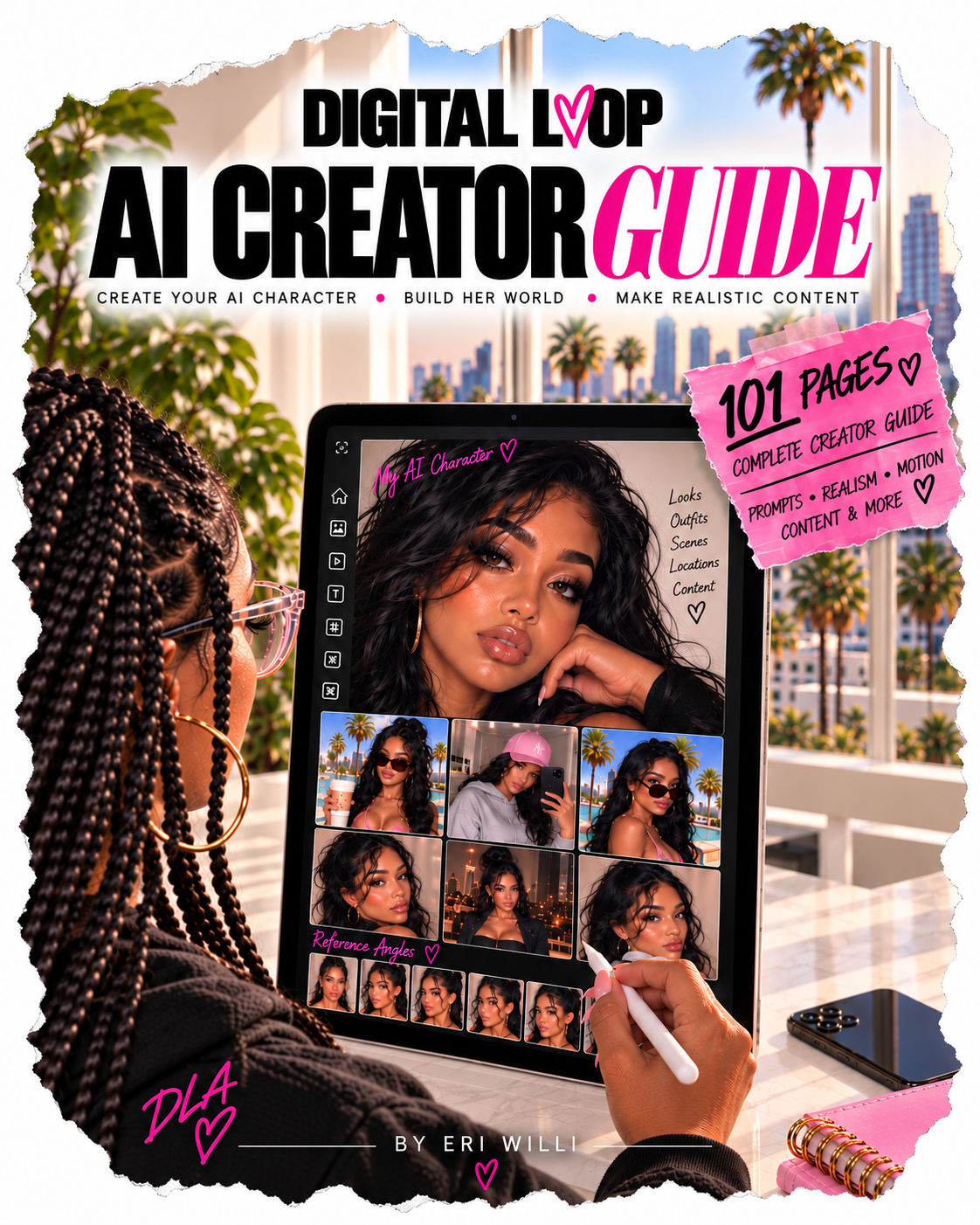
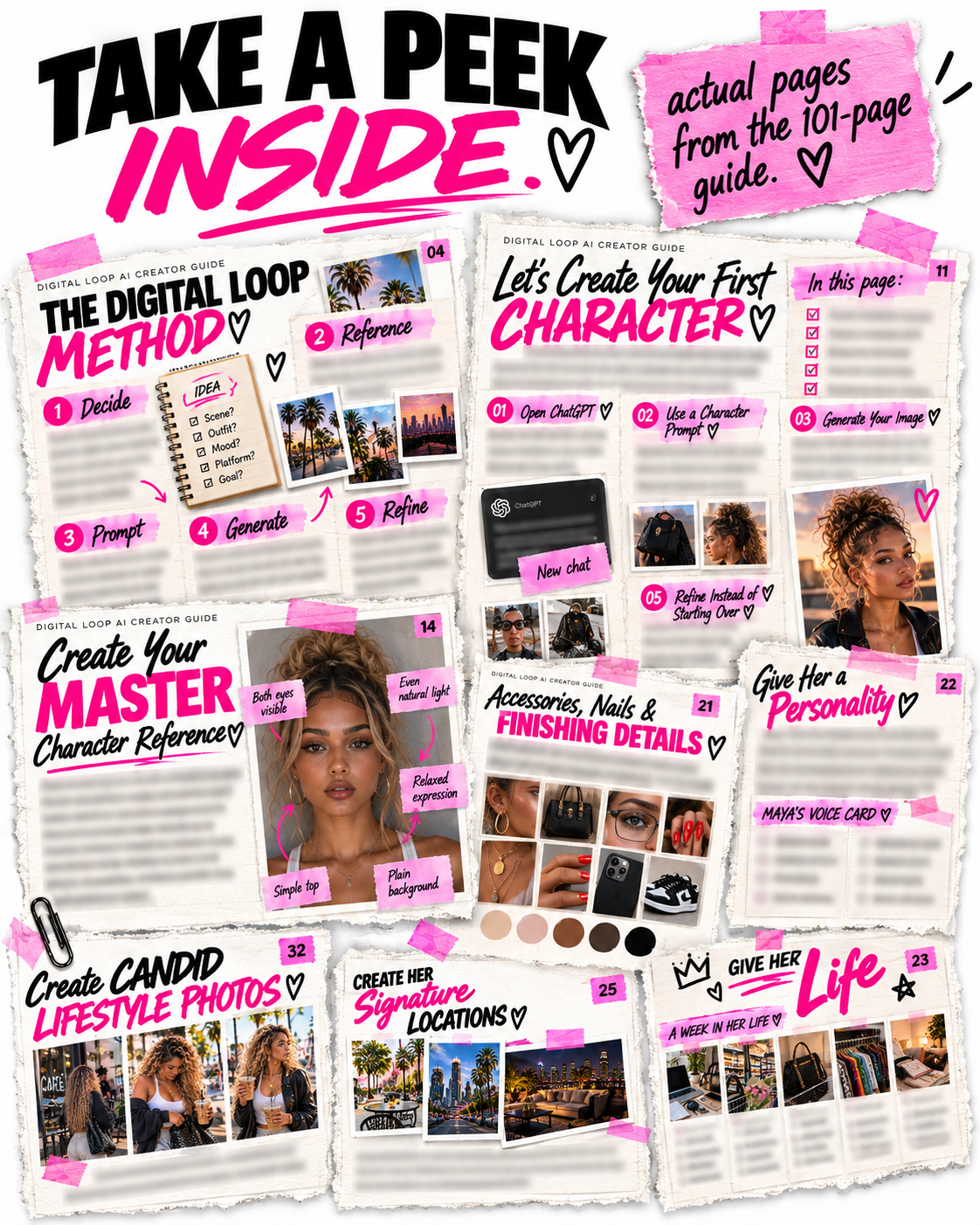
The Digital Loop AI Creator Guide starts at the beginning.
I'm not assuming you already know the AI language. I'm not handing you a few prompts and sending you on your way. And I'm definitely not telling you to type “photorealistic” and hope for the best. 😂
I wanted to make the kind of guide I would've wanted when I was figuring this out myself.
Something that shows you what to do, gives you examples, gives you prompts and explains the little details that actually matter.
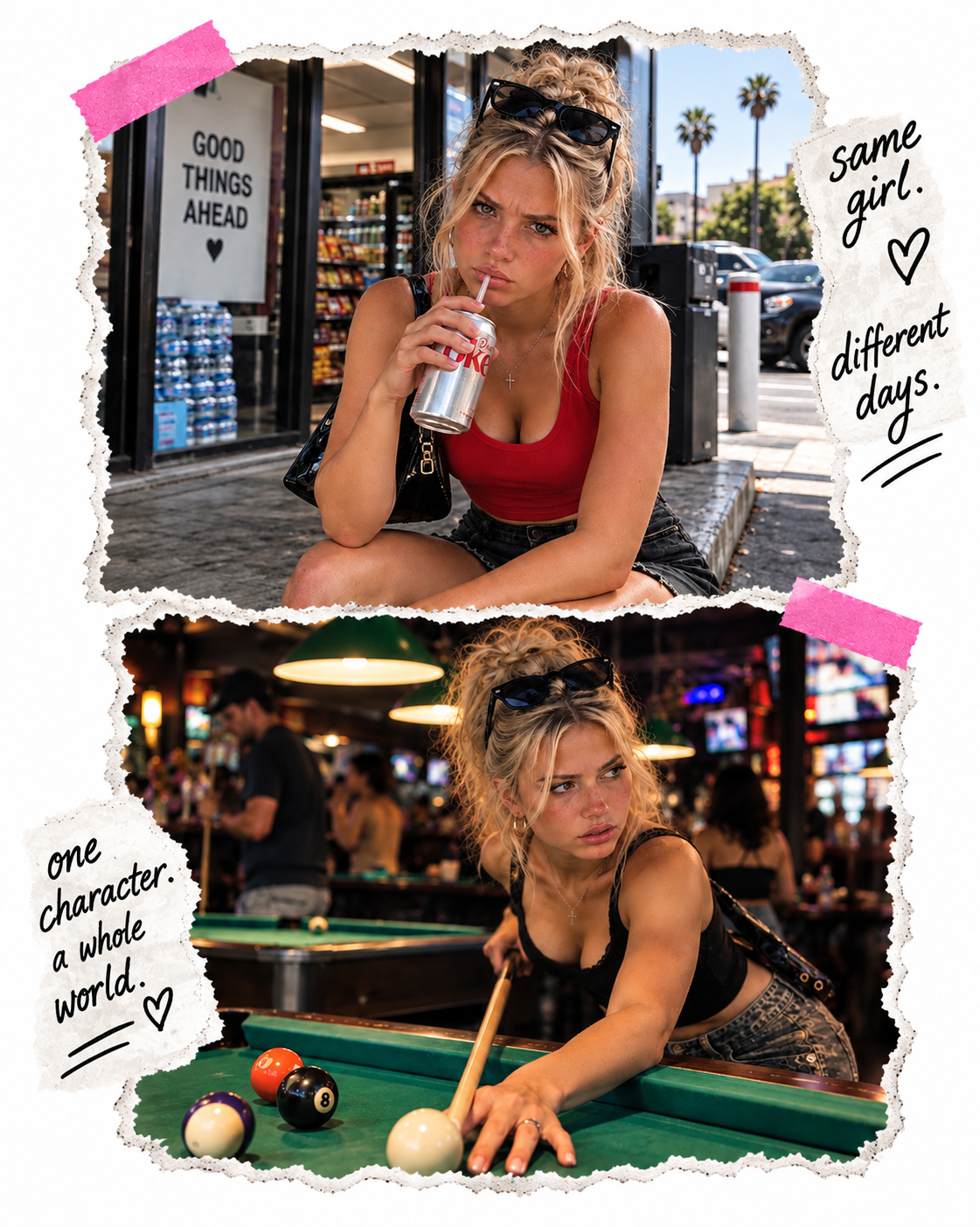
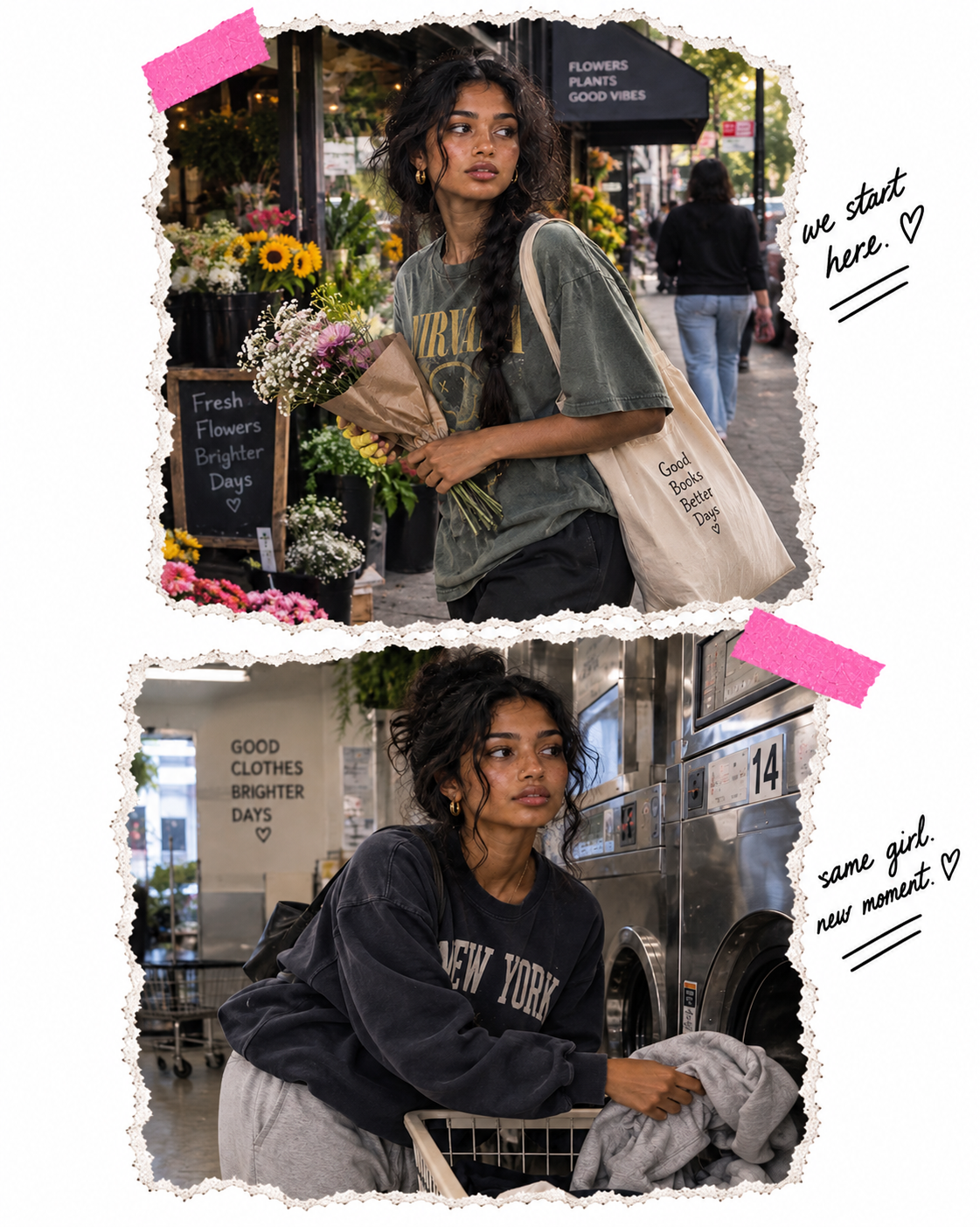
This is where your character starts becoming your character. Her face. Her features. Her look.
The details that make her recognizable.
You'll learn how to create her, build useful reference images and start creating the same person again instead of feeling like you're starting over every time.
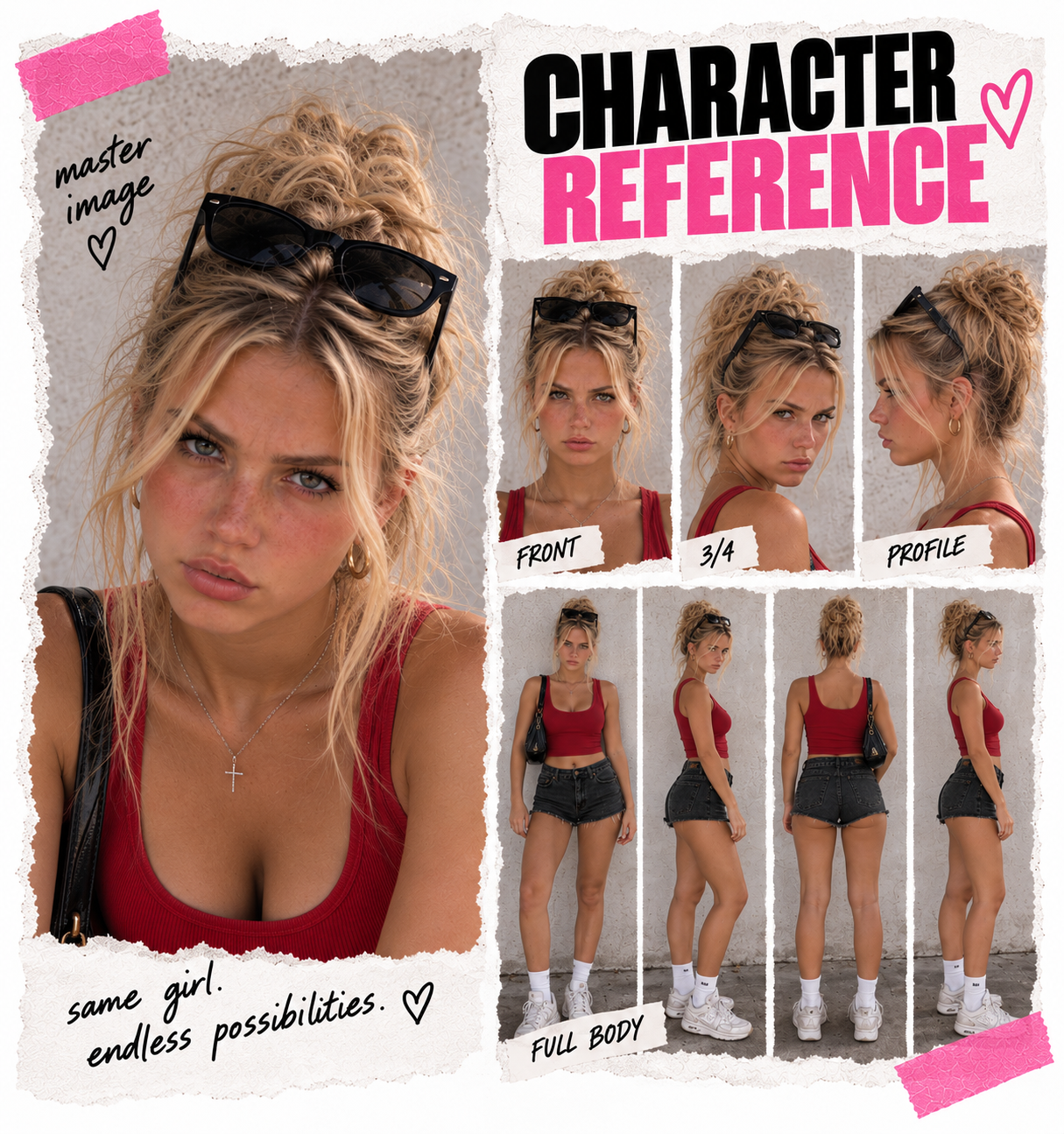
This is where it starts getting fun.
Change the outfit. Change the hair. Put her somewhere new. Create selfies, candids, everyday moments, nights out, vacations... whatever fits the idea.
One character can keep becoming new content without becoming a completely different person every time.
Same girl. New possibilities.
but here’s where AI can GIVE ITSELF AWAY.
A beautiful image can still look... well... AI. Sometimes it's the skin. The hands. The camera angle. The background. Or just one little detail that doesn't make sense.
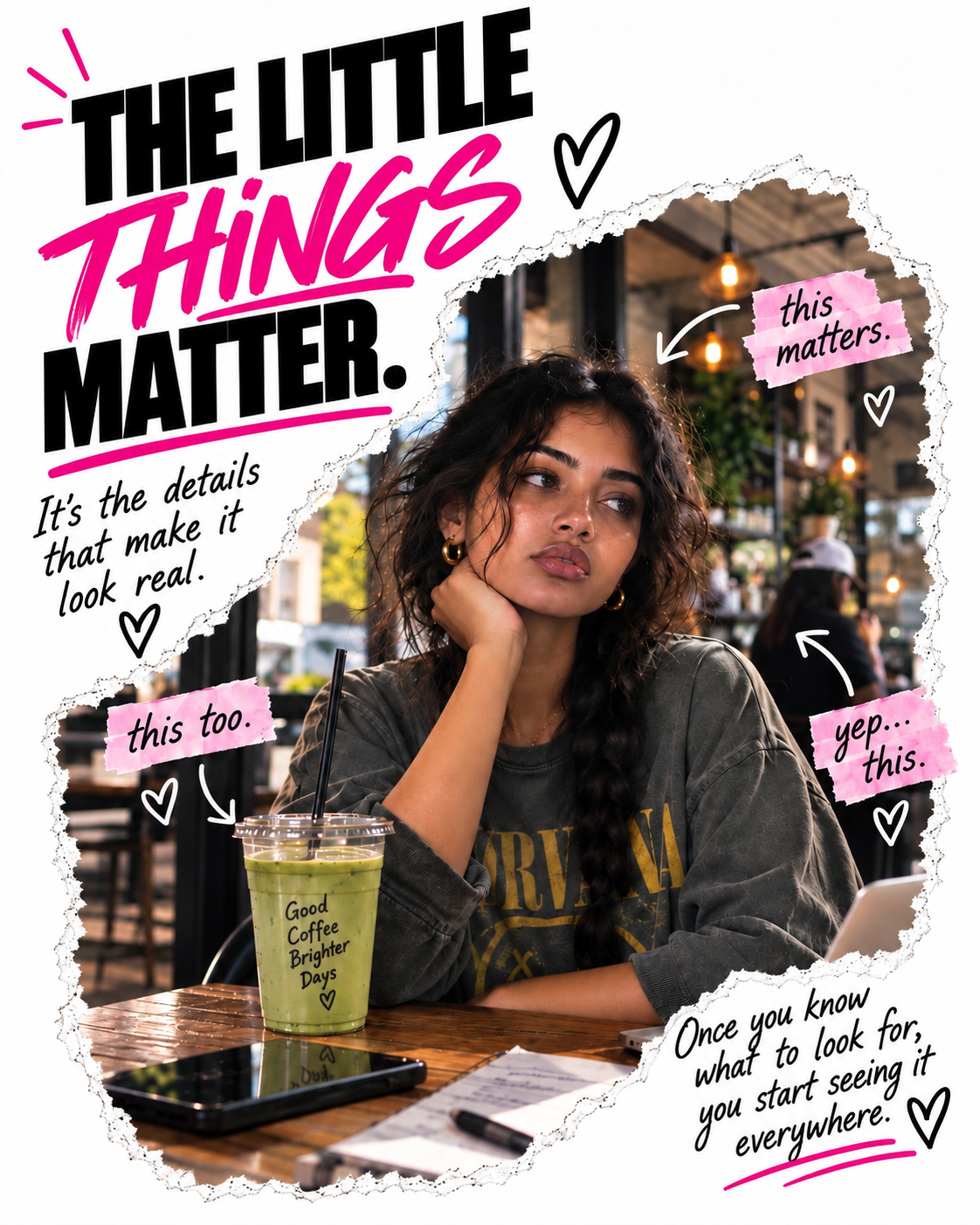
I show you what I've learned to pay attention to so your images can feel more believable and less like something that came straight out of a generator.
"Okay girl, BUT WHAT DO I TYPE? 😭"
Chill out 😂😂 I'm going to tell you all of that inside.
You'll get examples you can copy, paste and customize for your own ideas. But I don't want you afraid to change them.
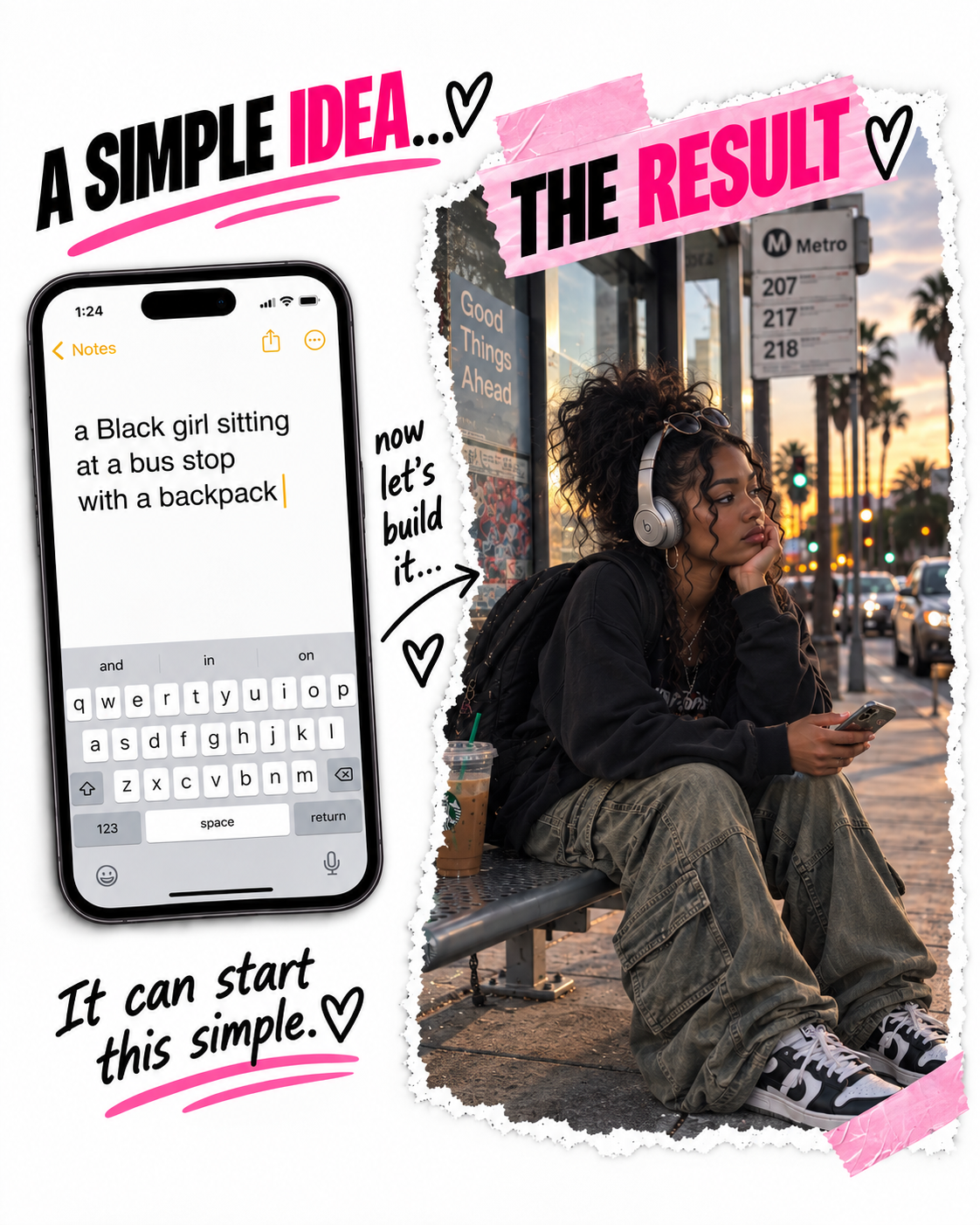
I show you how I think through what I'm asking for so you can start understanding how to describe the details you actually want. Because eventually, I want you to have your own random idea and think:
“Okay, I know how to create this!😍”
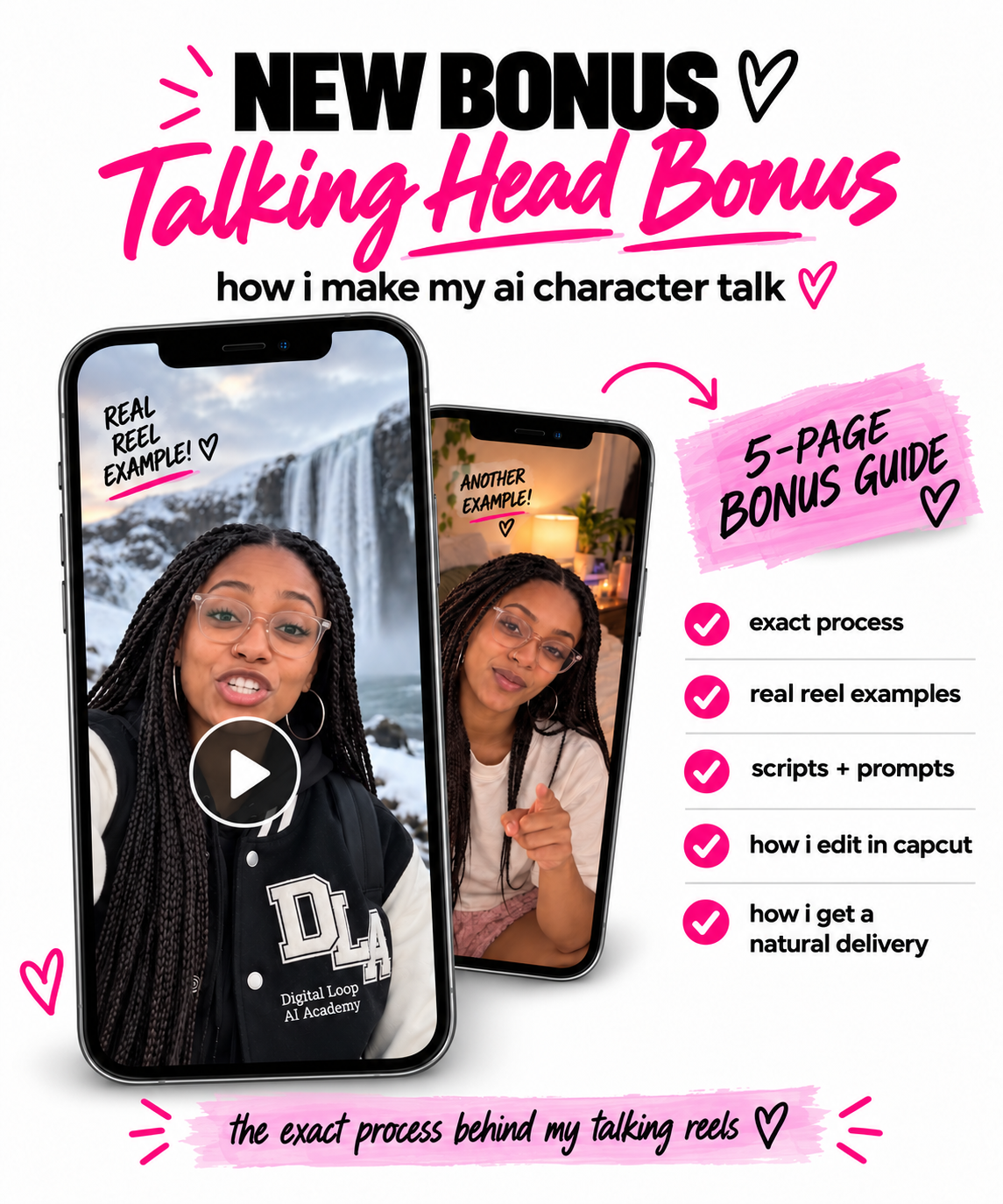
"and then... SHE MOVES. 👀”
Creating the image is only the beginning.
Once you have her, you can bring her to life with movement. Make her walk, react, interact with her surroundings and turn a still image into something that actually feels alive.
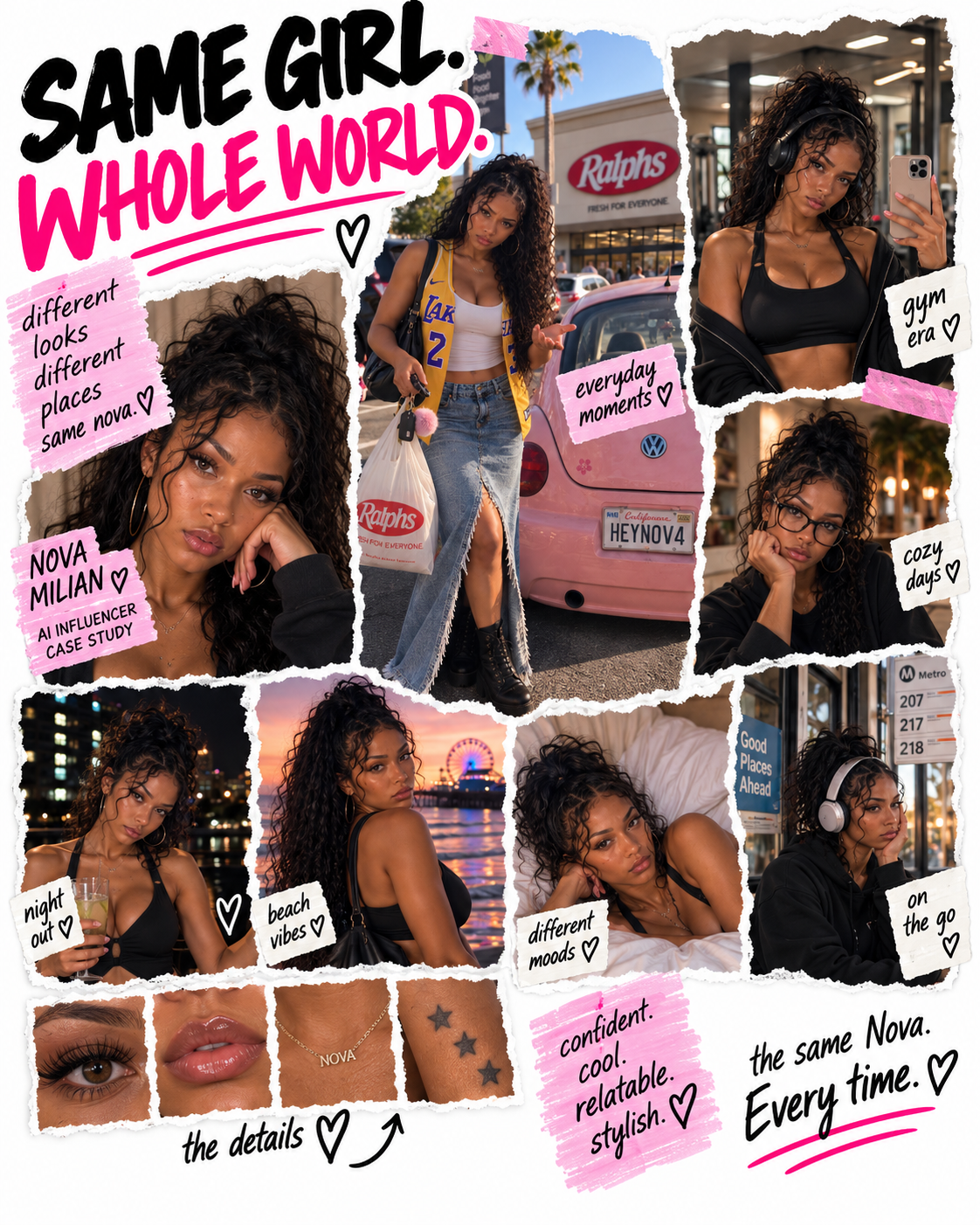
MEET NOVA. 💕
Nova is another character I created with AI.
She has different looks, different locations, movement and a whole world we're continuing to build around her. I'm not showing you Nova because I want you to make Nova.
I'm showing you Nova so you can start imagining what you could make.
“Okay, but WHAT TOOLS DO I NEED?🤔”
I knew that question was coming. That's why your purchase also includes:
START HERE: AI TOOLS + WHERE TO GO 💕
A separate clickable resource showing you where to create images, get help with prompts, add motion and edit your content.
You do NOT need every AI tool or every paid subscription. Use the tools that work for you.

“Okay, so WHAT’S ACTUALLY INSIDE?🤔”
♡ creating + keeping your AI character consistent
♡ realistic images, scenes, outfits + camera angles
♡ prompting + copy-and-paste examples
♡ motion + video
♡ content, visual identity + character building
♡ troubleshooting + the little details that make AI look better
♡ monetization ideas + real examples from my own process
And a lot of the little lessons that usually come from making something wrong first.
This is for the woman WHO HAS IDEAS. 💕
Maybe you're already a creator. Maybe you're building a business. Maybe you're home scrolling because you want to start something, but you don't even know what that something is yet.
Maybe you don't like being on camera.
Maybe you love being on camera but want another way to create. Maybe you saw the ad that brought you here and five minutes ago you didn't even know people could do this.
You don't need to have your whole plan figured out.
You don't need to know exactly what your character will become. Curiosity is enough to start.
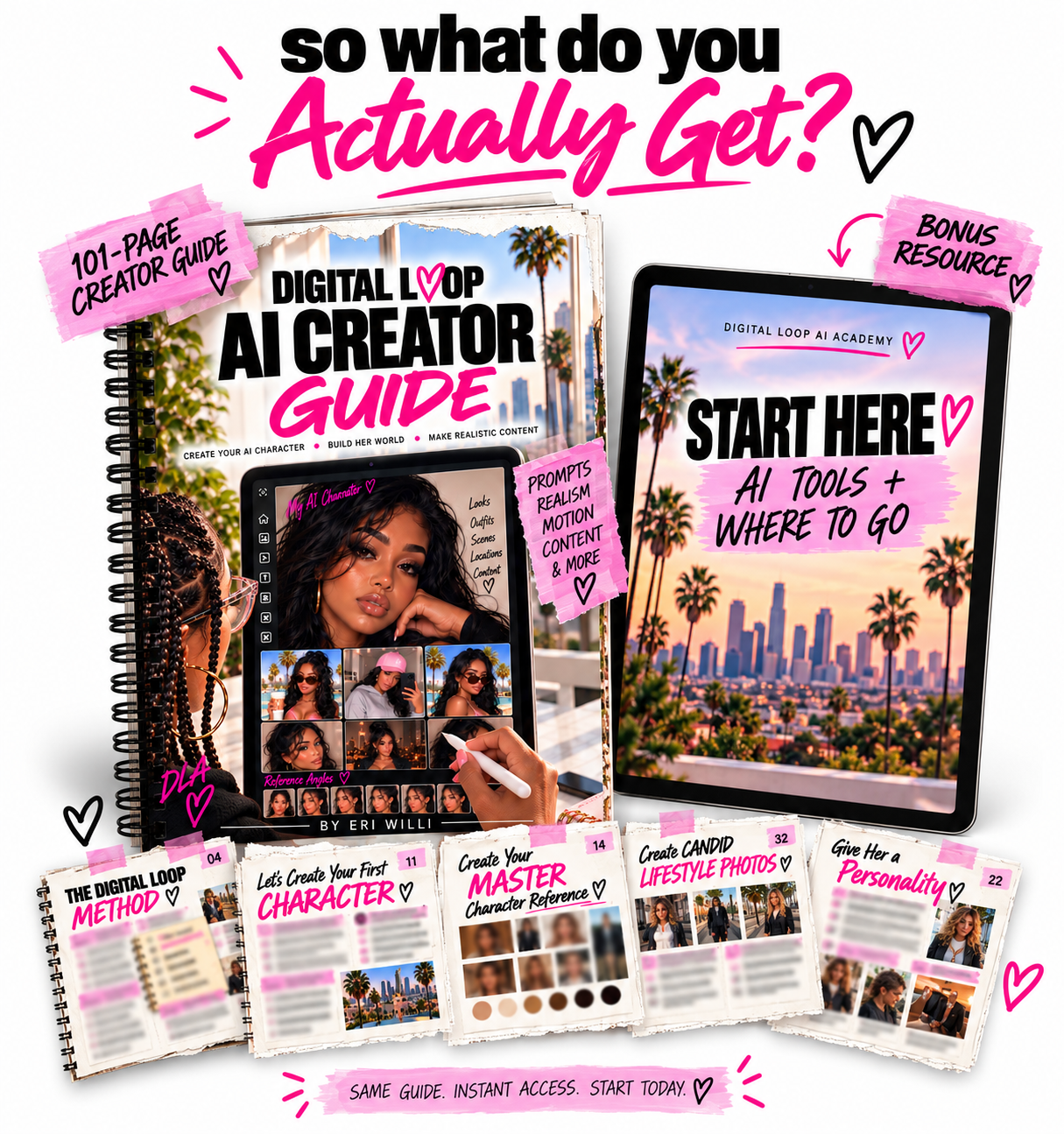
Digital Loop AI Creator Guide 💕
101 pages of step-by-step teaching, examples, prompts and the things I've learned through actually creating.
PLUS Start Here: AI Tools + Where to Go 💕
NEW BONUS: Talking Head Bonus 💕
Create something. Look at what worked. Fix what didn't. Create again. That's how I learned, and that's how this guide was built.
You don't need to wait until you understand everything before you start creating.
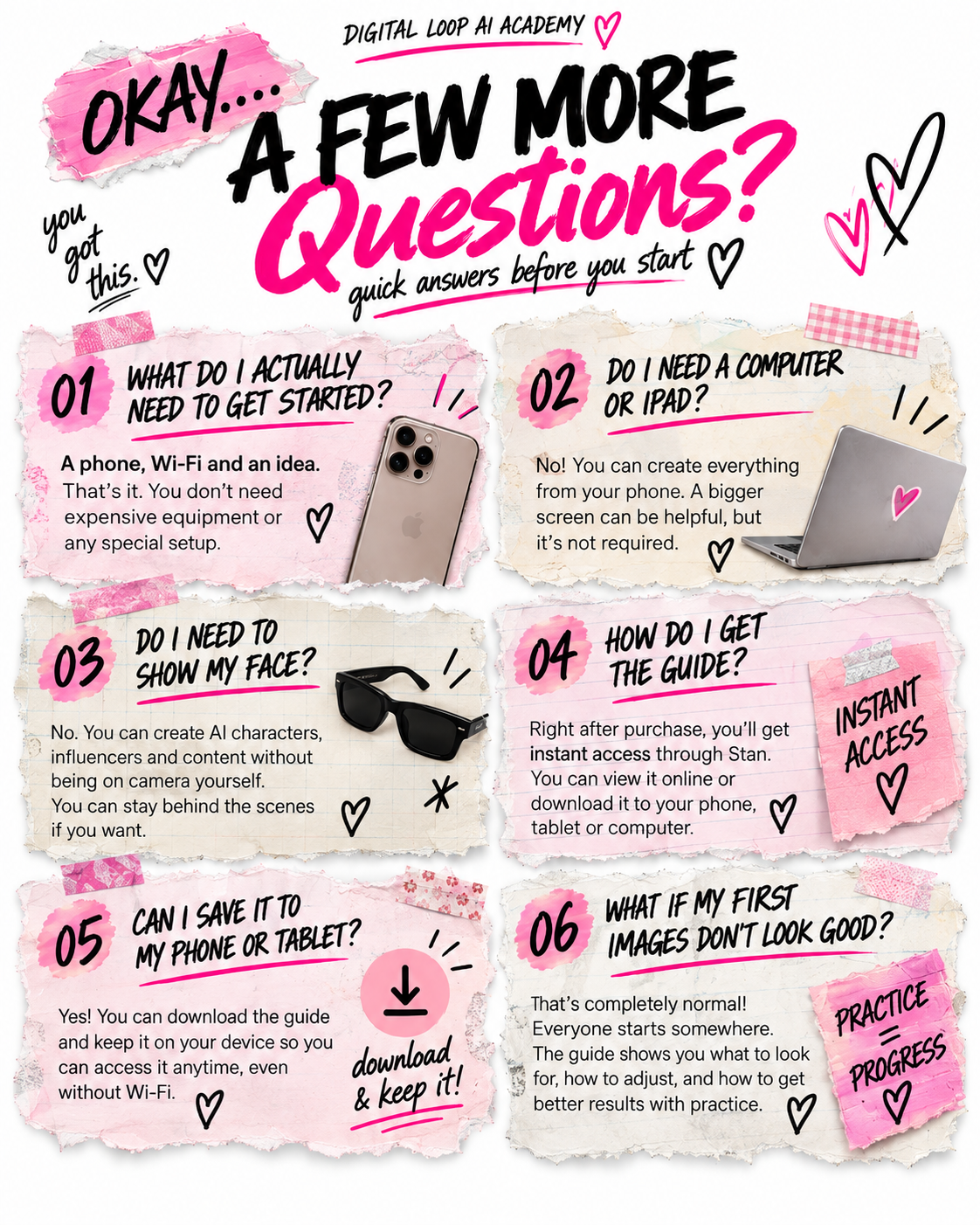
“YOU DON’T HAVE TO KNOW AI. YOU JUST HAVE TO HAVE AN IDEA. 💕”
Maybe that idea becomes a character. Maybe it becomes a page. Maybe it becomes content. Maybe it becomes a brand, a product, a service or something you haven't even thought of yet.
You don't have to know where it's going before you begin.
You just need somewhere to start.
Digital Loop AI Creator Guide 💕
101 pages • beginner friendly • instant digital access