
CANVA SHIRT CUTOUTS
$7
If you're learning how to make shirts, you need a way to show your designs professionally before printing them.
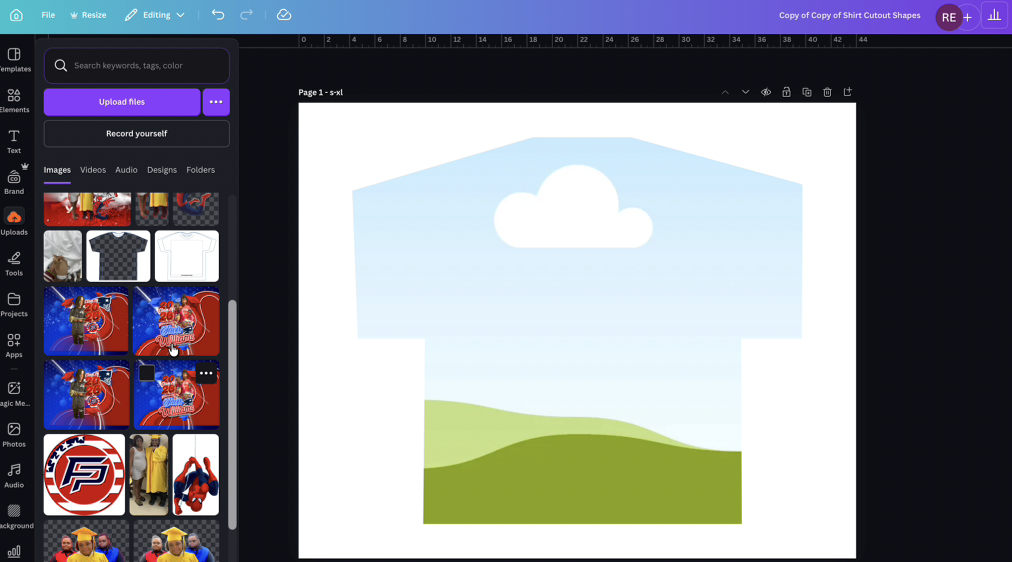
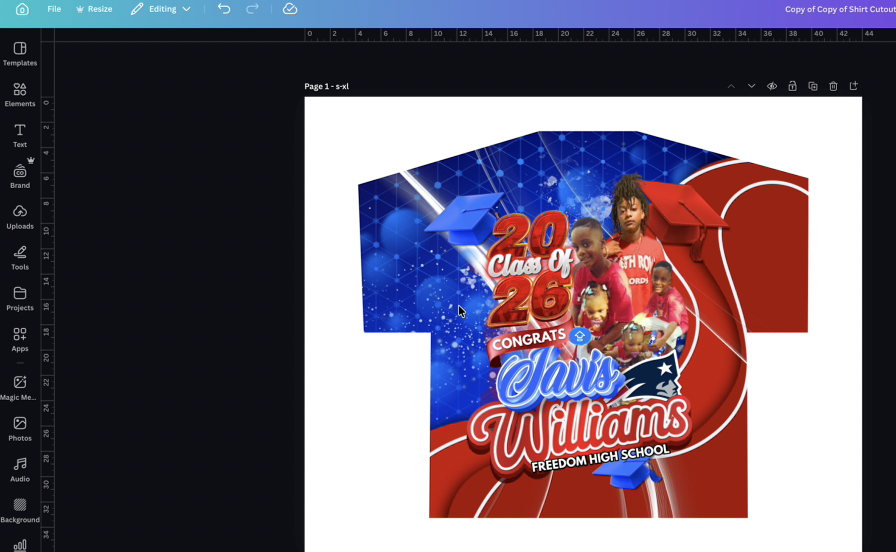
This Canva T-Shirt Cutout Template allows you to quickly place your designs onto a shirt mockup so you can preview, promote, and sell your shirts online.
This is perfect for beginners starting a t-shirt business who want their designs to look clean and professional without needing advanced design skills.
Inside, you’ll also get a step-by-step video showing exactly how to use the cutout in Canva, so even if you’ve never made a mockup before, you’ll be able to do it confidently.
Whether you're preparing designs for graduation shirts, custom orders, or your own brand, this tool helps you visualize your shirts before production.
What’s Included
✔ Canva T-Shirt Cutout Template
✔ Beginner-friendly layout for shirt mockups
✔ Step-by-step video tutorial on how to use the cutout
✔ Easy drag-and-drop editing inside Canva
✔ Perfect for previewing designs before printing
Perfect For
• Beginners learning how to make shirts
• New t-shirt business owners
• Sublimation and heat press beginners
• People selling shirts online
• Creating mockups for Instagram or websites
Why This Helps Beginners
Most people jump into the shirt business but struggle with showing their designs professionally.
This template helps you:
✔ Visualize your shirt designs
✔ Present your shirts professionally
✔ Start promoting your shirts immediately
How It Works
Purchase the template
Open the Canva link provided
Follow the included video tutorial
Drop your design into the shirt cutout
Export and start promoting your shirts