Pugh AI Email Assistant: ChatGPT - Members
$27
CHATGPT EDITION v1.6 - C5 / C5U MEMBER AND CLASS OFFER
$27 one time for C5 and C5U members, plus eligible class attendees.
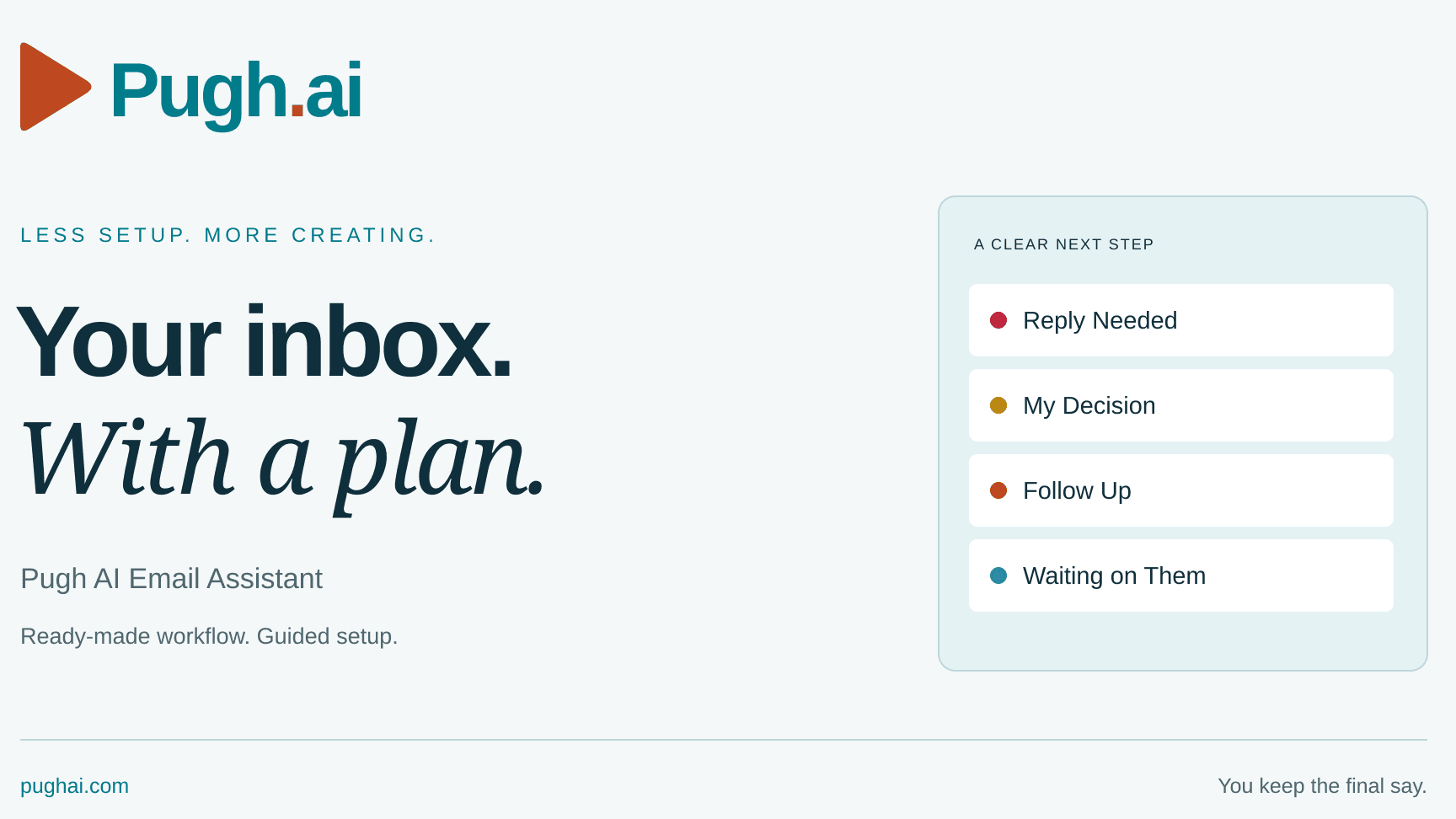
Give ChatGPT a clear process for your creator inbox. Review messages, spot the next action and prepare short replies for you to check. Start with labels that keep your messages visible in Inbox.
MORNING BRIEF WITH MY COFFEE
Set up an optional morning brief inside ChatGPT. Choose your time and time zone. See your top three actions, replies, decisions, follow-ups, waiting items and possible spam. Ask questions in ChatGPT without opening every email. The brief stays in a private ChatGPT page where available, or in the scheduled task chat. Report emails are off by default.
YOUR PACKAGE
ChatGPT instruction file, START HERE, illustrated setup guide with morning-brief steps, and a matching one-page cheat sheet.
Open the app, attach the instruction file, connect your own Gmail through the official permission screens and answer one question at a time. Review a real example before approving a schedule or mailbox changes. The morning brief reads and reports only. Replies stay unsent for your review.
Your ChatGPT account, any required paid AI plan and usage are separate. Gmail connection, Page and scheduling availability depend on your account and workspace. Some label, color or draft steps may need manual action.
This is a one-time purchase of the Email Assistant. Personal installation, customization and one-on-one troubleshooting are separate services. Other Pugh AI tools are not included. Attaching the file does not activate a schedule or automatic product updates; setup must be checked and verified.
Questions or product help: info@pughai.com