Pugh AI Email Assistant: Claude
$67
Give Claude a clear process for your creator inbox.
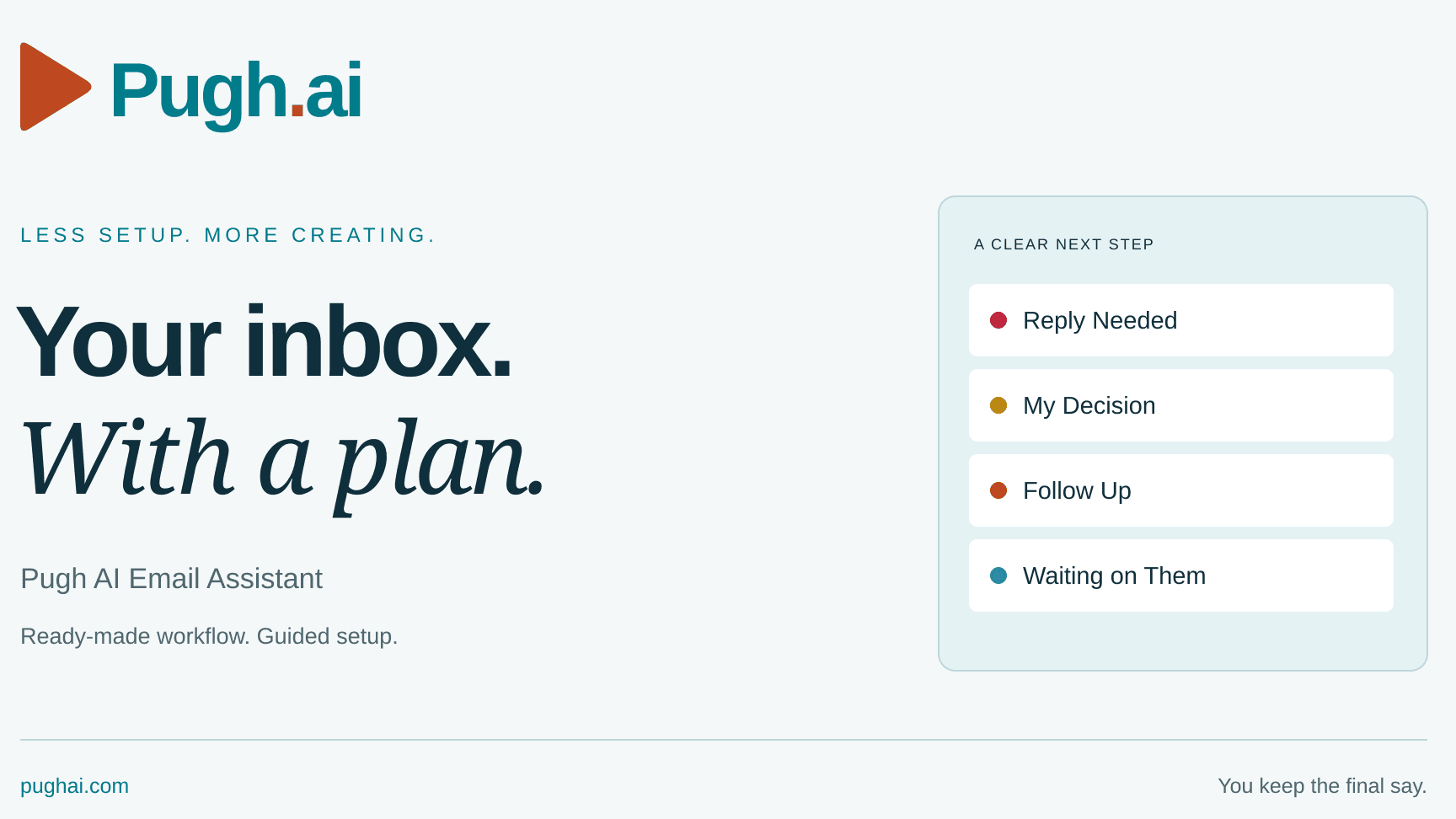
The Pugh AI Email Assistant helps you review messages, spot the next action and prepare short replies for you to check. It includes guidance for color-coded labels, follow-ups, waiting on replies and keeping messages visible in your Inbox during setup.
CLAUDE EDITION
Your download contains the Claude skill ZIP, the beginner visual setup guide and a START HERE file. Use this edition if you plan to work in Claude. ChatGPT users should choose the separate ChatGPT edition before paying.
Open the Claude desktop app, add the skill and follow the setup questions. Connect your own Gmail account through the official sign-in and permission screens. Check the first reply and label plan before allowing changes.
REQUIREMENTS
A Windows or Mac computer, a Claude account with custom skills and code execution enabled, and your own Gmail account with the Google Workspace connection available. Account limits and workspace restrictions vary. Any paid AI plan or usage is separate from this purchase. Some label, color or draft actions may require manual steps depending on the available connection and permissions.
One-time purchase. Personal installation, account customization and one-on-one troubleshooting are separate services. Other Pugh AI tools are not included. Installing the skill does not activate a background schedule or automatic updates by itself.
Product issues: support@pughai.com
General questions: info@pughai.com
LAUNCH DRAFT: Download delivery and final purchase terms must pass the release check before publication.