Small Business Financial Tracker
$14.99
You check your bank balance and still cannot tell whether you actually made money this month.
The money came in. Some of it went straight back out. Your expenses are split across a card statement, a shoebox, and a spreadsheet you started in January and stopped updating in February. When someone asks what your profit margin is, you guess.
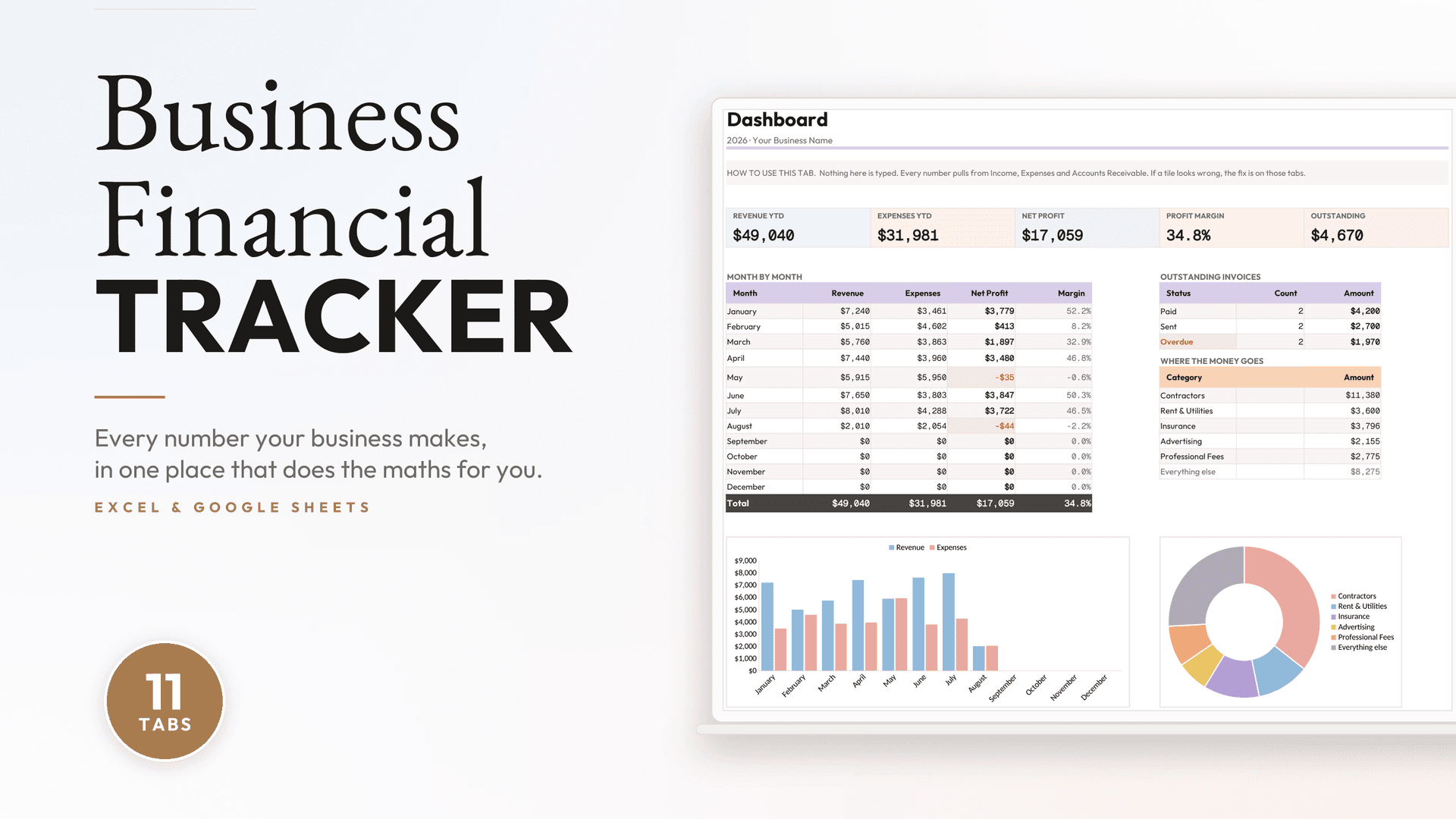
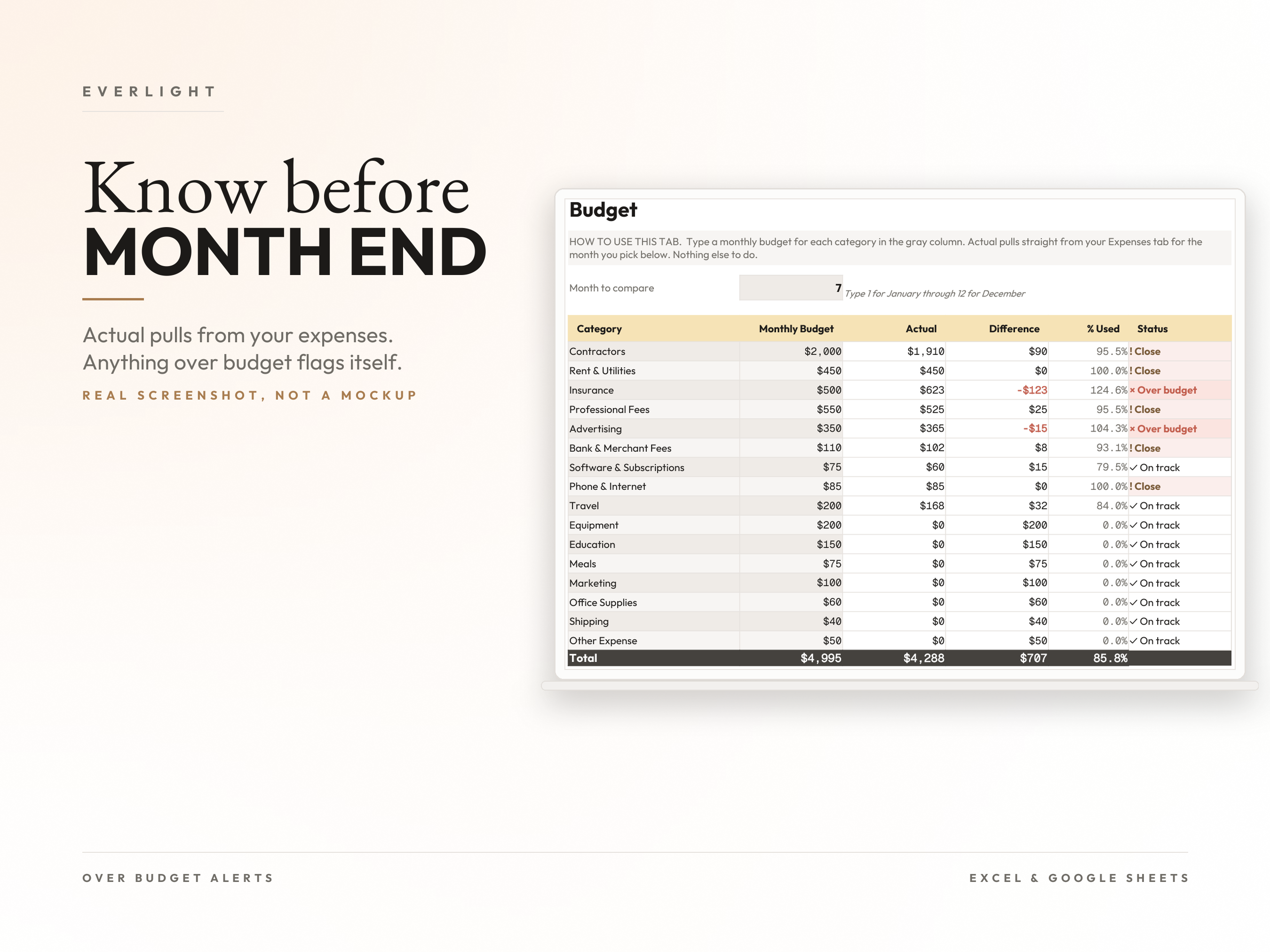
This fixes that. Enter income and expenses as they happen, and everything else builds itself. Profit and loss by month. Cash flow week by week. Which client owes you what. Whether you are over budget, before the month ends rather than after.
No accounting software. No subscription. No formulas for you to write.
What you get, tab by tab
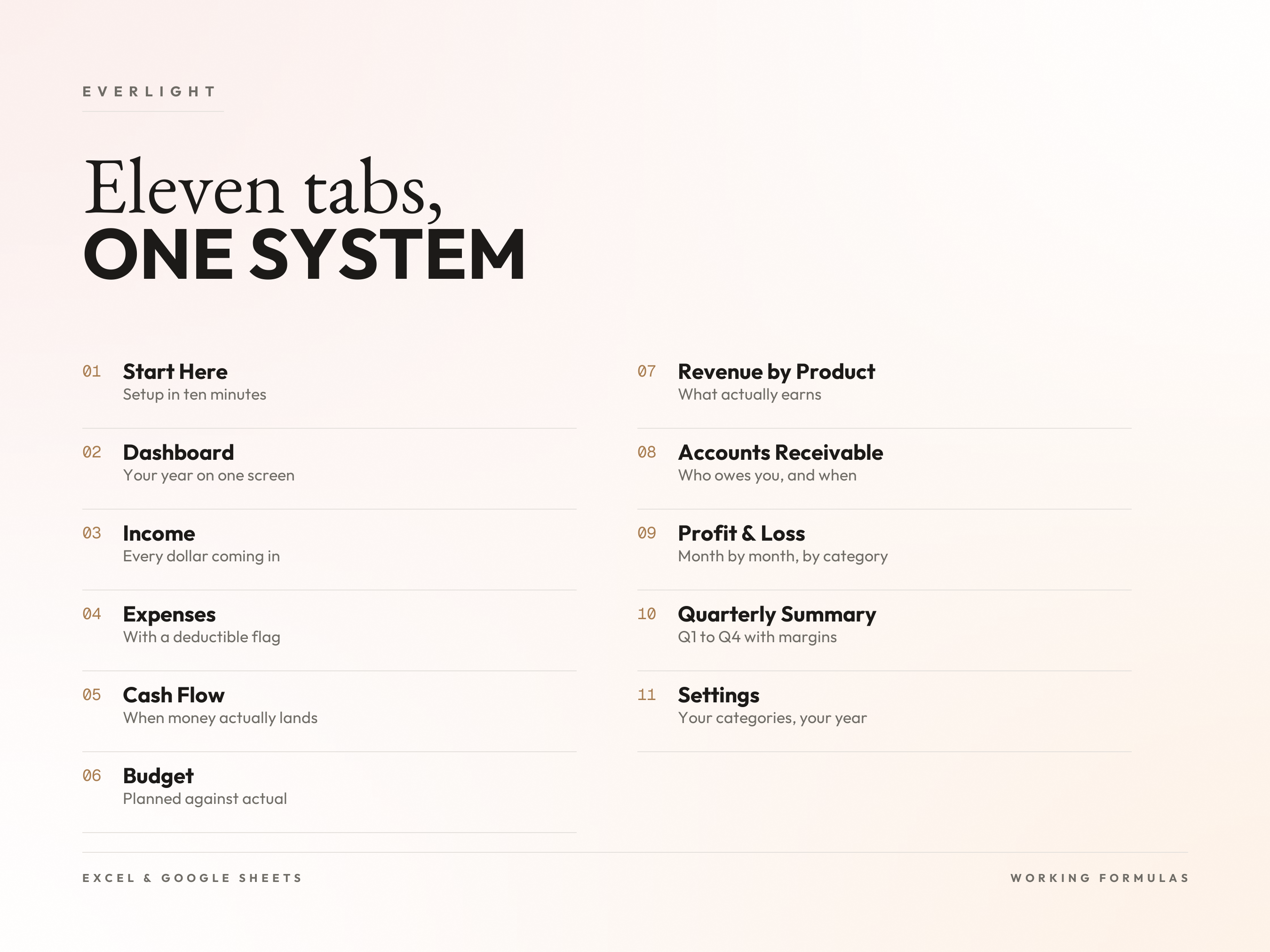
Start Here: Three numbered steps and a legend showing exactly which cells you type in. Setup takes about ten minutes.
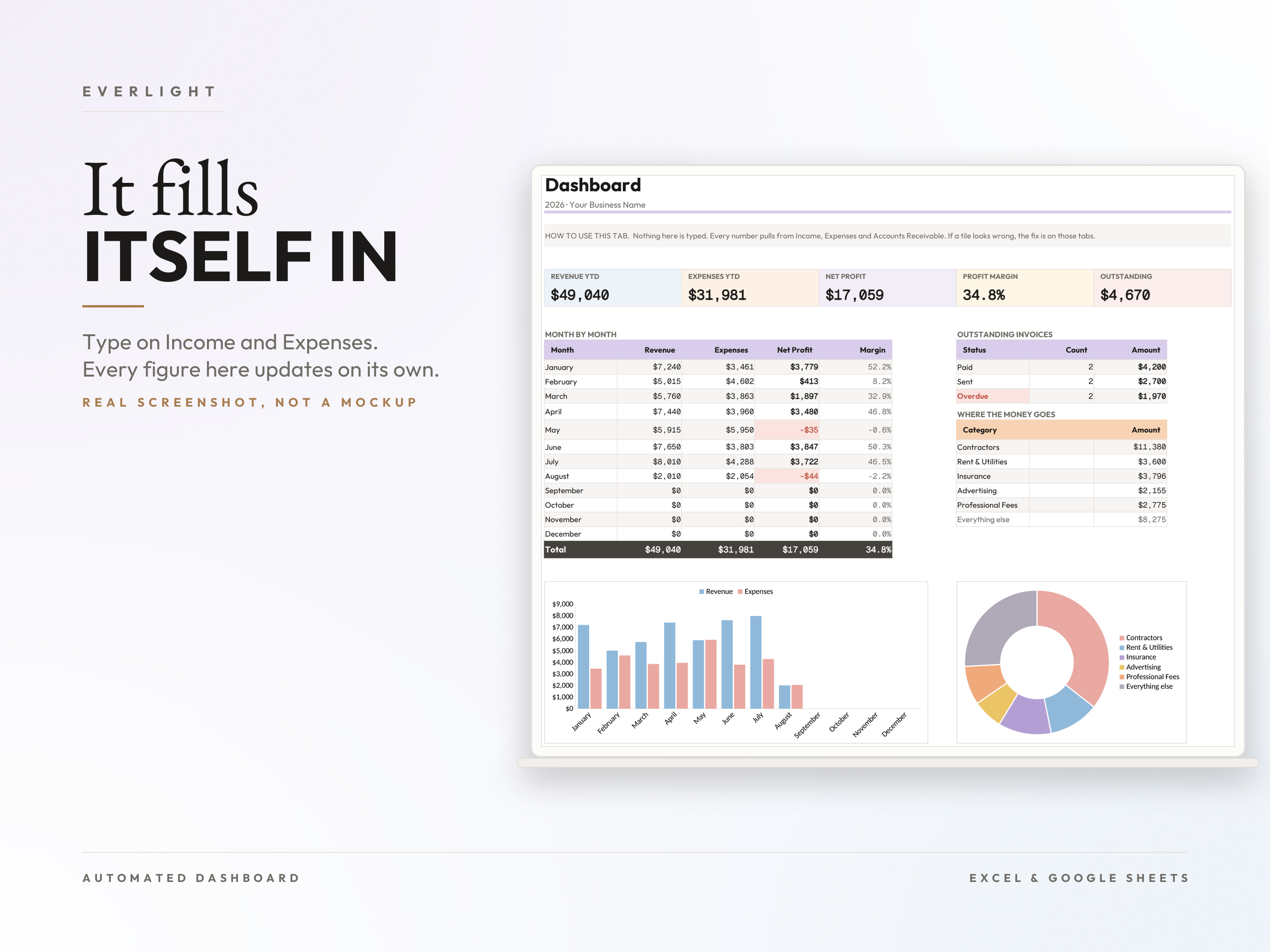
Dashboard: Revenue, expenses, net profit, profit margin and outstanding invoices, plus a month by month table and two charts. Nothing here is typed. Every figure calculates from the tabs below.
Income: One row per payment. Date, client, category, amount. 150 pre formatted rows with category dropdowns.
Expenses: Same, with a tax deductible column so you are not reconstructing your deductions in April. 150 rows.
Cash Flow: 52 weeks of opening balance, cash in, cash out and closing balance. Revenue tells you what you earned. This tells you when it actually landed.
Budget: Set a monthly budget per category. Actual pulls straight from your Expenses tab. Anything over budget flags itself.
Revenue by Product: Units, price, total and share of the business for each thing you sell. This is how you find the offering worth doubling down on.
Accounts Receivable: Every invoice with issue date, due date, status and days late. Overdue invoices flag themselves so you never chase a payment blind.
Profit & Loss: A real P&L, month by month, grouped by category, with totals and margin. This is the page you hand your accountant.
Quarterly Summary: Q1 to Q4 with margins, plus a tax set aside line you can drive off your own estimated rate.
Settings: Your business name, your year, your categories. Change a category here and the dropdowns update everywhere.
Who it's for
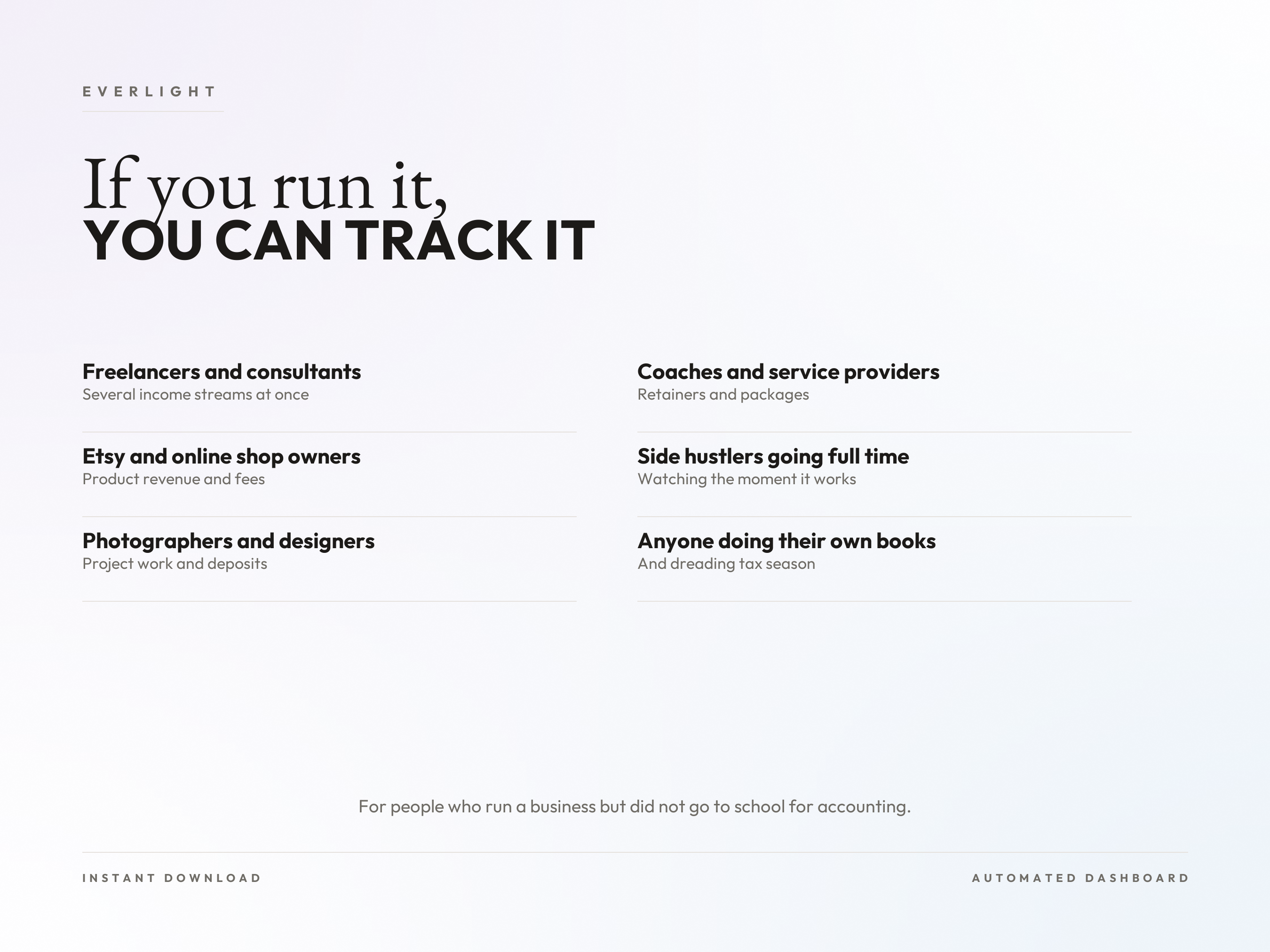
Built for people who run a business but did not go to school for accounting.
Freelancers and consultants juggling several income streams
Etsy sellers and online shop owners
Photographers, designers and other service businesses
Coaches and consultants who invoice clients
Side hustlers growing into full time
Anyone doing their own books and dreading tax season
How it works
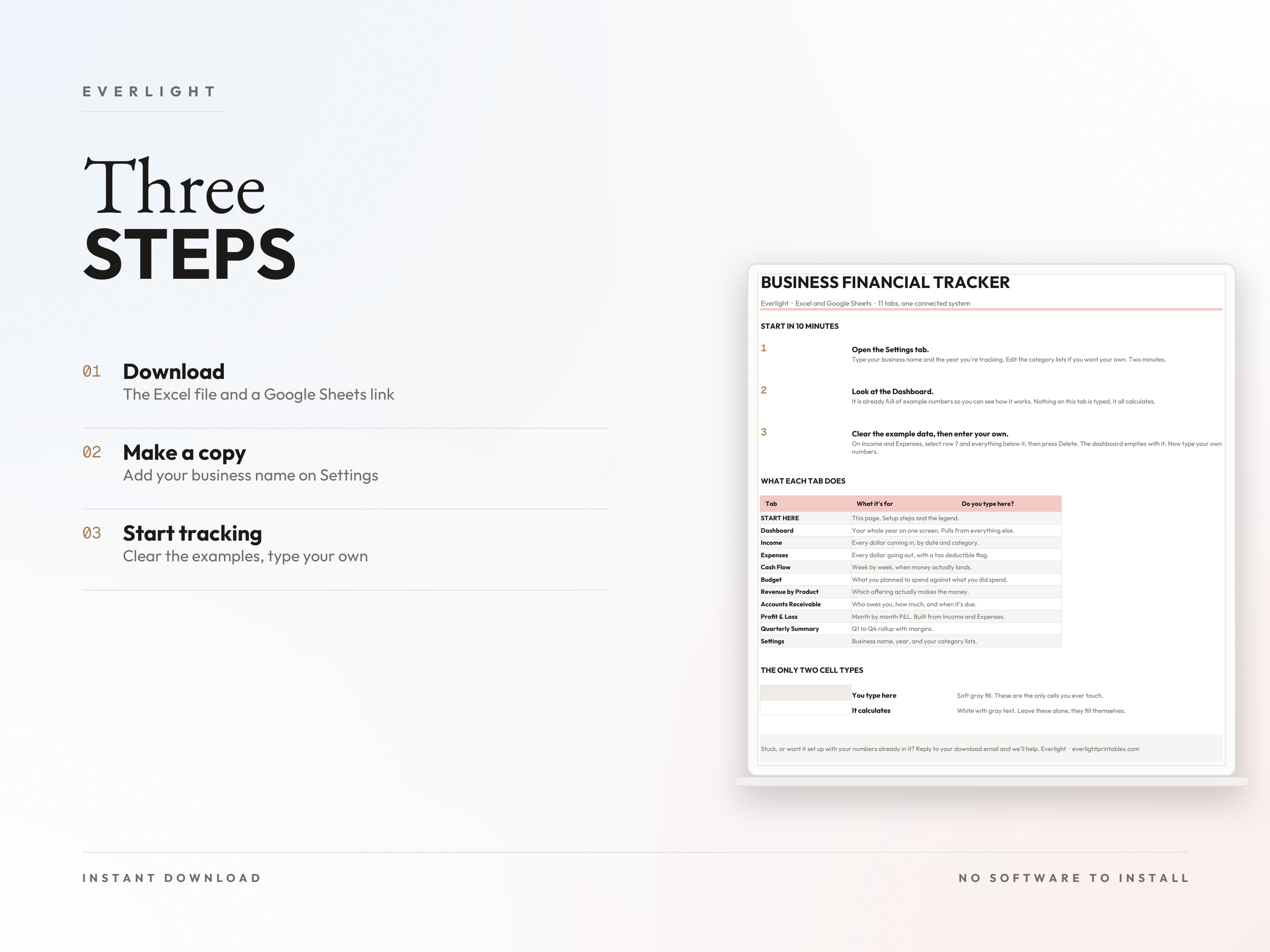
Step 1. Download. You get the Excel file and a Google Sheets link. Use whichever you prefer, they are the same workbook.
Step 2. Make a copy and put your business name on the Settings tab. Two minutes.
Step 3. Clear the example rows and type your own numbers. The dashboard, the P&L and the quarterly summary fill themselves in.
Why this one
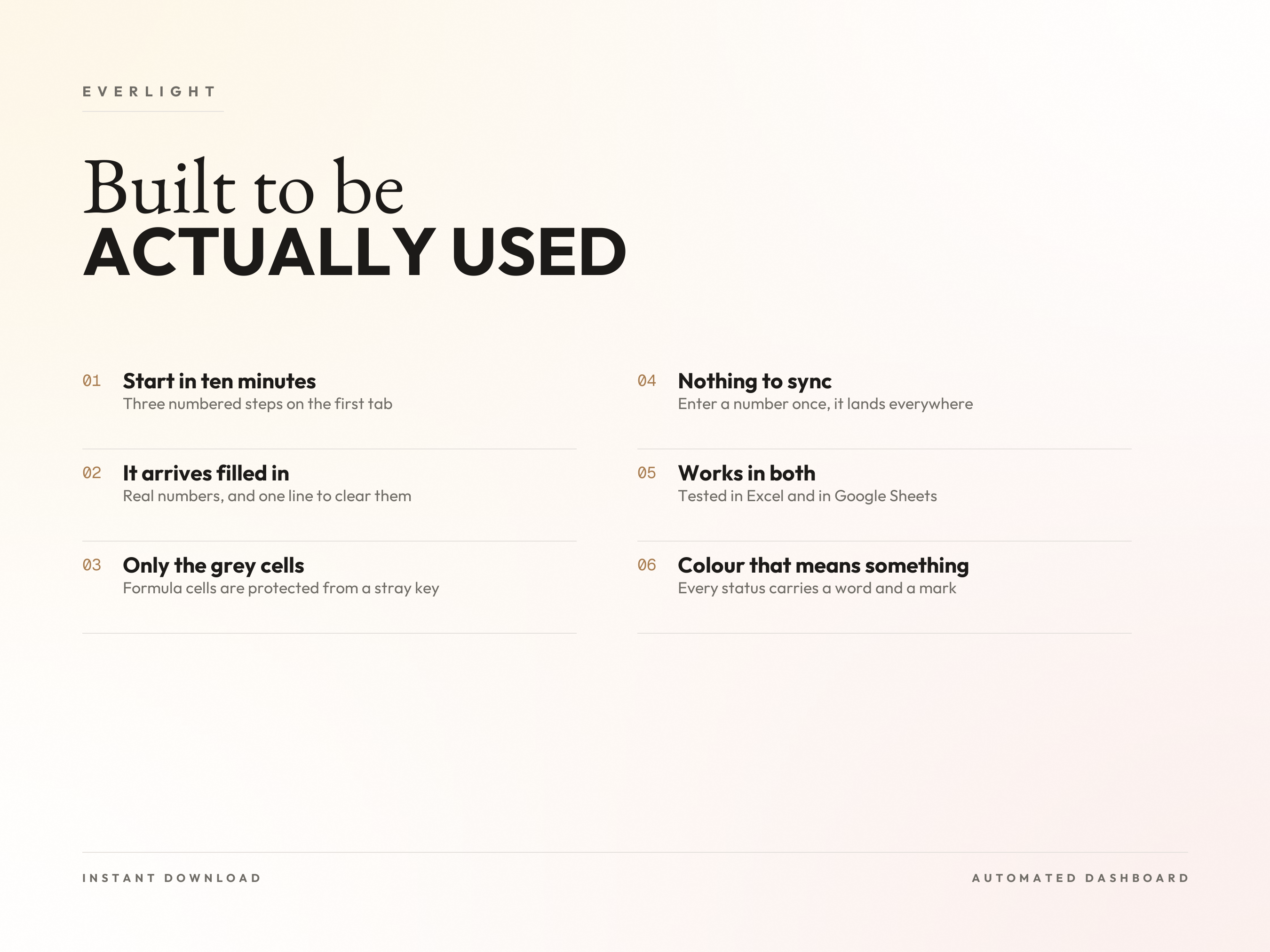
It arrives filled in. Real example numbers so you can see it working before you commit, and one line telling you exactly how to clear them. Not a blank grid you have to figure out.
You only touch the gray cells. Every input is tinted. Formula cells are protected so a stray keystroke cannot break the dashboard.
Nothing to sync. Income, expenses, invoices and budget all feed the same dashboard. Enter a customer once.
It works in both. Every formula runs in Excel and in Google Sheets. Tested in both, not written for one and hoped for the other.
Color that means something. Paid, due and overdue each carry a word and a mark as well as a color, so the file still reads if you print in black and white or do not separate red from green easily.
A printable companion. Four print at home pages for the weeks you would rather write it down. White background, thin rules, low ink.
What this is, and what it is not
It is a spreadsheet. It tracks, calculates and reports on money you enter.
It does not connect to your bank, import transactions automatically, file anything, or replace an accountant. If you want automatic bank feeds, you want accounting software, and you should buy that instead. Every screenshot on this page is the actual file, not a mockup.
File details
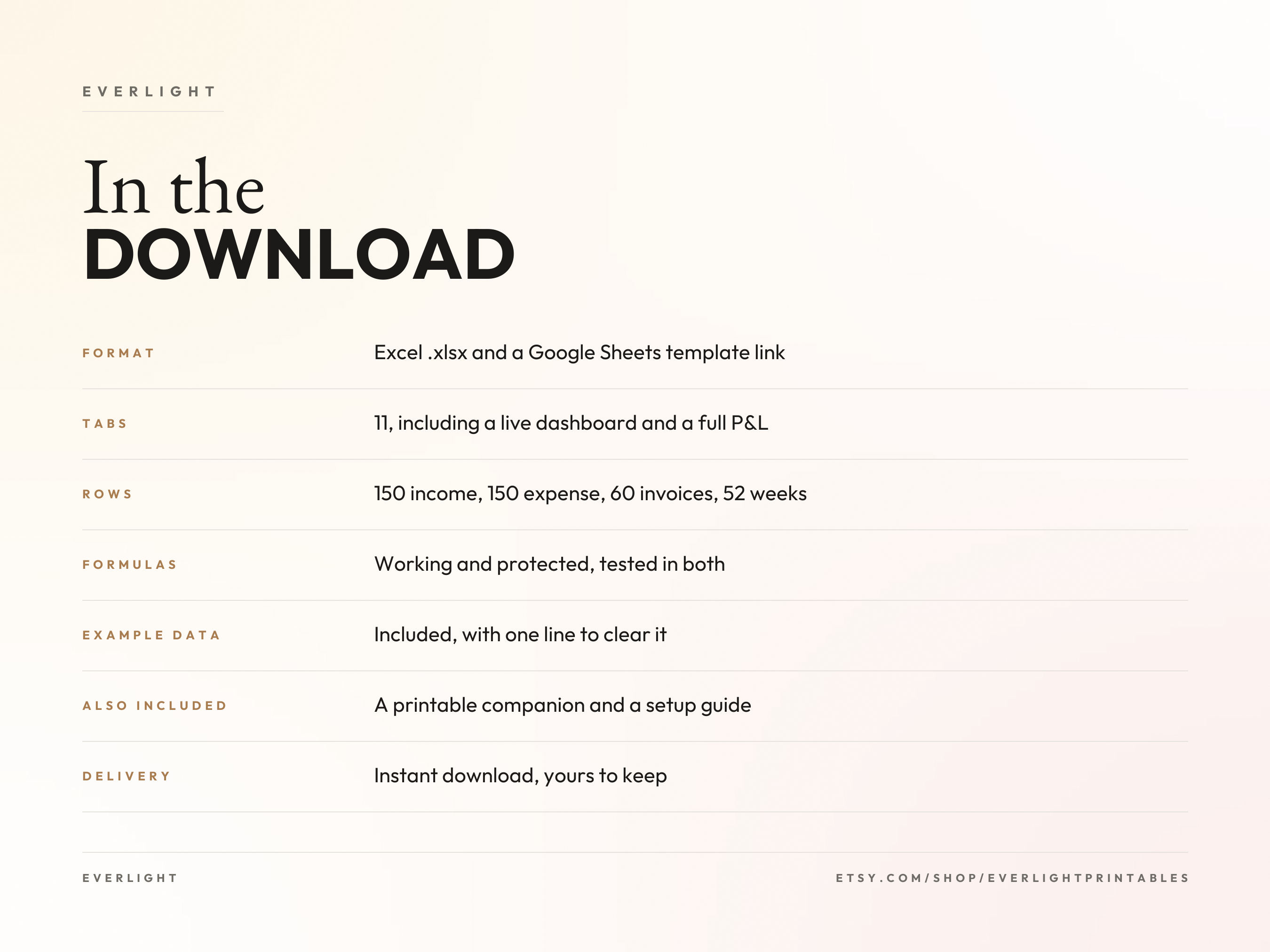
Format: Excel .xlsx plus a Google Sheets template link
Tabs: 11, including a live dashboard and a full profit and loss
Rows: 150 income, 150 expense, 60 invoices, 52 weeks of cash flow
Also included: a 4 page setup guide and a 5 page printable companion, both PDF
Software: Excel, or a free Google account for Sheets. Nothing to install
Paper size for the printables: US Letter
Instant digital download. Your files are ready right after purchase, and they are yours to keep. No subscription.
Stuck? Reply to your order email and I'll help.