Rounded square border (Greenscreen overlay)
$1.99
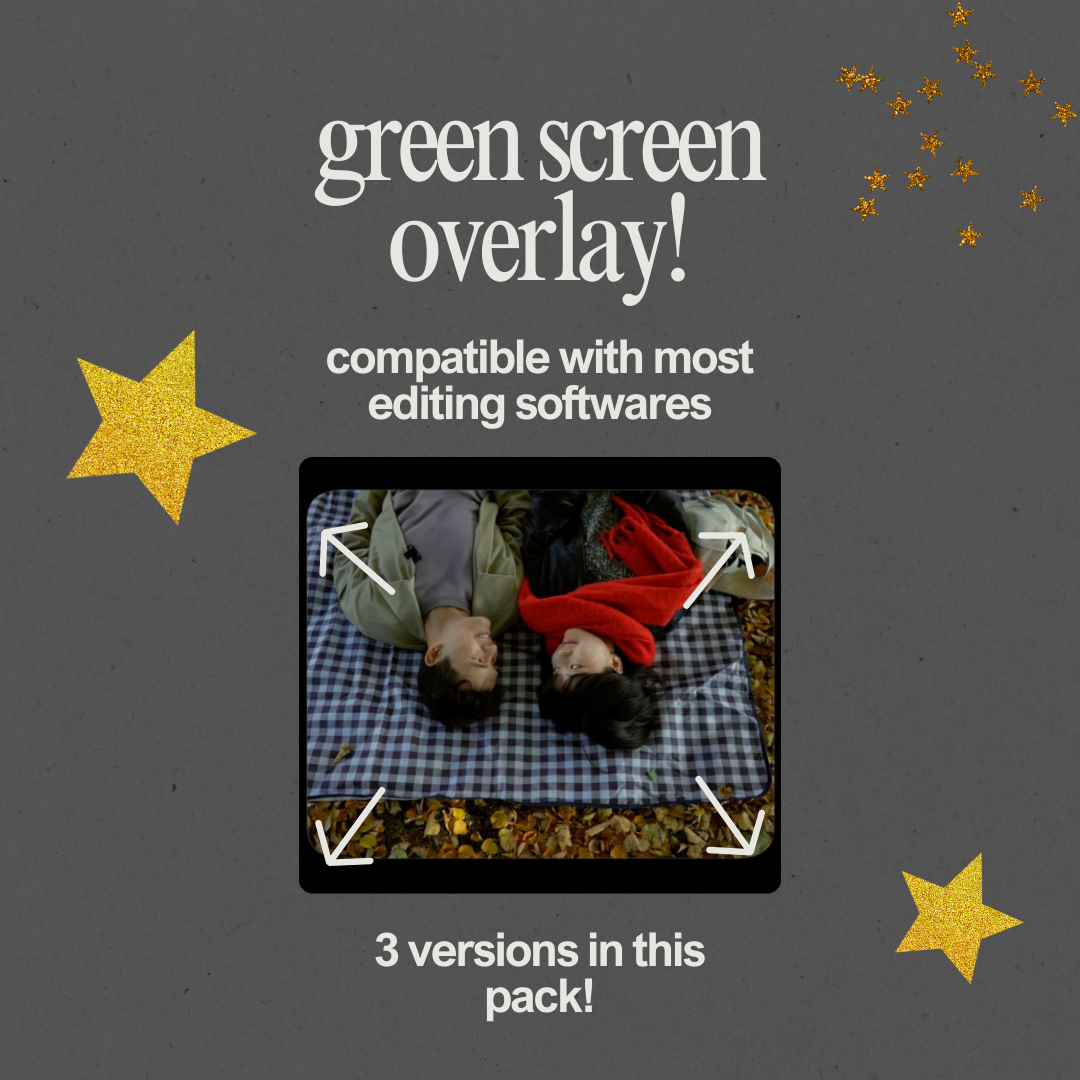
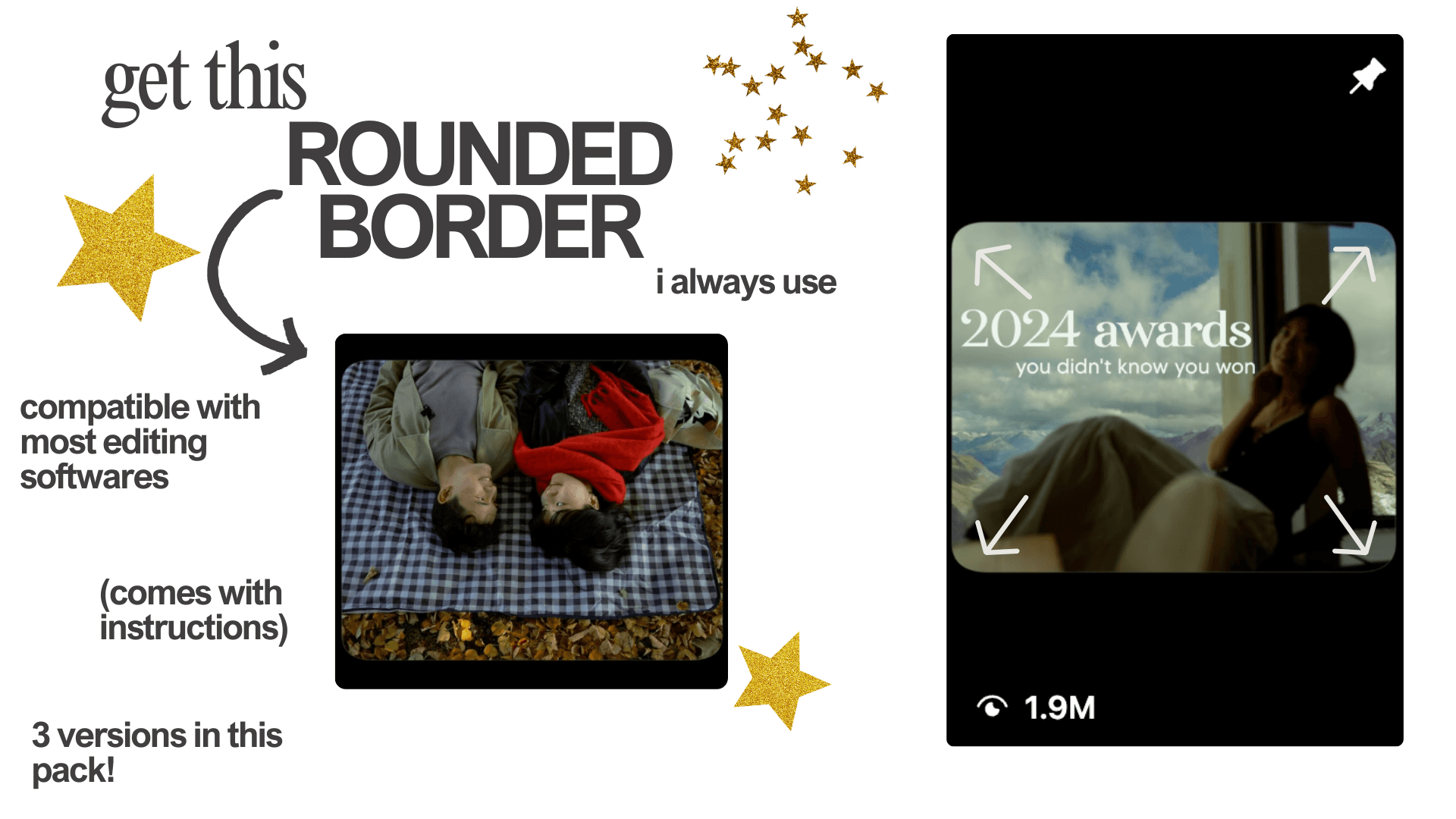
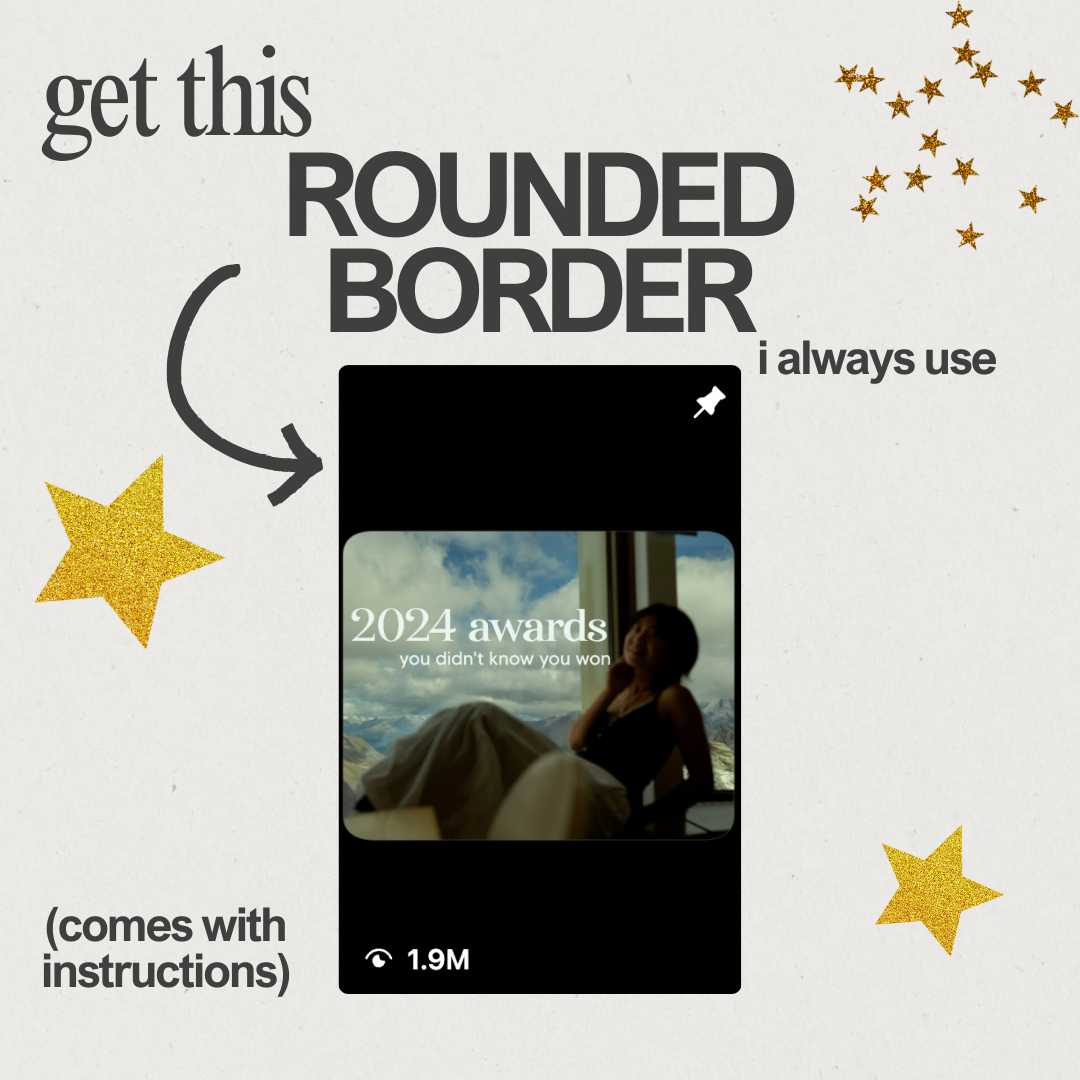
Want to get that trending rounded corner frame in your videos? 👀
This is a super easy way to use greenscreen overlay (included 3 versions) for a rounded corner look on your cinematic reels, youtube, or TikTok.
INSTRUCTIONS
buy and download the greenscreen overlay.
use 1330 x 1080 or 1080 x 1920 when creating your project in your editing software of choice (the files are labelled with the size so don't worry).
drag green screen overlay into your video editor on top of your clips/timeline.
drag in a "keyer" on top the greenscreen (in final cut pro it is the "green screen keyer effect", in premiere it is called "ultra key", in capcut, it is called "chroma key", etc.)
YOU'RE DONE! Enjoy 😊
WHEN I USE THIS:
For all my horizontal, more "cinematic", youtube/movie like reels, i always use these overlays!