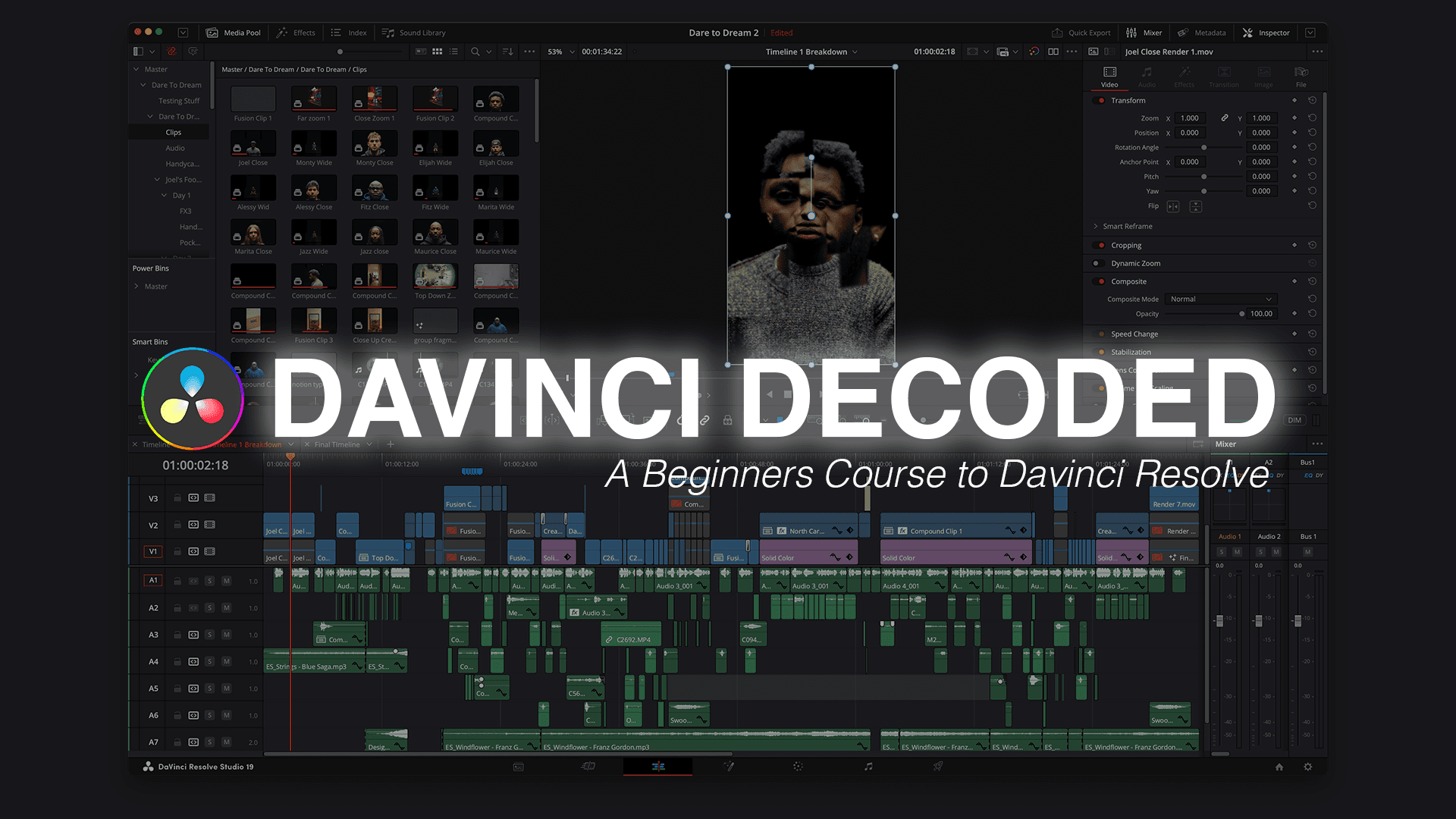
Learn the Basics of Editing in Davinci Resolve
$500
Master DaVinci Resolve in 4 Weeks
A Beginner’s Guide to Professional Video Editing
🎬 Learn to edit like a pro, even if you've never used DaVinci Resolve before! 🎬
🚀 4 Weeks | Step-by-Step Lessons | Hands-on Projects
Week 1: Intro to DaVinci Resolve (Building the Foundation)
🟢 Lesson 1: Intro to DaVinci Resolve
Overview of DaVinci Resolve’s capabilities for video editing, color grading, and effects
Understanding the free vs. Studio version
Navigating the user interface
🟢 Lesson 2: File Organization
Best practices for organizing media files before editing
Setting up a folder structure for efficiency
Managing cache and optimized media for better performance
🟢 Lesson 3: Creating a New Project in DaVinci Resolve
Setting up your first project
Understanding project settings and resolutions
Saving and backing up your project
🟢 Lesson 4: DaVinci Editing Tabs
Deep dive into the Media, Cut, Edit, Fusion, Color, Fairlight, and Deliver tabs
When to use each tab and how they work together
Customizing the workspace to improve workflow
🟢 Lesson 5: Keyboard Shortcuts for Faster Editing
Must-know shortcuts for cutting, trimming, and moving clips
How to create custom shortcuts for efficiency
Using hotkeys to speed up the workflow
Week 2: DaVinci Resolve Pt. 2 (Mastering the Editing Process)
🟢 Lesson 6: Configuring Timeline & Export Settings
Setting up the timeline for different formats (4K, HD, social media)
Understanding frame rates, aspect ratios, and resolutions
Choosing the best export settings for YouTube, Instagram, and client work
🟢 Lesson 7: Importing Files & Using Optimized & Proxy Media
Best methods for importing and organizing media files
How to create optimized media and proxies for smooth editing
Understanding different video file formats and codecs
🟢 Lesson 8: Using the Edit Tab & PowerBins
Deep dive into the Edit Tab for precise editing
Organizing frequently used assets with PowerBins
Using the inspector panel to modify clips and transitions
🟢 Lesson 9: Working with Keyframes
How keyframes work in DaVinci Resolve
Animating movement, opacity, and effects
Best practices for smooth keyframe animations
🟢 Lesson 10: All About Audio
Adjusting audio levels, panning, and equalization
Reducing background noise and improving vocal clarity
Adding background music and sound effects
🟢 Lesson 11: All About Subtitles
Creating captions and subtitles manually and automatically
Formatting and styling subtitles for readability
Exporting subtitles as separate files or burned-in text
Week 3: Color Grading Essentials (Turning Footage into Cinematic Magic)
🟢 Lesson 12: The Color Tab & Calibration
Understanding DaVinci’s industry-leading Color Tab
Setting up your display for accurate color grading
How to use Waveform, Parade, and Vectorscope
🟢 Lesson 13: Using Color Nodes
What are serial, parallel, and layer nodes?
Building a non-destructive color workflow
Organizing and layering color adjustments
🟢 Lesson 14: Using Color Wheels & Scopes
Correcting exposure using Lift, Gamma, and Gain
Adjusting contrast, saturation, and white balance
Understanding luminance and chrominance adjustments
🟢 Lesson 15: Grouping Clips & Using the Lightbox
How to color match multiple clips for consistency
Using the Lightbox to view multiple shots at once
Working efficiently with group grading
🟢 Lesson 16: Using LUTs & Power Grading
What are LUTs, and how do they work?
Applying and tweaking LUTs for a professional look
Creating and saving your own Power Grades
Week 4: Advanced DaVinci Edits (Bringing It All Together with Creative Techniques)
🟢 Lesson 17: Speed Ramping for Smooth Motion
Understanding retiming controls
Creating speed ramps for cinematic slow-motion effects
Adjusting curves for natural motion changes
🟢 Lesson 18: Masking & Tracking for Cinematic Effects
How to use power windows for targeted adjustments
Object tracking and face tracking techniques
Applying blur, color changes, and special effects to specific areas
🟢 Lesson 19: Using Noise Reduction for Clean Footage
How to remove digital noise from low-light footage
Best settings for Temporal & Spatial noise reduction
Using the Studio version’s advanced noise reduction tools
🟢 Lesson 20: Creating Thumbnails That Stand Out
How to screenshot, export, and design thumbnails inside DaVinci
Using color and contrast to increase click-through rates
Adding text and graphics to your thumbnails
🟢 Lesson 21: Creating Custom Audio for Your Videos
How to record and edit voiceovers
Creating sound effects and audio transitions
Syncing music to visuals for maximum impact
🟢 Lesson 22: Live Edit of a Gym Video (Hands-on Case Study)
Applying everything from the course to edit a gym workout video
Step-by-step walkthrough of cutting, color grading, and exporting
How to structure edits for high-energy content
🟢 Lesson 23: Beats Mock Ad Project (Final Project Challenge)
Editing a high-quality product commercial using provided footage
Mastering sound design, color grading, and pacing
Exporting your final project for portfolio use
Who Is This For?
✅ Beginners who want to learn video editing from scratch
✅ Content creators looking to level up their editing game
✅ Filmmakers and editors switching to DaVinci Resolve
What You Get
✔️ Lifetime Access to Course Materials
✔️ Downloadable Project Files
💥 BONUS: Exclusive PowerGrade & LUTs for cinematic looks!