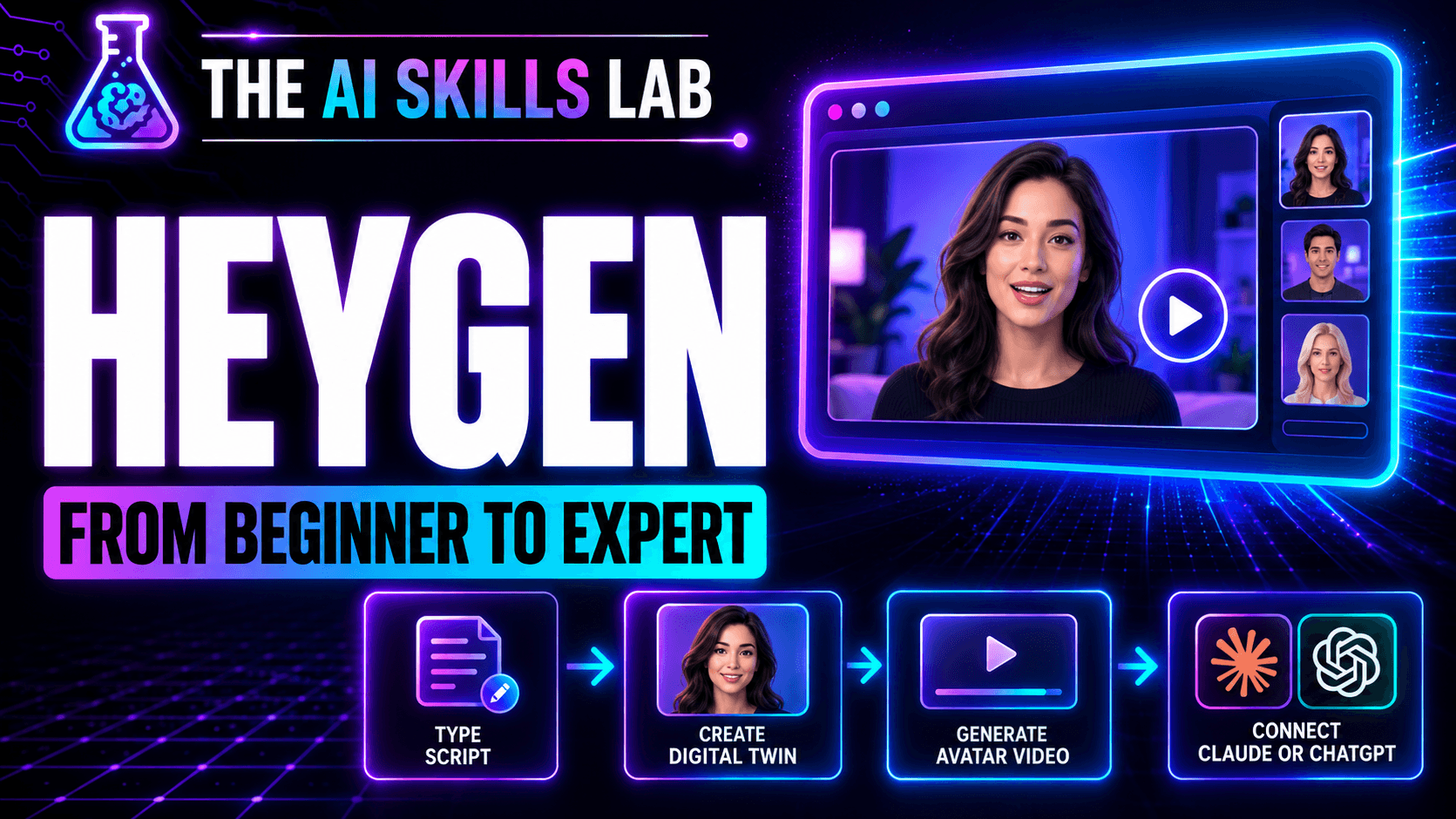
HeyGen: From Beginner to Expert
$49$99
Create your digital twin, direct it with AI, and build a video workflow you can use again.
Follow the steps from the October 28, 2026 AI Skills Lab with Kevin Smith, Kev the AI Guy and HeyGen Ambassador. Start inside HeyGen, then move into connected AI tools and a complete production workflow.
Choose your starting point
• Level 1: Create your twin in HeyGen, type a script, and generate an avatar video.
• Level 2: Connect HeyGen to Claude or ChatGPT. Direct captions, visuals, and animations through your prompts.
• Level 3: Follow the workflow with Codex or Claude Code: research, script, ElevenLabs narration, HeyGen footage, HyperFrames editing, and review.
Follow the guide yourself, or give the Markdown companion to your AI assistant so it can help you work through the same written steps and prompts.
What you get
• The 31-page HeyGen: From Beginner to Expert PDF guide.
• The matching Markdown follow-along guide for Claude Code or Codex, including the written steps, reusable prompts, troubleshooting, and practice worksheet.
• The full October 28, 2026 AI Skills Lab session recording as an MP4 download.
The PDF, Markdown companion, and full session recording are all included for $99, one payment. All three files are ready to download after purchase. Keep your delivery email so you can return to them.
You will need your own tool accounts. Software subscriptions, API usage, and video generation costs are separate. Your AI assistant needs the right connections, and some steps may need your input.
This bundle includes the guide, its text companion, and the recorded training. Kevin’s separate production-agent package, community membership, and done-for-you production are not included. This is an independent AI Skills Lab guide, not an official HeyGen publication.