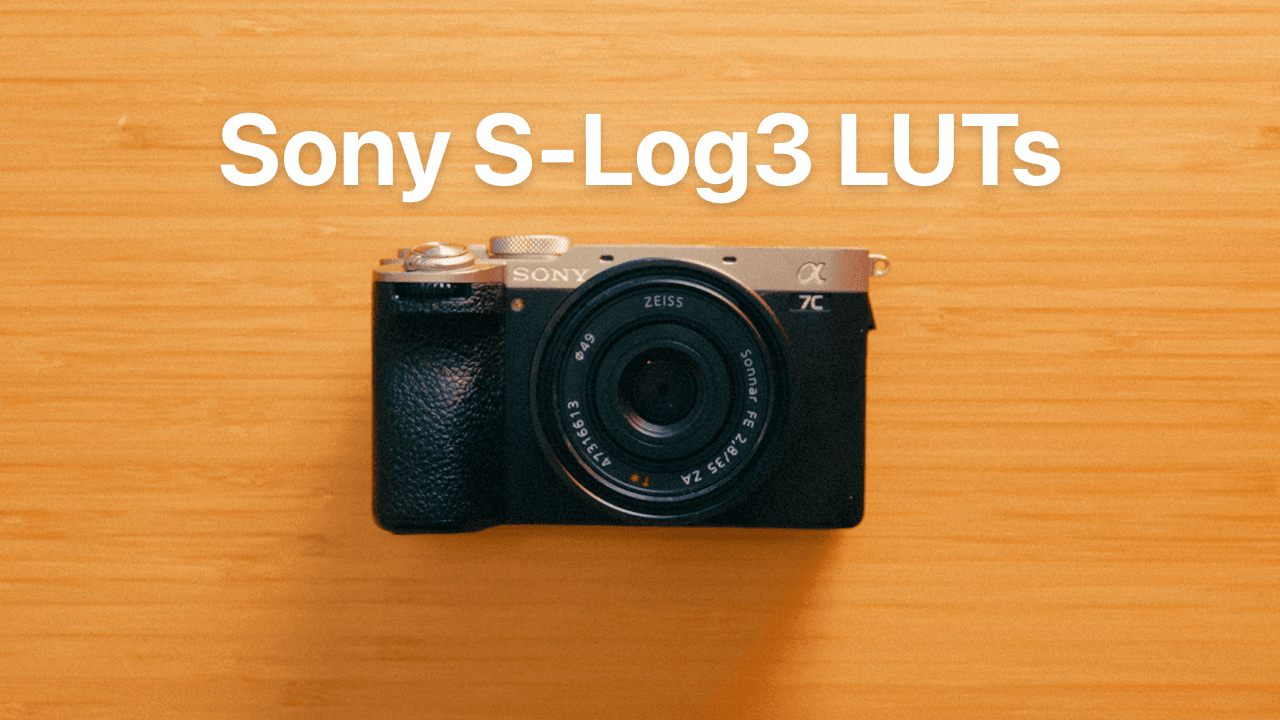
Sony S-Log3 LUTs
$29
These turn Sony S-Log3 footage into a film-inspired grade in one click.
They handle the S-Log3 conversion and the look in one step, so there’s no separate conversion LUT or color setup needed.
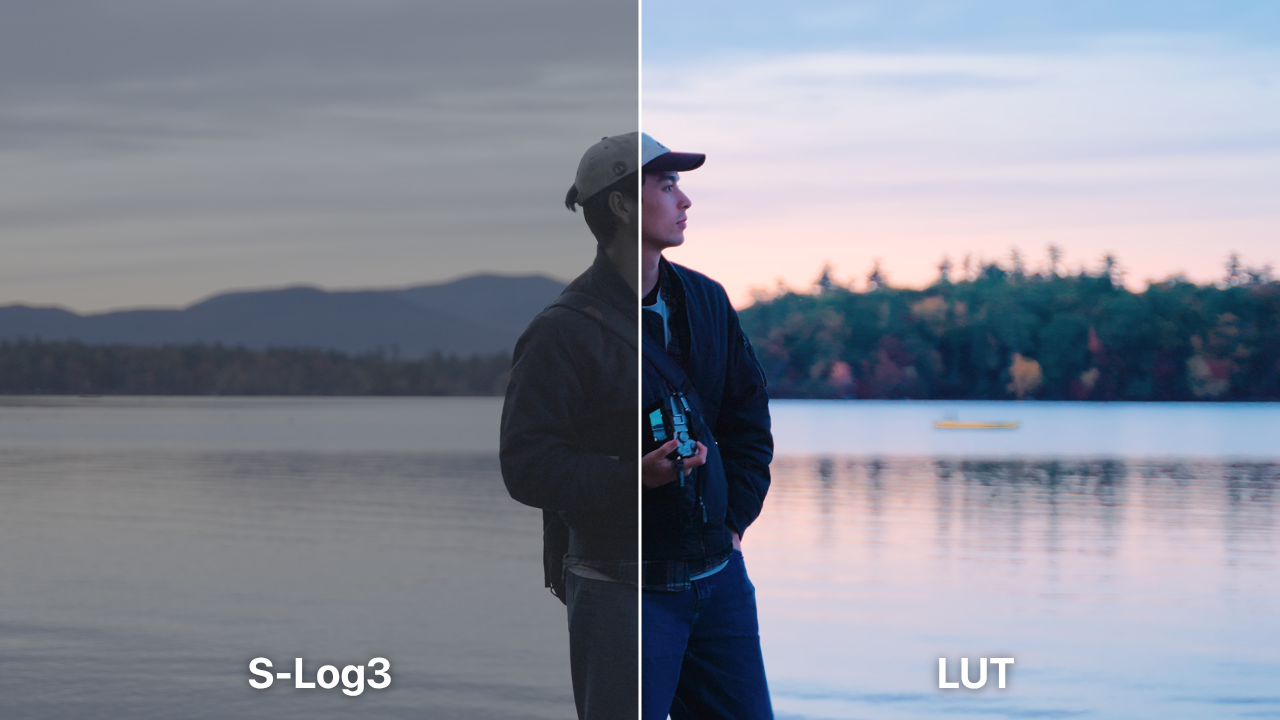

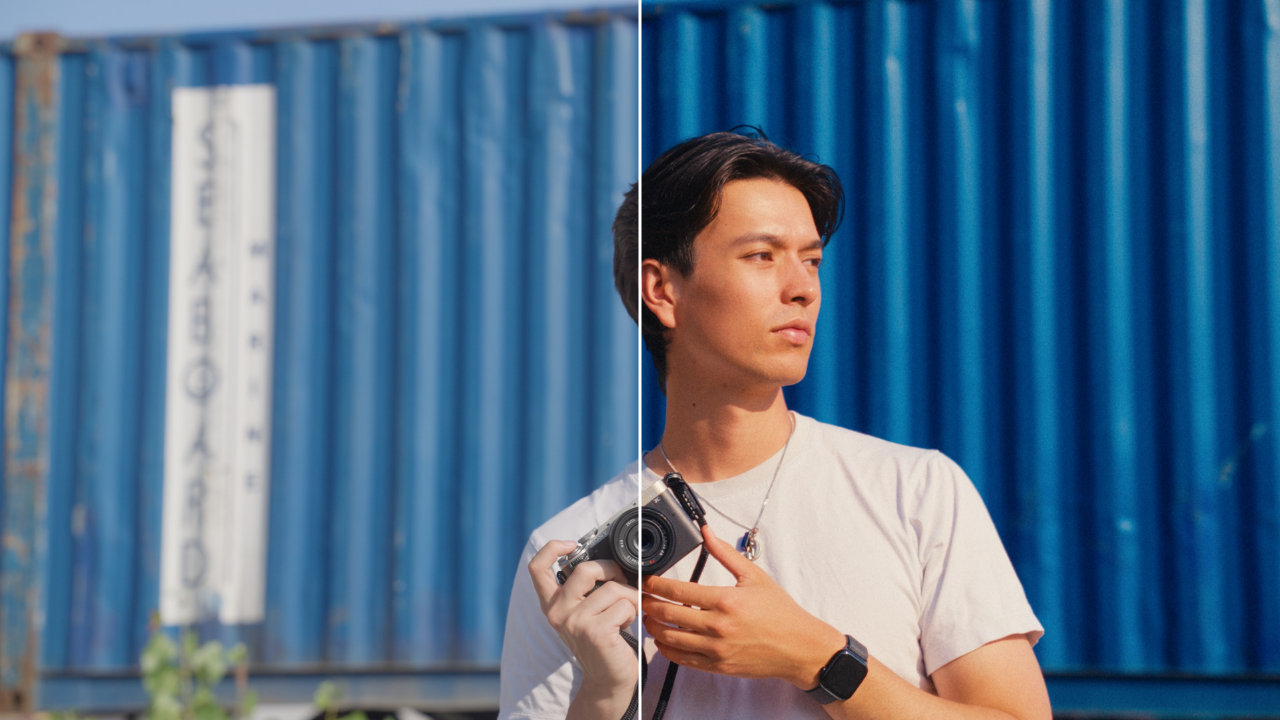
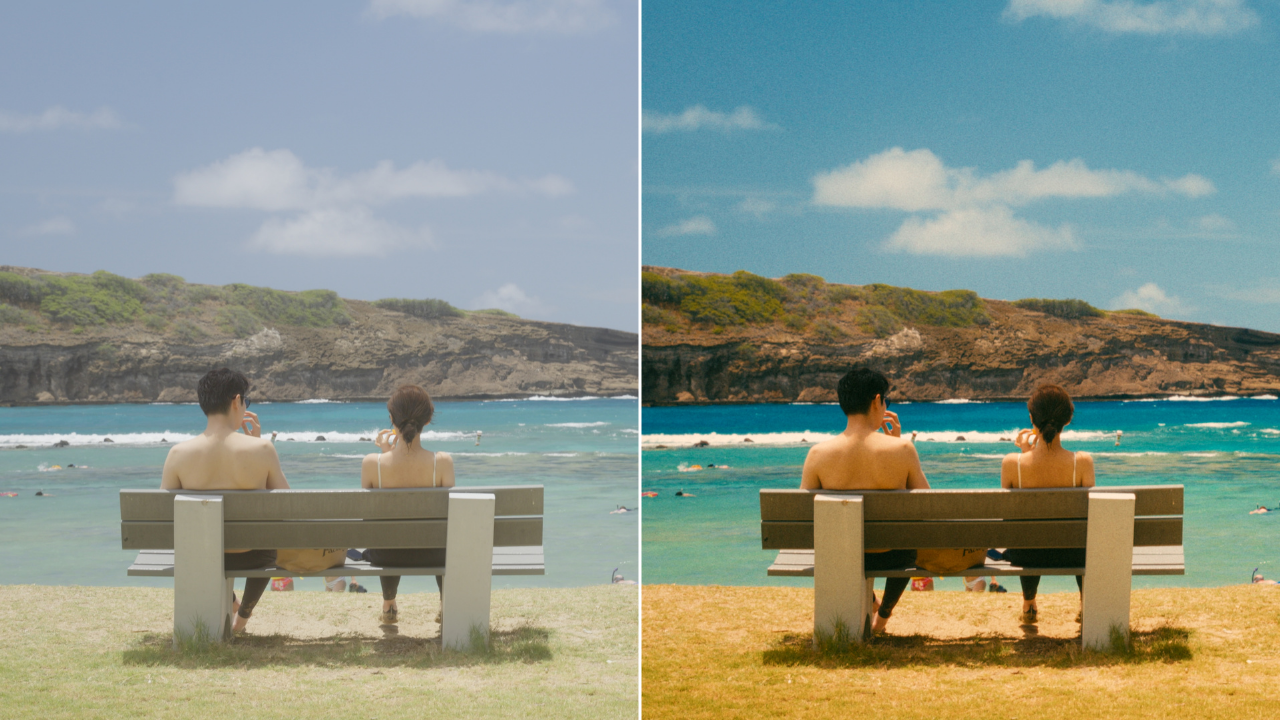
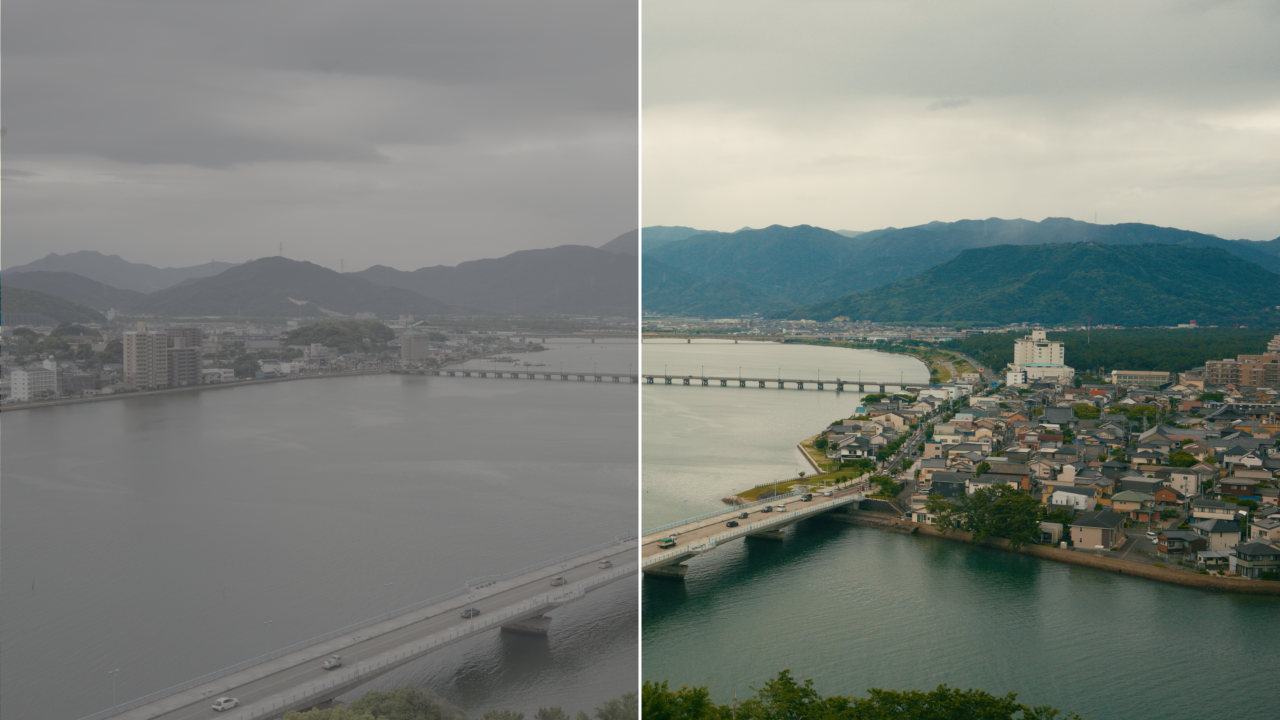
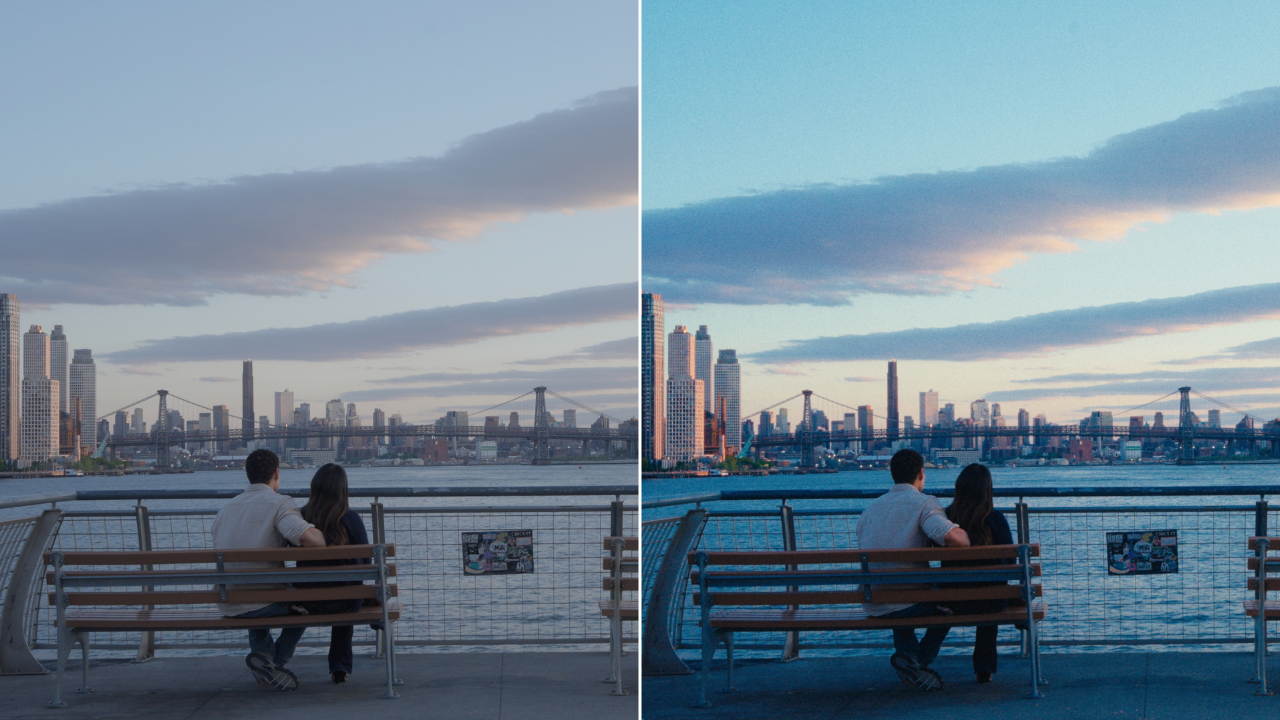
7 film-inspired looks
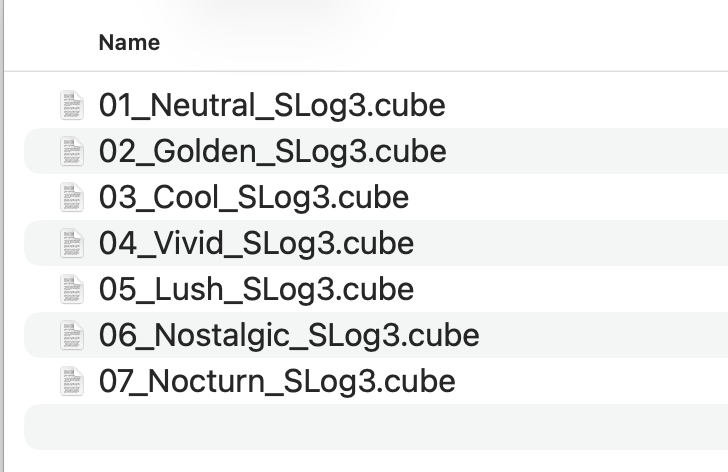
Neutral, Golden, Cool, Vivid, Lush, Nostalgic, Nocturn. Each one built for a situation you actually shoot in, from golden hour to overcast greenery to night streets.
See the look while you shoot
Every look also comes as a camera LUT you can load into your Sony camera or an external monitor so you can see the finished grade on your screen while you’re filming.
Works in any editor
Final Cut Pro, Premiere Pro, DaVinci Resolve, CapCut, or anything else that loads a .cube file.
What’s included
7 premium looks for editing & camera monitoring
4 film grain plates at two frame rates
Quick start guide with step by step setup for Final Cut Pro and Premiere Pro, a video walkthrough for DaVinci Resolve, and instructions for loading the looks into your camera
FAQ
What do I need to shoot?
Any Sony camera that shoots S-Log3, set to S-Gamut3.Cine. To preview the looks in camera, your camera needs to support importing user LUTs. Most recent Sony models do, check your manual for “Manage User LUTs” or “Import User LUT”.
What if I don’t shoot on Sony?
Check out my PowerGrade or other LUT packs in my store to find the right one for your camera.
Do I need any plugins or a subscription?
No. These are plain .cube files that load into any editor.
What’s the difference between this and your PowerGrade?
The PowerGrade is a more advanced, node-based color grading system built specifically for DaVinci Resolve. A LUT is a fixed color table that can be used in any editor and is simpler to apply.
Is this refundable?
Since this is a digital product, all sales are final.