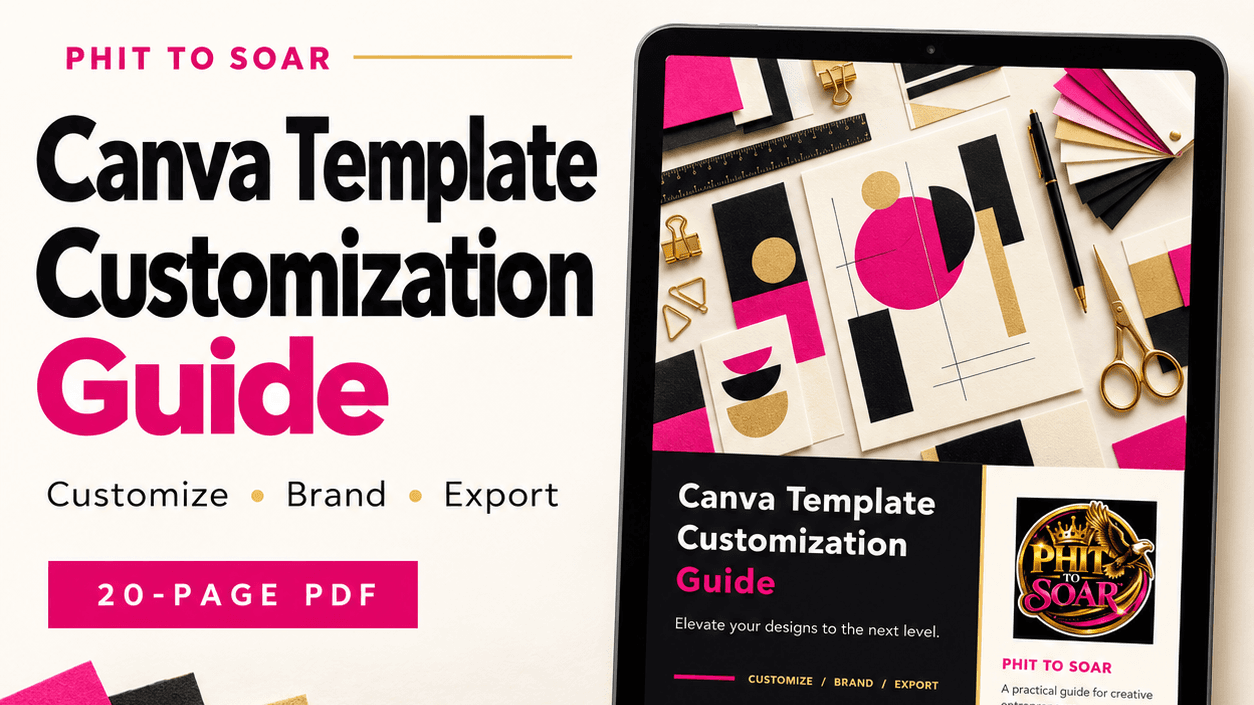
PHIT TO SOAR Canva Template Customization Guide
$9.98
PHIT TO SOAR Canva Template Customization Guide
Make your templates reflect your brand.
This 20-page PDF guide helps beginners customize Canva designs with clear explanations, visual examples, and practical tips. Learn how to update text, choose images, apply brand colors, organize layouts, and prepare your finished designs for sharing or printing.
Inside, you’ll explore:
Getting started and opening purchased templates
Fonts, text formatting, and typography
Images, illustrations, grids, and frames
Logos, brand colors, and Brand Kit basics
Transparency, locking elements, and managing pages
Exporting files and preparing designs for print
Ideal for digital creators, coaches, small business owners, and entrepreneurs who want a more consistent, professional look.
Includes: A 20-page downloadable PDF with seven chapters, Canva screenshots, and clickable chapter navigation.
Digital guide only. Editable Canva templates are not included. Feature availability may vary by Canva plan.
Design with purpose. Make your brand visible.