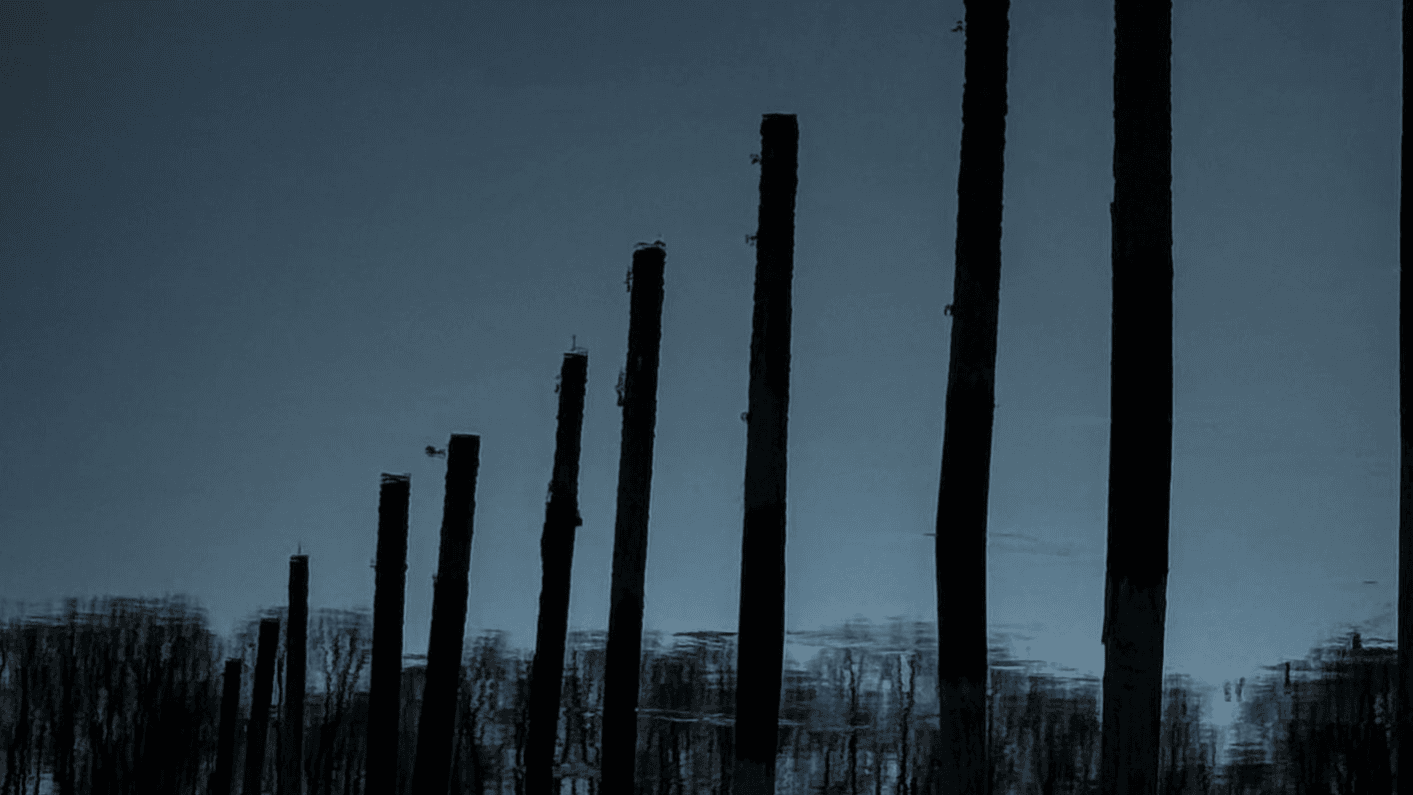
Shadow Series
$39
My Signature Lightroom Presets for iPhone & Android
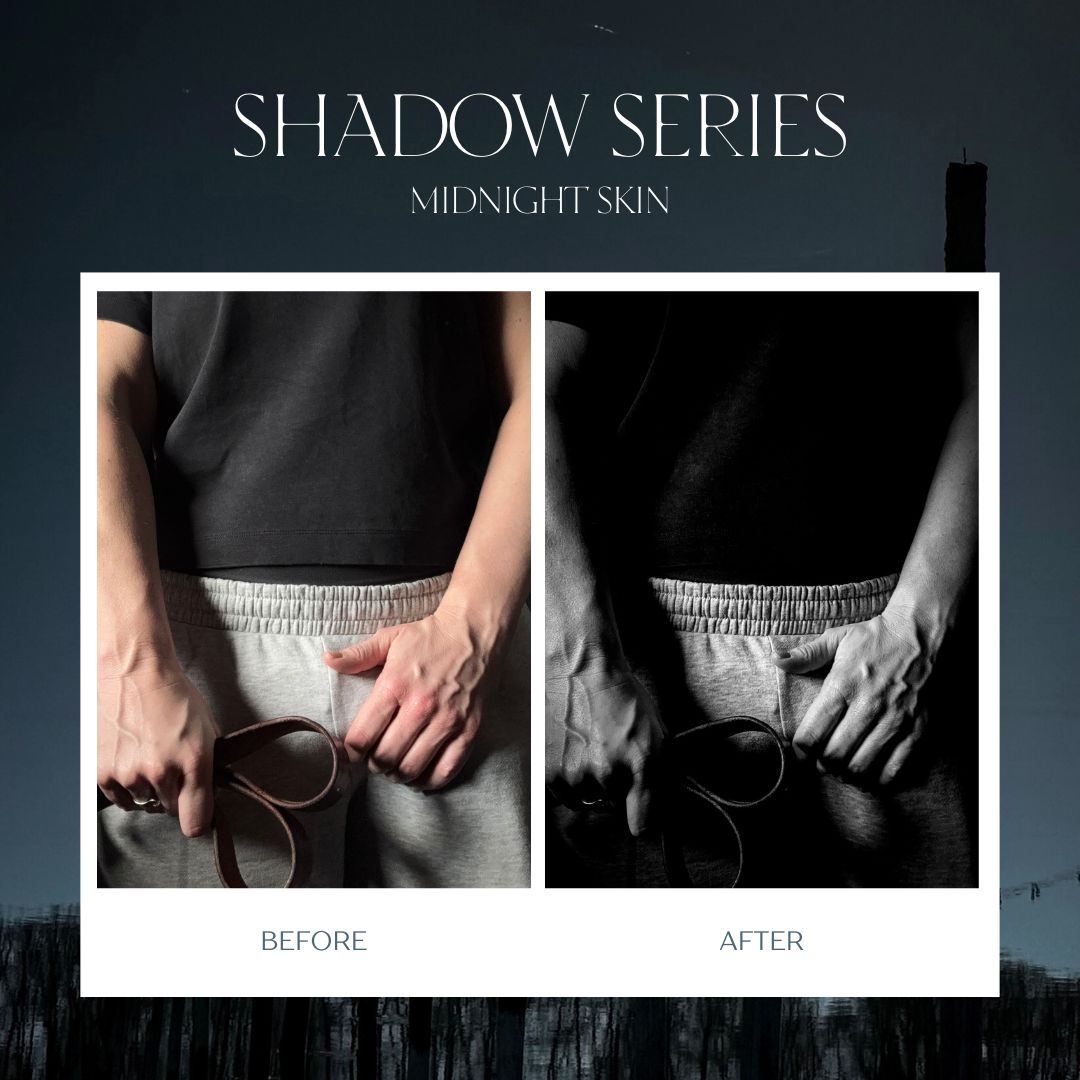
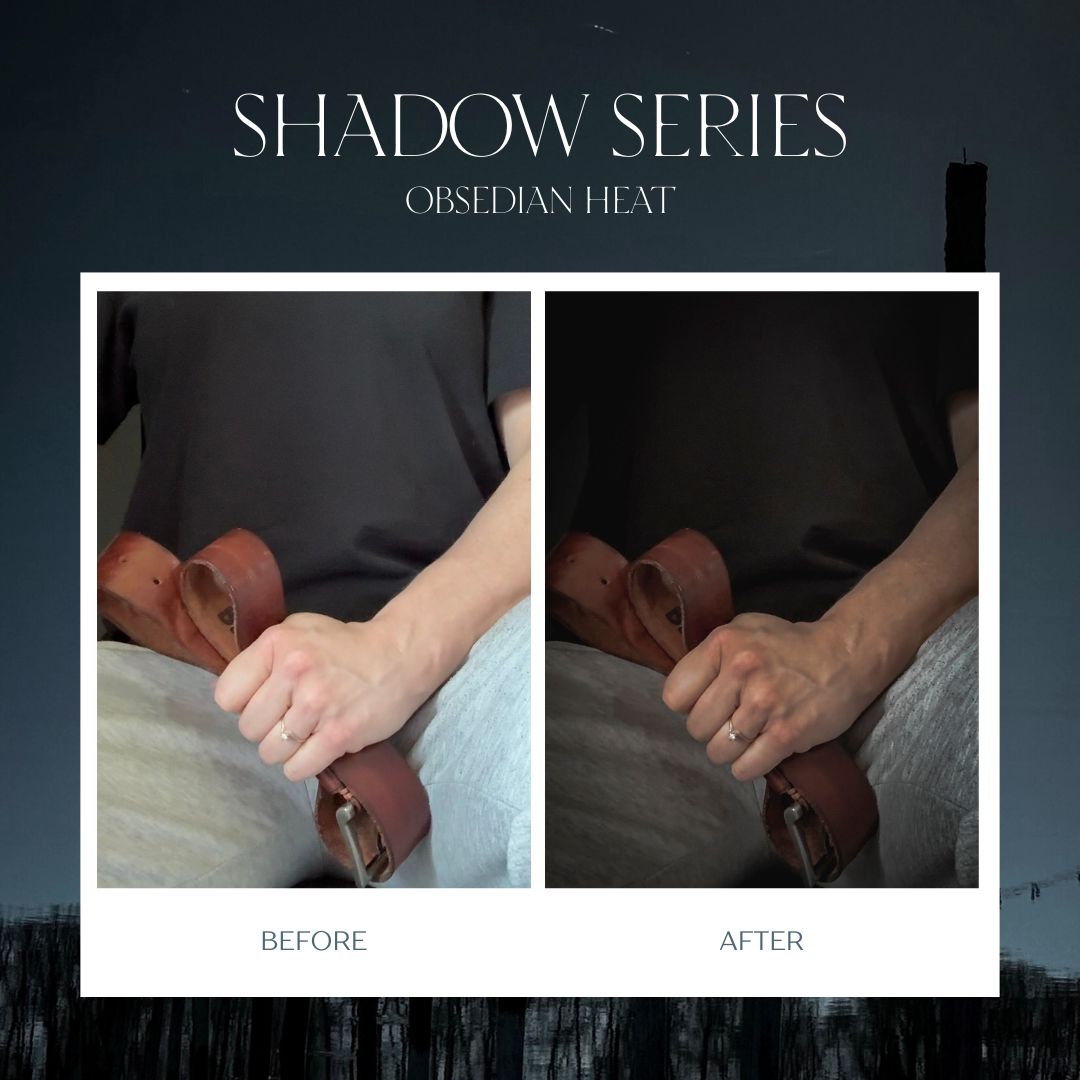
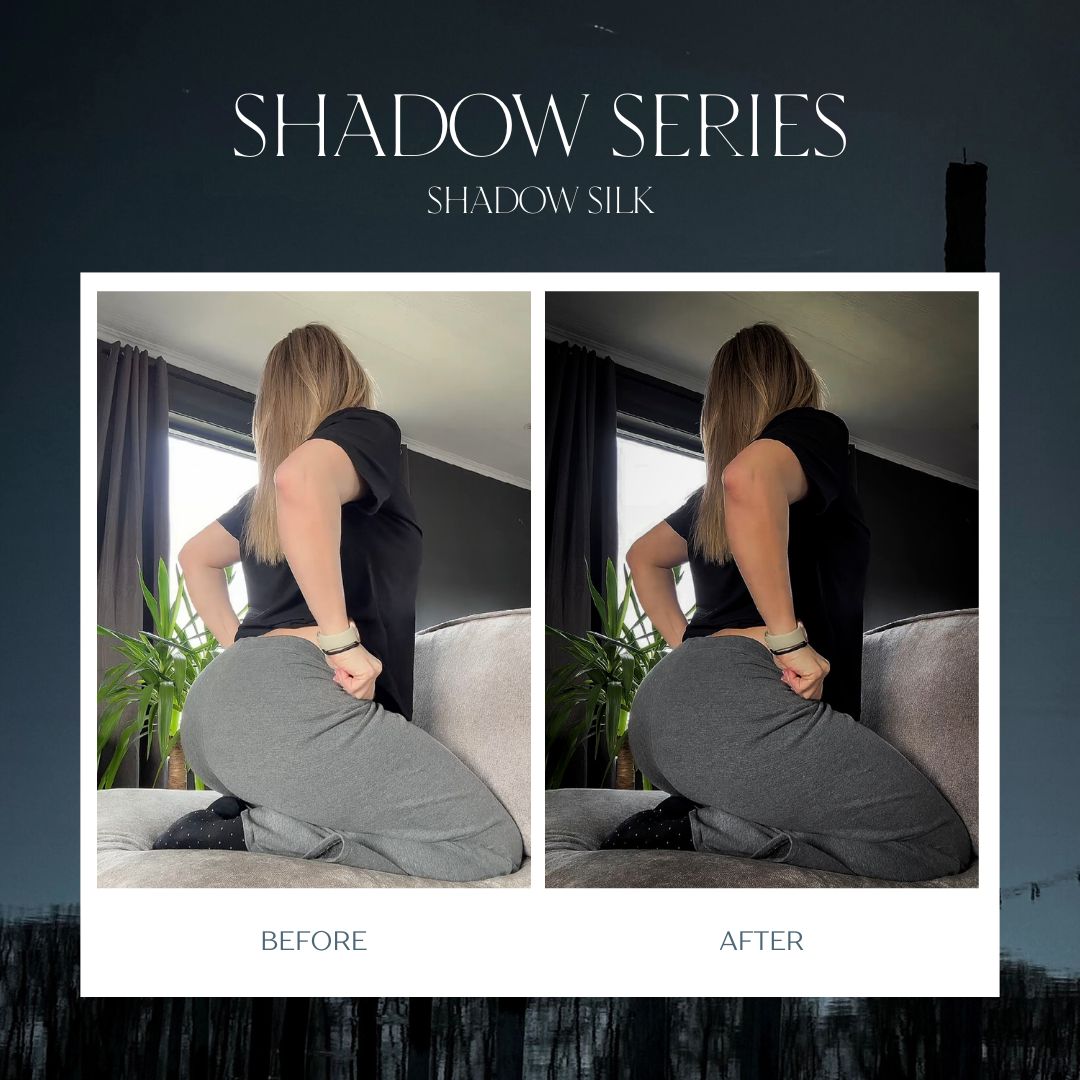
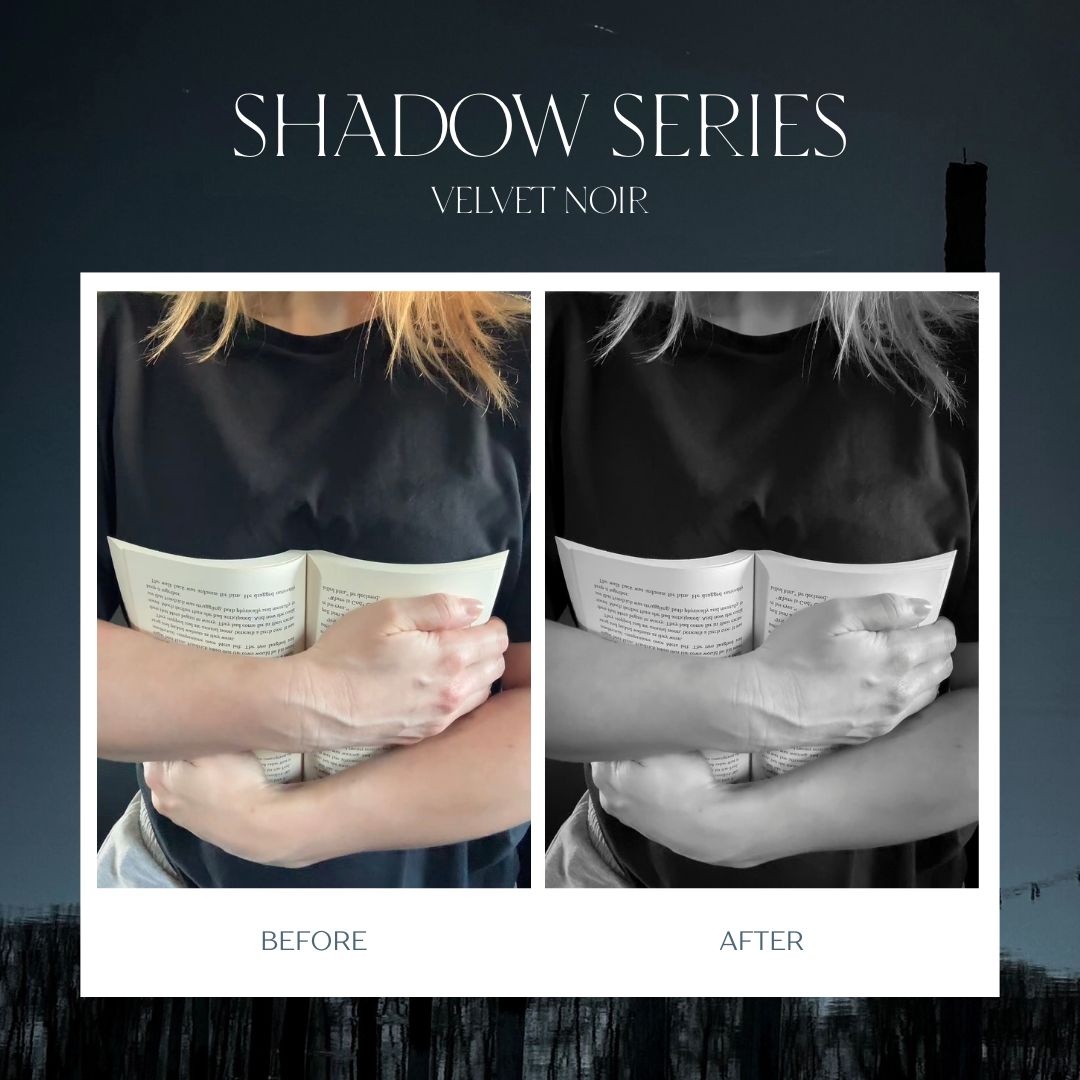
I’ve been a photographer for years, and over time I’ve developed a signature editing style built around deep shadows, rich tones, beautiful contrast, and a bold, cinematic feel.
After countless questions about how I edit my photos, I’m finally sharing the tools behind the look:
6 of my go-to Lightroom presets that I use constantly, plus 6 bonus looks I keep in rotation.
These presets are designed to transform your photos quickly and consistently - whether you’re editing portraits, lifestyle photos, creative content, or simply want your images to have a darker, more polished look.
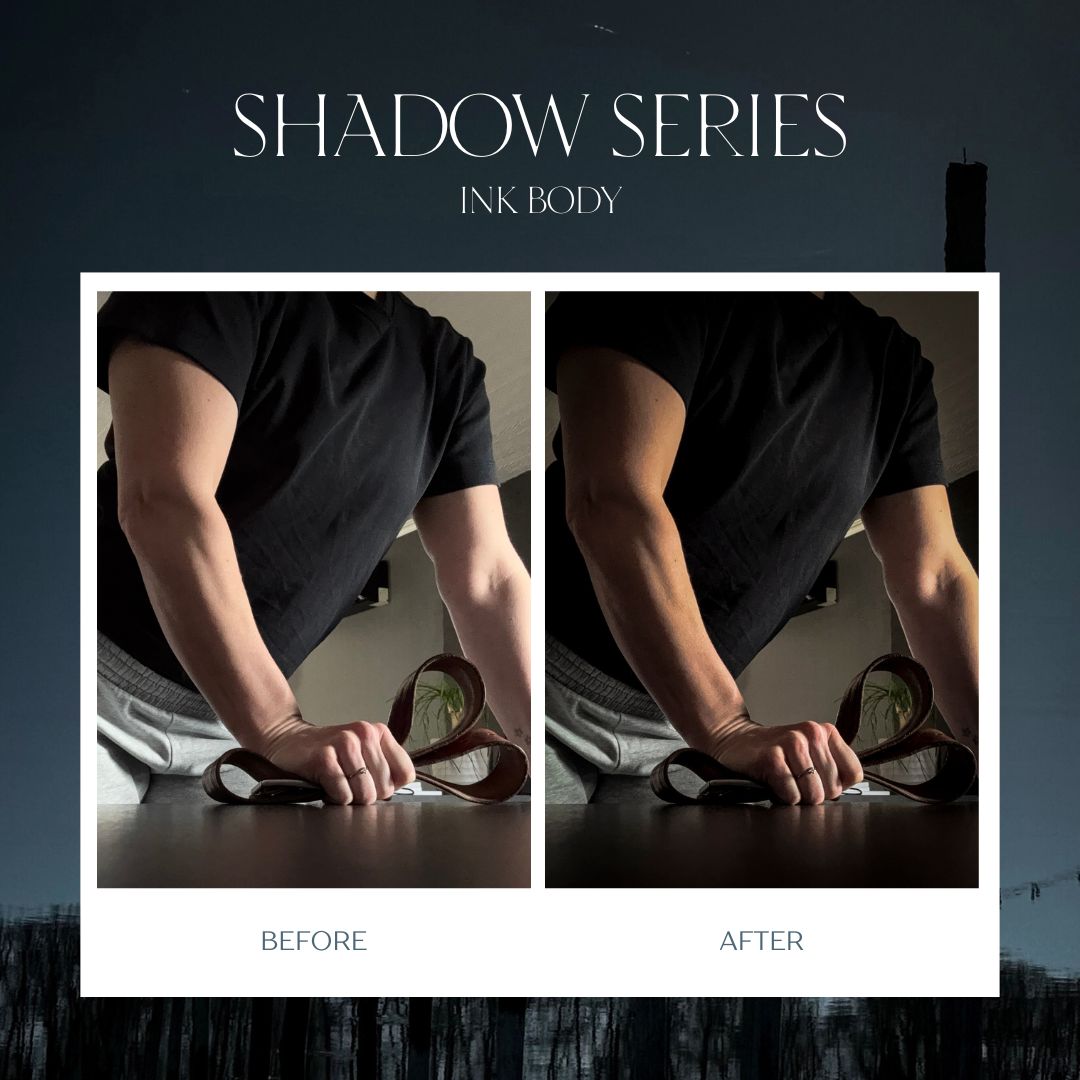
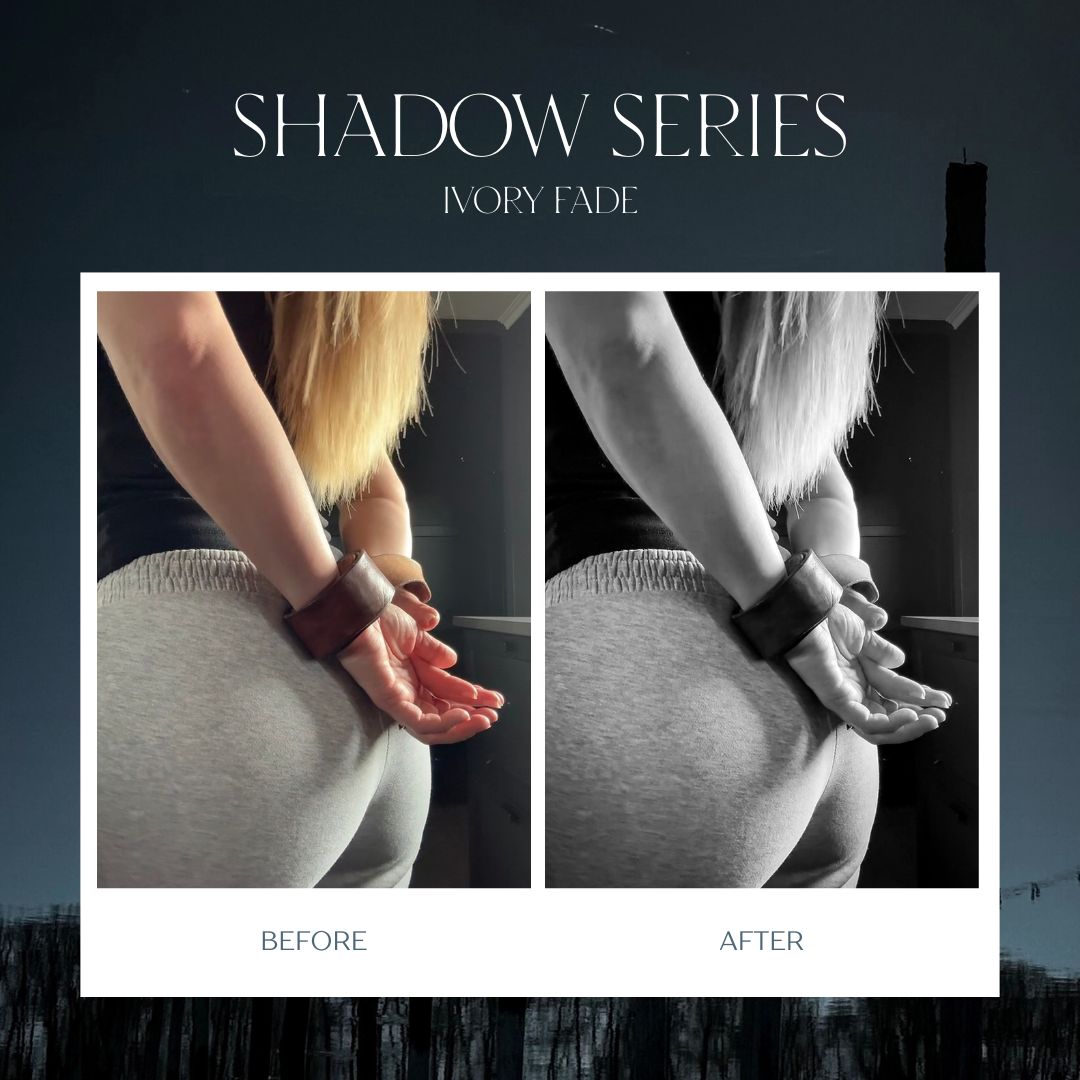
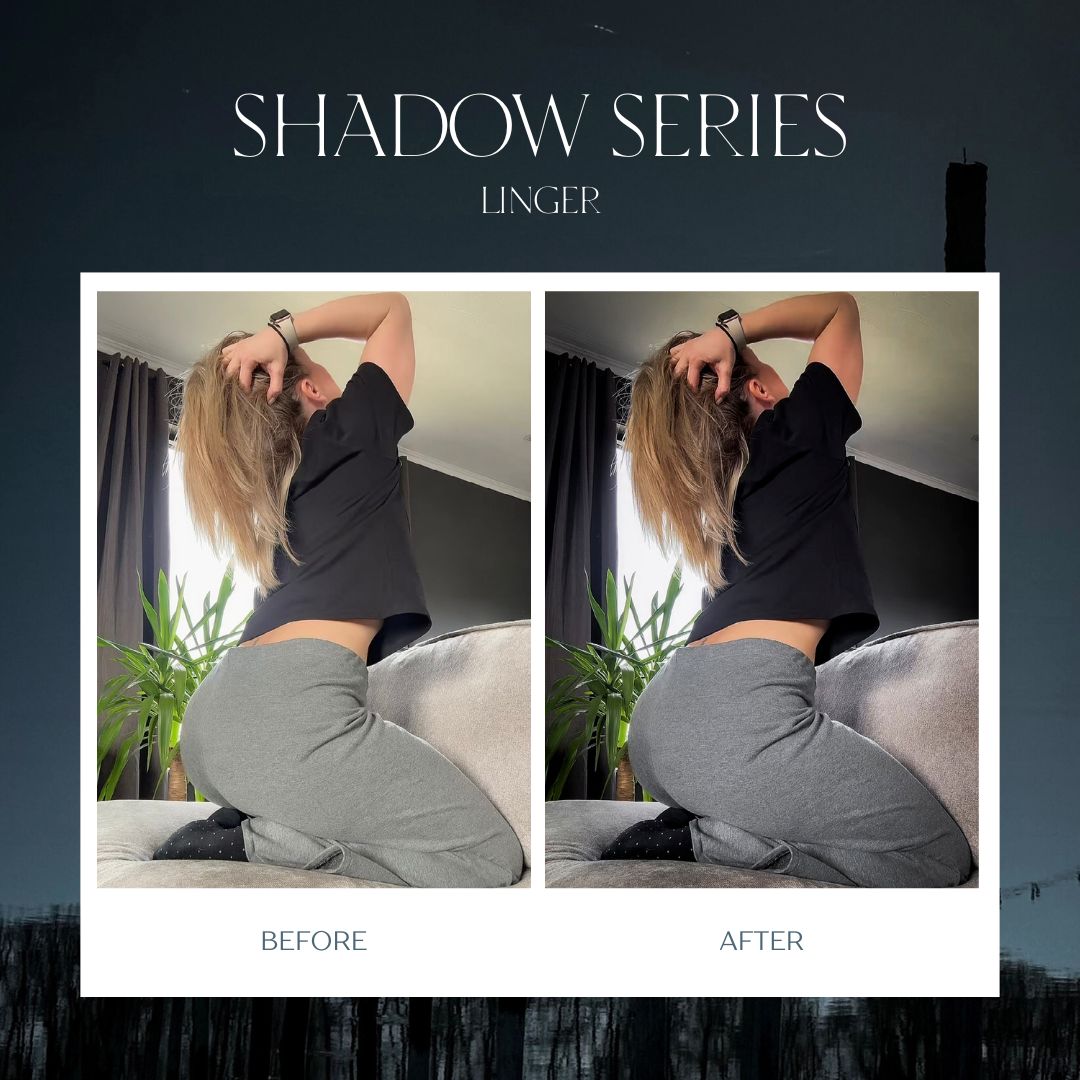
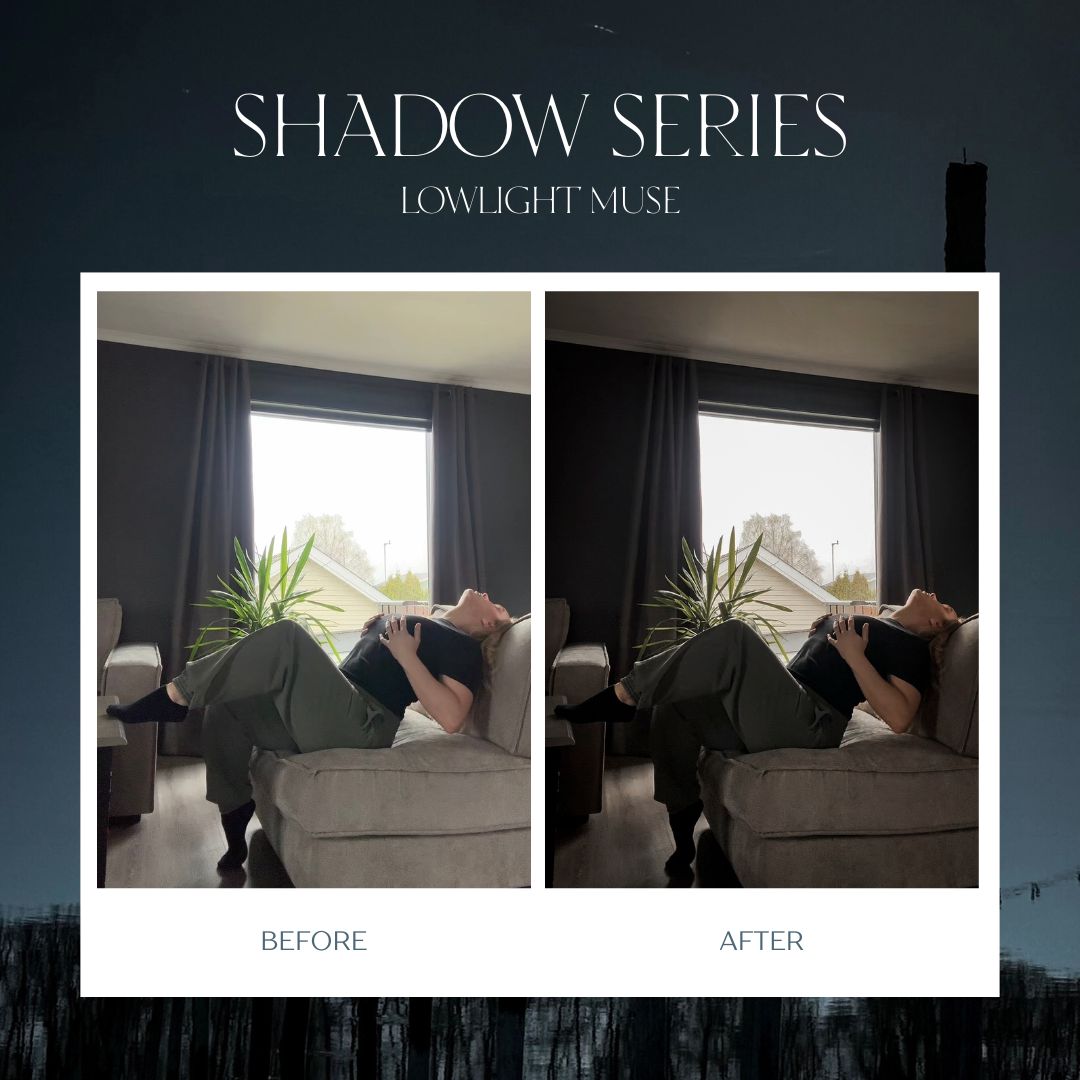
One tap can completely change the mood of your photo.
No Fancy Camera Needed
You don’t need expensive photography equipment to get great results.
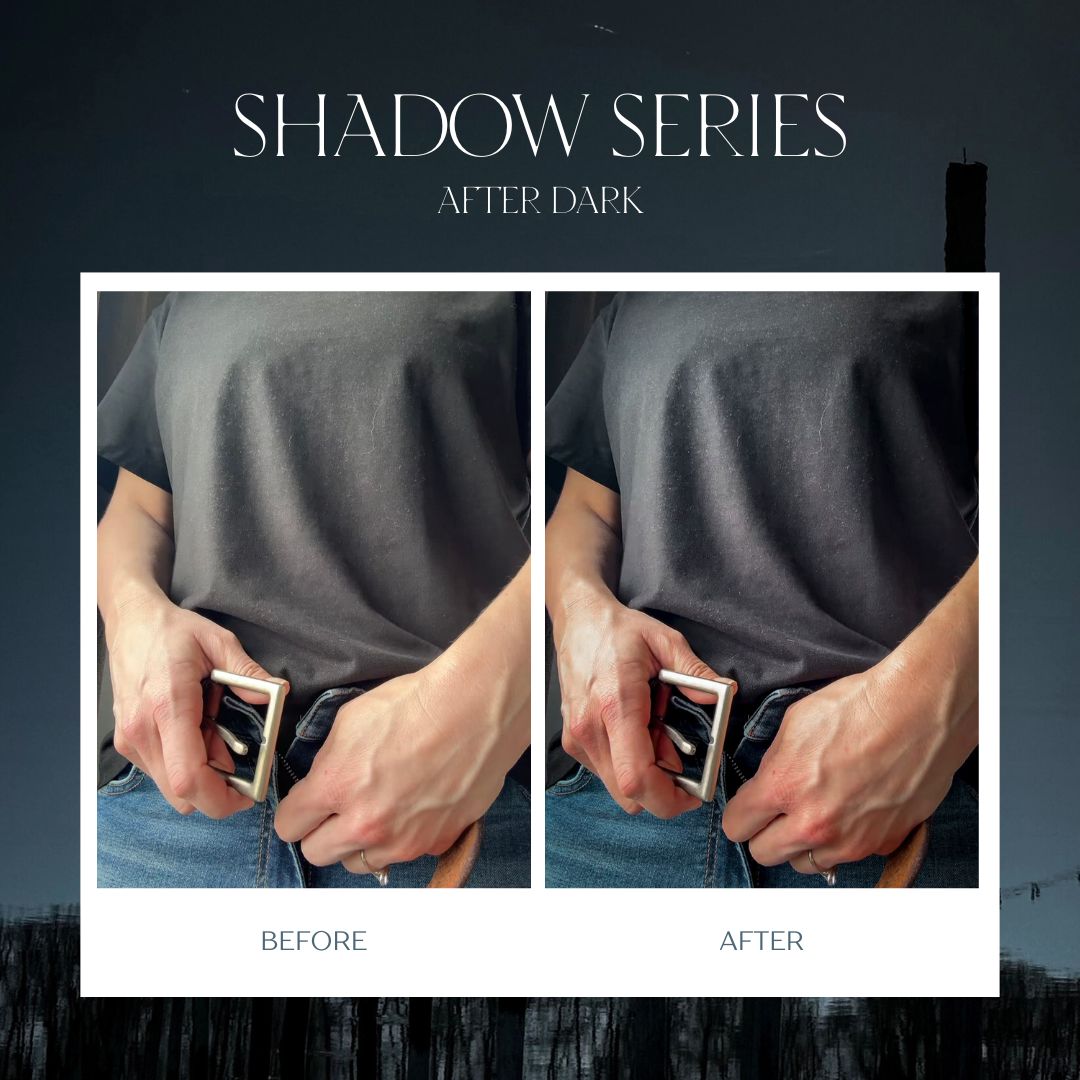
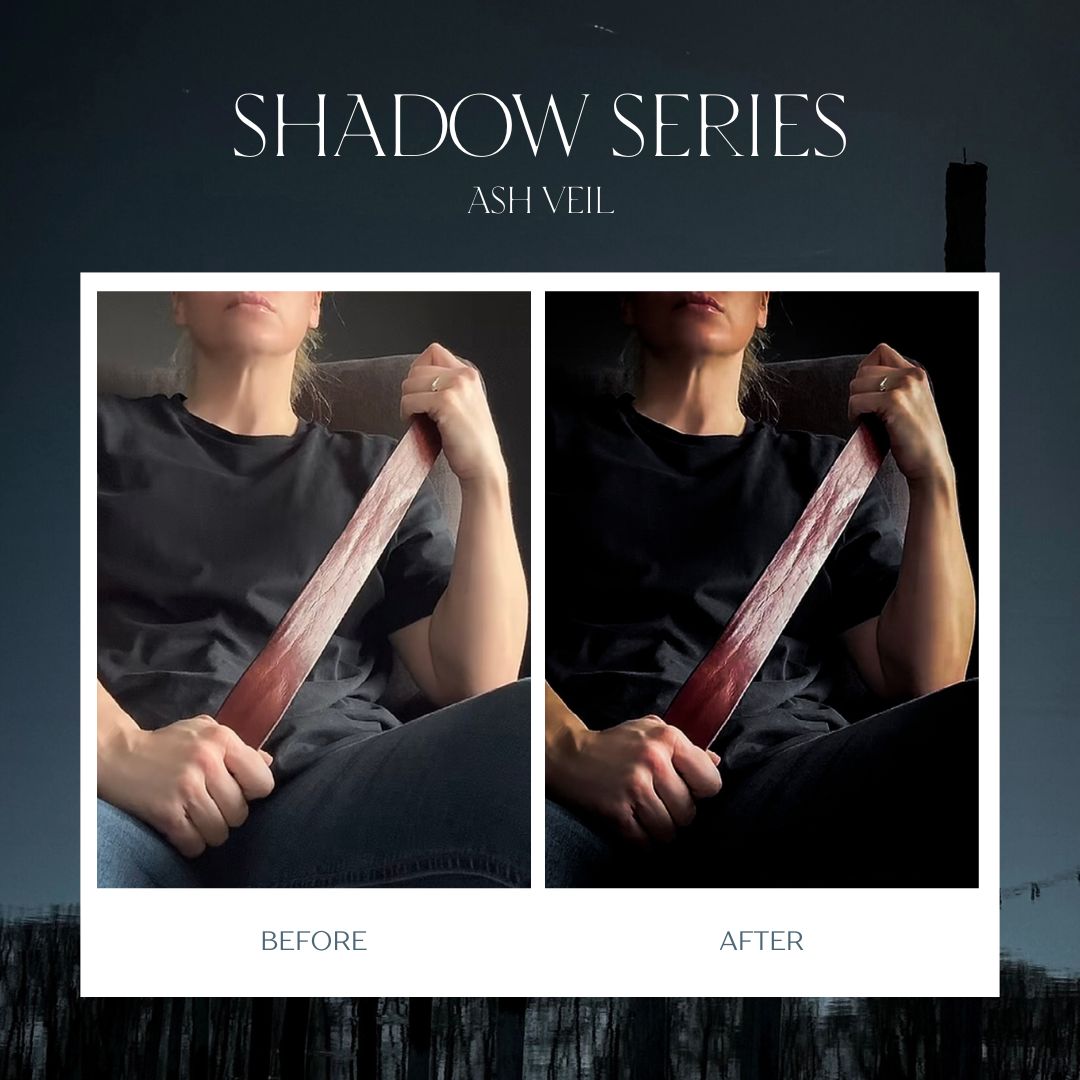
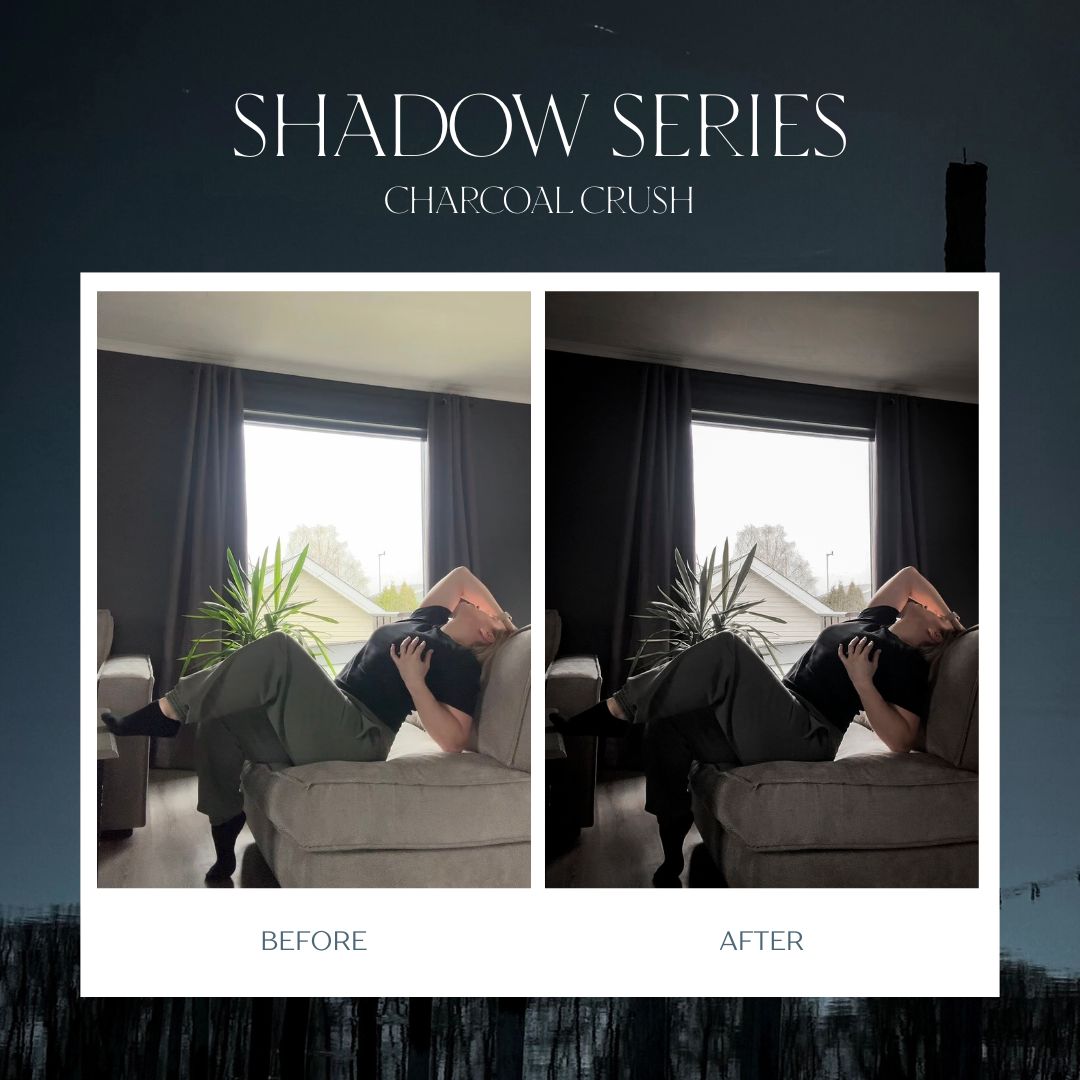
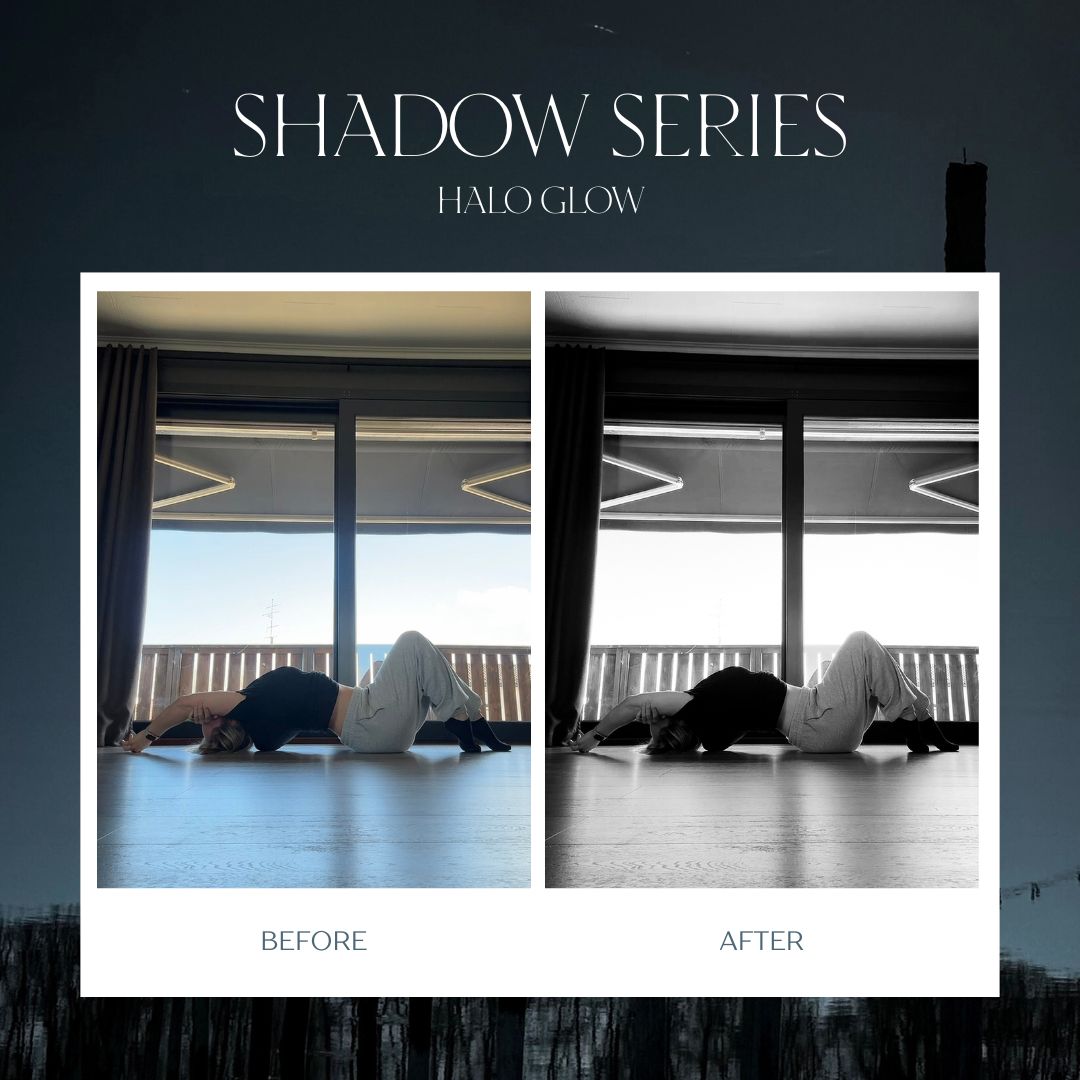
All the before-and-after photos shown below were taken with an iPhone, and many of them are actually screenshots taken directly from videos.
A phone, good lighting, and the right edit can go a long way.
These Presets Are for You If You:
Want your photos to feel darker, moodier, and more cinematic
Love deep shadows, glowing highlights, and rich contrast
Want your photos to have a more polished and consistent look
Want to make editing faster and easier
Are tired of flat or washed-out photos
Prefer clean, powerful edits without spending hours adjusting every image
Want your photos to stand out
Want an easy editing workflow you can use directly on your phone
What You’ll Get
The Shadow Series includes 12 custom-made Lightroom Mobile presets designed to add depth, contrast, rich tones, and atmosphere to your photos - without requiring advanced editing skills.
Inside you’ll get:
6 signature presets I use in my own photography
6 bonus presets with different variations in tone and mood
All presets supplied in DNG format for Lightroom Mobile
No Lightroom subscription required
A step-by-step installation guide with screenshots
Beginner-friendly instructions for getting started
A simple guide to fine-tuning your photos after applying a preset
Tips for adjusting the presets across a variety of skin tones
Good Light + Great Editing
One important thing to know:
A preset works best when you start with good lighting.
These presets are designed to enhance what’s already there - bringing out the shadows, highlights, colors, and atmosphere in your image.
They aren’t designed to fix poor lighting.
Think of it like painting: preparing the surface first gives you a much better final result. Photography works the same way.
Start with good light, apply your preset, make a few small adjustments if needed…
and watch the entire mood of your photo change.