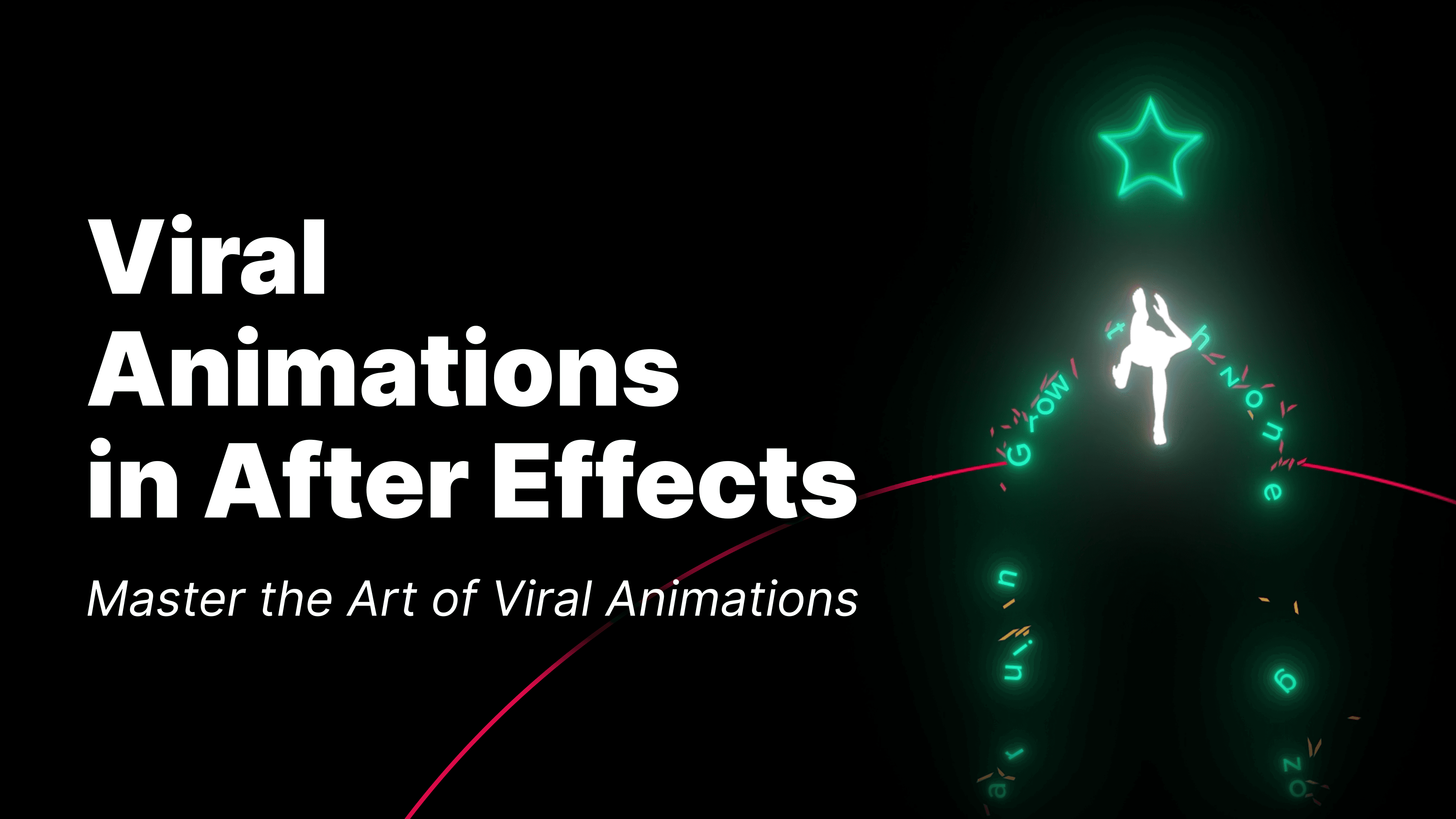
Viral Animations in After Effects
$199
This is a preliminary course outline. As we engage with the community and gather feedback, some topics and lessons may evolve to better suit the needs of our students.
🔹 Module 1: After Effects Basics
🎯 Get familiar with the software, set up your workspace and create your first animated reel.
AE Interface Overview
Project Panel, Composition Panel, Timeline, Layers & Properties
Customizing layouts & navigating the workspace
Essential tools & shortcuts
Working with Assets & Compositions
Importing different asset types (images, videos, vectors)
Creating and managing compositions
Understanding layer hierarchy and organization
Transform Properties & Keyframes
Position, Scale, Rotation, Opacity, Anchor Point
Adding keyframes & understanding interpolation
Working with the Graph Editor for smooth animation
Masking & Track Mattes
Creating masks for layered compositions
Using Track Mattes for cut-out effects
Practice: your first animated video
Creating masks for layered compositions
Using Track Mattes for cut-out effects
Applying Effects
Most-used AE effects: Glow, Blur, Tint, Curves, Vignette
Adding and customizing effects for animations
🔹 Module 2: Strengthening Skills
🎯 Learn core animation principles and create your second animated reel.
Understanding Motion & Easing
Motion paths and animation curves
Using easing to create natural movement
Speed control & animation timing
Working with Text Animations
Text properties & animation presets
Creating custom text animation sequences
Saving and reusing text presets
Creating Shape Animations
Working with procedural shapes (rectangles, ellipses, polygons)
Using shape layers and path animation
Shape effectors and parametric controls
Using Plugins for Speed & Automation
Animation Composer overview
Installing and using free assets
Automating animation with Motion 2 or similar tools
🔹 Module 3: Creating Characters for Reels
🎯 Learn how to animate characters for storytelling-based Reels using free tools like Mixamo and Blender.
Character References & Animation Sources
Downloading animated 3D characters from Mixamo
Exporting FBX files for use in other programs
After Effects (Beta) Import Workflow
How to import and preview FBX animations
Key limitation: no support for animation mixing
Blender Workflow with Nonlinear Animation
Full beginner-friendly pipeline for using Blender with Mixamo
Using the Nonlinear Animation editor to layer and combine motions
No rigging or keyframing required — just arrange and export
🔹 Module 4: 2D Physics Simulations. Newton 4
🎯Bring realism to your animations with physics-based motion.
What is Newton?
Installing the plugin & setting up hotkeys
Newton’s interface & essential controls
Simulating Realistic Motion
Working with gravity, friction, and bounciness
Connecting objects with joints and constraints
Practical Simulations for Reels
✅ Chains – Simulating linked elements
✅ Soft Bodies – Creating rope and elastic animations
✅ Destruction – Simulating objects breaking apart
✅ Bouncing Objects – Creating dynamic physics effects
Rendering & Exporting Simulations
🔹 Module 5: Practice – Creating Viral Reels
🎯 Step-by-step breakdowns of real Instagram Reels animations.
✅ Reel 01: Impactful Words – Dynamic text animations
✅ Reel 02: Tunnel Vision – Line animations & perspective tricks
✅ Reel 03: Time Flies Rapidly – Clock-style animation & time distortion effects
✅ Reel 04: Out of the Comfort Zone – Character animation & transitions
✅ Reel 05: Let Go of the Past – Layered animations & atmospheric effects
Final Touches & Optimization
Adding color grading & visual effects
Best export settings for Instagram Reels
Render settings & avoiding compression artifacts
By the end of this course, you will:
✅ Confidently use After Effects to create professional animations
✅ Master animation principles for smooth, engaging motion
✅ Work with text, shapes, characters, and physics simulations
✅ Optimize your workflow and speed up production
✅ Create viral animations that attract attention and engagement