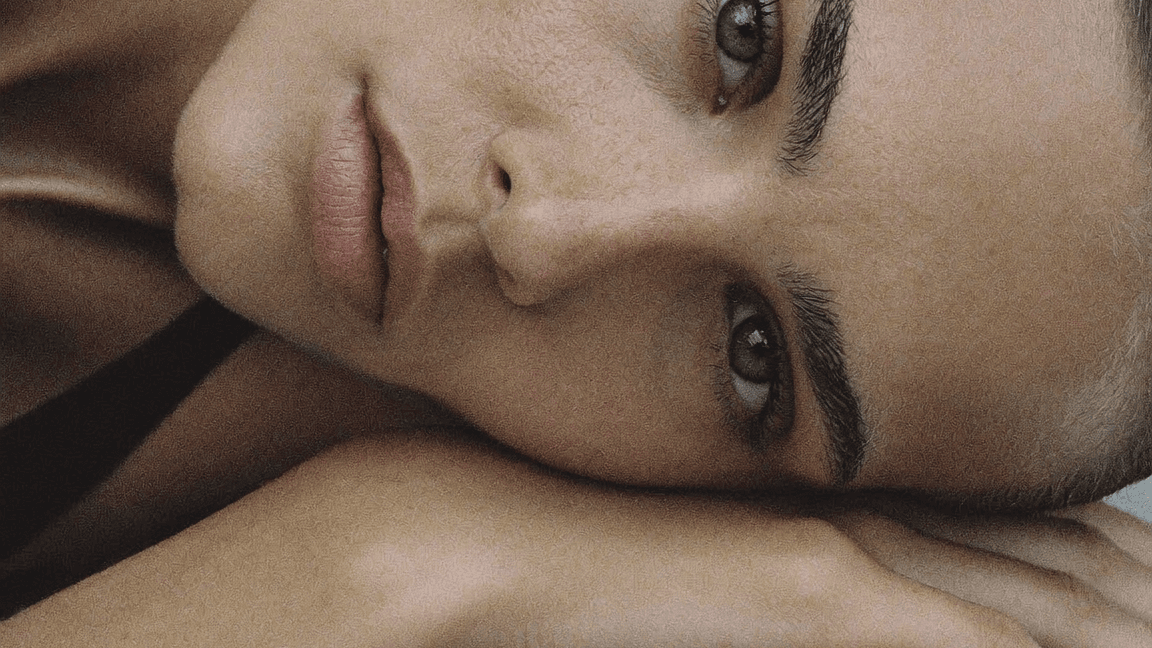
01 Direction | AI Creative Direction for Campaigns
€299€799
Prompt like an AI creative director.
Two years ago this was not a job. Now it is the role brands ask us for. Learn the direction behind the prompt. Use it for your clients, your own brand, or real brand briefs.
✨ What you'll master inside
How to create realistic, high-end AI visuals (not “obvious AI”)
Step-by-step workflows you can reuse again and again
How to go from idea → prompt → final image with clarity
How to direct AI like a creative director
Camera angles, lenses, lighting, and composition explained simply
How to build consistent visuals for brands, campaigns, or clients
How to work faster without losing quality
Real case studies and examples from actual projects
How to add simple, premium animations to your visuals
How to create smooth transitions between a clear starting point and ending point
how to create brand videos.
🔄 What this will change for you
Stop chasing every new AI tool. Focus on the few that actually make a difference.
Work smarter, not longer. Turn hours of production into a fast, streamlined creative workflow.
Move beyond the typical “AI look.” Create visuals that feel like they came from a high-end campaign.
Build a portfolio that stands out and attracts real opportunities.
✨ What you’re getting today
Step-by-step video tutorials guiding you through the full workflow
(20+ practical video lessons)80+ pages of structured visual explanations
Ready-to-use templates and workflows you can apply directly
Prompt examples designed for realistic results
2 real-world case studies showing the full process
A 200+ keyword reference library to support your prompting
Module 1 The Art of Prompting
How to write prompts that actually work for clarity, consistency, and realism.
Learn the language of light, composition, and materials.
Turn creative direction into visuals that reflect your exact ideas.
Module 2 The Tools in Practise
Get to know Midjourney and Nano Banana, when and how to use each.
Learn which tools to use at exactly the right time for product consistency.
Learn settings, versions, and tips that make your results more realistic.
Module 3 The Creative Workflows
Follow my exact step-by-step systems/workflows I use for client campaigns.
Move from clean studio shots to styled lifestyle sets with ease.
Real case studies: Jewelry & Furniture Campaign
Module 4 Visuals in Motion
How to add simple, premium animations to your visuals
How to create smooth transitions between a clear starting point and ending point
Module 5 Video Direction
The Directors Mindset for Video
Sound is half the picture
The six elements of a brand video
Storyboarding
The image to Video Bridge
Extra Tutorials
How to create your own signature 3D letters and animate them.
Creative Direction: How to build a visual concept from scratch
Creative Direction: How to build out a campaign from a single image
How to create you own avatar / brand shoot
Bonus
150+ curated keywords for styles, moods, lighting, and materials.
Includes real-world industry examples for fashion, interiors, beauty, and product design.
Organized by category for quick inspiration and consistent, professional results.
⏳ Why take it now
AI is evolving quickly.
The Direction Course was created to give you a clear path forward.
It's beginner friendly and in English.
Instead of figuring everything out on your own, you’ll learn a structured workflow that helps you create stronger visuals, faster.
Inside the course you’ll find a growing system designed to evolve with the tools and the industry.
You’ll get:
• Lifetime access
• Continuous updates
• New tutorials as the tools and techniques develop
FAQ
How long do I have access to the course?
You get lifetime access. That means you can return to the lessons anytime and continue learning as new modules and updates are added.
Will the course be updated as AI tools evolve?
Yes. AI is moving fast, and the course will continue to grow with it. New tutorials and updates are added as tools and workflows evolve.
Is this course suitable for brands or business owners?
Yes. The framework is designed for both creators and brand owners who want to produce high-end visuals for campaigns, social media, and e-commerce without relying on large production teams.
Can I use this for client work?
Absolutely. Many of the workflows inside the course are the same ones used for real client and brand projects, so you can apply them directly to professional work.
How long does it take to start creating good results?
Most students are able to create strong visuals within the first few lessons. The framework is designed so you can start experimenting and improving quickly.
Do I need expensive software or subscriptions?
No. Many of the tools used are free or low-cost. I also show how to use free versions where possible so you can start without a big investment.
Important Note
Due to the digital and instantly accessible nature of this course, all sales are final and no refunds will be issued.
AI Disclaimer
Inside The HAUS of AI Course, you'll find prompts, tools, and strategies to create stunning, on-brand visuals using AI.
Will the results be 100% perfect?
Not always. AI is powerful but still evolving. You’ll get results that look incredibly close to real images, but some may require light post-editing for a polished finish. And because of how AI tools work, even with the same prompt, your results might not be exactly like mine - that’s part of the creative magic.
We’re confident this system will transform your content as long as you’re ready to commit and create.

Markovic Emilia | Creative
"There are very few professionals teaching AI with real creative authority and refined taste. Your course goes far beyond existing online resources. Thank you for raising the standard".
Majid Angawi | Photographer
"I bought multiple courses and guides but as a fashion photographer I only found what really matters in your Realism Framework. I watched it 5 times already. Things got aligned finally in my mind on how I can build a full photoshoot using AI only."
Unhide | Hlin | Branding Studio
"I was already familiar with Midjourney but not Nano Banana. The course perfectly matched what I was looking for, clearly explaining the added value of the different tools and how to combine them. It opens new doors."
Tijana Novic | Creative
"Evita is amazing. She makes the course so easy to follow — honest, clear, and straight to the point. What really sets it apart is her organic approach, which helps you develop your own creative thinking and planning, rather than just offering prompts or templates. The process feels natural and has truly helped me grow. Highly recommended."
Enric Galveran | Photographer
"I've been a professional fashion photographer for over 30 years. I'm starting to realize I'm losing clients due to everything happening with AI. Your course is helping me rethink my approach and see things from a much more artistic perspective".