Canva Crash Course
£9.99£14.99
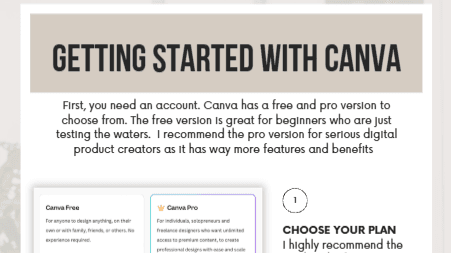
The Canva Crash Course is a beginner-friendly, step-by-step guide designed to take you from opening Canva for the first time to creating polished, professional designs with confidence.
Inside this course, you’ll learn:
• How to get started with Canva
• How to navigate your workspace and understand the tools
• How to create and customise your designs
• Font pairing, text effects & hyperlinks
• Canva’s Magic Studio & AI-powered tools
• Background Remover, Magic Eraser, Magic Expand, Magic Edit & Magic Grab
• How to save, download & share your projects
• Which file types to use for different projects
• Video tutorials to follow along with the lessons
Perfect for complete beginners who want to:
• Create beautiful social media content
• Design digital products
• Create professional-looking graphics
• Build confidence using Canva
• Stop feeling overwhelmed by all the different tools
No previous Canva experience needed. Just follow the lessons, watch the tutorials and start creating. 🤎