Tax Deductions Tracker PRO
$97
Receipts in the car, charges on three cards, and a mileage note on your phone. This tracker pulls it all into one spreadsheet, so when your tax preparer asks what you spent on your business, you have the answer.
Log each expense once. The tracker adds it up by category, by month, and by year, and it flags any entry that’s still missing a receipt or record.
What’s inside:
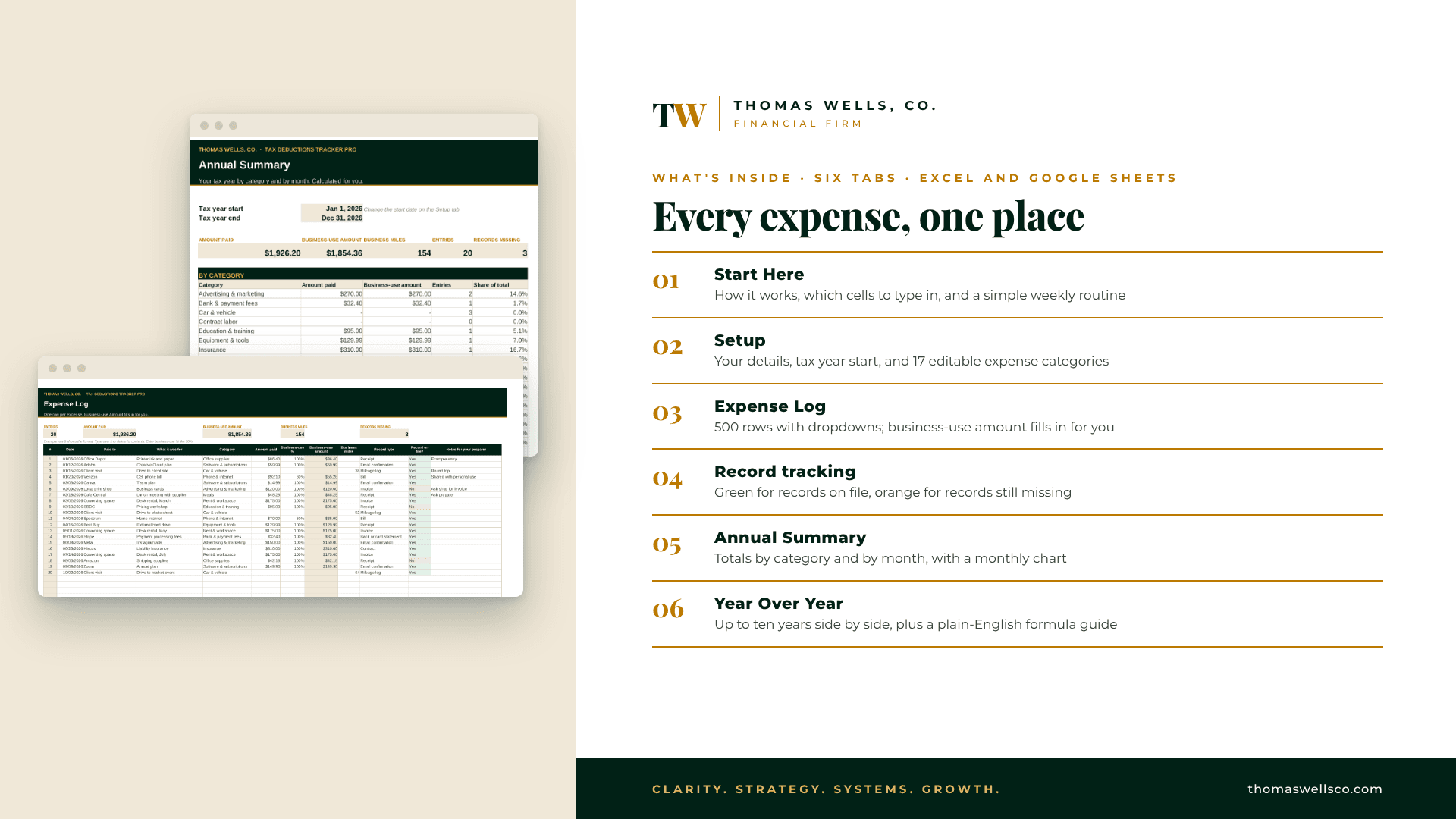
Start Here: how it works, which cells to type in, and a simple weekly routine
Setup: your details, your tax year start date, and 17 expense categories you can rename or add to
Expense Log: 500 rows with dropdowns for category and record type. Business-use amount fills in for you from the amount paid and the business-use % you enter
Record tracking: green when the record is on file, orange when it’s still missing
Annual Summary: totals by category and by month, with a monthly chart
Year Over Year: up to ten years side by side
Formula Guide: what every calculated cell does, in plain English
How it works:
Open it in Microsoft Excel, or upload it to Google Sheets
Fill in the Setup tab once, then log expenses as they happen
Share the Annual Summary and your records with your tax preparer
Who it’s for: 1099 workers, self-employed people, and small-business owners who want their expenses organized before tax season.
This tracker is for organizing and recording. It is not tax, legal, or accounting advice, and it doesn’t decide what is deductible. Your tax preparer decides what applies to your return.