
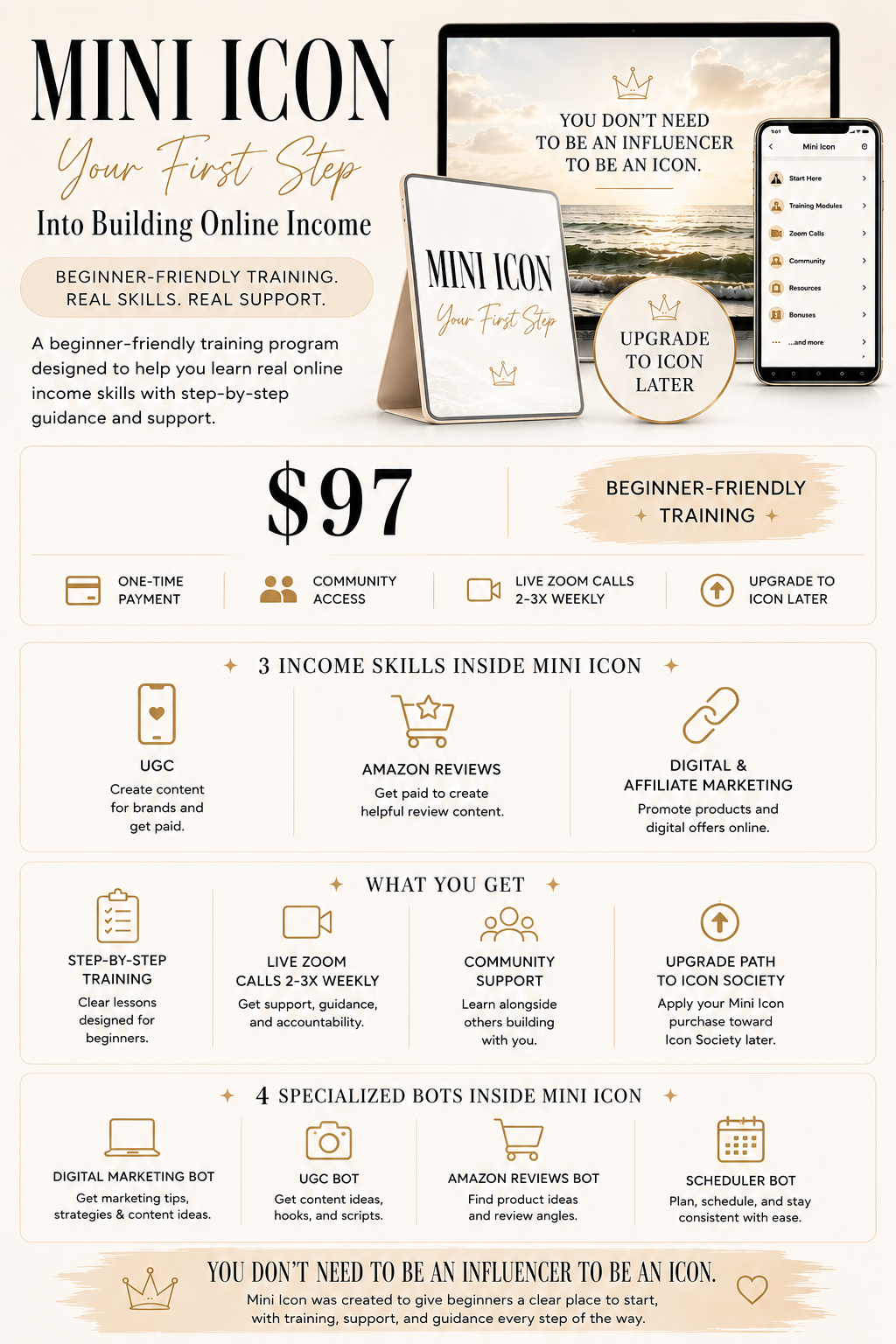
Mini Icon Society
$97
💳 HOW TO USE A VIRTUAL CARD AT CHECKOUT 🤍
Virtual cards let you split your payment into smaller installments while still securing your spot today.
✨ Klarna — One-Time Card
• Open the Klarna app and log in
• Tap “Pay with Klarna” → “Create One-Time Card”
• Enter $97
• Go to checkout on the website
• Select Credit/Debit Card
• Enter your Klarna card details
Get Klarna Virtual Card →
https://www.klarna.com/us
✨ Zip — One-Time Virtual Card
• Open the Zip app
• Go to the Pay tab
• Tap “Generate Single-Use Card”
• Enter $97
• Generate your card details
• Enter them at checkout
• Complete your purchase
Get Zip Virtual Card →
https://zip.co/us
✨ Sezzle — One-Time Virtual Card
• Open the Sezzle app
• Go to the Virtual Card section
• Create a one-time virtual card
• Enter $97
• Use the card at checkout
• Complete your purchase
Get Sezzle Virtual Card →
https://sezzle.com
━━━━━━━━━━━━━━
Account Access & Sharing Policy
By purchasing and enrolling in Mini Icon, you are granted a single-user, non-transferable license for personal use only. Your login credentials may not be shared, sold, transferred, or made available to any other individual for any reason.
Any attempt to access the program by multiple users under one account, or any evidence of credential sharing, will be considered a violation of these Terms. In such cases, access to the program will be immediately and permanently revoked without refund, and your account may be terminated at our sole discretion.
This is a digital product and is non-refundable.