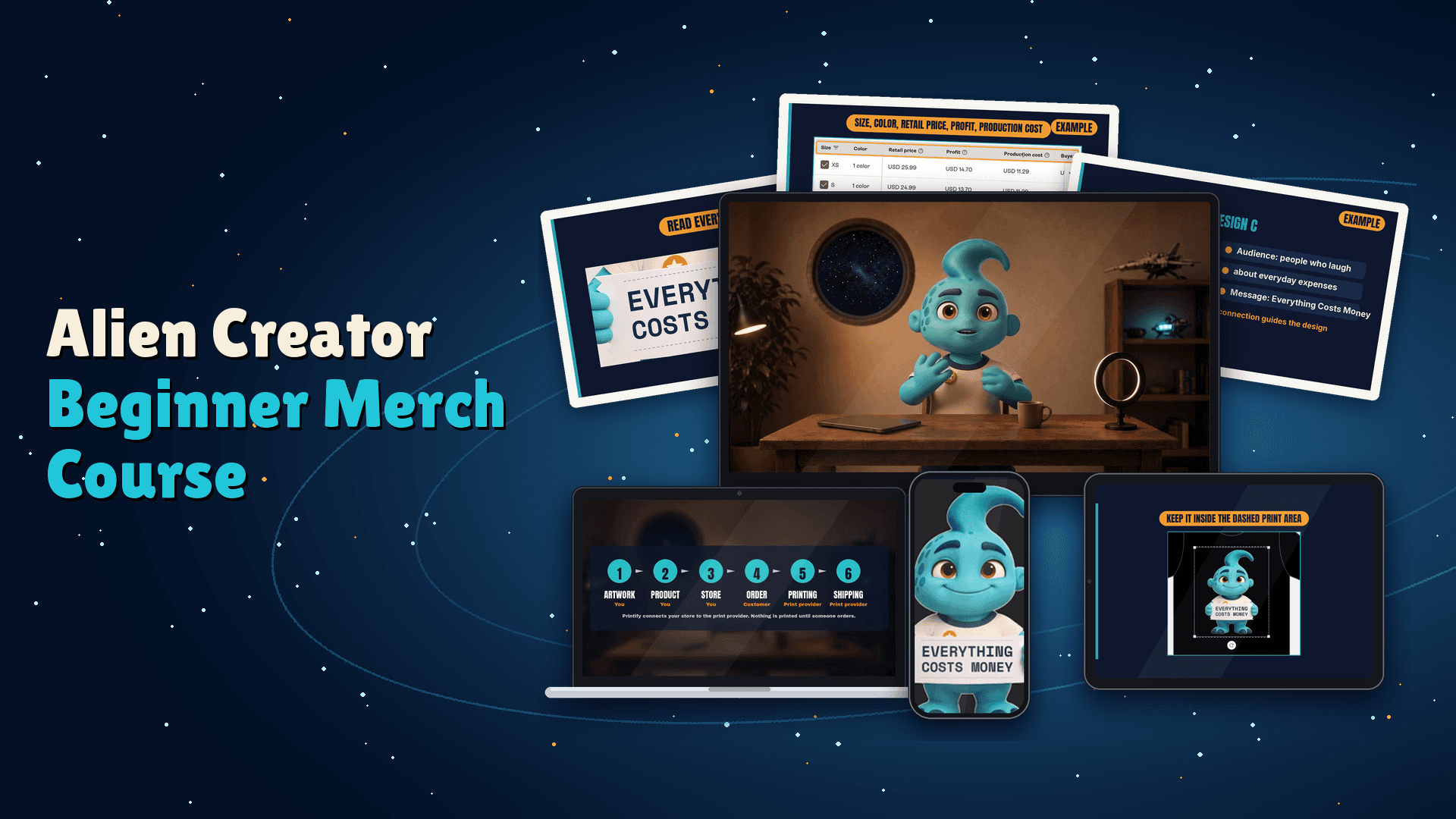
Alien Creator Beginner Merch Course
$197
Headline
Your followers already have an inside joke. Here is how to put it on a real shirt.
Body
You've thought about it. A phrase your audience repeats. A joke only your people get. A design you'd wear yourself.
The idea is already there. What's missing is the path from "that would make a great shirt" to a real product, built, priced and sitting in your own store.
This course walks that path one step at a time, with one shirt. Zag, an alien who just landed on Earth and is figuring out merch the same way you are, shows you every step on a real screen:
Pick an idea your audience recognizes, and check it against basic trademark and copyright rules.
Turn it into finished artwork with ChatGPT, as a text design or an original graphic.
Prepare a clean print file, and fix it when Printify flags a problem.
Choose the shirt and the print provider, set the placement, and check every color and size.
Set up your Printify Pop-Up Store and price each variant on purpose, with the per-sale math in front of you.
Quality-check the shirt with mockups and preview, learn how fulfillment and customer issues work, and plan your first sale.
Print-on-demand means nothing gets printed until someone orders. No box of shirts in your closet in every size from XS up. No inventory to count.
What you finish with: an original design, a print-ready file, a first T-shirt product checked in every variant, and a Pop-Up Store set up with prices you chose on purpose.
21 short lessons are planned, and 19 are ready to watch now. Self-paced. Watch on your schedule.
$197, one time.
What you'll learn
How print-on-demand works, from artwork to customer order to shipping, and who handles what
The difference between product cost, retail price, revenue and profit
How to choose a design idea your audience recognizes
Trademark and copyright basics for merch
How to pick a first shirt for fit, fabric, sizes, colors and readable contrast
How to brief ChatGPT for design variations and ask for specific corrections
How to finish artwork and prepare a print-ready file
How to set up Printify, compare print providers, and check Pop-Up seller-country eligibility
How to upload artwork, set placement, avoid cropping, and fix a print file that fails the check
How to set up a Pop-Up Store and price each variant deliberately
How to quality-check with mockups and preview, and handle common fulfillment and customer issues
Curriculum
Module 1 — Choose Your Merch: 1.0 Choose Your Merch · 1.1 Understand the Print-on-Demand Process · 1.2 Choose an Idea Your Audience Recognizes · 1.3 Select Your First Shirt
Module 2 — Create Your Design: 2.0 Create Your Design · 2.1 Develop the Concept with ChatGPT · 2.2 Create and Finish the Artwork · 2.3 Prepare and Check the Print File
Module 3 — Build in Printify: 3.0 Build in Printify · 3.1 Set Up Printify and Choose the Provider · 3.2 Apply the Design and Save a Product Draft · 3.3 Troubleshoot Your Print File
Module 4 — Launch Your Printify Pop-Up Store: 4.0 Launch Your Printify Pop-Up Store · 4.1 Set Up the Printify Pop-Up Store · 4.2 Calculate Costs and Set Prices
Module 5 — Handle the Real Product: 5.0 Handle the Real Product · 5.1 Quality-Check Your Shirt with Mockups and Preview · 5.2 Understand Fulfillment and Customer Issues · 5.4 Get Your First Sale