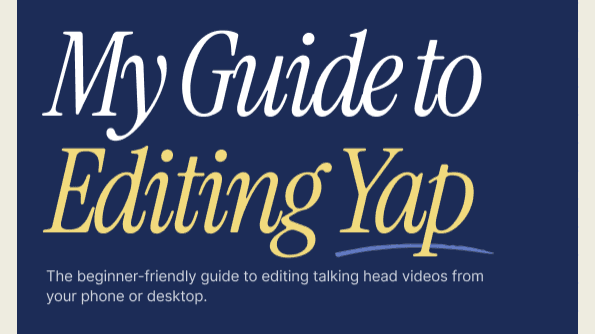
Get My Guide to Editing Yap Now!
$37
✂️👋 hiii! 👋✂️
The beginner-friendly guide to editing talking-head videos
My editing videos got a lot of attention, and y'all have been asking for this guide, so I listened!
This is a quick-start workflow guide to editing your yaps (for deep-dive on visual identity, font systems, colors and etc.) stay tuned for the YAP CUT coming soon and hop on the waitlist
This guide is for you if ...
✓ You film yourself talking and your retention drops off fast
✓ You've opened CapCut and immediately closed it
✓ You edit on your phone because desktop feels intimidating
✓ You want your edits to feel like you, not like a template
✓ You're a beginner who wants results that actually look good
✓ You want to improve how your yap videos look
What you’ll walk away with:
✂️ My exact CapCut editing process for my yaps
✂️ Phone vs. desktop; what to use and when
✂️ The apps I actually use and what each one is for
✂️ Where to add cuts, text, and effects based on how the brain watches video
✂️ A checklist you can use on every single edit
, and a few bonuses
I'm not an editing guru. But I've been designing for 16 years and won design awards. I understand color, composition, hierarchy, user experience, human psychology, and how people consume content.
So If you're building something of your own while managing a lot, and you want to elevate your yap edit and content, this one is for you.
🚨 This guide is not professional advice It's just what works for me and how you could use it too to elevate your yapping videos.