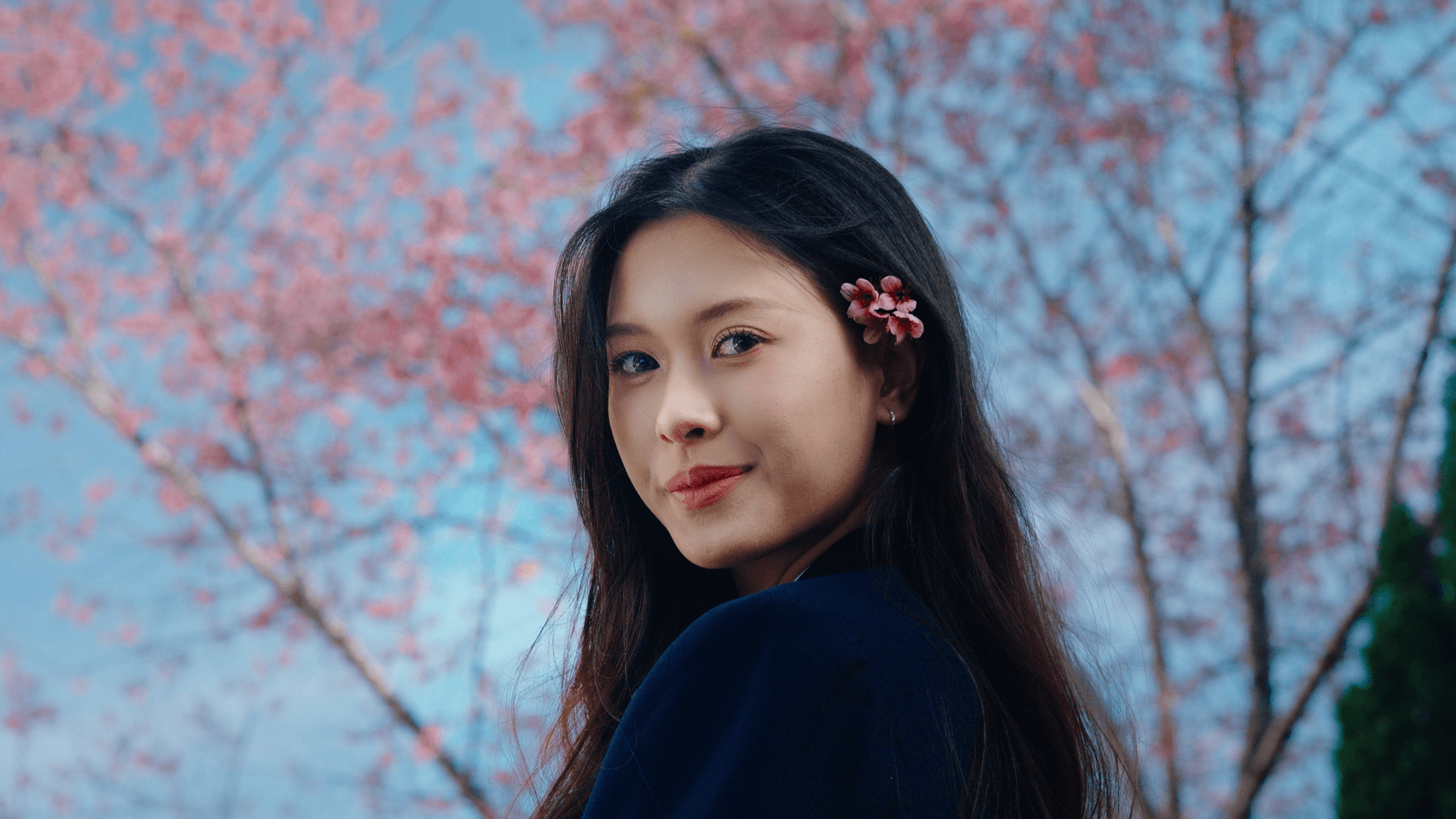
My Artist Color Modular LUTs
$47
18 Components for Look Development
Traditional LUTs often combine Hue, Saturation, Density, Curve and Split Bias into a single look. While this can create a great result, it may not always align with your creative vision.
You’re working with the author’s decisions across multiple variables and the way a LUT performs can depend on factors like lighting, exposure and the colors in your footage.
Artist Color takes a different approach: these creative elements are separated into modular components, giving you more control over how you build your look.
All designed to preserve middle grey and work within DaVinci Wide Gamut / Intermediate.

At its core are 18 Modular LUTs, organized into three creative categories:
The Palettes
Aiko · Soyale · Royale · Makio · Renzo · Mizou
Shape the color relationships within your image and establish its overall color character.
The Tone Profiles
Kamakura · Sakai · Nagoya · Osaka · Sendai · Chiba
Shape the curve, tonal density, and the way your image transitions from shadows through the midtones and into the highlights.
The Split Bias
Kyoto · Hiroshima · Okinawa · Nara · Kobe · Sapporo
Introduce split toning with controlled color separation between shadows and highlights to shape the final mood.

What You Get
✅ 18 Artist Color Modular LUTs
A modular collection designed to give you more control over how your look comes together.
✅ Why I Made 18 Modular LUTs Instead of One — Video Tutorial
Learn how the modular system works and how to set it up in DaVinci Resolve.
✅ Artist Color Modular LUTs Reference Guide (10 pages)
A detailed guide explaining the 18 Modular LUTs and how to use them within your workflow.
Requires DaVinci Resolve · Designed for DaVinci Wide Gamut / Intermediate