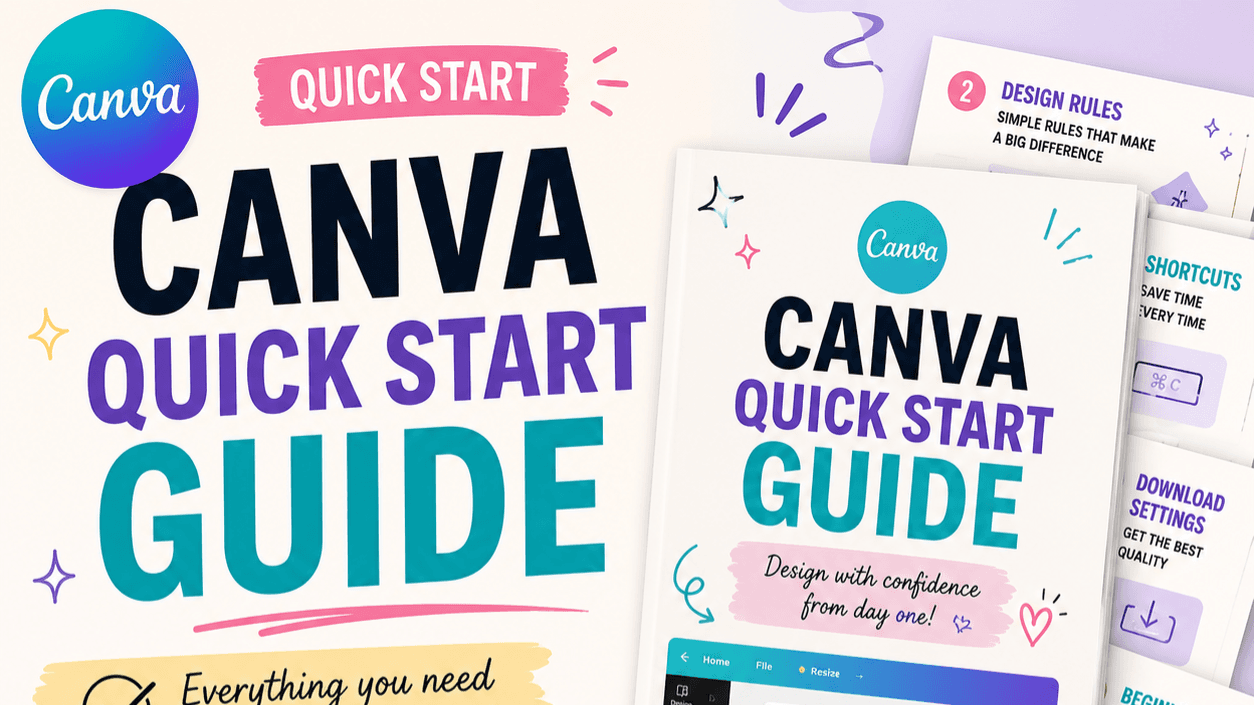
Grab my FREE Reference Guide for Canva
Canva Quick Start Guide
Stop feeling overwhelmed every time you open Canva.
Canva can make creating content, printables, digital products, social media posts, and marketing materials so much easier.
But when you are brand new, all the buttons, templates, tools, and options can feel like a lot.
That is exactly why I created this free Canva Quick Start Guide.
It gives you the simple, must-know basics so you can stop clicking around, start creating faster, and feel more confident with your designs.
Inside the Free Guide
You will learn:
✓ The Canva tools you need to know first
✓ Helpful keyboard shortcuts that save time
✓ Simple design rules that make your work look more professional
✓ The best download settings for different types of projects
✓ Hidden Canva features many beginners miss
✓ How to use Canva’s huge stock video library for Reels and faceless content
✓ A simple beginner workflow you can follow every time you create
This Guide Is Perfect For You If…
You are brand new to Canva.
You want to create social media content faster.
You are making printables or digital products.
You want your designs to look cleaner and more professional.
You feel overwhelmed and do not know where to start.
You want an easy guide you can keep nearby while you work.
You Do Not Need to Be a Designer
You do not need expensive software.
You do not need years of experience.
And you definitely do not need to know every Canva feature before you begin.
You just need a simple place to start.
This guide will help you build confidence, save time, and create designs you are proud to share.
Grab Your Free Canva Quick Start Guide
Download it today and start creating with more confidence.
Get the free guide below.
Ready to Create Something You Can Sell?
Once you feel comfortable using Canva, the next step is learning how to turn your ideas into a digital product.
The Getting Started With Digital Products Guide walks you through the beginner-friendly process of choosing an idea, creating your product, setting it up for sale, and taking your first steps toward earning online.
It is perfect for anyone who wants to create:
✓ Printables
✓ Planners
✓ Checklists
✓ Templates
✓ Guides
✓ Workbooks
✓ Social media resources
✓ Other simple digital downloads
You do not need a huge audience, advanced design skills, or a complicated business plan.
You just need a clear starting point.
Check out the My Digital Business Workbook and turn your Canva skills into something you can sell.