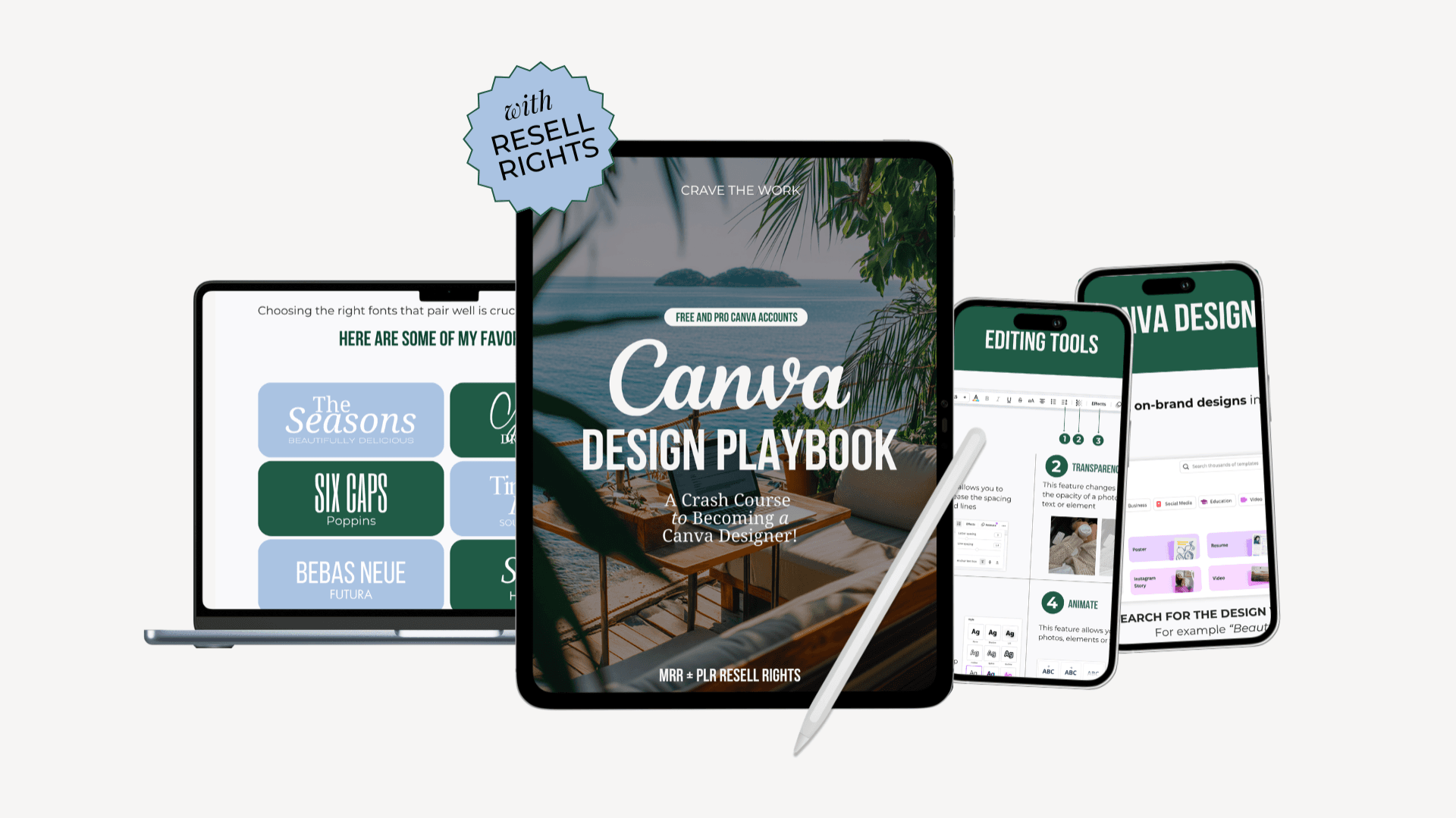
Canva Design Playbook (Crash Course)
$17.99$37
The Canva Design Playbook
Look, we've all been there... staring at a blank canvas, tabs open, not sure where to even click first. This playbook exists so you can skip all that and just start making things.
WHAT THIS IS
The Canva Design Playbook is a crash course to becoming a Canva designer, even if you've never designed a single thing in your life. It's a beautifully designed Canva template paired with over 1.5 hours of video tutorials, so you're not just reading about what to do, you're watching it happen in real time.
Works with both free and paid Canva accounts.
WHAT'S INSIDE
Chapter 01 — Getting Started with Canva Get your account set up fast. We cover the difference between Free and Pro, walk you through registration step by step, and get you into your first design without overthinking it.
Chapter 02 — Your Workspace Learn how the Canva editor actually works. We cover all the tools you'll use on a daily basis so nothing feels confusing or random anymore.
Chapter 03 — Your Toolset This is where things start clicking. Frames, grids, shapes, text, and design elements. We show you how to use them to make your layouts look clean and polished instead of thrown together.
Chapter 04 — Brand Kit & Fonts Set up your Brand Kit with your colors, fonts, and logo so every design you create feels cohesive and unmistakably you. No more starting from scratch every time.
Chapter 05 — Canva Magic Studio All about Canva's AI tools. Background Remover, Magic Eraser, Magic Grab, Auto-Focus Effect, Magic Media, and Dream Lab. We walk through all of them so you actually know how to use them, not just that they exist.
Chapter 06 — Apps & Other Canva Features The stuff most people never find on their own. Canva Whiteboards (great for brainstorming, mood boards, and content planning), Bulk Create for batch-making designs, using free photo apps like Pexels and Pixabay, and more.
Chapter 07 — Canva Hacks The shortcuts and tricks that make everything faster and more consistent. Copy & Paste Style with the Paint Roller, finding matching elements, Photo to Palette, creating white outlines, Brandfetch for instant brand logos — the kind of things that make you feel like you actually know what you're doing.
Chapter 08 — How to Save and Share a Project Know exactly which file type to use and when. PNG, JPG, PDF, or template link... we literally explain it all, including how to share your designs if you're selling templates or PLR products.
Chapter 09 — How to Create Digital Products Ready to make money with Canva? This chapter walks you through creating sellable digital products including e-books and guides, with a full video tutorial showing the process from start to finish.
Chapter 10 — PLR and MRR License Everything you need to know about your Private Label Rights and Master Resell Rights. What you can do with this playbook, how to resell it, and how to make it your own.
THIS IS FOR YOU IF...
You're brand new to Canva and want to learn it properly from day one
You've been using Canva but still feel like you're guessing half the time
You run a small business and need to create your own content without hiring anyone
You want to actually understand how Canva's AI tools work
You want to sell digital products or templates and need to know how
QUESTIONS PEOPLE ASK
Do I need Canva Pro? Nope. The playbook covers both Free and Pro accounts and always tells you which features need a paid plan. You can get a ton of value from the free version alone.
Is this a video course or a written guide? Both. It's a beautifully designed PDF paired with over 1.5 hours of video tutorials. Reference the written steps whenever you need them, and watch the videos to see it all done in real time.
When do I get access? Right away. As soon as your payment goes through, everything is yours to download instantly.
Is Canva 2.0 available yet? Not for everyone but they're rolling it out to everyone soon.