
AI Creator Prompt Kit
$197$247
AI CREATOR PROMPT KIT · CREATED BY AI PROFIT ACADEMY
Build the character. Create their world. Plan what happens next.
You do not need another collection of disconnected prompts. You need to know which reference to create, what to do with it and how to carry the decisions you have already made into the next stage.
AI Creator Prompt Kit brings together five specialist custom ChatGPT plugins and 14 core recorded lessons. Develop AI influencers and fictional characters, reusable locations, content plans, photographic storyboards, animation prompts and original micro-drama projects.
Each studio has a distinct job. Use one for a specific need or follow the collection from your first character idea to a directed video prompt.

What are you actually buying?
Five specialist AI assistants, recorded video training and guided creative workflows.
What is a custom ChatGPT plugin?
Think of it as a specialist AI assistant inside a compatible ChatGPT account. Each studio guides a particular part of your creative project. Describe your idea in everyday language, attach relevant references, ask questions and refine the prompts together.
For example, Character Studio focuses on identity and styling; Video Director focuses on what happens when a scene moves. You can ask follow-up questions and request revisions instead of being limited to one fixed prompt.
Choose the studio that fits your project and follow the included setup guidance. They do not automatically transfer your images or project decisions between chats; carry your approved references and handover forward.
01 · AI Influencer & Character Studio
Create the person your content will return to.

Start with a fictional AI influencer, a story character, an existing approved identity or an optional AI twin using your own photographs. Turn your choices into photographic prompts and build references you can use again.
Describe the face, complexion, hair, makeup and body direction you want.
Prepare and review a portrait before using it to guide a full-body image.
Create character-reference-sheet prompts with multiple views.
Explore outfit, hair, makeup and accessory changes with approved identity references.
Save and organise the images you want to carry into later projects.
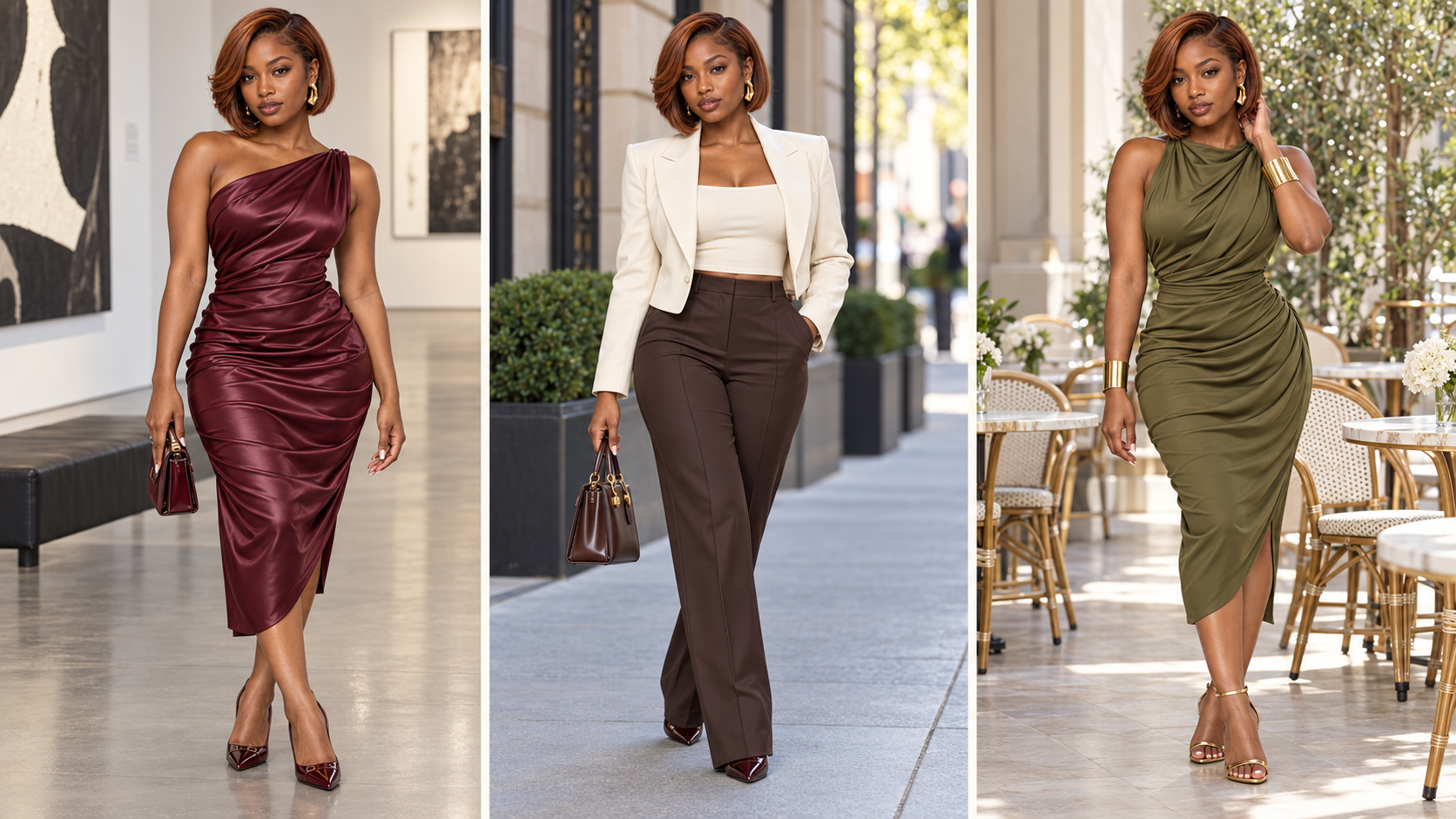
What you will learn: Character creation, consistent references and styling, with guided tutorials and practice.
Next connection: take your approved character and styled look into Location Studio to place that person in a scene.
02 · Location Studio
Give your character somewhere believable to live, work and tell a story.

Describe a new environment or reuse a room image you already like. Prepare prompts for the base setting, useful additional views and natural character placement.
Specify architecture, furniture, materials, lighting and usable action space.
Develop empty locations before adding the cast where appropriate.
Request additional camera views using an approved setting as reference.
Place an approved character with plausible scale, pose and contact shadows.
Review furniture, room geography, reflections and light across the returned images.
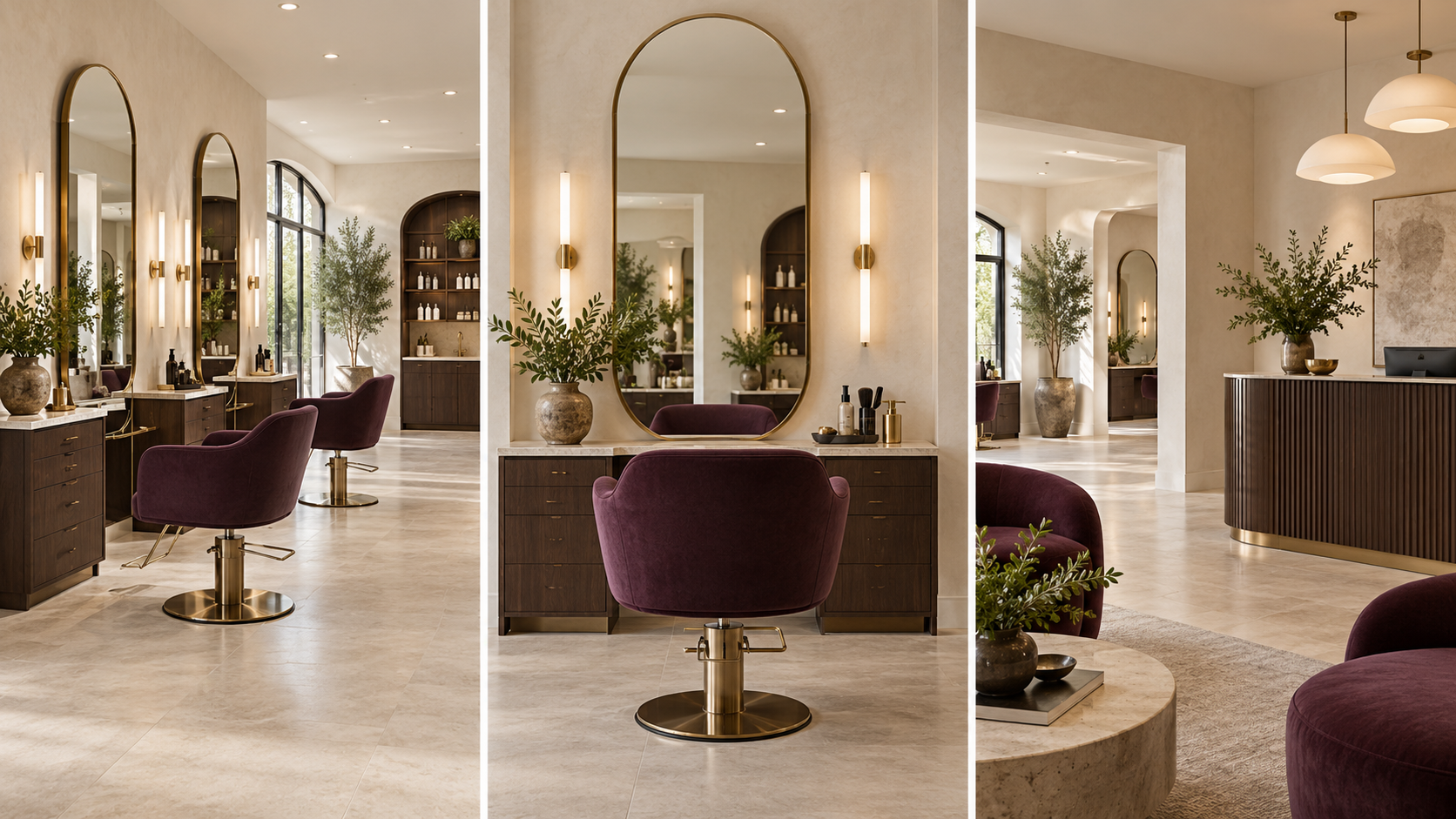
What you will learn: Reusable locations, useful camera views and natural character placement.
Next connection: bring the character and selected locations into Content & Storyboard Studio to decide what the audience sees.
03 · Content & Storyboard Studio
Turn a content idea into a sequence you can see.
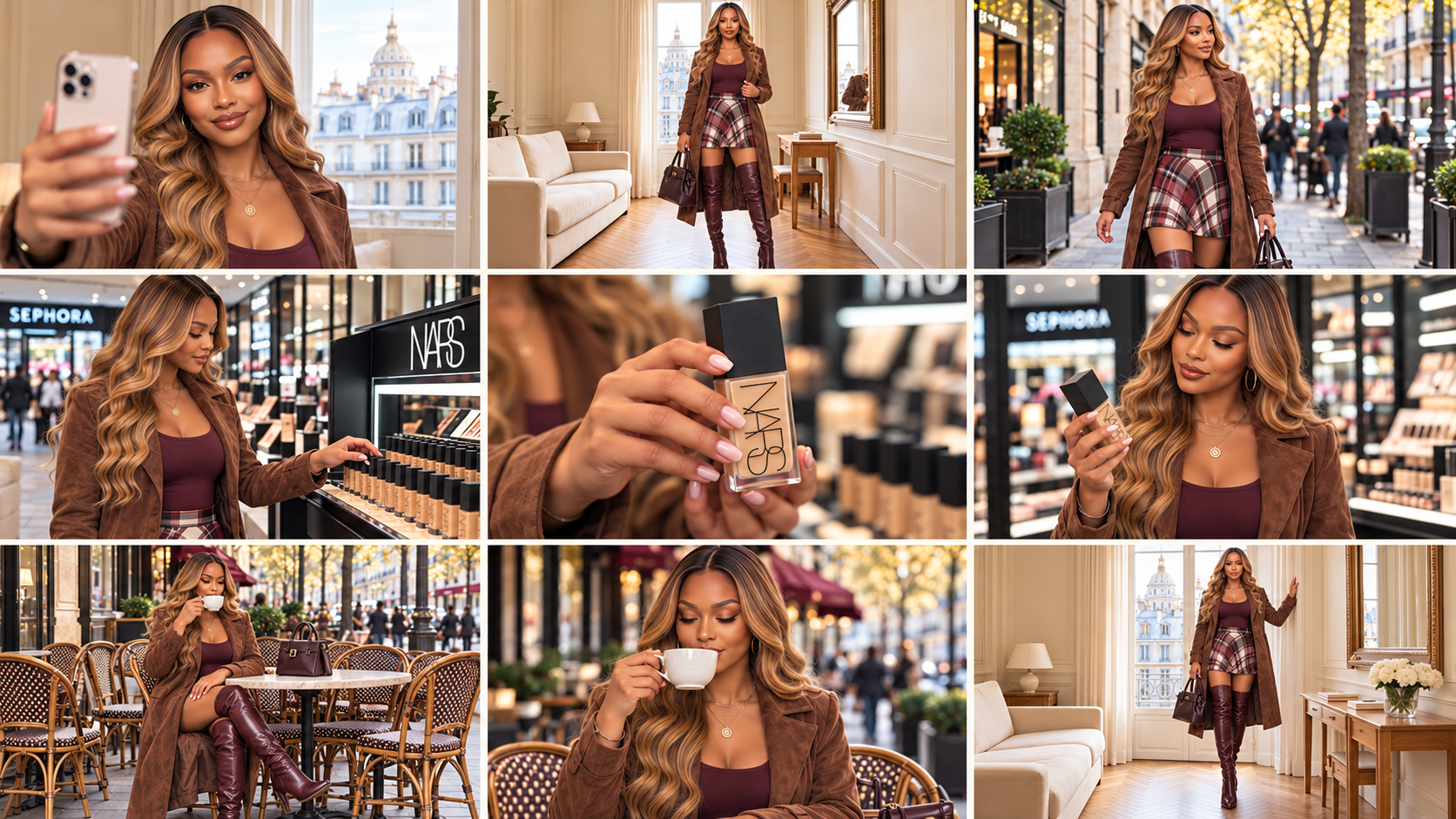
Plan fashion, beauty, hair, lifestyle, jewellery, UGC or product-focused content with a purpose for each shot. Decide the order, key actions and framing before asking a video model to bring it to life.
Develop a content idea or organise a concept you already have.
Prepare a shot plan with timing, framing, actions and any approved speech.
Map character, styling, location and product references to their actual roles.
Write a complete photographic storyboard prompt and review the returned board.
Prepare a handover with the sequence and decisions needed by Video Director.
What you will learn: Content planning, photographic storyboards and clear project handovers.
Next connection: carry the approved storyboard, exact dialogue and references into Video Director.
04 · Video Director
Direct the action, camera and sound.
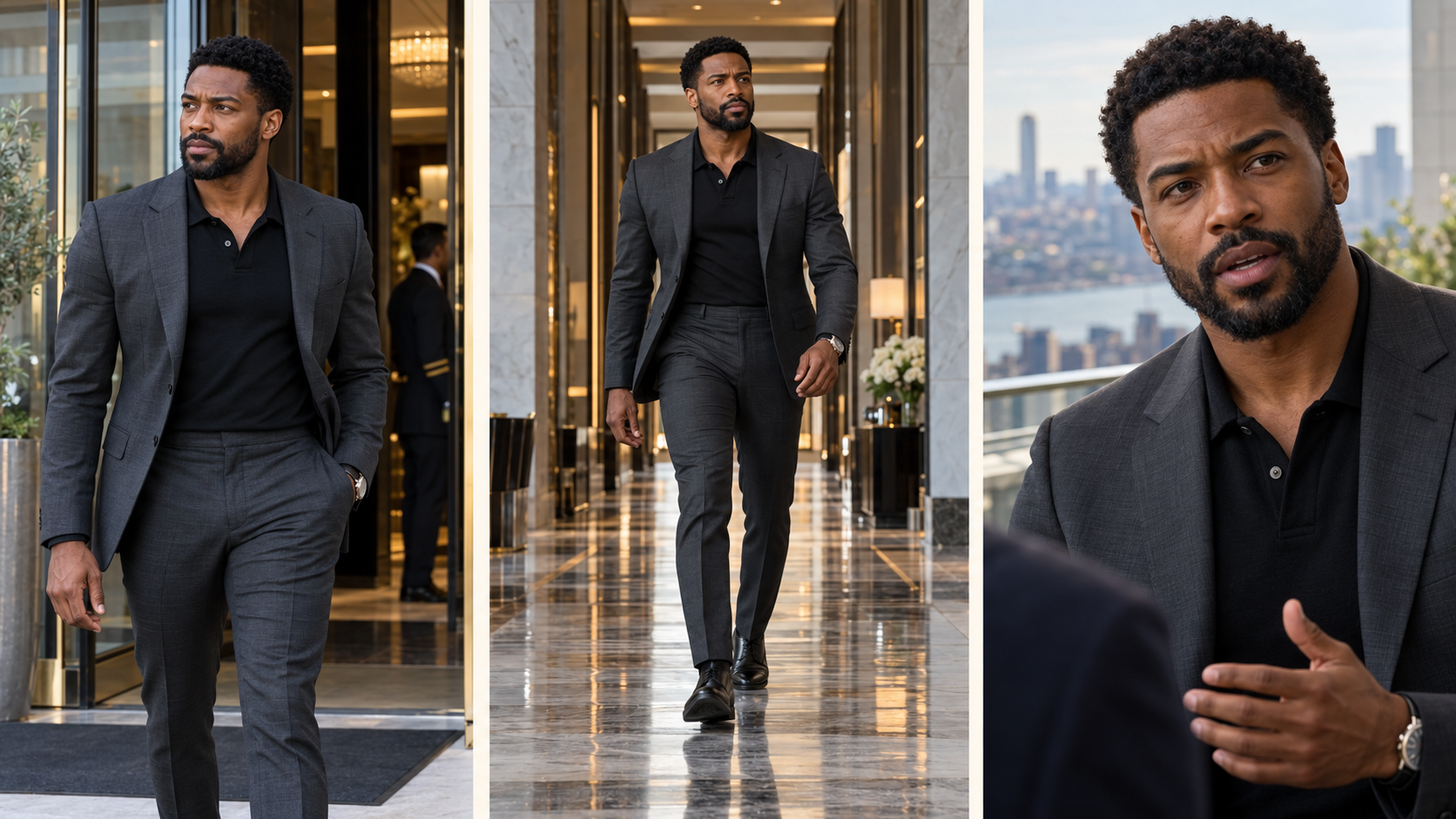
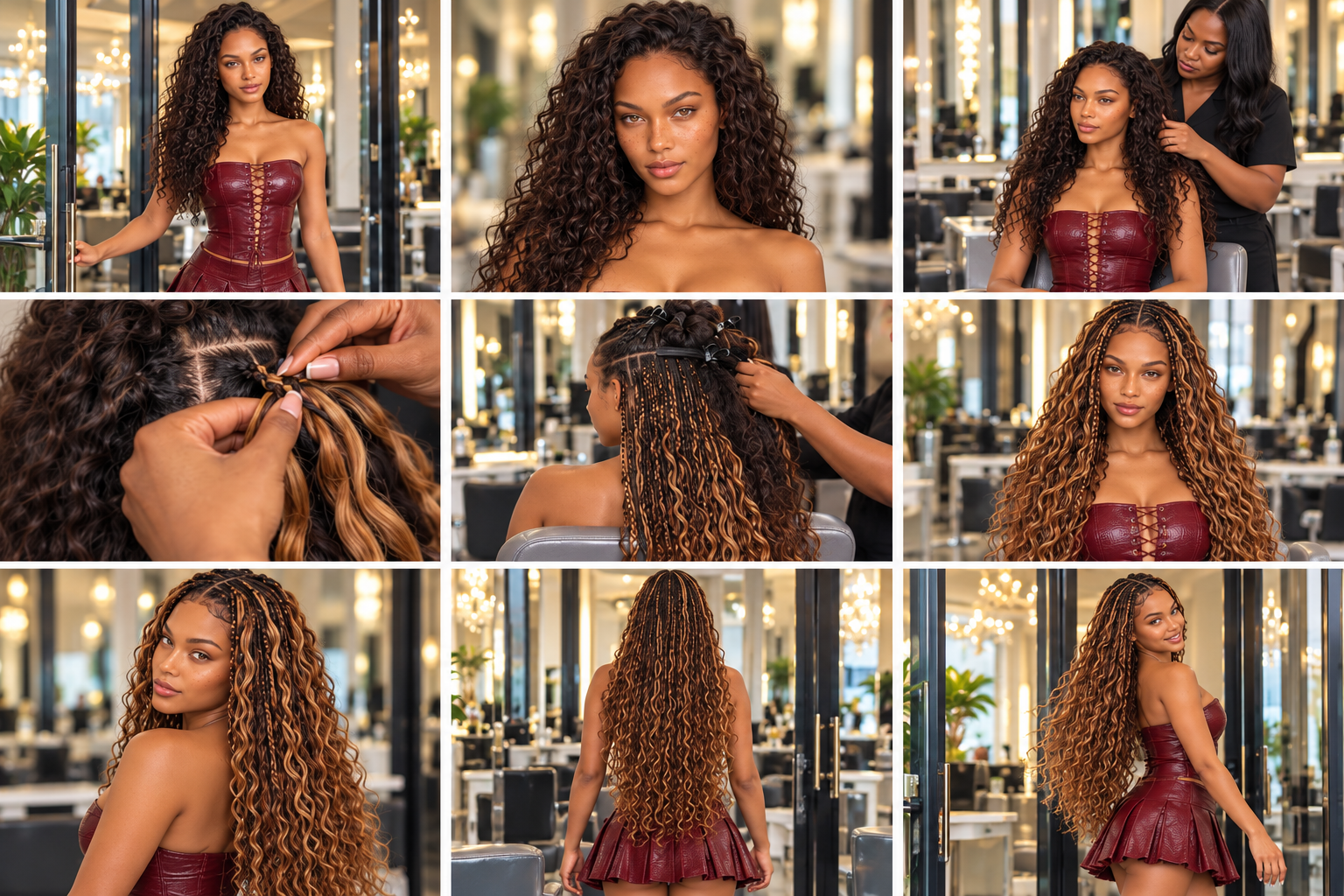
Use a storyboard, one image or a scene idea to prepare a complete animation prompt for your selected video generator. Keep the approved creative direction while defining how the scene unfolds.
Describe the movement, gaze, physical performance and start/end states.
Specify useful camera framing, movement, coverage and transitions.
Keep exact dialogue with the correct speaker and plan the intended sound.
Track props, hand use and continuity between shots.
Review returned footage and target the failed part instead of redesigning everything by default.
What you will learn: Video prompting, camera movement, dialogue, sound and clip review.
Next connection: use the generated clip in your own editing and publishing workflow. Music, captions and finishing choices remain yours.
05 · Cinema & Micro-Drama Studio
Create the story behind the striking scene.
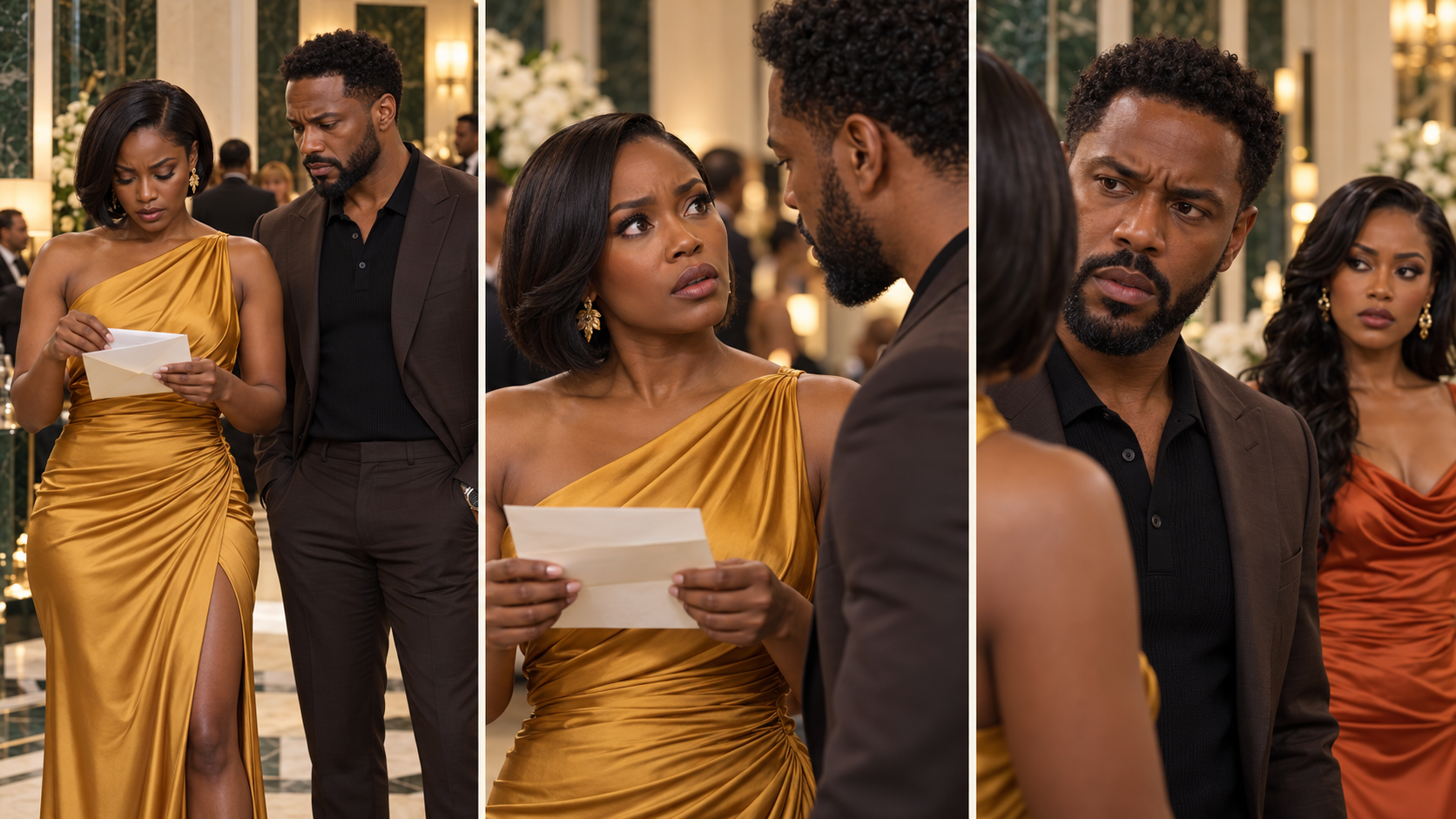
Develop an original short drama or continue an existing episode. This studio brings story development, visual preparation, cinematic prompting and episode continuity into one drama-focused workflow.
Explore story ideas or develop your own hook, conflict and reveal.
Approve a timed script with natural dialogue and meaningful reactions.
Build or reuse cast references, outfits and locations.
Prepare photographic storyboards and cinematic video prompts.
Track character knowledge, relationships, clues and props for the next episode.
Review the returned output against the current script and references.
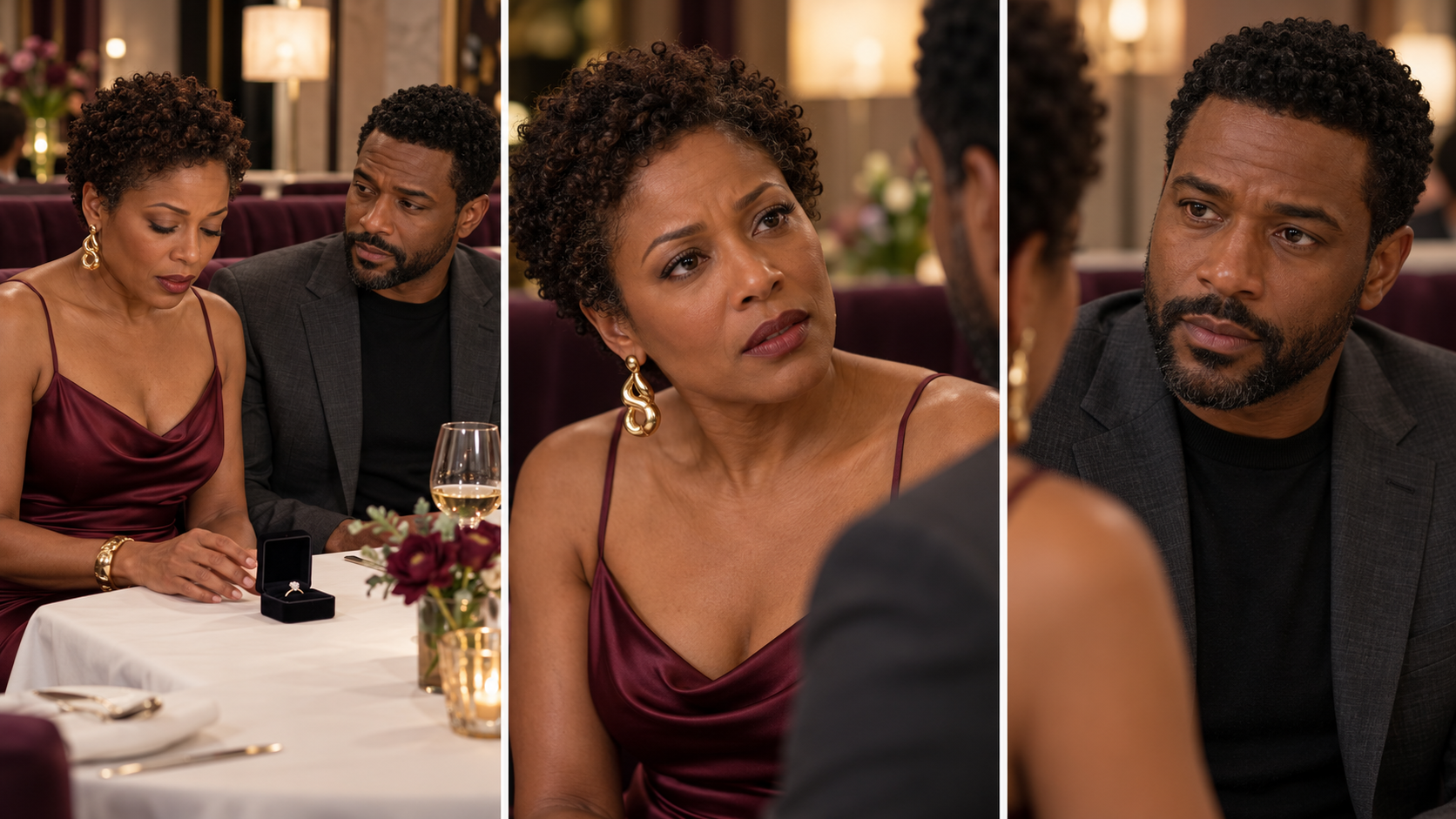
What you will learn: Story development, cinematic scenes and continuity across episodes.
Use it your way: start here when your main goal is fictional drama, rather than following the influencer workflow first.
What you will find inside your course
23 videos in total: 14 core walkthroughs, five plugin installation videos, two orientation videos, one finished Paris vlog example and one monetisation bonus. A separate written practice page helps you apply the workflow.
Five specialist plugins: one for each stage of your creative workflow.
14 core recorded lessons: step-by-step guidance across all five studios.
Written learning resources: quick starts, worked examples, continuity guidance and review steps appropriate to each studio.
Practice tasks: apply the process to your own character, location or content idea.
A reusable workflow: return with new briefs and references rather than copying a course example forever.
From a simple brief to your own creative project
Example: “I want a stylish AI creator filming a short shopping vlog.”
Use Character Studio to establish the person and styled look. Use Location Studio for the apartment and café. Plan the sequence and photographic board in Content & Storyboard Studio. Then direct the motion, dialogue and sound in Video Director.
Prefer fictional drama? Open Cinema & Micro-Drama Studio with your premise or latest episode ending. Develop the script and visual plan, reusing existing approved characters where they fit.
You choose the project. The lessons demonstrate the process, and the plugins guide the stage you are working on.
Who this toolkit is for
Beginners who want an organised introduction to AI creative production, creators building an AI influencer or recurring fictional cast, and business owners planning original lifestyle or product content. No coding is required to describe your ideas and work through the creative prompts.
From purchase to your first project
Open your course. Find your studio access and recorded training together in your course.
Set up your plugin. Follow the included instructions in your compatible ChatGPT account.
Start a conversation with your studio. Describe your idea and attach the references relevant to your project.
Use and review the output. Copy the prompt into your selected image or video service when generation is needed. Bring the result back for review and targeted changes.
Before purchasing: confirm that your ChatGPT account supports custom plugins. Access, permissions and available features depend on your account and workspace. External AI subscriptions and generation credits are not included.
One studio or the complete collection?
Standalone studio: $97, reduced from $127. Choose the specialist stage you need and receive that studio’s package and listed course resources.
Complete five-tool bundle: $197, reduced from $247. Receive all five studio packages and all 14 core recorded lessons in this collection.
At the current standalone sale prices, buying all five separately would total $485. The bundle is $197, a difference of $288. This comparison is between the listed studio purchases; it does not include external AI services or the optional paid AI Profit Academy monthly membership.
Your questions, answered
Is this a course, a prompt pack or a plugin collection?
It is a collection of five custom plugins with recorded lessons and written learning resources. The plugins provide interactive project guidance and prompts; the course shows you how to work through the process.
Can I use this as a beginner?
Yes. Begin with the relevant lesson, describe a simple project and follow one stage at a time. You can ask for help choosing a direction or bring an idea you already have.
Do I have to use every tool?
No. Open the studio that fits your current task. An approved character does not need to be recreated simply because you are now planning a location or video.
Does the purchase include ChatGPT, Nano Banana Pro or video credits?
No. You need your own compatible ChatGPT access, including the permissions needed to use custom plugins, and any image/video service you choose. Those subscriptions, usage limits and generation credits are separate.
Will it create a finished video automatically?
The collection supports creative planning, visual prompts, video prompts and review. You still choose the generator, attach the actual references, confirm its settings and render there. Image creation in ChatGPT depends on the capabilities available to your account and your explicit request.
Do I need to show my face?
No. You can create fictional characters. Using your own photographs for an AI twin is optional. Only use references you have the right to use.
Does the toolkit guarantee income or viral content?
No. It teaches and guides creative production. Publishing, audience-building, business results and any monetisation requirements depend on your own work and the platforms you use.
Is this a monthly subscription?
No. This is a one-time purchase of the listed studio package and course resources. ChatGPT and other AI services have their own access requirements and charges.
Is community membership or personal coaching included?
Your purchase includes access to the AI Creator Prompt Club buyer community and its private Facebook group. The optional paid AI Profit Academy monthly membership, live teaching and personal coaching are separate from this course.
Can I use what I create for my own content?
You can develop original projects for your own content and business, subject to the rights in your references and the terms of your chosen platforms. This does not give permission to resell or redistribute the studio plugin, course recordings or proprietary teaching materials.
Will every generation look exactly as planned?
No AI tool can promise that. Clear references and careful review help, but you may need revisions. Views, sales, earnings and flawless results are not guaranteed.
Choose your first project. Open the studio that gets you started.
One-time purchase. Five specialist studios. Fourteen core walkthroughs plus setup, orientation, a finished example and a monetisation bonus. A clearer way to move from your idea to characters, settings, visual plans and directed video prompts.