Cinema & Micro-Drama Studio
$97$127
AI PROFIT ACADEMY · TOOL 05
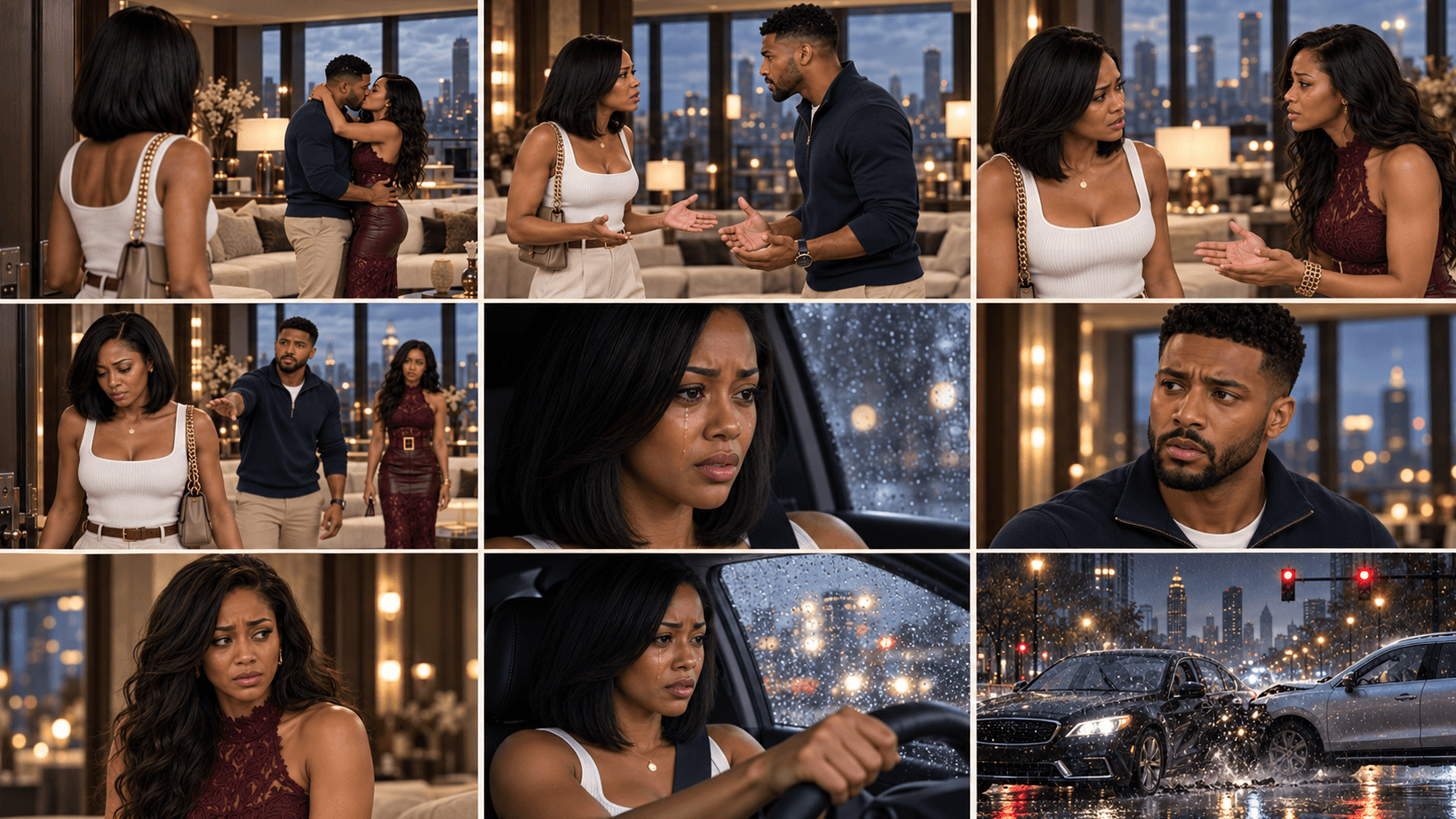
Start with a hook. Give the reveal a reason to matter.
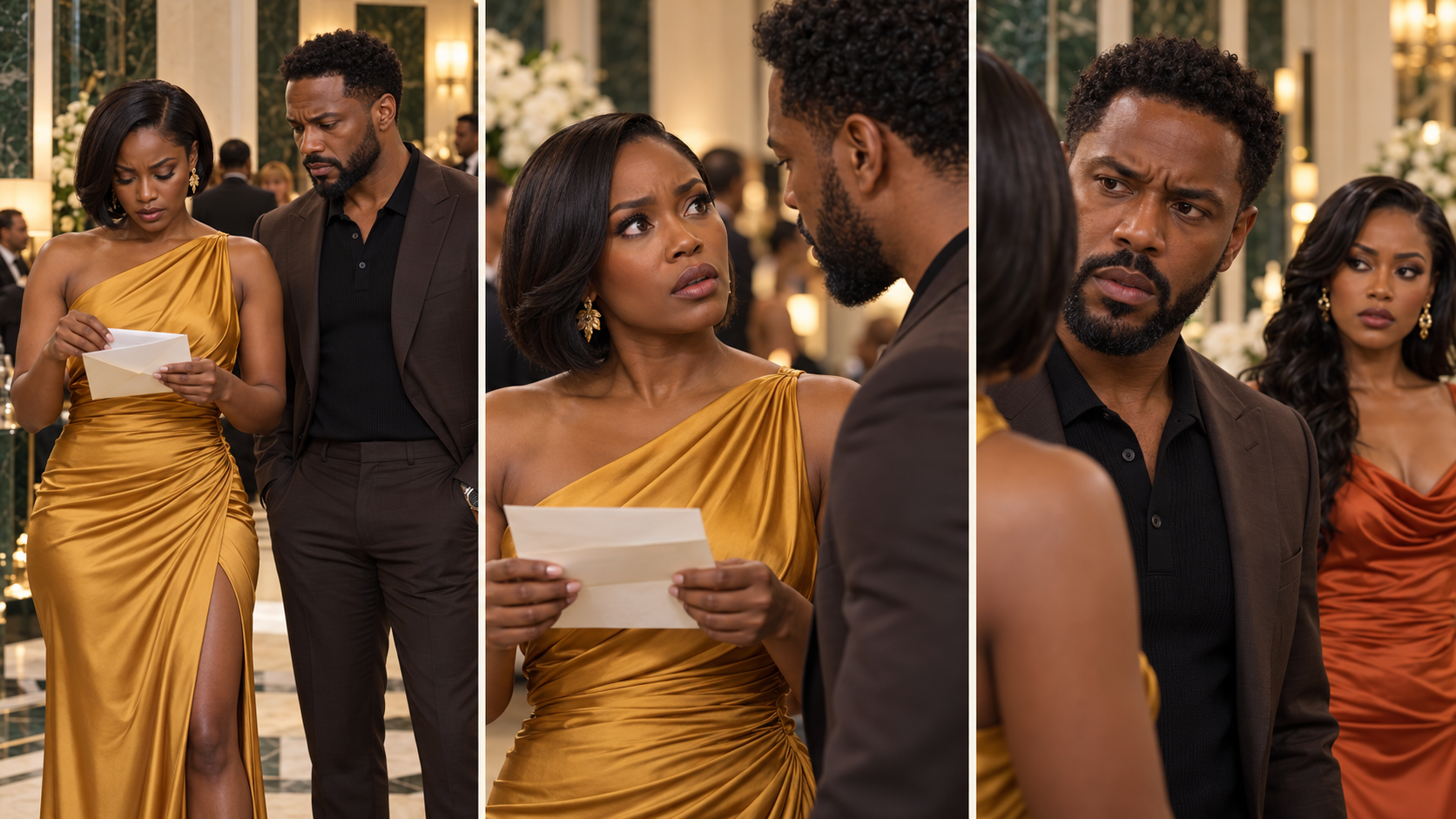
An opened letter. A familiar name. An answer that changes what a character believed. A compelling short drama needs more than a shocked face: it needs a story viewers can follow, characters with something at stake and a reveal that fits what happened before.
Cinema & Micro-Drama Studio helps you develop an original short drama or continue an established series. Work from an idea, approve the timed script, prepare visual references and a photographic storyboard, then receive cinematic video prompts for your chosen generator.
Hooks. Scripts. Characters. Storyboards. Episodes.
What is a custom ChatGPT plugin?
Think of it as a specialist creative assistant inside a compatible ChatGPT account. Each AI Profit Academy studio contains its own instructions, workflows and references, so you can describe your goal in everyday language and receive structured guidance and copyable prompts for that stage of your project.
Your studio combines a specialist AI assistant with recorded video training and guided creative workflows. Bring a new idea, ask follow-up questions and refine your project in conversation. Use the resulting prompts in your chosen image or video tools.
What you will learn inside
Find a story direction: ask for original ideas, develop your own premise or bring a short recap of an existing episode.
Create an opening hook: establish an immediate question or emotional situation that belongs to the story.
Write a timed script: assign visible action, natural dialogue, reaction time and a meaningful ending to the selected runtime.
Build or reuse your cast: prepare character-reference prompts when needed, or continue using the approved people and styling you already have.
Prepare the setting: establish the location and staging the scene needs, with clear reference roles.
Plan the photographic storyboard: carry the current script, characters, actions and timings into a visual shot sequence.
Prepare cinematic video prompts: describe performance, camera, exact dialogue, speaker ownership and sound for the approved scene.
Continue the series: keep track of character knowledge, relationships, clues, props and decisions that affect the next episode.
Review the result: compare returned images or clips with the actual plan and target necessary changes.
Different characters. Another moment worth exploring.
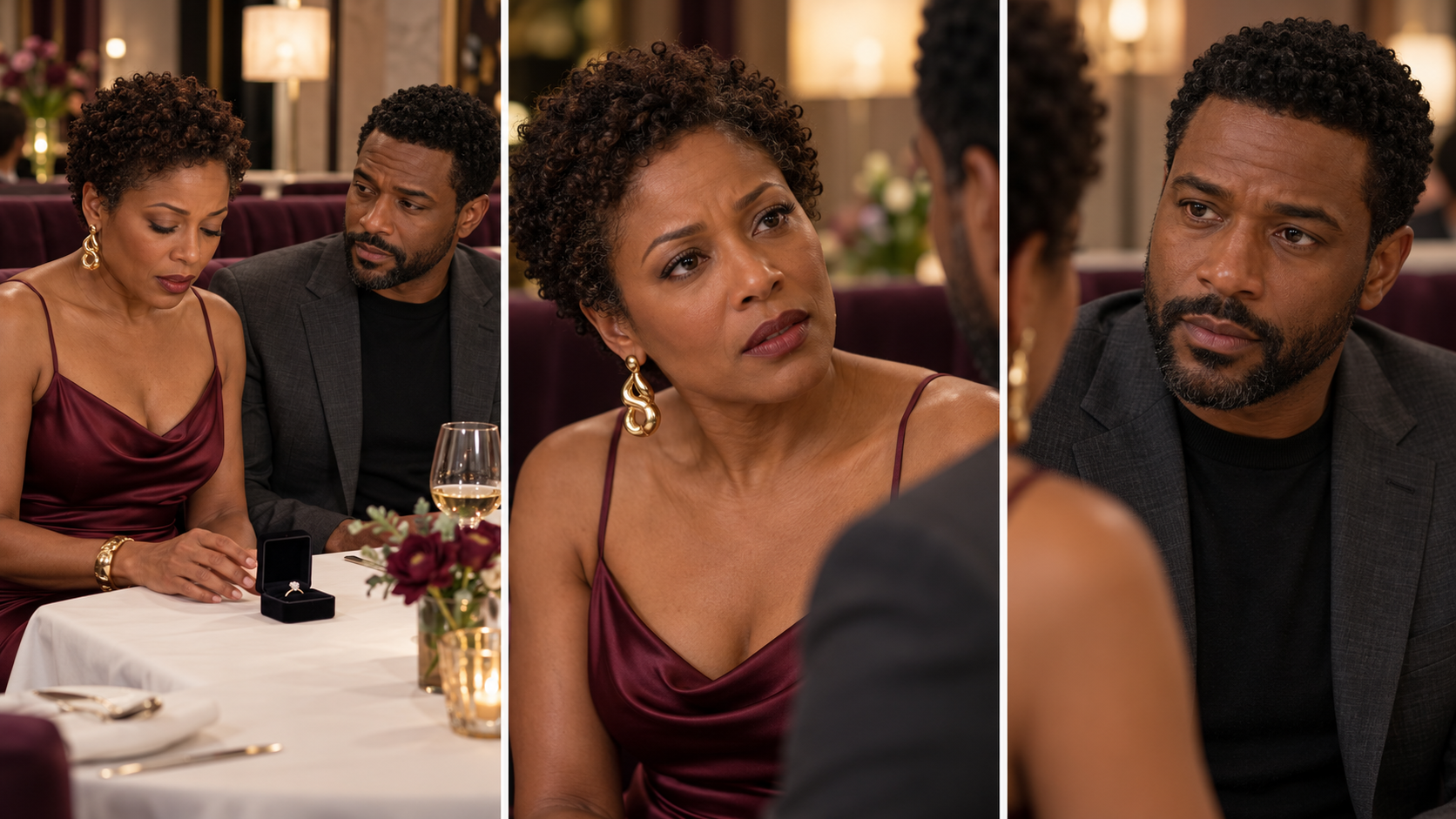
One cast. A story worth following.
Build recognisable characters across discoveries, confrontations and emotional reactions. Keep their identities and relationships connected as your story develops.
One studio, several starting points
“Help me find a story.” Explore a few original concepts and choose the one you want to develop.
“Develop my idea.” Bring a one-sentence premise and shape it into a script with a clear setup, tension and payoff.
“Continue my existing story.” Bring the latest ending, approved script or short handover. Reuse the established cast and continue from what the characters actually know.
You can also enter with an approved script or references. You do not have to repeat finished stages simply to reach the next step.
What your purchase includes
Your specialist Cinema & Micro-Drama Studio AI assistant for original stories and continuing episodes.
A recorded walkthrough showing the story-to-screen process in action.
Guided workflows for scripts, cast references, locations and cinematic scene planning.
Episode-continuity and AI-guided review support to develop your next scene with a clear direction.
Who this is for
Beginners exploring fictional short-form drama, creators building recurring characters and storytellers who want a guided route from an idea to a production prompt. Choose your own audience, tone and story direction.
From purchase to your first project
Open your course. Find your studio access and recorded training together in your course.
Set up your AI assistant. Follow the included setup instructions to open your studio in a compatible ChatGPT account.
Start a conversation with your studio. Describe your idea and attach the references relevant to your project.
Use and review the output. Copy the prompt into your selected image or video service when generation is needed. Bring the result back for review and targeted changes.
Before purchasing: confirm that your ChatGPT account supports custom plugins. Access, permissions and available features depend on your account and workspace. External AI subscriptions and generation credits are not included.
Beginner questions
Do I need an existing story or characters?
No. You can start with an idea and develop the cast. If you already have approved characters, upload their references and reuse them.
Is this only for hospital dramas?
No. Develop your own original settings, characters and relationships. The recorded walkthrough shows a process you can apply to your own story.
Does approving a script spend generation credits?
Approving a written script advances planning. Image creation and paid video rendering are separate steps. Check your chosen service and settings before generating.
Does it remember every episode automatically?
Keep your current script, references and continuity record. Bring the latest recap or handover when starting a new chat; do not rely on automatic cross-chat access to your files.
Does this include the other four studios?
No. This standalone studio brings its own drama-development workflow together. The complete bundle also includes the dedicated Character, Location, Content & Storyboard and Video Director tools with their respective lessons.
Is this a monthly subscription?
No. This is a one-time purchase of the listed studio package and course resources. ChatGPT and other AI services have their own access requirements and charges.
Is community membership or personal coaching included?
No. AI Profit Academy community membership and personal coaching are separate products. The included recorded lessons let you follow the workflow at your own pace.
Can I use what I create for my own content?
You can develop original projects for your own content and business, subject to the rights in your references and the terms of your chosen platforms. This does not give permission to resell or redistribute the studio plugin, course recordings or proprietary teaching materials.
Will every generation look exactly as planned?
No AI tool can promise that. Clear references and careful review help, but you may need revisions. Views, sales, earnings and flawless results are not guaranteed.
Build the story behind the striking image.
Choose this studio to develop your drama, or choose the five-tool toolkit for the wider influencer, location, content-planning and video-direction collection.
AI-generated examples. Results vary.