Content & Storyboard Studio
$97$127
AI PROFIT ACADEMY · TOOL 03
Turn “I have an idea” into a clear visual plan.
You have the character and a content idea. Now you need to decide what happens first, which details deserve a close-up and how the images become a sequence that makes sense.
Content & Storyboard Studio helps you develop content ideas, plan shots and prepare photographic storyboard prompts. See the sequence before moving into video generation, with the approved styling, locations and product references guiding the plan.
Content ideas. Shot plans. Photographic storyboards.
What is a custom ChatGPT plugin?
Think of it as a specialist creative assistant inside a compatible ChatGPT account. Each AI Profit Academy studio contains its own instructions, workflows and references, so you can describe your goal in everyday language and receive structured guidance and copyable prompts for that stage of your project.
Your studio combines a specialist AI assistant with recorded video training and guided creative workflows. Bring a new idea, ask follow-up questions and refine your project in conversation. Use the resulting prompts in your chosen image or video tools.
What you will learn inside
Choose a content direction: develop an idea for fashion, lifestyle, beauty, hair, wigs, makeup, jewellery, UGC or product-focused content.
Build a shot plan: give each image a purpose, action, framing and place in the sequence.
Plan timing and speech: carry the selected runtime and approved wording into the shot map.
Use actual references: distinguish the character, styled look, location and product images so their roles stay clear.
Prepare a photographic storyboard prompt: describe a numbered visual board with the approved shots and a short continuity record.
Review the returned board: look for identity changes, wardrobe drift, misplaced props and actions that do not match the plan.
Prepare a Video Director handover: carry the approved sequence, references, timing and dialogue into the next stage.
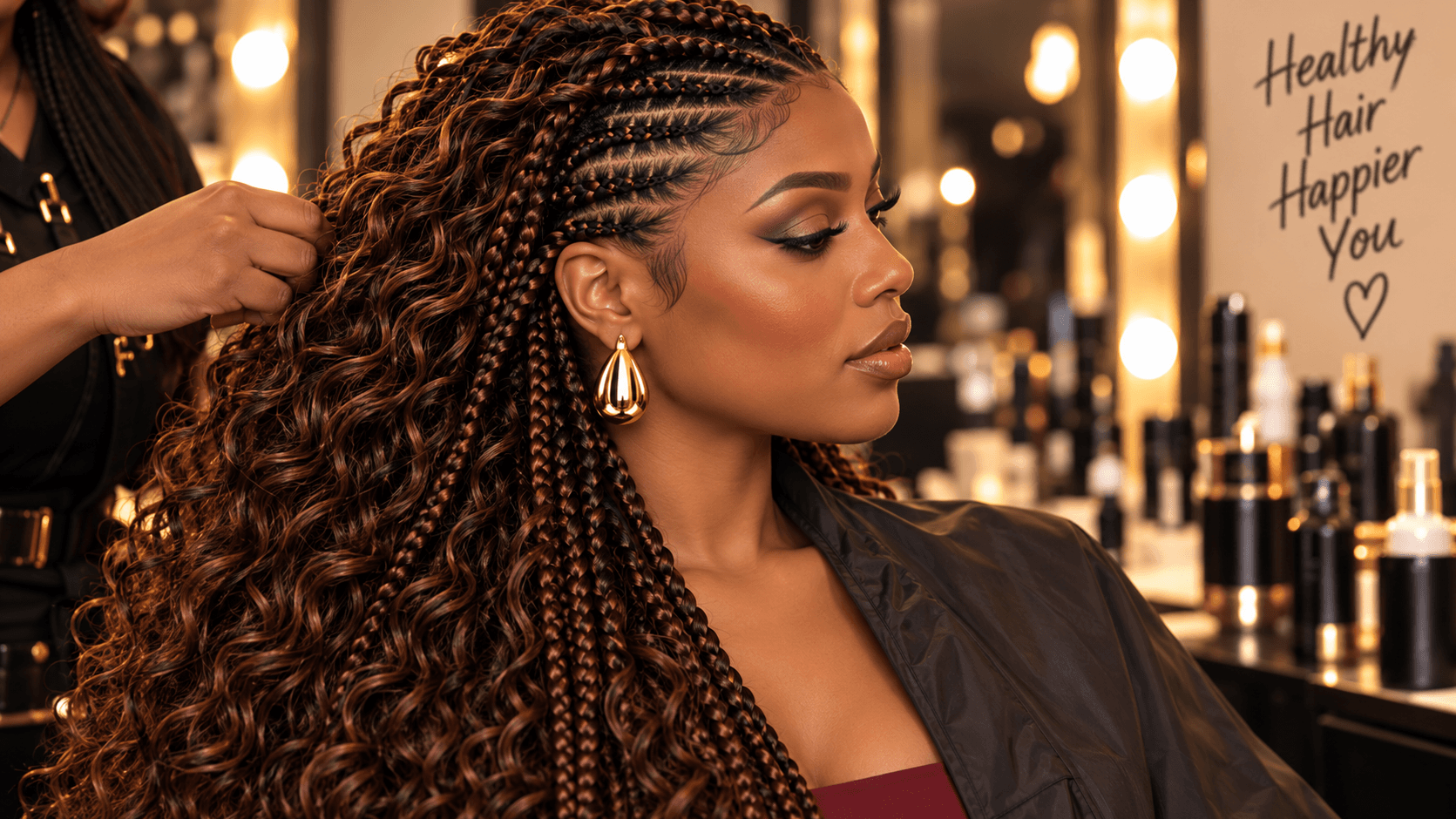
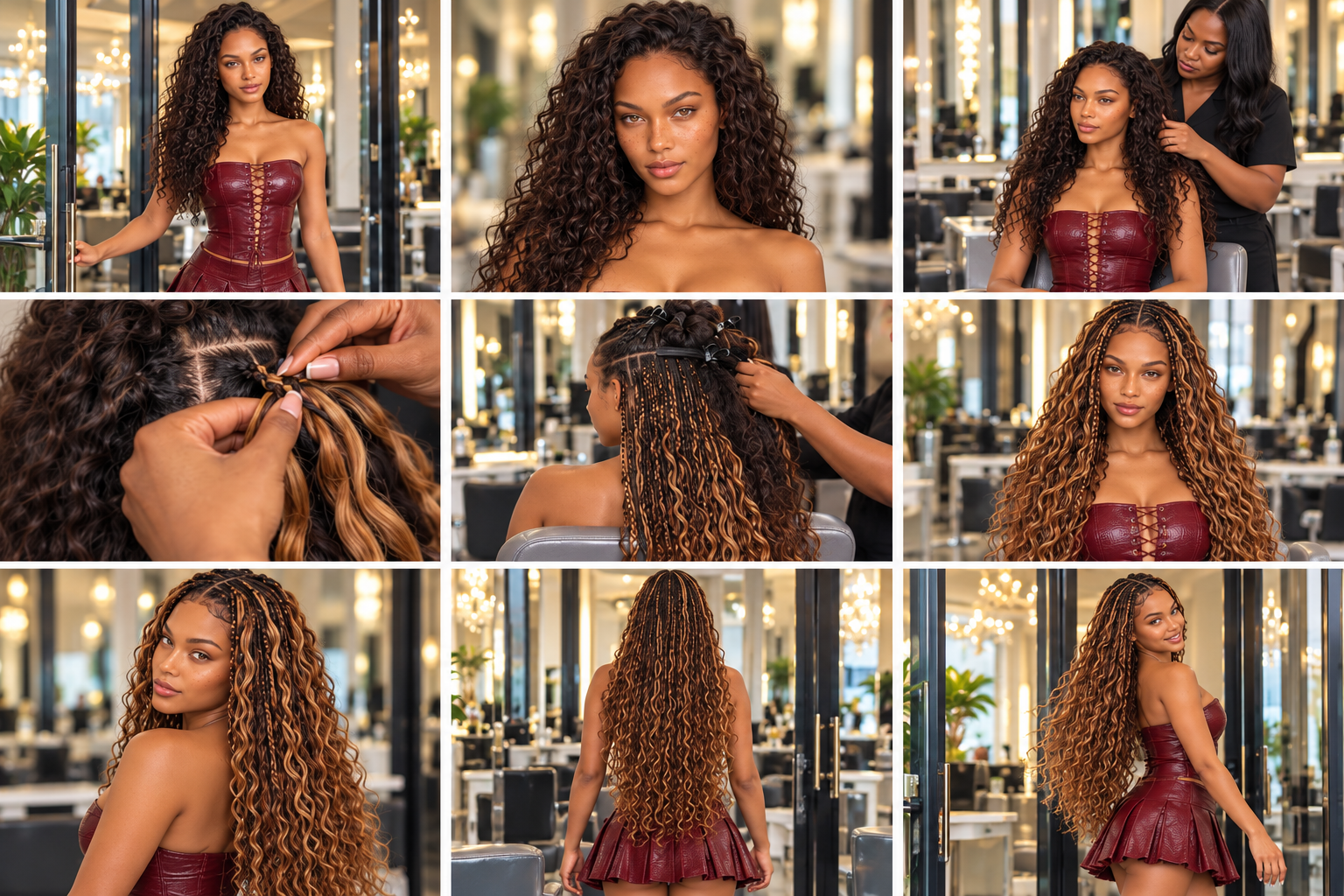
Plan the salon transformation, shot by shot.
What can you plan?
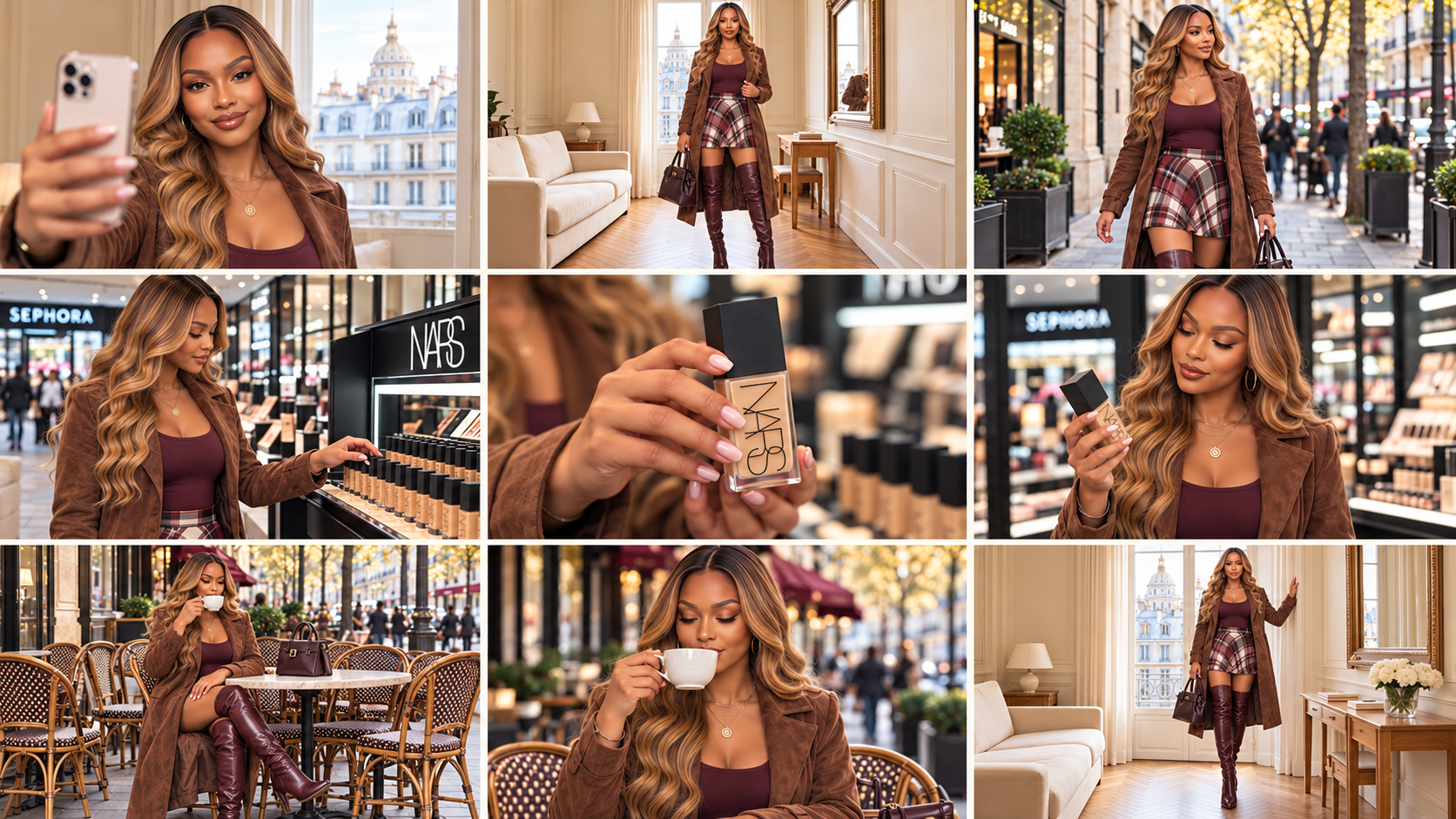
A lifestyle vlog: an apartment introduction, outfit reveal, street walk, shopping moment and café ending.
A jewellery feature: an establishing image, a wearable detail, a product close-up and a finished look.
A beauty or fashion sequence: a clear opening, useful detail shots and a visible result, with the relevant references and actions recorded.
Tell the studio your goal in everyday language. It helps turn that brief into an organised sequence and a complete copyable storyboard prompt.
What your purchase includes
Your specialist Content & Storyboard Studio AI assistant for content ideas, shot planning and visual sequences.
A recorded walkthrough showing the creative planning process in action.
Guided workflows for lifestyle, beauty, fashion and product-focused projects.
Interactive help to refine your plan and prepare a clear video handover.
Who this is for
Beginners who need help deciding what to show, creators planning repeatable content formats and business owners preparing product or lifestyle sequences. You can bring an existing idea and references; you do not need to start a new character or project.
From purchase to your first project
Open your course. Find your studio access and recorded training together in your course.
Set up your AI assistant. Follow the included setup instructions to open your studio in a compatible ChatGPT account.
Start a conversation with your studio. Describe your idea and attach the references relevant to your project.
Use and review the output. Copy the prompt into your selected image or video service when generation is needed. Bring the result back for review and targeted changes.
Before purchasing: confirm that your ChatGPT account supports custom plugins. Access, permissions and available features depend on your account and workspace. External AI subscriptions and generation credits are not included.
Beginner questions
What is a photographic storyboard?
It is a visual plan showing the intended shots in order. It helps you see the framing, people, setting and key action before you animate the project.
Will I receive a finished image automatically?
The studio prepares the prompt and reviews the result. You can explicitly request a storyboard image in ChatGPT when image generation is available, or use your selected external image tool. Media generation is separate from approving a written plan.
Can I use Nano Banana Pro or another image tool?
You can take the image prompt and actual reference files to a compatible image generator of your choice. Review the resulting board whichever tool you use.
Does this also write the final animation prompt?
This studio focuses on the content plan and photographic storyboard. Video Director is the separate tool for complete animation prompts and returned-video review.
Is this a monthly subscription?
No. This is a one-time purchase of the listed studio package and course resources. ChatGPT and other AI services have their own access requirements and charges.
Is community membership or personal coaching included?
No. AI Profit Academy community membership and personal coaching are separate products. The included recorded lessons let you follow the workflow at your own pace.
Can I use what I create for my own content?
You can develop original projects for your own content and business, subject to the rights in your references and the terms of your chosen platforms. This does not give permission to resell or redistribute the studio plugin, course recordings or proprietary teaching materials.
Will every generation look exactly as planned?
No AI tool can promise that. Clear references and careful review help, but you may need revisions. Views, sales, earnings and flawless results are not guaranteed.
One idea. A shot sequence you can see.
Choose this studio to organise your content visually, or get the complete five-tool toolkit for the full character-to-video workflow.
AI-generated examples. Results vary.