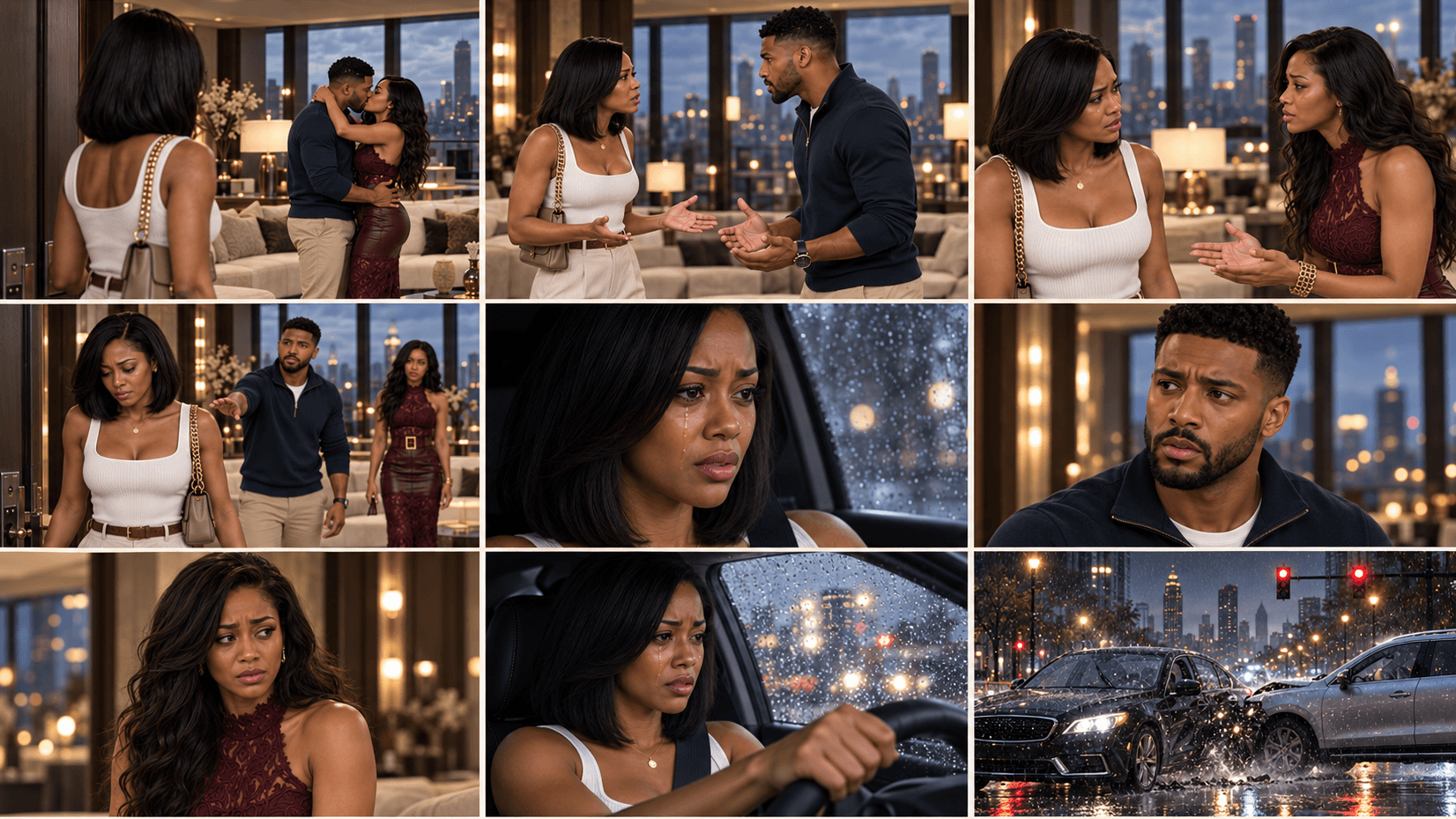
Video Director
$97$127
AI PROFIT ACADEMY · TOOL 04
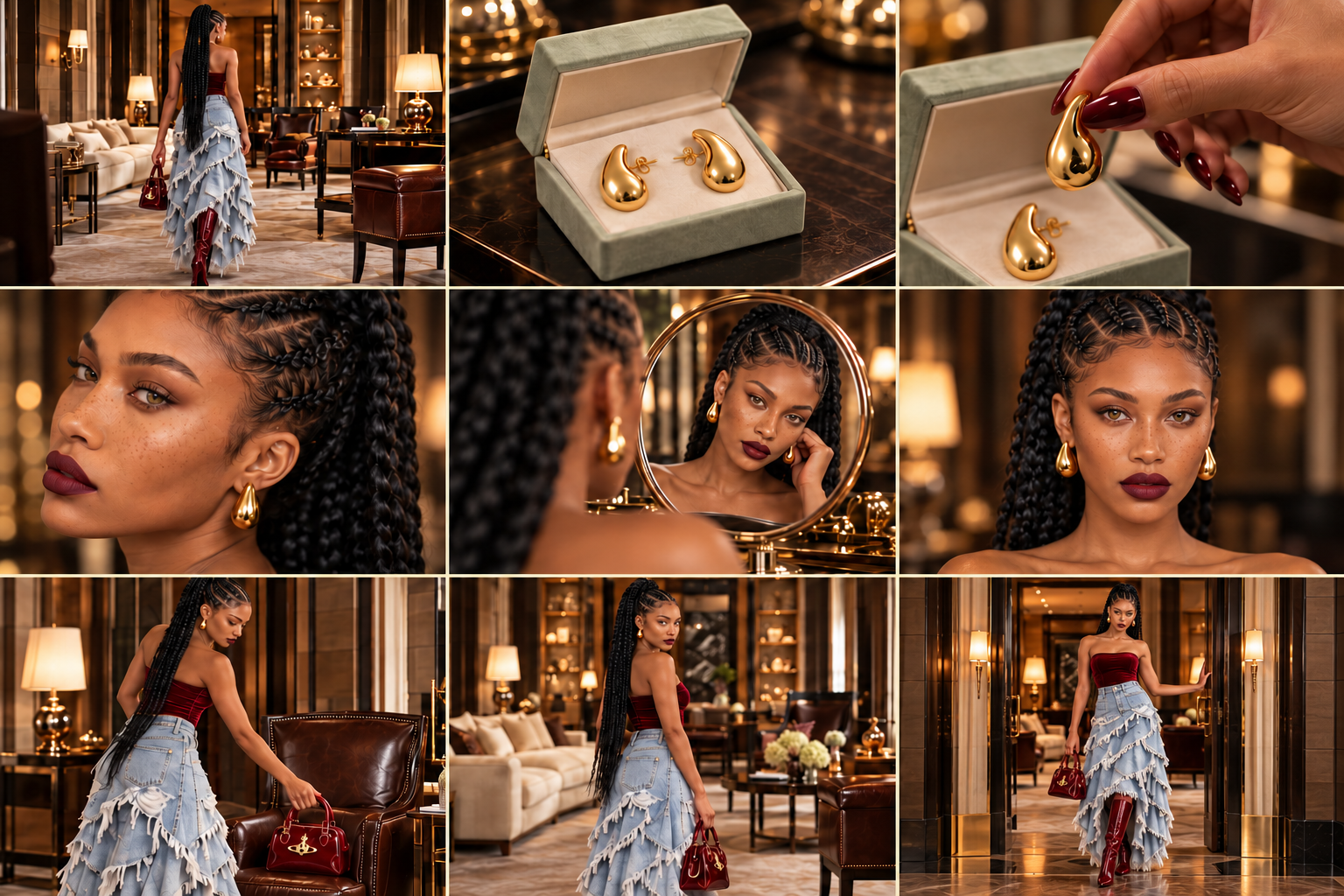
You have the image. Now direct what happens.
A character standing in a beautiful scene is a starting point. To turn it into a useful video, you need a clear action, believable movement, the right camera direction and a plan for anything the character says or holds.
Video Director turns your storyboard, image or scene idea into a complete video prompt for your chosen generator. Keep the creative decisions you have already approved and add the direction needed for the moving scene.
Action. Camera movement. Dialogue. Sound. Review.
What is a custom ChatGPT plugin?
Think of it as a specialist creative assistant inside a compatible ChatGPT account. Each AI Profit Academy studio contains its own instructions, workflows and references, so you can describe your goal in everyday language and receive structured guidance and copyable prompts for that stage of your project.
Your studio combines a specialist AI assistant with recorded video training and guided creative workflows. Bring a new idea, ask follow-up questions and refine your project in conversation. Use the resulting prompts in your chosen image or video tools.
What you will learn inside
Start from the right material: use an existing storyboard, a single image or a described scene without rebuilding the project unnecessarily.
Map your actual references: identify which uploaded image controls the person, styling, setting or storyboard.
Direct visible action: describe what the character does, where they look and how the movement begins and ends.
Guide the camera: specify framing, camera movement, coverage and transitions that serve the scene.
Preserve dialogue ownership: keep the approved wording with the correct speaker and distinguish on-screen speech from an off-screen voice.
Account for sound: include the chosen dialogue, ambience and music direction rather than leaving the audio intention unclear.
Track props and continuity: record who holds a product, which hand is free and what needs to remain consistent across cuts.
Review a returned clip: describe what actually failed and target the relevant correction while retaining usable footage.
Make every product moment part of the story.
Your image becomes a directed scene
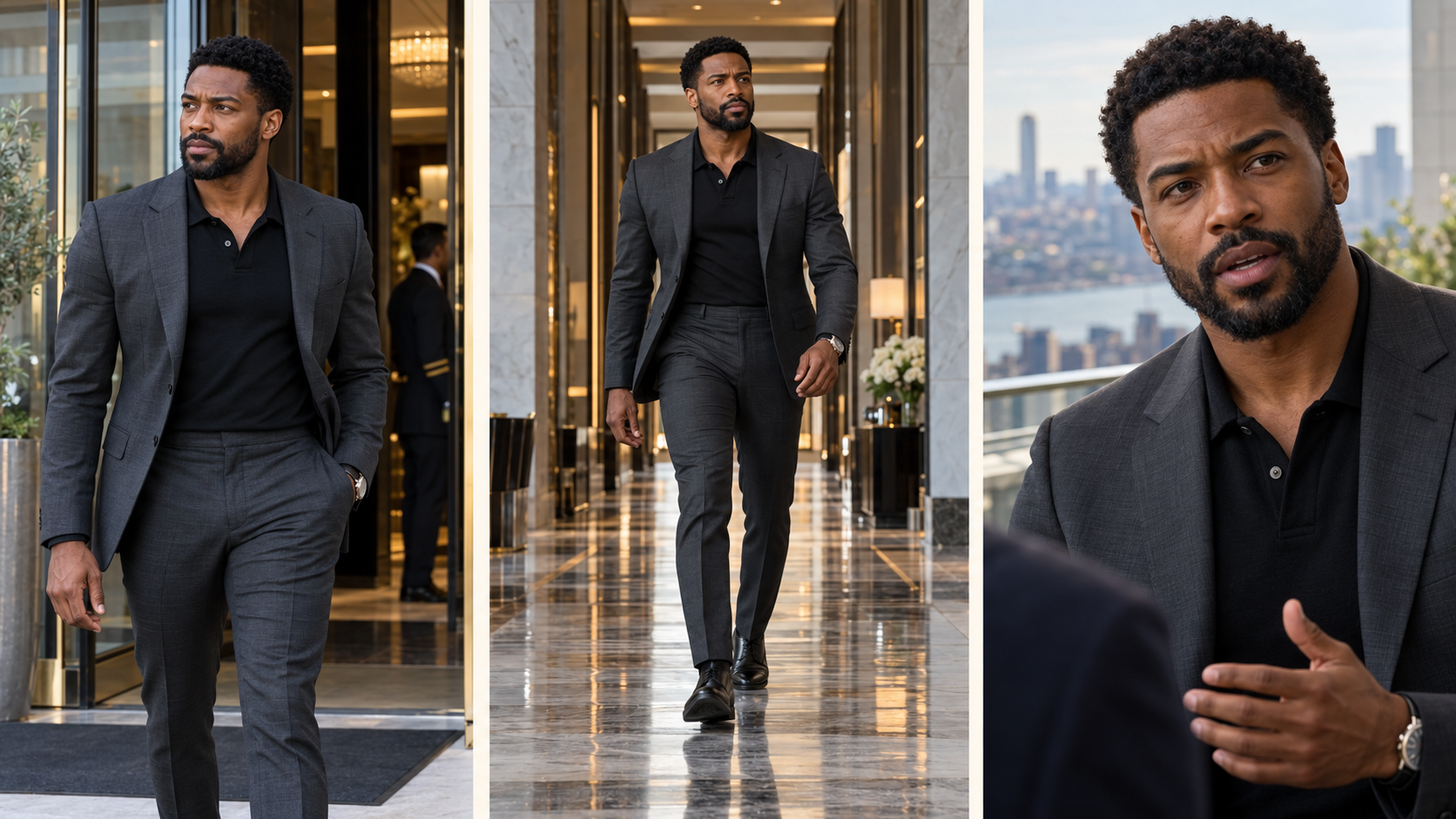
Your input: an approved character image and “He walks into the hotel, stops, and delivers this line.”
The studio prepares: a timed prompt with the action, facial performance, camera framing, exact dialogue and sound direction, plus the order of actual references to use in your generator.
Your next step: check the chosen model and mode settings, attach those references in the video service and use the complete prompt. Return the clip for review if it needs adjustment.
What your purchase includes
Your specialist Video Director AI assistant for action, camera movement, dialogue and sound.
A recorded walkthrough and a finished video example to connect planning with the result.
Guided workflows for turning references and ideas into complete animation prompts.
AI-guided clip review to identify what needs refining before another attempt.
Who this is for
Creators ready to animate approved images, beginners who can describe a scene but do not know directing language, and storytellers who want clearer instructions for movement and speech. Bring the project you have; a new character or storyboard is not compulsory for every scene.
From purchase to your first project
Open your course. Find your studio access and recorded training together in your course.
Set up your AI assistant. Follow the included setup instructions to open your studio in a compatible ChatGPT account.
Start a conversation with your studio. Describe your idea and attach the references relevant to your project.
Use and review the output. Copy the prompt into your selected image or video service when generation is needed. Bring the result back for review and targeted changes.
Before purchasing: confirm that your ChatGPT account supports custom plugins. Access, permissions and available features depend on your account and workspace. External AI subscriptions and generation credits are not included.
Beginner questions
Is Video Director the video generator?
No. It is the directing and prompt-preparation assistant. Rendering happens in the compatible video service and model you choose. Their subscriptions and credits are separate.
Do I have to upload a storyboard?
No. A single image or scene idea can be enough for a simple animation. A storyboard helps when you already have an approved multi-shot sequence.
Can I use my chosen video model?
Tell the studio the exact generator, model and mode you intend to use. Duration, reference-image support, multi-shot control and audio depend on that service. Confirm the relevant settings before spending credits.
Can it improve an existing prompt or review a failed clip?
Yes. Bring the actual prompt, relevant references and returned result. The review works from what is available and separates observed issues from possible causes.
Is this a monthly subscription?
No. This is a one-time purchase of the listed studio package and course resources. ChatGPT and other AI services have their own access requirements and charges.
Is community membership or personal coaching included?
No. AI Profit Academy community membership and personal coaching are separate products. The included recorded lessons let you follow the workflow at your own pace.
Can I use what I create for my own content?
You can develop original projects for your own content and business, subject to the rights in your references and the terms of your chosen platforms. This does not give permission to resell or redistribute the studio plugin, course recordings or proprietary teaching materials.
Will every generation look exactly as planned?
No AI tool can promise that. Clear references and careful review help, but you may need revisions. Views, sales, earnings and flawless results are not guaranteed.
Direct the moment before you spend the credits.
Get Video Director for animation prompting and review, or choose the complete toolkit to prepare your characters, locations, storyboards and stories too.
AI-generated examples. Results vary.