How to Create Instagram Highlights Guide/Template
$14
Those little circles under your Instagram bio might seem like decoration—but they’re one of the most powerful storytelling tools on your profile.
Your Highlights give new followers a curated peek into your brand, your services, and your personality. Without them, your page can feel incomplete or inconsistent—especially when someone lands on your profile for the first time. Think of them as the “chapters” of your business story, working quietly behind the scenes to build trust and visual cohesion.
In just 20–30 minutes, this guide walks you through how to plan, design, and organize your Instagram Highlights with purpose and style. You’ll learn how to choose categories that serve your audience, create cohesive covers, and showcase your brand’s best moments—all in one easy, elevated template.
*Note: If you don’t have a Canva account, you can start one for free—you don’t need a paid membership to use this template.
WHAT HAPPENS NEXT:
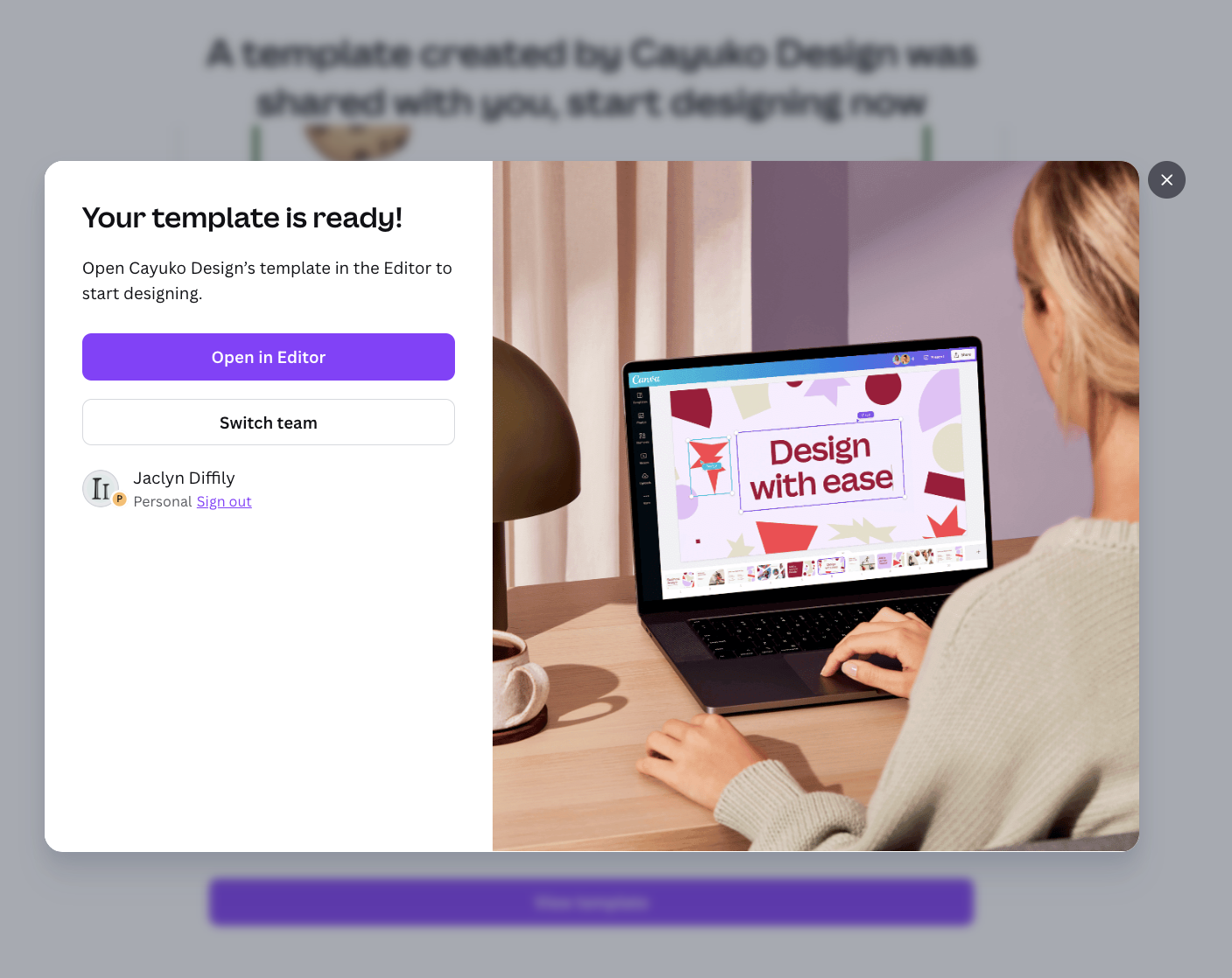
Upon purchase you will be redirected to a Canva Screen with a purple button that says View Template.

Then click on Open in editor (this will add the template to your Projects list) It will be in your Canva account go forward.