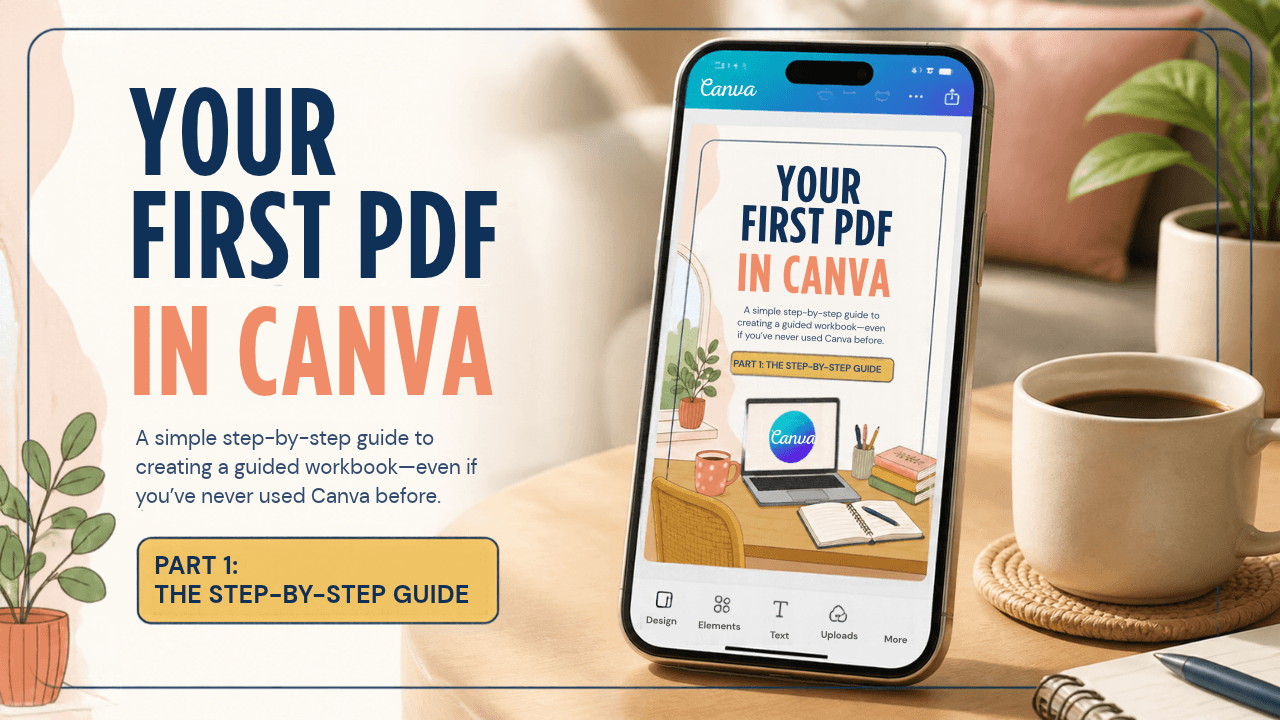
YOUR FIRST PDF IN CANVA Guide
$3
Create your first PDF in Canva—even if you’re a complete beginner.
Want to make a super simple, first digital guided workbook, but Canva feels unfamiliar? Your First PDF in Canva is a simple, step-by-step resource that helps you create and download a clean, professional-looking PDF without needing design experience.
Inside, you’ll learn how to:
- Start a document in Canva
- Plan a simple page structure
- Add and edit text
- Use colours, fonts and spacing consistently
- Add, duplicate and arrange pages
- Download and check your finished PDF
You’ll also get a six-page editable starter template, with layouts for a cover, introduction, information page, checklist, worksheet, and closing page. Add your own content and customise the design for your topic.
This is a practical Canva tutorial and PDF template for beginners who want to create their first digital guided workbook. It focuses on the design basics—not choosing your product idea—so you can work with a topic you already have in mind.