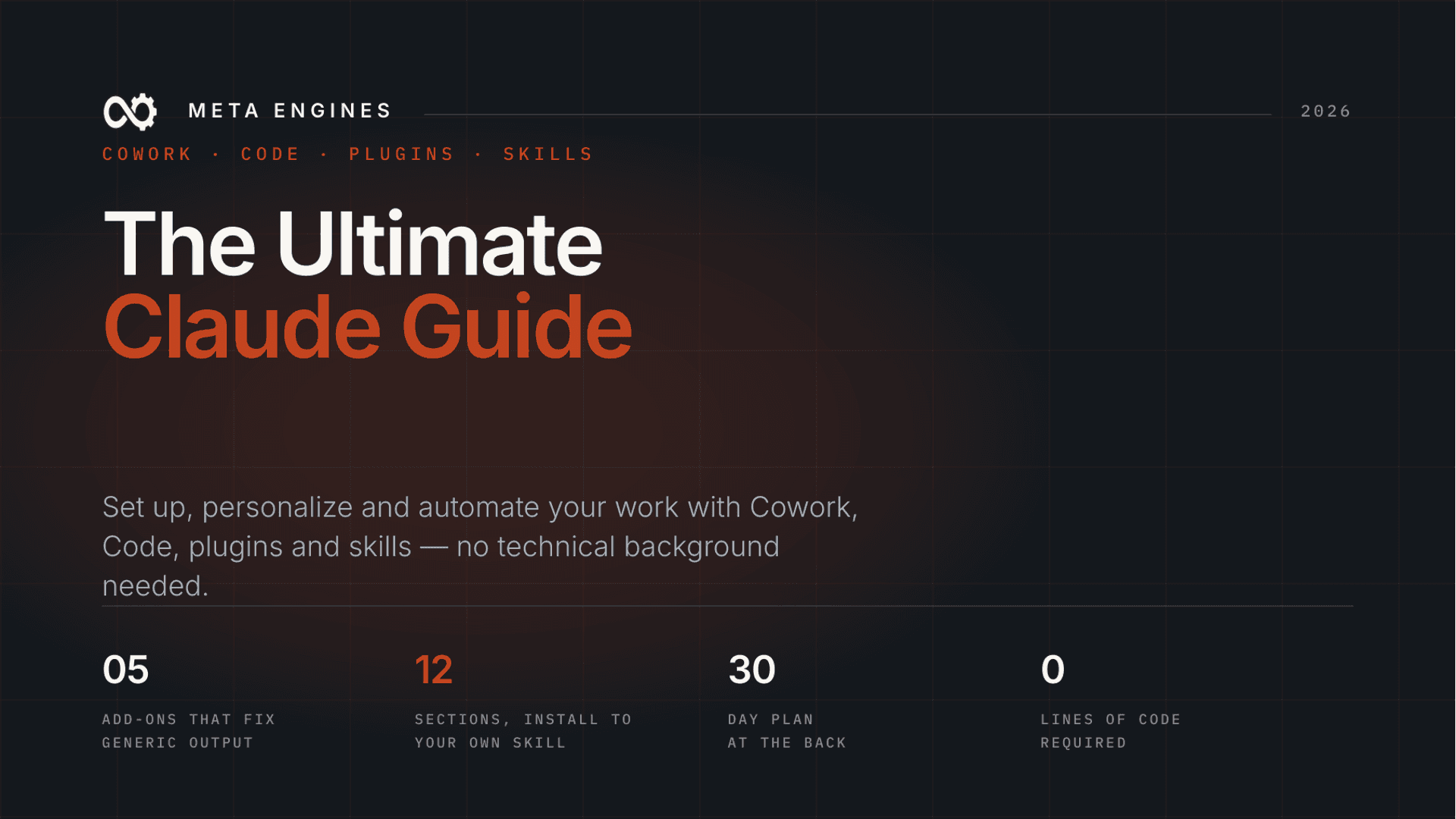
Ultimate Claude Guide
Less setup confusion. More work actually getting done. Download The Ultimate Claude Guide for eleven free plugins, a plain-English setup, and a 30-day plan so you can make Claude sound like you, automate the repetitive work, and build your own tools without touching code. Free, practical, and growing with every drop.

Lauren Mitchell
This guide paid for itself the first afternoon I used it.... I straight up bought this because I kept seeing people talk about Claude, but I honestly felt like I was missing the point. I had used AI before for captions, emails, and quick brainstorming, but it never became part of my actual workflow. It felt useful for small tasks, not something I could rely on every day. This guide changed that.... thank you MetaEngines! The biggest difference was the setup. I had never taken the time to personalize Claude properly, give it my role, explain my tone, build preferences, or structure projects around my real work. I was basically asking Claude to help me without ever training it. After going through the guide, I created my personal preference block, set up separate Claude workflows for content, client emails, and weekly planning, and started using the prompt structure instead of typing vague requests. I run a small creative agency, and every week I write client recaps, proposals, LinkedIn posts, follow up emails, internal notes blah blah blah... Before this, I probably spent 6–8 hours a week just getting first drafts into shape. After setting Claude up properly, that dropped to around 2–3 hours. The biggest win was my client recap process. I used the guide’s approach to give Claude the role, context, audience, constraints, inputs, and final format. Now I can turn messy call notes into polished client-ready summaries in minutes instead of rewriting everything from scratch. This is what made the guide feel different from a normal prompt pack. It did not just give me things to copy and paste. It taught me how to brief Claude like a trained assistant. For the price, it is honestly underpriced. I have spent more than this on random AI templates that I never used again. This one actually changed how I work during the week.

Marcus Bell
I stopped using Claude randomly and started using it like an operating system for my business. Before buying this, I thought I needed better prompts. What I actually needed was a better setup. I own a service business, and I was using Claude in the most basic way possible. I would ask it to write an email, then ask it for social media ideas, then ask it to summarize something, but every request felt disconnected. The outputs were decent, but I still had to edit everything heavily because Claude did not really understand my business, my customers, or how I wanted things written. The guide helped me fix that. The personal preferences section was the first big unlock. I added my role, my company, how I write, words I hate, how I want answers formatted, and examples of the type of work I actually do. That alone made Claude noticeably better. Then I followed the section on Projects and created separate workspaces for sales, content, and operations. That was the moment Claude stopped feeling like a chatbot and started feeling like a real assistant. I no longer had to re-explain my business every time I opened a new chat. The practical result was huge. I used the guide to build a workflow for sales follow-ups after discovery calls. Now, after a call, I paste in my notes and Claude creates a follow-up email, summarizes the prospect’s pain points, suggests the next step, and gives me a short internal note for my CRM. That one workflow saves me at least 3–4 hours every week and makes my follow-up much more consistent. I have also booked two additional sales calls because I was able to follow up faster and with more relevant messaging. What I liked most is that the guide is written for normal business owners. It does not assume you code. It does not overwhelm you with technical terms. It just shows you how to set up Claude around the work you already do. I bought it expecting a basic AI guide. I walked away with a repeatable system I now use every day. It is worth far more than the price.

Priya Desai
This turned Claude from a novelty into something my team actually uses. I purchased the guide because my team was experimenting with AI, but nobody was using it consistently. Everyone had tried ChatGPT or Claude at some point, but the results were all over the place. Some outputs were great, some were unusable, and most people gave up because they did not know how to ask properly. The guide gave us a simple structure to follow. The most valuable part was learning how to set Claude up before asking it to do work. We created a shared preference style, added examples of our writing, listed words and phrases we avoid, and built reusable prompts for our most common tasks. For us, that included client emails, content drafts, meeting summaries, research briefs, and internal SOPs. The 30-day plan made it easy to roll out without overwhelming the team. In week one, we focused on setup and voice. In week two, we started using Claude for real work. In week three, we organized recurring tasks into Projects. By the end of the month, we had a basic AI workflow that the team was actually following. The biggest measurable improvement was content production. Before this, creating a polished LinkedIn post or client-facing article outline would take one of us 45–60 minutes. Now, with the right context and prompt structure, we can get a strong first draft in 10–15 minutes and spend the rest of the time improving the idea instead of starting from a blank page. It also helped with consistency. Different team members can now use the same Claude setup and get outputs that feel much closer to our brand voice. This guide is not valuable because it has “AI tips.” It is valuable because it makes Claude usable in a real business environment. It gave us a setup, a workflow, and a way to keep improving the system over time. For anyone who has been casually trying AI but not getting real results, this is the missing piece. I would have paid much more for it knowing how much time it saved us in the first few weeks.