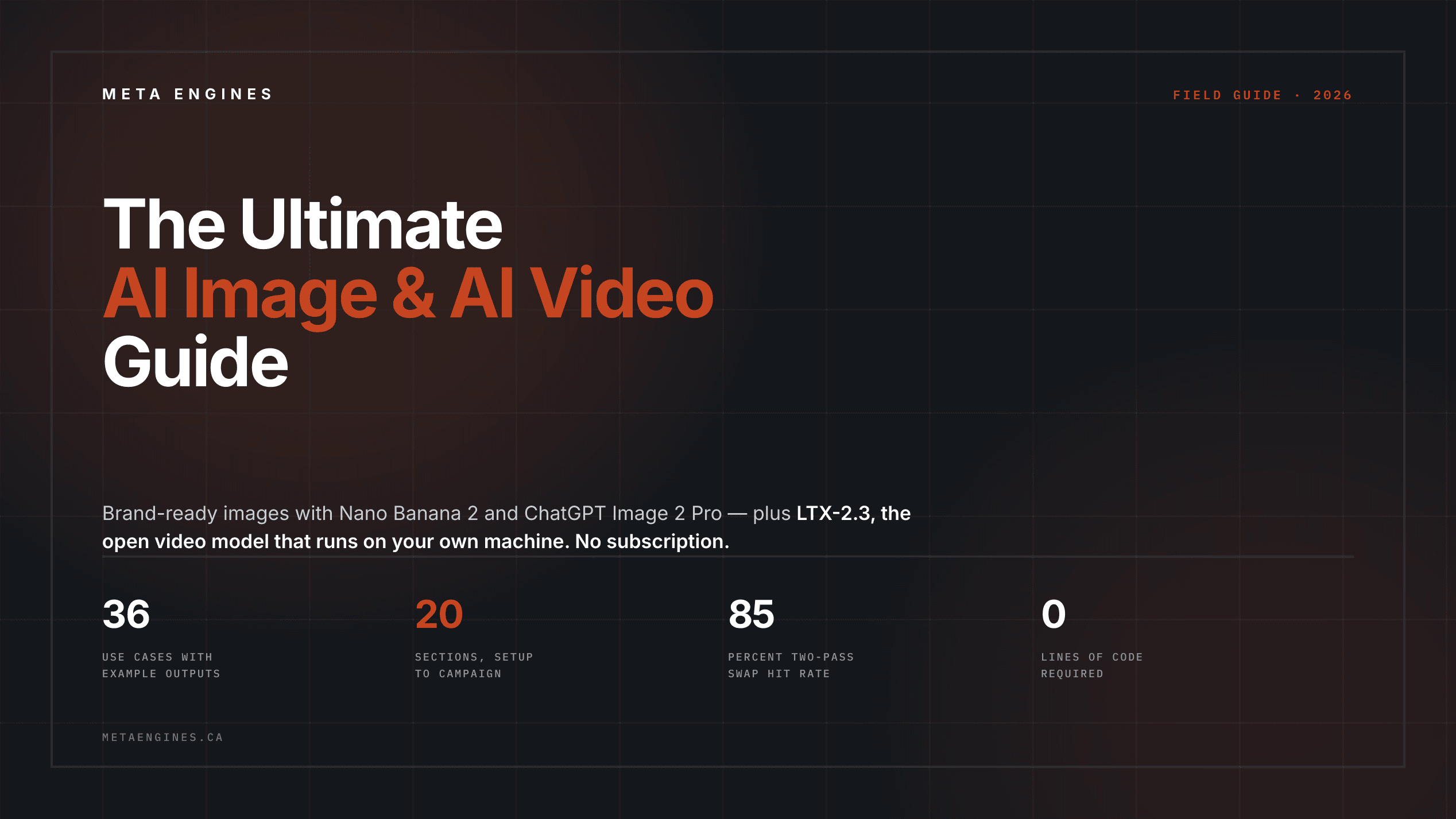
Ultimate AI Image & Video Guide
Less AI slop. More images that look like your brand. Download The Ultimate AI Image & AI Video Guide for the prompt recipe, the fixes for plastic faces and dead eyes, and 36 ready-to-use prompts with real examples so you can create faster, skip the trial and error, and make video on your own machine with no subscription. Free, practical, and growing with every drop.

Maya Thompson
I made my first brand-ready UGC video the same day I downloaded it.... I got this guide because I was tired of seeing people post insane AI images while mine looked like shiny plastic stock photos. I had tried Nano Banana and Higgsfield video generation before, but I was basically just typing things like “make this look premium” or “make this more realistic” and hoping the model understood what I meant. It never really did. This guide changed that completely.... thank you MetaEngines! The biggest unlock for me was realizing that good image prompting is not about throwing aesthetic words into a prompt. It is about briefing the model like a photographer, creative director, and brand strategist at the same time. The six-part prompt structure alone was worth the price. Subject, pose, environment, composition, lighting/lens, and finish. Once I started using that framework, my outputs stopped looking random and started looking intentional. I run a small beauty and wellness brand, and before this guide, I could not get images that matched our actual brand. The colors would drift, the skin would look fake, the lighting felt generic, and every image looked like it came from a different campaign. After going through the guide, I built a reusable brand preamble with our exact colors, lighting style, lens choice, and editorial finish. Then I used the carousel workflow to create a 6-slide campaign for one of our product launches. It genuinely looked like we had planned a real shoot. The section on realistic skin was probably my favourite part. I had no idea words like visible pores, vellus hair, specular variation, catchlights, and subsurface scattering made such a massive difference. My people stopped looking like AI dolls and started looking like real humans. The guide also helped me understand when to use ChatGPT Image 2 Pro versus Nano Banana 2. I now use ChatGPT when I need a polished hero shot with clean text, and Nano Banana when I need edits, references, or multiple carousel slides that stay consistent. Before this, I would spend hours regenerating the same image and still not know what was wrong. Now I know exactly what to fix. For the price, this is honestly ridiculous value. It is not just a prompt pack. It teaches you how to think visually, how to diagnose bad outputs, and how to create images that actually belong on a brand page. I made my first usable video the same afternoon I got it.

Daniel Reyes
This guide finally made AI visuals feel usable for client work.... I am a freelance marketer, and I bought this because I was starting to feel behind. Clients kept asking about AI visuals, but every time I tried to use image generation seriously, the results were either too generic, too weird, or too inconsistent to actually deliver. I could make “cool” images. I could not make client-ready videos. This guide bridged that gap. The biggest difference was the way it explains prompting like a production workflow, not a magic trick. Instead of just saying “use better prompts,” it breaks down exactly what the model needs to know: the subject, the action, the environment, the composition, the lighting, the lens, the finish, the brand palette, the aspect ratio, and the intended platform. That sounds obvious now, but I was missing half of those every time. The part that immediately changed my work was the reference image section. I had been uploading references and saying “make it like this,” which gave me blended, messy results. The guide taught me to label each reference by purpose: identity reference, pose reference, style reference, composition reference, brand reference, product reference. That one shift made my outputs dramatically more controlled. I used the process on a client carousel for a local fitness brand. We had a few reference images, their brand colors, and a rough campaign idea. Normally, I would have spent an entire day trying to get usable visuals and then still needed heavy Canva cleanup. Using the guide, I built the campaign preamble, generated a hero image, then used the same lighting, lens, and finish across five slides. The result actually looked like a campaign. Not five random AI images. The two-pass actor swap method was also huge. I used to try changing the headline, product, background, and person all in one prompt, and the model would ruin everything. The guide’s approach of doing the creative edit first, then the identity swap second, made way more sense. The face matched better, the lighting was cleaner, and the body did not look pasted in. I also loved the troubleshooting section because it saved me from wasting generations. Plastic skin? Add the skin block. Dead eyes? Add catchlights. Bad text? Move the exact headline to the front and keep it under five words. Wrong colors? Use hex codes. Bad 9:16 crop? Regenerate instead of cropping. This is the first AI image guide I have bought that actually feels like it was written by people doing the work every day. It is practical, specific, and easy enough for a beginner, but still deep enough that I would give it to a designer or creative strategist. If you are trying to use AI images for real client content, this guide pays for itself fast.

Naomi Katarin
I stopped making random AI art and started making actual marketing assets.... I bought this guide because I was frustrated. Every AI video tool looked amazing on Twitter, but when I tried to use it for my own brand, the images looked fake, inconsistent, or just unusable. I would get one decent output and then spend 20 more generations trying to make the next image match it. Nothing felt repeatable. This guide gave me a repeatable system. What I appreciated most is that it does not assume you are already a designer or photographer. It explains things in plain language, but it still teaches you professional vocabulary. Lighting setups, lens choices, color temperature, rule of thirds, negative space, skin texture, film grain, brand palettes, aspect ratios, reference images... all the things I used to ignore because I did not know they mattered. They matter a lot. The first big shift for me was composition. I used to ask for “a nice image for Instagram,” and the model would put everything in the center with no room for text. After the guide, I started asking for the subject on the right thirds line, negative space on the left for headline copy, and the top section reserved for text. Suddenly the images were usable. The second big shift was brand consistency. I now start every prompt with the same palette, same lighting recipe, same lens, and same finish. That made my content feel like it came from one brand instead of ten different AI models. The third big shift was iteration. I used to change everything at once when an image was close but not perfect. The guide’s “change one thing per pass” rule sounds simple, but it completely changed my workflow. Now I know whether the color, face, pose, crop, or text is the thing breaking the output. I used the guide to create a 7-slide Instagram carousel for a digital product launch. I started with the storyline, mapped each slide visually, generated the hero image in ChatGPT Image 2 Pro because it needed readable text, then used Nano Banana 2 to keep the campaign consistent across the supporting slides. It looked better than anything I had made before. The most valuable part was that I did not feel like I was guessing anymore. I had a process. I knew which model to use. I knew how to write the prompt. I knew how to fix bad outputs. I knew when to edit versus when to start over. That is what makes this guide different. It does not just give you prompts. It teaches you how to direct AI images like a pro. For anyone trying to create better content, better ads, better carousel visuals, or more polished brand imagery without hiring a full creative team, this is easily one of the most useful AI resources I have bought.