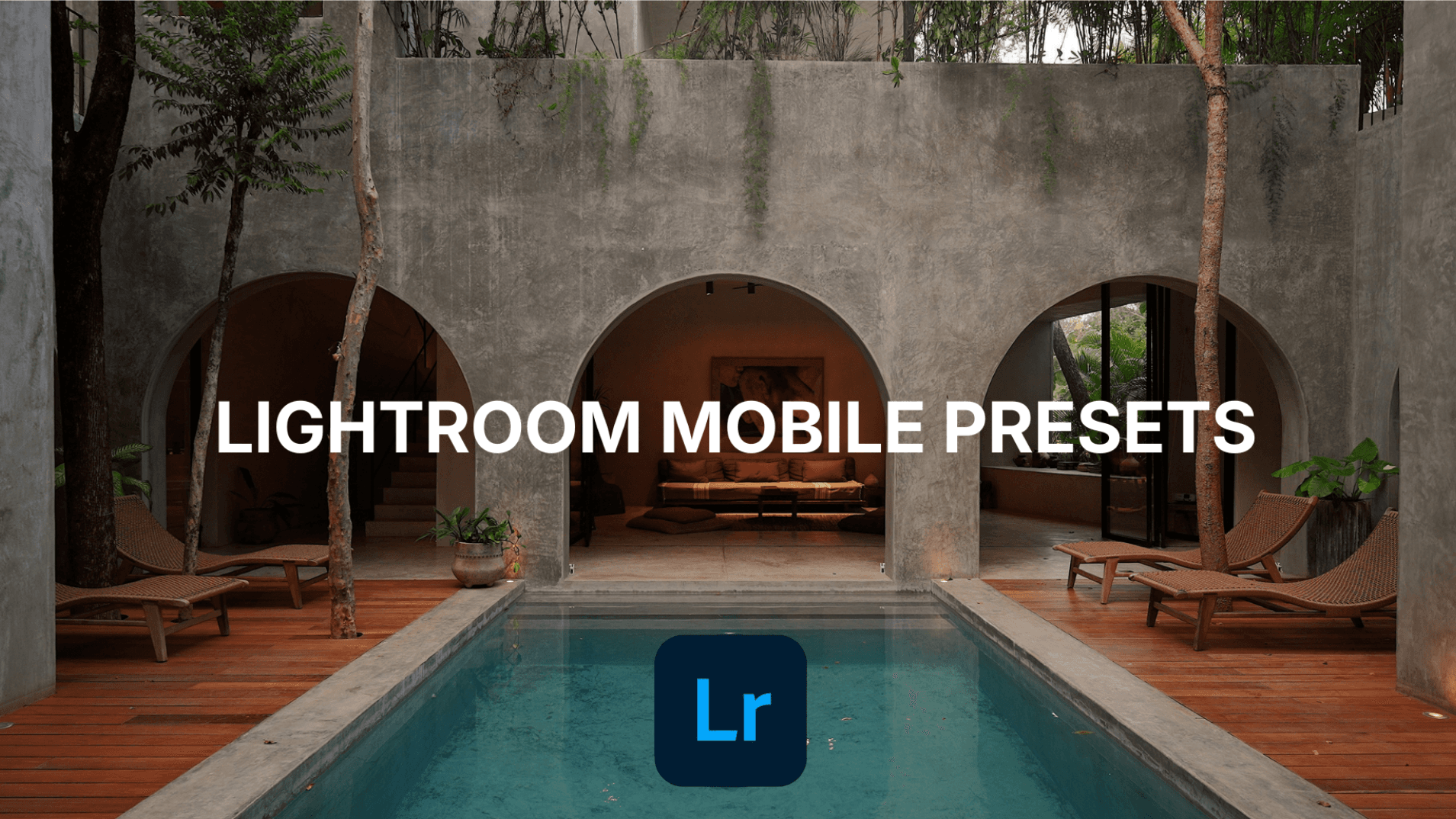
Get My iPhone Video Presets
$9.99
GIVE YOUR IPHONE VIDEOS A CLEAN, CONSISTENT LOOK.
7 VIDEO PRESETS · LIGHTROOM MOBILE PREMIUM REQUIRED
These are the Lightroom presets I use to give my iPhone footage a clean, premium look—without building every color edit from scratch.
I created them for iPhone video, with natural colors, clean whites, and balanced skin tones. Use them as a starting point for villas, hotels, travel, lifestyle, and everyday content.
Choose a preset, adjust its strength and exposure for your clip, and create a more consistent look across your videos. Preview the looks below.
WHAT’S INCLUDED
7 Lightroom Mobile video presets: Give your iPhone footage a choice of ready-made color looks.
Made for iPhone footage: Create cleaner, more consistent colors across your clips.
MP4 and MOV support: Use the presets with supported video files in Lightroom Mobile Premium.
Quick installation guide: Follow the steps to get your presets set up.
Simple adjustment guide: Learn how to fine-tune each look for your footage.
Instant digital download: Receive the preset ZIP file through Stan after purchase.
PERFECT FOR
Hotel & villa creators
Airbnb content
Travel videos
Lifestyle content
Anyone wanting cleaner, more consistent iPhone colors
WHAT YOU NEED
You’ll need Lightroom Mobile Premium to use these video presets. A Lightroom subscription is not included. These presets are designed for video, not photos, and support MP4 and MOV footage.
Results vary with lighting, exposure, white balance, and your original footage. Use the adjustment guide and fine-tune the preset strength and exposure for each clip.
$9.99 · ONE-TIME PURCHASE · INSTANT DIGITAL DOWNLOAD
Because this is a downloadable digital product, all sales are final.