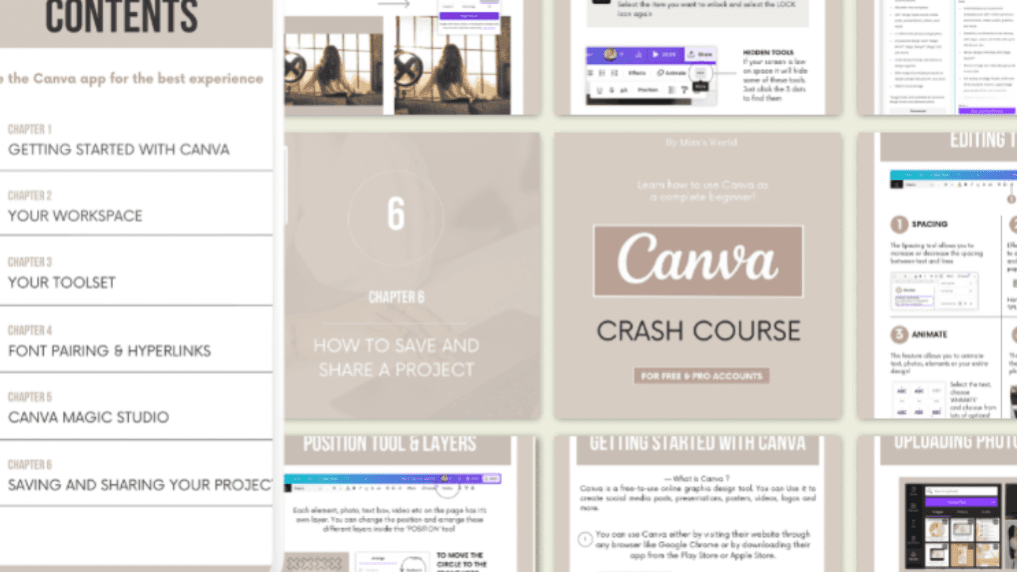
Canva for Beginners (Ebook + Video tutorials)
$5
Learn Canva from ZERO as a complete beginner!
Learn to enhance your personal projects, boost your professional portfolio or offer compelling content for social media, clients, freelancing.
What’s Inside -
Beginner friendly Ebook (41 pages)
Easy video tutorials
How to use workspace
How to use toolset
Font pairing & hyperlink
Canva Magic Studio
One time purchase (includes access to all future updates)
This guide is for -
Absolute Beginnes
Students
Content Creator
Freelancer
Small business owner
Social Media manager
Virtual assistant
🌱 From editing my YouTube video, thumbnail, social media post to delivering my content as a virtual assistant business owner, Canva is the top tool I use & this guide is for you if you are just starting out (not for advanced users)
📌 Content I made by Canva -
Thumbnail + Youtube videos -
🌱Social Media post, Carousels, Tracker, Ebook
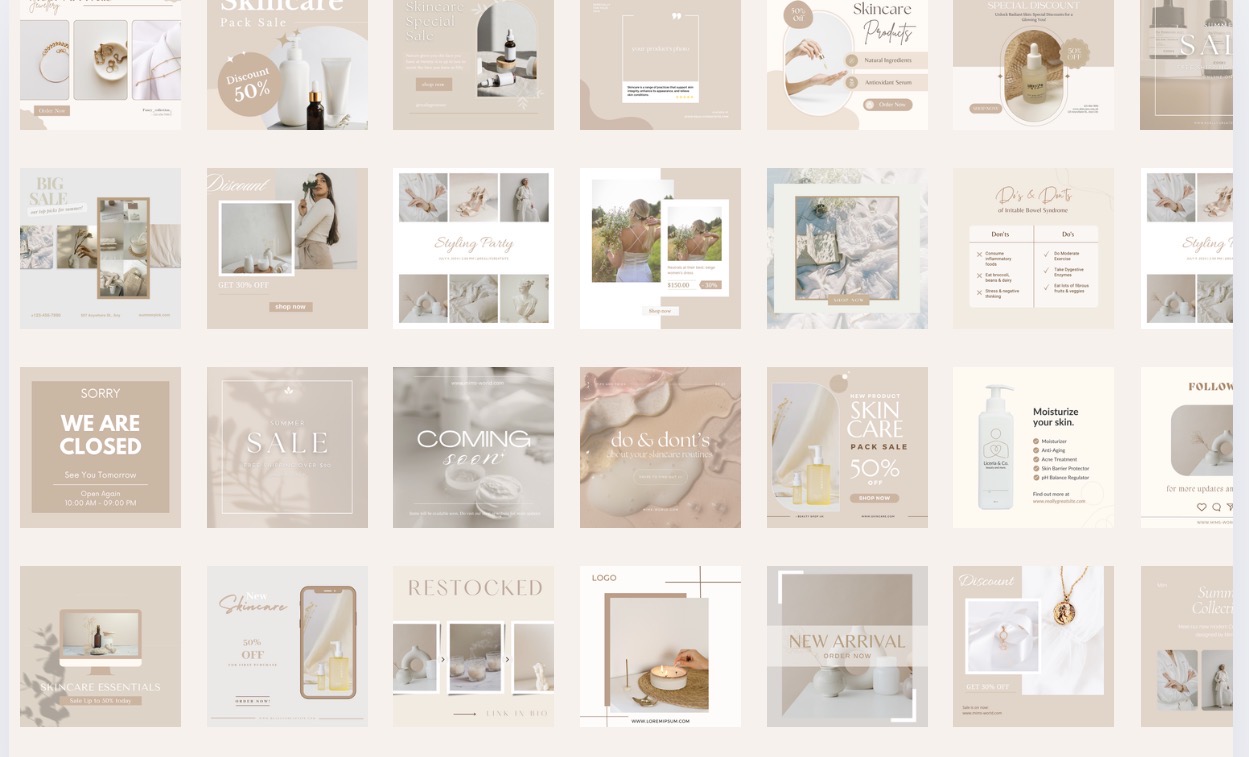
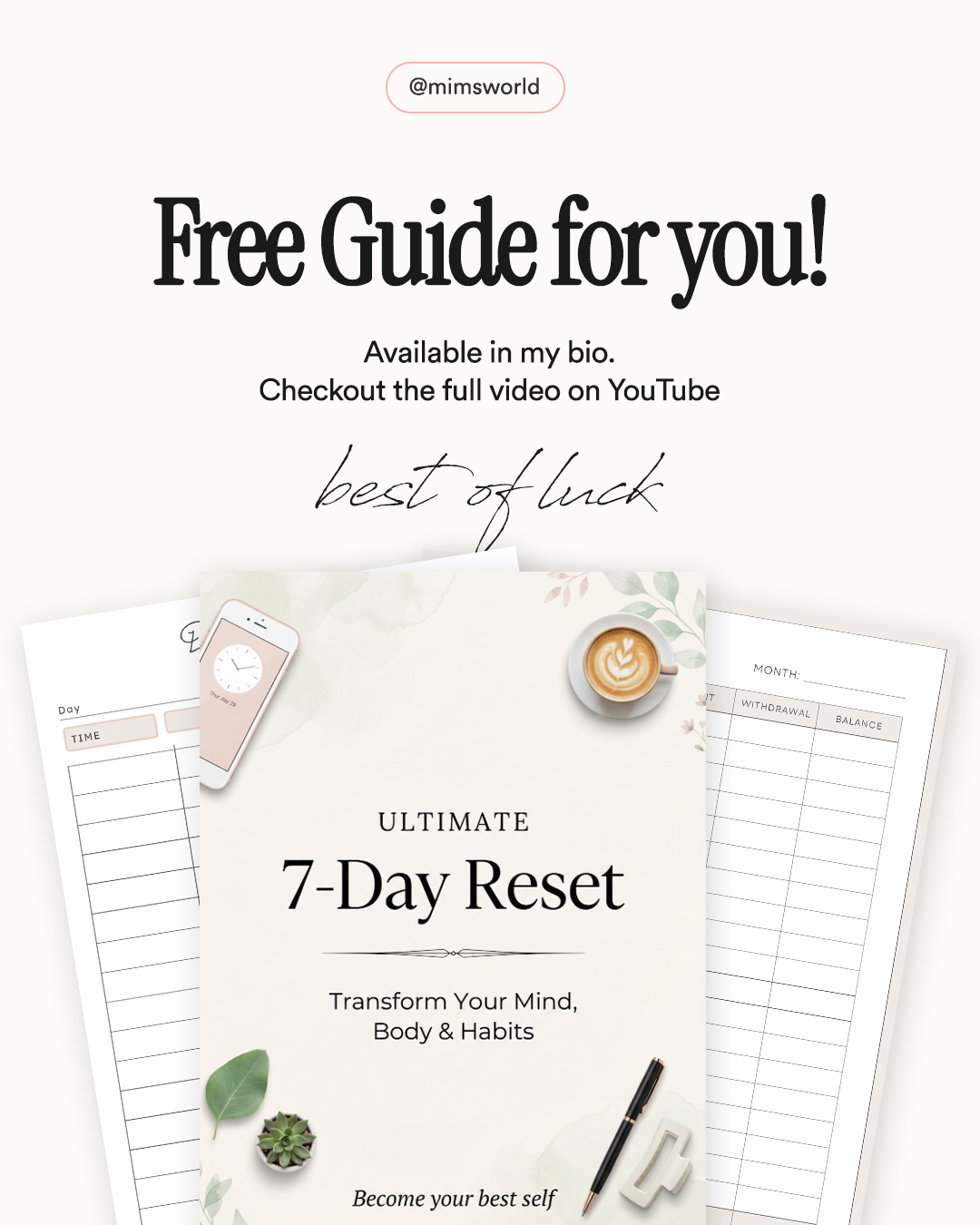
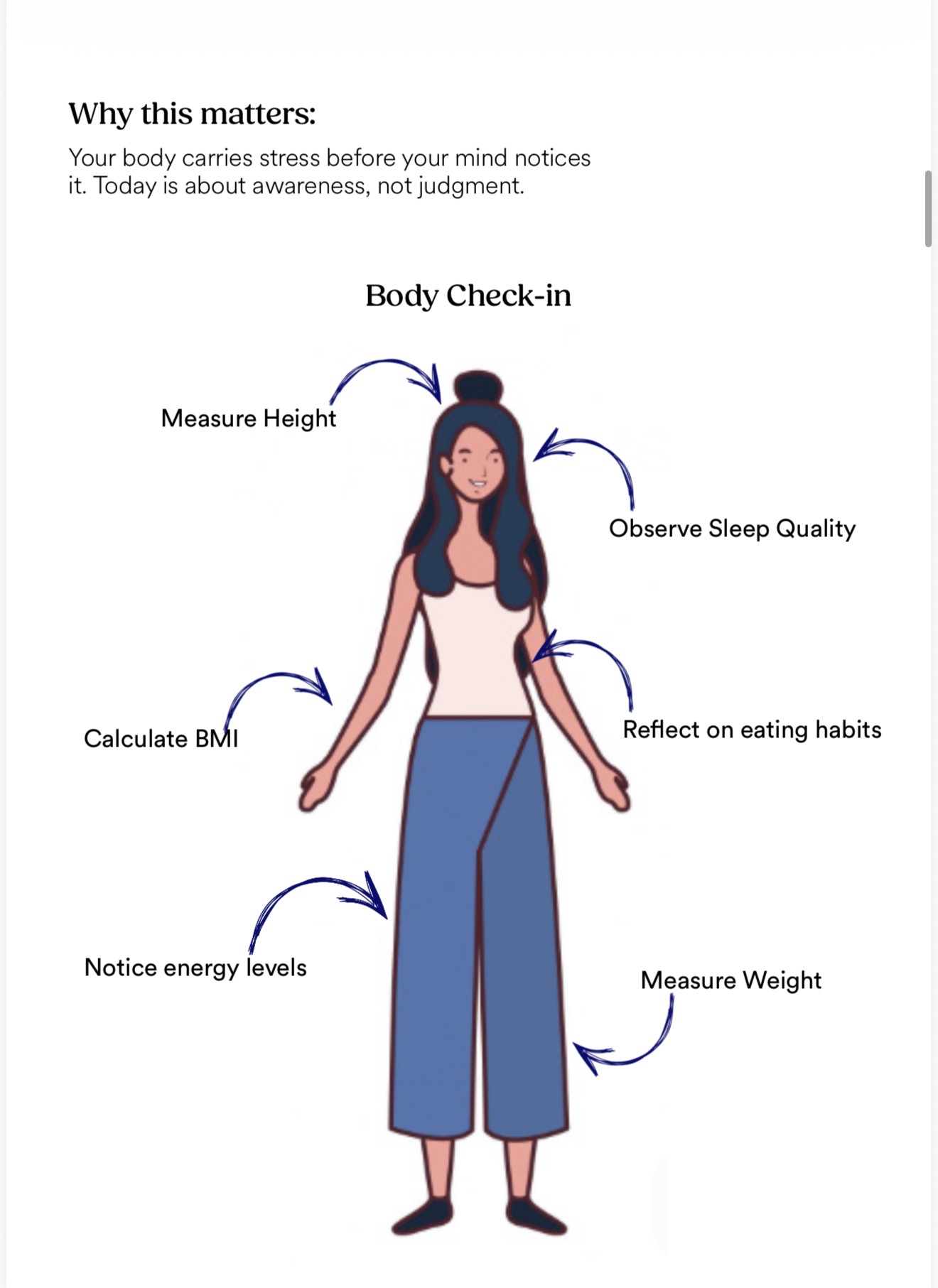
These are just some projects I made with Canva! If you want to start & learn designing as a complete beginner then grab this course :)
Kindly note : this is a digital file & there are no refund