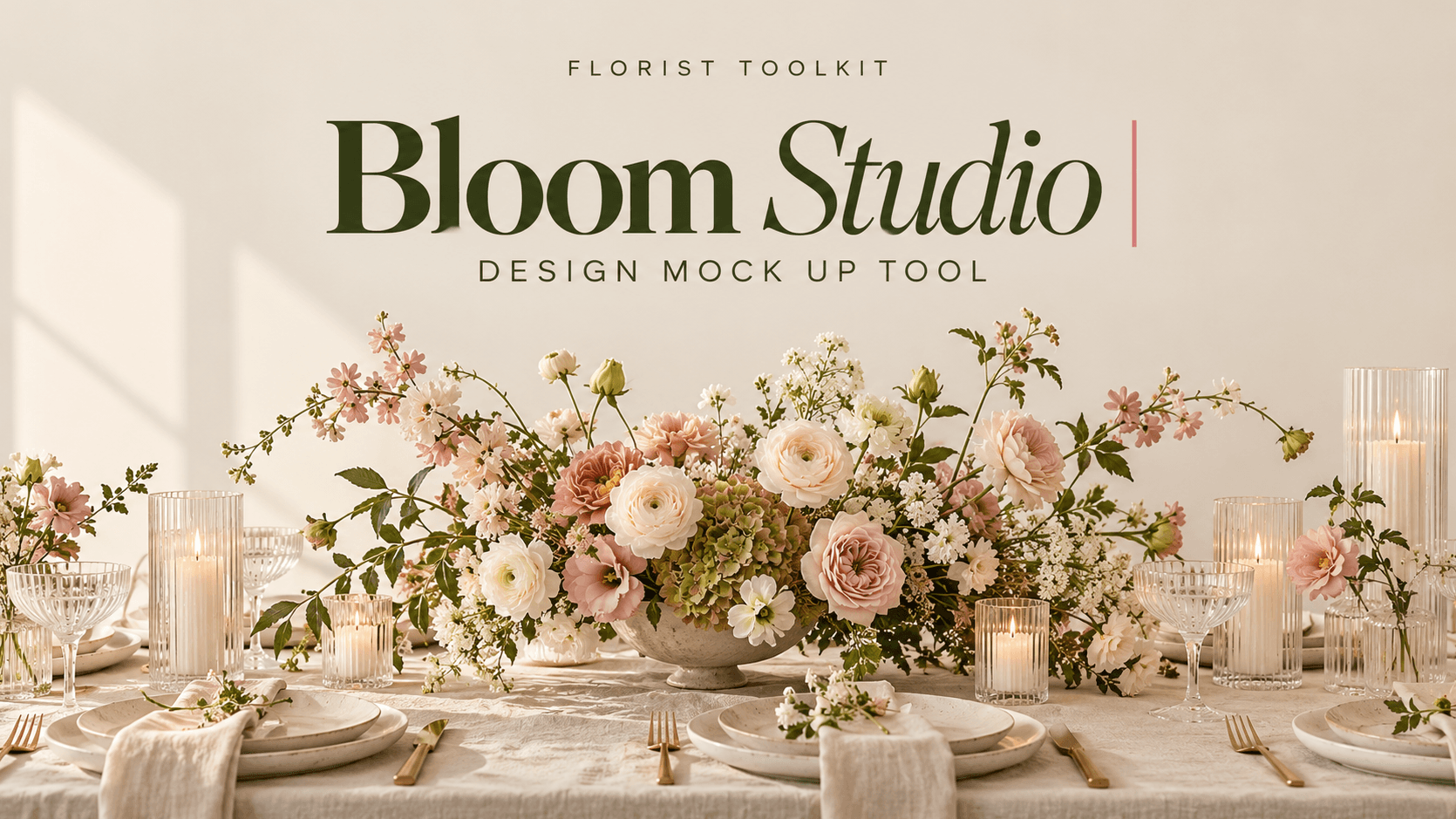
Bloom Studio | Floral Mockup Design Tool
$29$49
See the design before you build it.
Bloom Studio is an online design tool made for florists. Pick your flowers, greenery, vessels, candles and props, then arrange them on a canvas until the design looks the way you want it to. Move things around, resize them, copy them, layer them, and change colours to match a client's palette. Save your work, come back to it later, and download a clean image to send with your proposal.
What you can do:
- Build bouquets, centrepieces, flower carts and full tablescapes
- Choose from a large library of focal flowers, line flowers, fillers, greenery, mosses, grasses, dried stems and glass vessels
- Add tables, plinths, taper candles with hurricane glass, votives and tea lights
- Recolour any element to match a client's palette
- Copy, paste, duplicate, and send items backward or forward
- Save designs and reopen them any time
- Download a high quality image to share with clients
- Works on desktop and phone
Who it's for:
Florists who want to show a client what a design will look like before ordering flowers, quoting a price, or building it. It's a visual planning tool, not an automatic design generator. You choose the flowers and place them yourself.
How it works:
Bloom Studio runs in your browser and now in an APP! No download or install needed. After purchase you'll get access to the studio on florist-toolkit.com. Sign in, open Bloom Studio, and start designing.
Good to know:
- This is a one-time purchase. You get the version of Bloom Studio available when you buy it, along with everything already in the studio.
- New tools and updates are added to the Ultimate subscription, not to one-time purchases.
- The Ultimate subscription ($25/month) includes Bloom Studio plus every toolkit, calculator, asset library, and new addition as they're released. If you want ongoing new tools, that's the better value.
Price $29/one time purchase
Getting your access: Access is added by hand, usually within a few hours of purchase. Sign up free at florist-toolkit.com with the same email you paid with, and I'll link your purchase to your account. Questions? hello@plantita.ca.