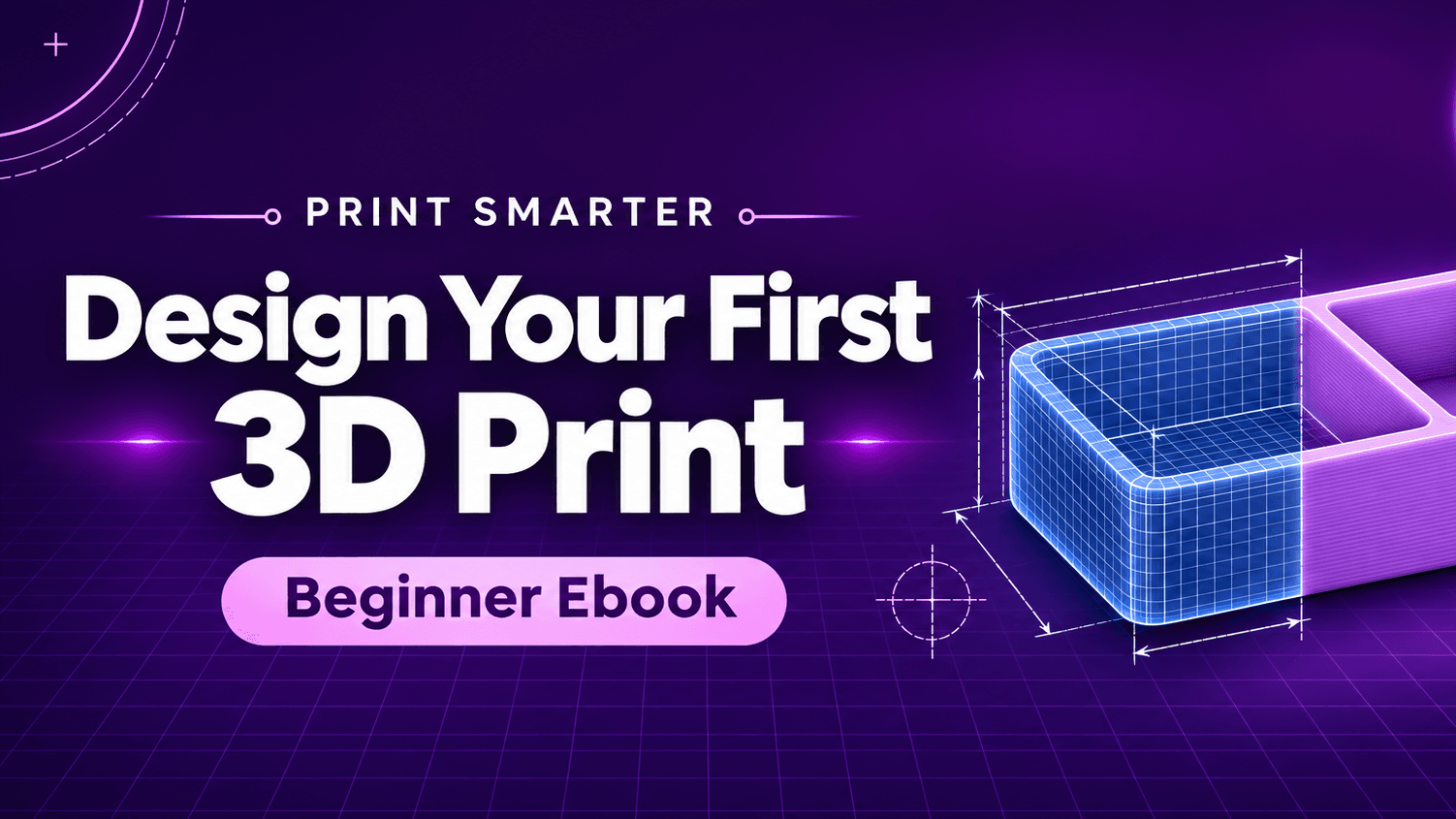
Get My Print Smarter: Design Your First 3D Print!
$19.99$29.99
Go from downloading other people’s files to designing your own. This illustrated beginner’s guide walks you through a personalized desk tray, from the first sketch to a file you can slice, print, and improve.
Product description
Ever find a 3D print file that’s almost right? The tray is too wide for your drawer, the slot is too narrow for your cable, or the label says the wrong thing. This guide teaches you how to design a part around what you actually need.
In 15 beginner-friendly chapters, you’ll learn how to use CAD (computer-aided design) to make your own files for an FDM filament printer. Start with simple shapes, practice with a keychain and phone stand, then bring it all together by designing a personalized two-compartment desk tray.
What you’ll learn
Choose design software and get comfortable moving, measuring, and editing shapes.
Turn a flat sketch into a 3D object, cut openings, and add raised or recessed lettering.
Design for easier printing by planning for overhangs, print orientation, and strength.
Make parts fit together and test the clearance with a small print before committing to the full part.
Export your design, check it in your slicer, and use your first print to decide what to change.
What’s inside
A 28-page illustrated PDF with chapter bookmarks and step-by-step instructions.
Five follow-up projects to build your skills, including a drawer divider, cable organizer, and storage box with a lid.
Printable measurement and design worksheets, a pre-print checklist, a fit-test log, a glossary, and a troubleshooting guide.
Made for beginners
If you’ve never opened a CAD program or you’re ready to make something beyond a downloaded model, start here. The guide teaches common design tools and actions you can follow in a compatible CAD program.
Download the guide, pick one everyday problem, and design your first solution.
Print Smarter. Not Harder.
Understand. Diagnose. Print Better.