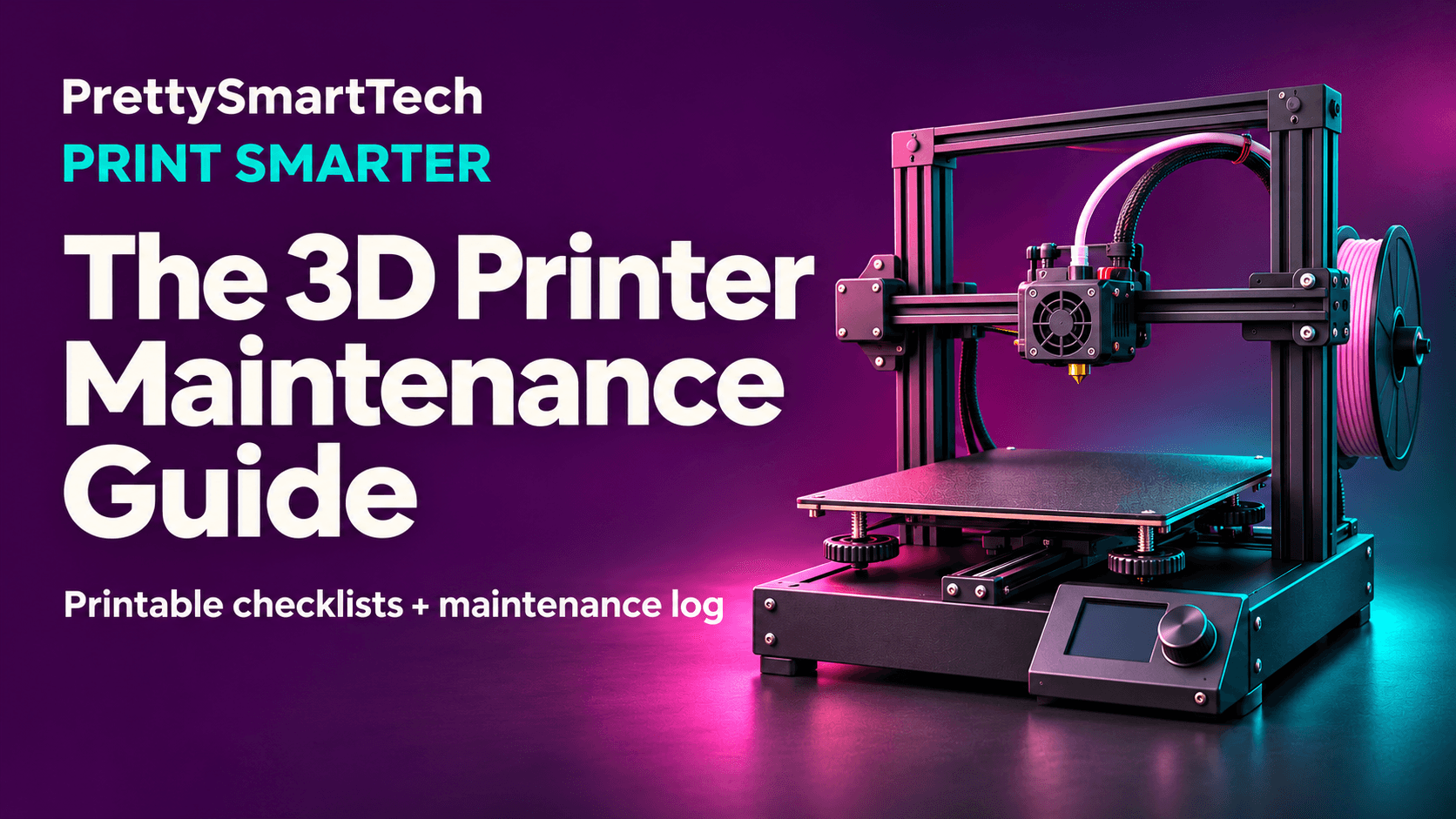
Get My Print Smarter: The 3D Printer Maintenance!
$14.99$24.99
Before you hit Print on a 12-hour job, take two minutes to check your build plate, nozzle area, filament feed, and travel path. Then stay for the first layer. A lifting corner is a lot easier to deal with now than after the nozzle drags the part across the plate.
I created this 16-page PrettySmartTech guide to take the guesswork out of keeping your FDM printer in good shape. You’ll know what to check before a print, what to clean each week, and which parts to inspect as the hours add up.
Inside the guide
Daily checks to spot filament snags, plate issues, and first-layer problems before a long job gets underway.
Weekly routines to keep motion and extrusion consistent and clear the scraps and dust that build up around your printer.
Monthly deep care to spot wear on motion parts, the hotend, fans, and cables, with guidance on when to consult your model’s service instructions.
A troubleshooting chart and short verification prints so you know where to start when you hear clicking, see missing lines, or notice a new scraping sound.
Three printable worksheets included
12-Hour Print Checklist to confirm you have enough filament, check your setup, and decide whether the first layer is ready to continue.
Routine Maintenance Checklist to keep daily, weekly, and monthly tasks in one place.
Printer Maintenance Log to track print hours, symptoms, service, replacement parts, and whether your fix worked.
Whether you just set up your first FDM printer or already run one most days, you’ll have a routine you can follow right at the machine.
Format
16-page digital PDF with three US Letter worksheets you can reprint as needed.
Print Smarter. Not Harder.