
THE CANVA EFFECTS LIBRARY🎬
$30$45
BECOME A REAL CANVA EXPERT AND START CREATING OUTSTANDING EFFECTS
✅ Finally understand how Canva animations actually works
✅ Stop clicking randomly hoping it works
✅ Get confident with Canva and become a Match & Move pro
✅ Recreate stop-scrolling effects with intention
Instant access.
➞ IF CANVA SOMETIMES FEELS LIKE… “I KNOW THE TOOLS, BUT I DON’T KNOW WHAT TO DO WITH THEM”
You’re not alone.
Maybe you:
open Canva with a great idea… then get stuck
know features exist, but don’t know how to use/combine them
spend way too long trying to recreate an effect you saw on Instagram/TikTok
want animations that feel premium, not “basic slideshow”
wish you had a go-to system you can reuse for content, clients, or products
This course was built exactly for that.
➞ MASTER A RANGE OF CANVA EFFECTS
Not a “watch me do it once” course. This is a library you keep and reuse:
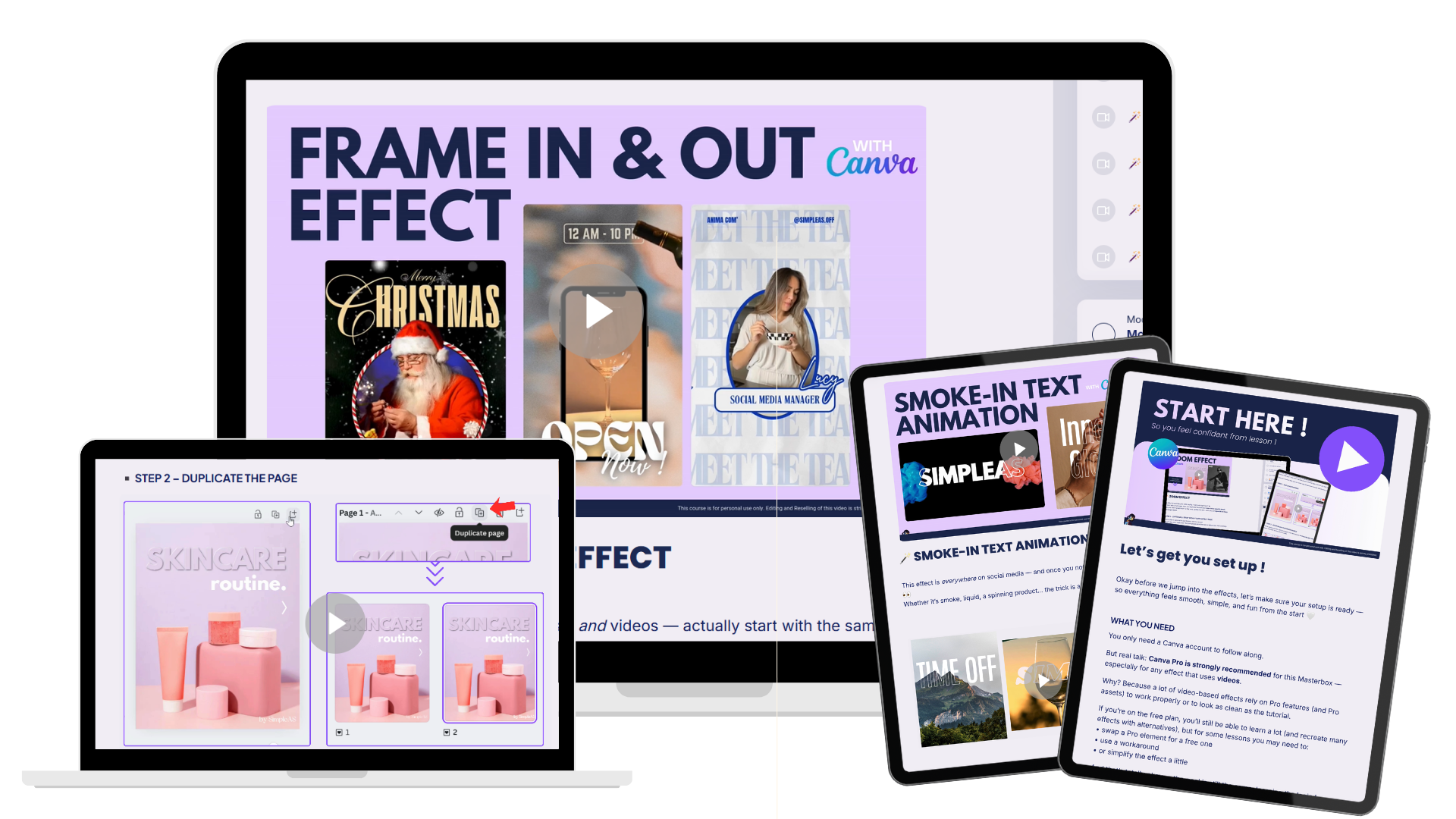
🎓MATCH & MOVE GUIDE : So you understand the logic first… then the effects feel 10x easier.
🎓 19+ CANVA EFFECTS, split into 3 modules
✅Match & Move effects
✅Text effects
✅Bonus effects
🎓DETAILED STEP-BY-STEP TUTORIAL FOR EVERY SINGLE EFFECT
Each effect includes:
🎬 Video steps +screenshots +written instructions (so you can follow at your pace)
💡 clear breakdown of what’s happening + why it works
⚙️ a structure you can reuse again and again
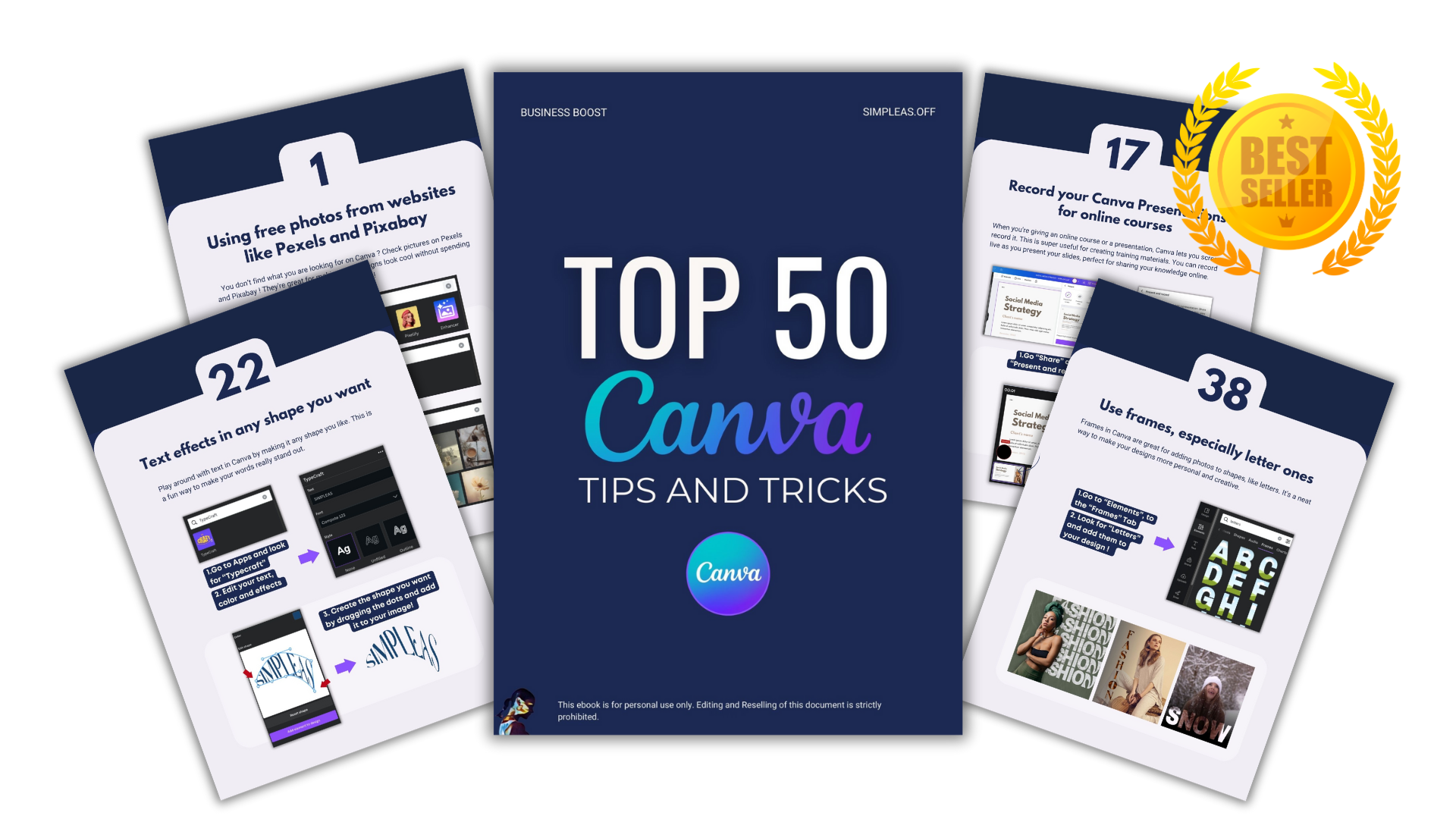
🎁 BONUS: TOP 50 CANVA TIPS & TRICKS EBOOK ($10 value)
🖤 IS CANVA PRO REQUIRED?
Canva Pro is highly recommended for this course — especially for effects that use video. A lot of the video-based looks rely on Pro features (and sometimes Pro assets) to work smoothly and look as clean as in the tutorials.
🖤DO I NEED TO BE ADVANCED ON CANVA?
No, don’t worry ! A beginner+ level is perfect. If you know how to add text, move elements around, and search for elements in Canva, you’ll be totally fine. I guide you step by step.
🖤 OTHER QUESTIONS? ✨
Feel free to reach out anytime at jeanne@simpleasoff.com 🤍
Stop saving Canva effects. Start making them.
👉🏼 By purchasing this product, you agree to our Terms and Conditions. For more information, please refer to them for details regarding purchasing, usage, and other important policies.


missrosibel
I honestly love everything about this! The short hacks are so helpful and easy to follow, and I’m learning a lot each time I go through the content. Everything is very clear, practical, and beginner-friendly. The only thing I would love in the future is the option to hear a voice, but even without that, the value is absolutely there. I also really appreciate that if we get stuck, you’re willing to help and support us, that makes a huge difference. Thank you.