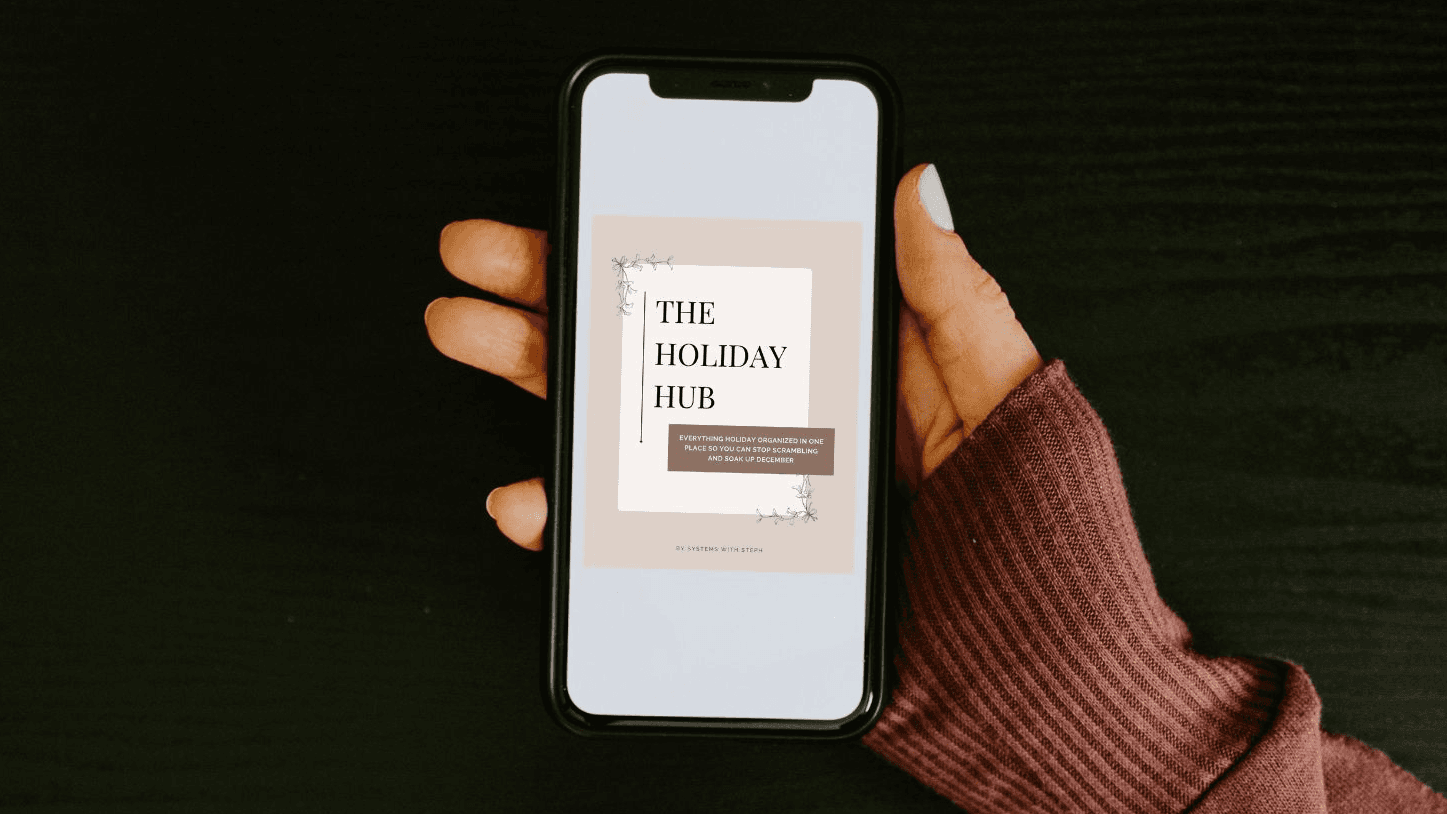
The Holiday Hub
$27$47
Make Christmas special without keeping the whole season in your head.
The gifts you’ve already bought. The stocking stuffers you still need. The cards, meals, family plans, and traditions you actually want to make happen.
The Holiday Hub gives those details one place to stay, with a ready-made reminder list to help you put the next steps on your calendar.
Use it from your phone this season. Keep your notes for next Christmas.
Get the Holiday Hub below for only $27! 🎄
Includes the Holiday Hub, setup guide, holiday reminder list, and bonus Holiday Hotspot Declutter Challenge.
Declutter Challenge.
You want to do the Christmas things but you’re tired of trying to remember all of them.
You’re shopping when you realize you can’t remember what you already bought for the stockings.
Someone asks what the kids want and their Christmas lists are scattered between a text, a screenshot, and a note somewhere on your phone.
You save a Christmas activity you’d love to do together. Then December fills up before you pick a day.
And the cards? You still need the photo. And the addresses. And to check when you need to order them.
None of these things is a huge job on its own.
Keeping track of all of them while you’re also running everyday life is the part that wears you out.
You care more about Christmas than you admit, but what you need is somewhere to put the details and reminders that help you plan before everything becomes a last-minute holiday frenzy.
Meet The Holiday Hub.
A reusable Christmas planning system that brings together:
Your family’s plans: gifts, stockings, meals, addresses, travel, and traditions.
Your next steps: a holiday reminder list with suggested dates to add to your calendar.
Your notes for next year: what worked, what you’d repeat, and what you’d rather skip.
The Hub is an editable Google Doc, with separate tabs so you can find what you need without digging through one long list.
The included PDF guide walks you through making your copy, filling it in, and setting up your calendar reminders.
Your plans stay in the Hub. Your calendar reminds you when it’s time to do something.
Get the Holiday Hub below for only $27! 🎄
Here’s how that helps in the middle of December.
When you’re buying gifts…
Open your Gift Tracker to check what you’ve already recorded before buying something else.
When it’s time to order cards…
The reminder you added to your calendar gives you a nudge, and your saved addresses have a place in the Hub.
When the family calendar starts filling up…
Look at the activities you’ve collected and choose which ones you want to make room for.
When Christmas is over…
Leave yourself notes. The meal everyone loved. The activity worth booking again. The tradition that sounded better than it went.
Next year, you have something ready to come back to again and again!
What you get for $27
The Holiday Hub
An editable digital home for your family’s Christmas details, with tabs for:
Gift tracking
Stocking stuffers
Traditions and activities
Card addresses
Meal planning
Travel
Christmas Eve
Your after-Christmas recap
A START HERE tab helps you get oriented and you can adapt the Hub to fit your family.
The holiday reminder list
Start with my suggested reminders and dates for things like family photos, matching pajamas, Christmas cards, gifts, holiday events, decorating, menus, and family plans.
Choose the ones that apply to you and adjust the dates.
The guide shows you how to add them to your calendar and set appropriate reminders to repeat annually.
The step-by-step setup guide
Instructions for getting your Google account and apps ready, making your copy of the Hub, and building your holiday calendar timeline.
You don’t have to figure out the whole structure yourself.
BONUS: The Holiday Hotspot Declutter Challenge
A focused challenge for the spaces that get extra use during the holidays, including the kitchen, pantry, entryway, toys, kids’ clothes, drop zones, and wrapping supplies.
Help if you get stuck
You can DM Steph on Instagram with setup questions.
Get the Holiday Hub below for only $27! 🎄
You don’t need to become a “planner” person.
You need a place you can find again when the season comes back around.
One you can open while you’re shopping, update when an idea comes up, and return to when you’re deciding what still needs to happen.
There is some setup involved: you’ll make your copy, add your family’s information, and put your chosen reminders on your calendar.
But the structure is already there.
Start with what you need next whether that’s gifts, cards, or getting your family’s plans in one place.
Then keep using it as the season unfolds.
Keep the traditions you love. Make room for them on purpose.
Maybe you want matching pajamas, the Christmas lights drive, and a kitchen full of cookies.
Maybe your family has three traditions nobody wants to miss.
The Hub gives you somewhere to collect those plans and look at them together, so you can choose what fits your family this year.
You’re building your December. You don’t have to copy someone else’s.
A few things you might be wondering
Is this just a Google Doc?
The Google Doc is where you keep your family’s information. Your purchase also includes the setup guide, Steph’s holiday reminder list with suggested dates, calendar setup instructions, and the bonus declutter challenge.
You’re getting a prepared structure to work from, rather than starting with a blank page.
Will it remind me automatically?
Once you’ve added reminders to your calendar and configured your notifications, your calendar can notify you at the times you choose.
The Hub document itself doesn’t send notifications. The guide walks you through the calendar setup.
Can I use it from my phone?
Yes. You can access and update your Hub through Google Docs on your phone.
Do I need the Motherhood Operating System?
No. The Holiday Hub works on its own. You don’t need to own another one of Stephs’ products to use it.
What if my kids are still tiny?
Use the sections that fit your family now. You can add more plans and traditions as your children grow.
What if some of the suggested dates have already passed?
Start with what’s still ahead this Christmas and adjust the reminders to fit your timeline.
You can still use the Hub to organize upcoming gifts, meals, activities, and family plans. Keep useful reminders for next year, too.
Can I use it again next year?
Yes. Copy your Hub forward, update your family’s details, and use the notes you’ve saved.
You’ll still have some planning to do. You’ll have a starting point waiting for you.
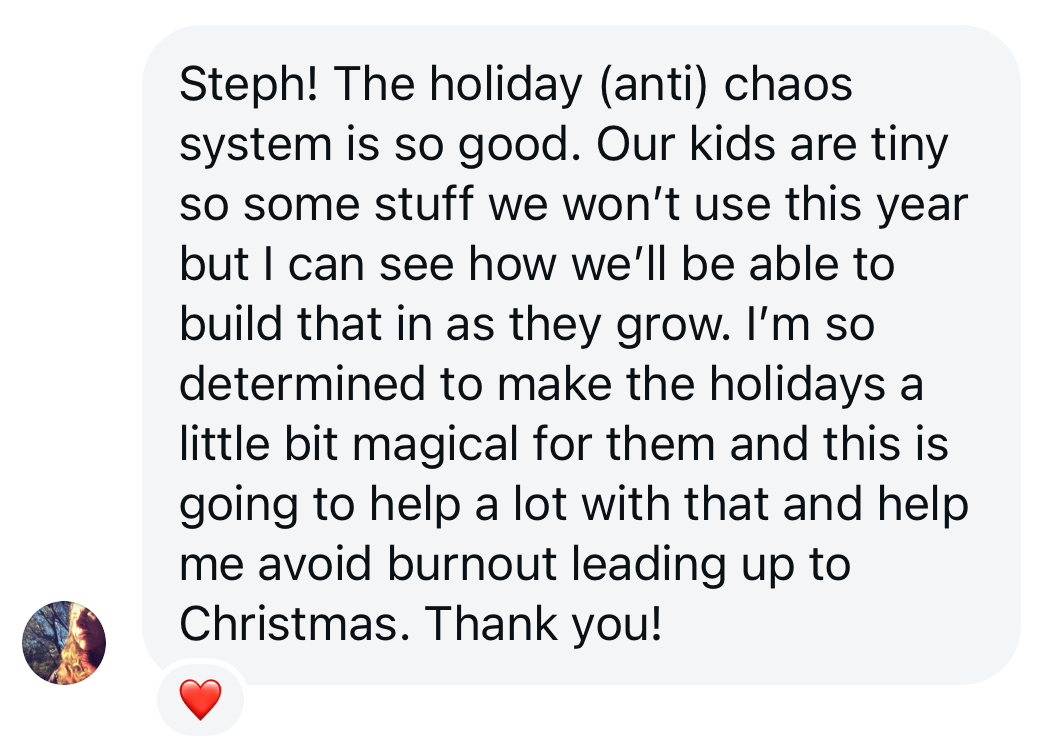
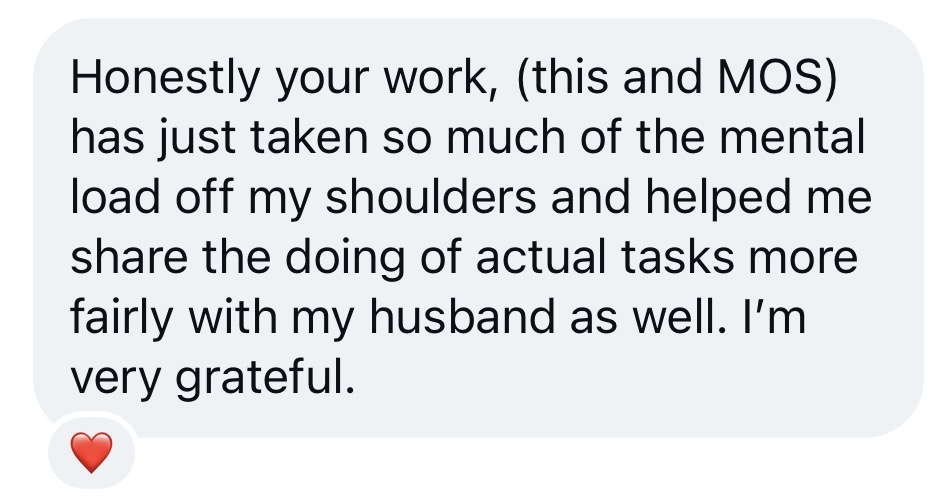
WHAT MOMS ARE SAYING...

Give this Christmas a place to come together.
Get the gift plans out of your scattered notes. Put the traditions you care about on the calendar. Save the details you’ll want again next year.