
The Motherhood Operating System
$37$67
Know what needs doing today, what can wait, and where to pick back up when the day goes sideways.
A step-by-step guide to getting the chores, appointments, errands, and loose ends out of your head and into a simple system on your phone.
The PDF guide is emailed to you right after purchase. The Operating Room, my private Instagram group chat for MOS moms, is included.
The baby finally fell asleep. Now what do you do first?
Eat something? Take a shower? Prep dinner? You finally have a few minutes to yourself, and you’re standing in the kitchen trying to decide how to spend them.
Later, you’re on the floor playing with your kids and suddenly remember the dentist appointment you meant to make. Then the birthday gift you still need to buy. You’re doing things for your family all day, and even when you sit down with them, part of you is still working through the list.
A cleaning schedule can tell you when to mop. A running list can hold the dentist appointment and the birthday gift. But if you still have to look at everything and decide what actually needs to get done every time you get a free minute, you’re still doing a lot of the work in your head.
That’s the part I want to help you change.
Give the things you’re trying to remember somewhere to go. Give the things you do every week a regular place in your week. Then, when you have twenty minutes, you can look at what actually needs your attention today. Sometimes you’ll use those minutes to get something done. Sometimes you’ll sit down and eat your lunch.
Here’s what you’ll set up
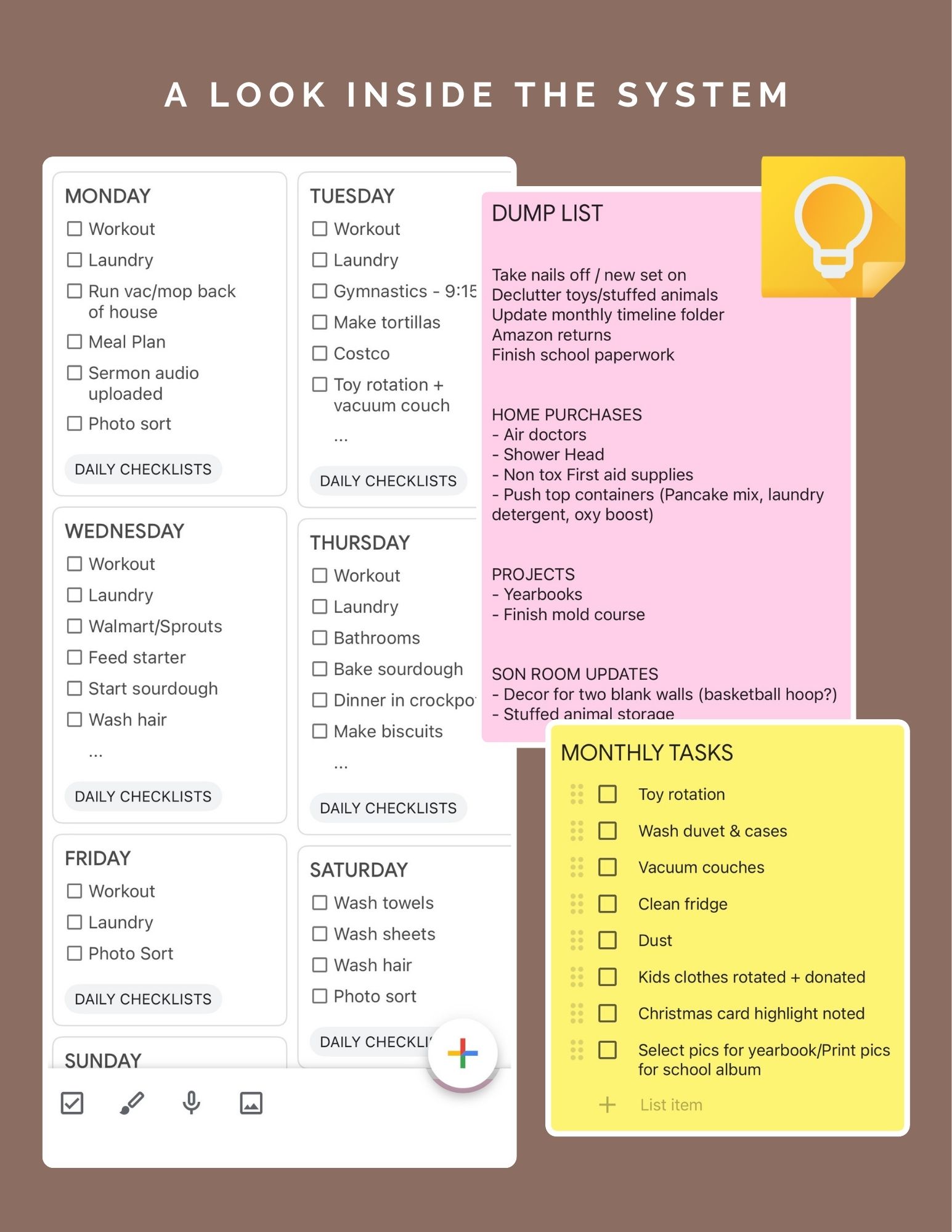
A dump list for the loose ends. The house project you’ve been needing to get done, the gift you need to buy, the thing you noticed was broken. Give it one place to go, even if you can’t deal with it right now so it’s out of your head.
Daily anchors for basic upkeep. I share the tasks I come back to in my own home so you can decide what makes sense for yours.
A weekly rhythm for the work that keeps coming back. Give chores, errands, bills, and other recurring tasks a place in your week so you can actually get them done consistently.
A place for monthly and yearly tasks. Add in deeper cleaning, decluttering, and home maintenance as you go.
Simple setups around the house. Give papers, toys, and the things your family drops by the door somewhere to land.
Set aside about an hour to get started. I’ll walk you through setting all this up inside Google Keep. You can also use an app you already reach for. Some moms have done Notes, Todoist, and Skylight.
What happens when you miss a day?
Inside MOS, I walk you through how to look at what didn’t get done and decide what needs a new spot and what can wait until it comes around again. That matters on a normal Tuesday. It matters even more when somebody’s sick and you’re doing the bare minimum.
You can ask me for help with your setup
MOS includes The Operating Room, a private Instagram group chat for moms using the system. I’m in there daily answering questions, showing how I use MOS in my own home, and helping you adjust yours. You have access for as long as the chat exists.
If you’re looking at my week and thinking, Okay, but where would this go in mine? bring that question to the chat. What makes sense with my kids and my husband’s schedule might look different in your house. We can work through that.
A few things you might be wondering…
What am I buying if Google Keep is free?
You’re buying my step-by-step PDF guide and access to The Operating Room. Google Keep is where I show you how to set it up. The guide teaches you what goes where, how to give recurring tasks a spot in your week, and how to adjust when your plans change.
I’ve bought planners before and stopped using them. What makes this different?
It’s digital and repeatable, and exists in a place that you look at often… your phone. Reminders can be set to help you remember to check it too. Plus the longer you work the system, the more it becomes second nature.
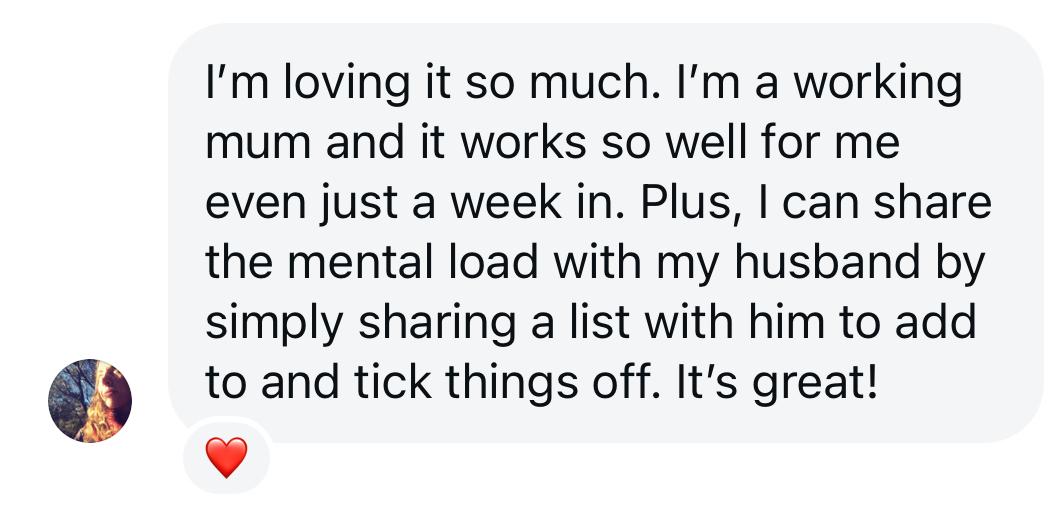
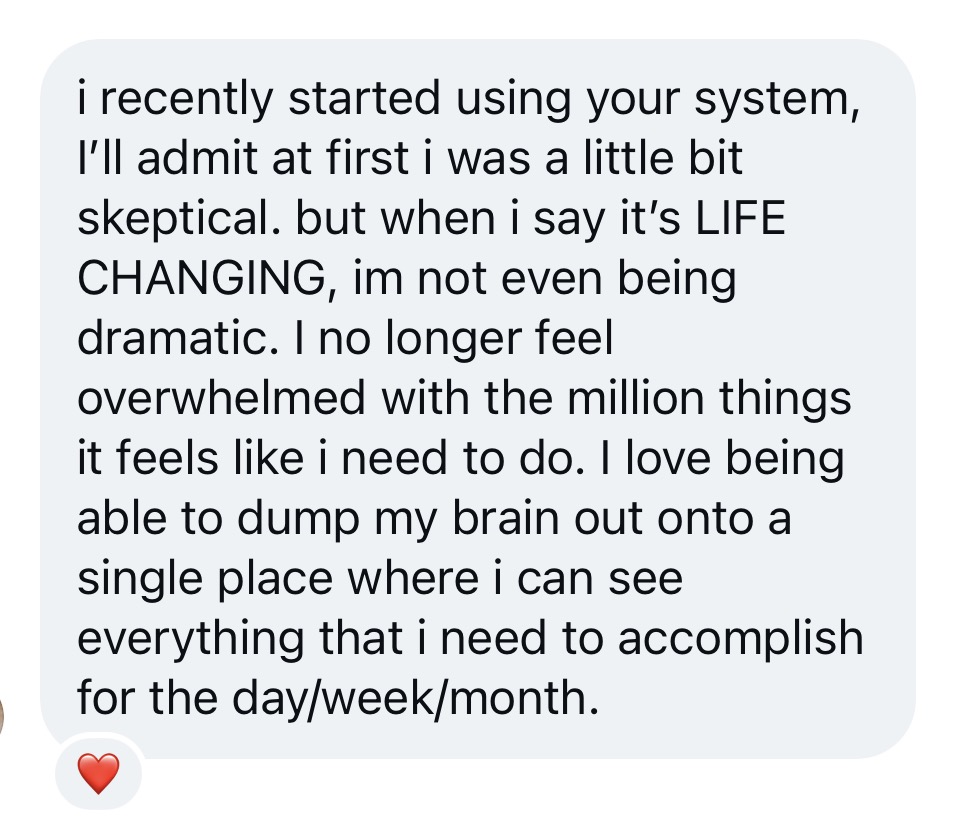
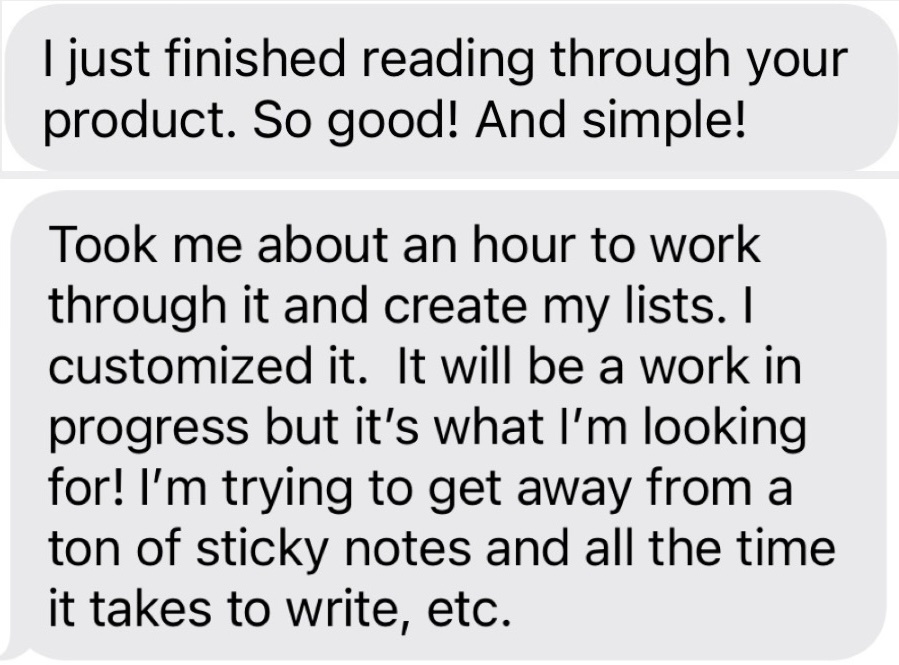
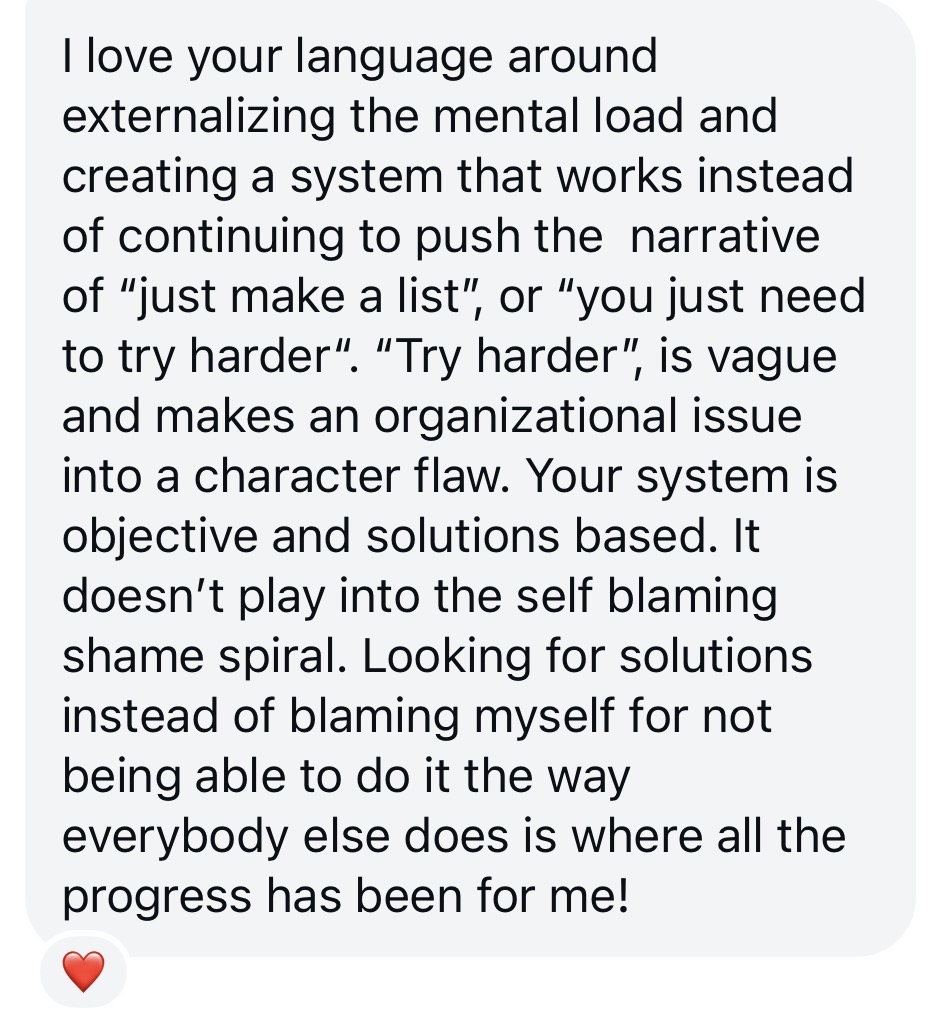
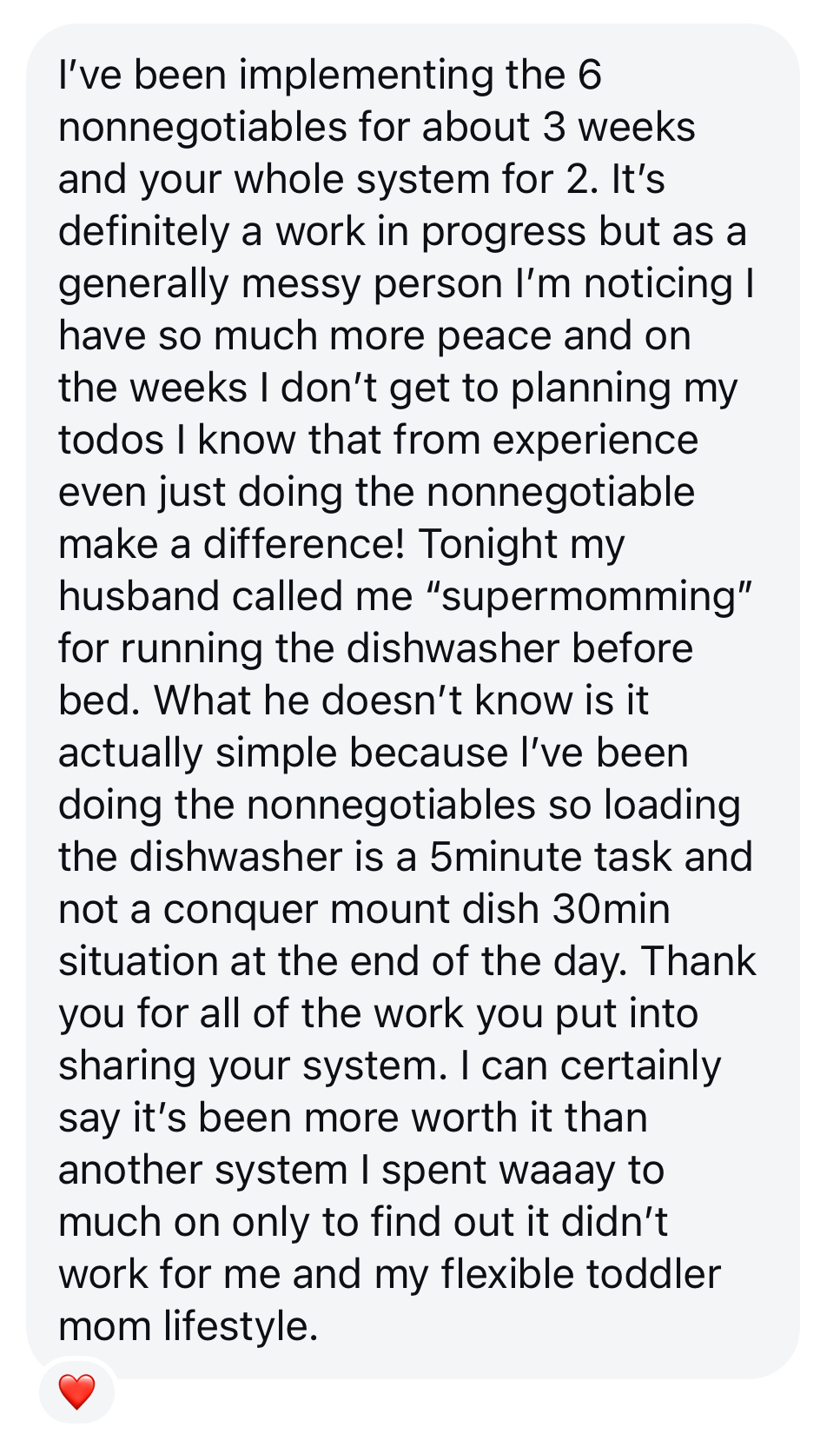
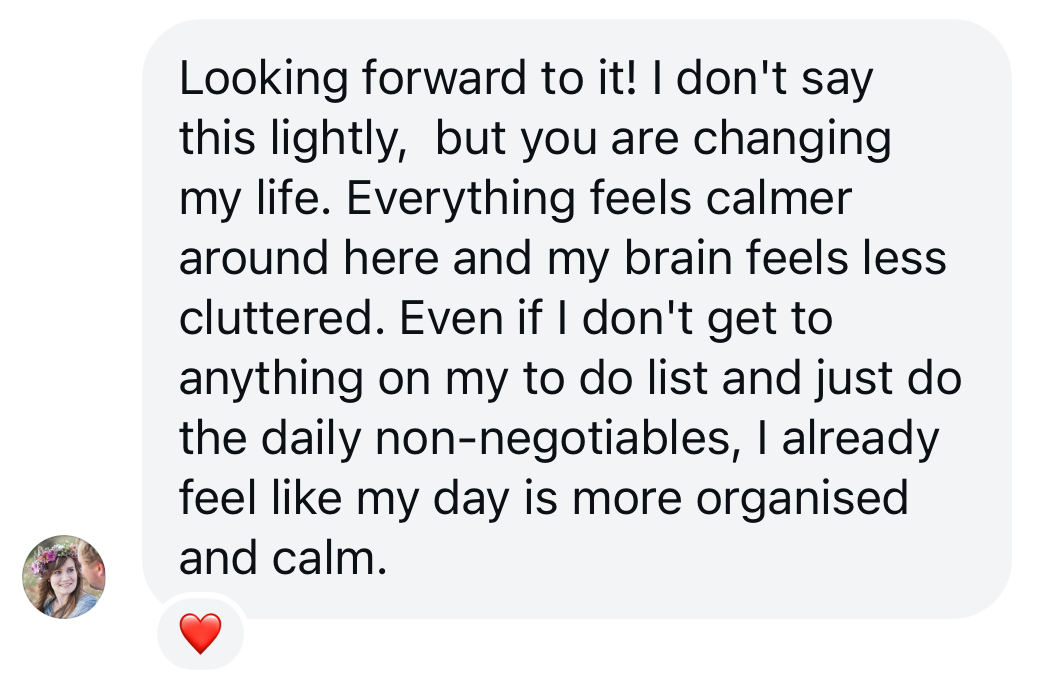
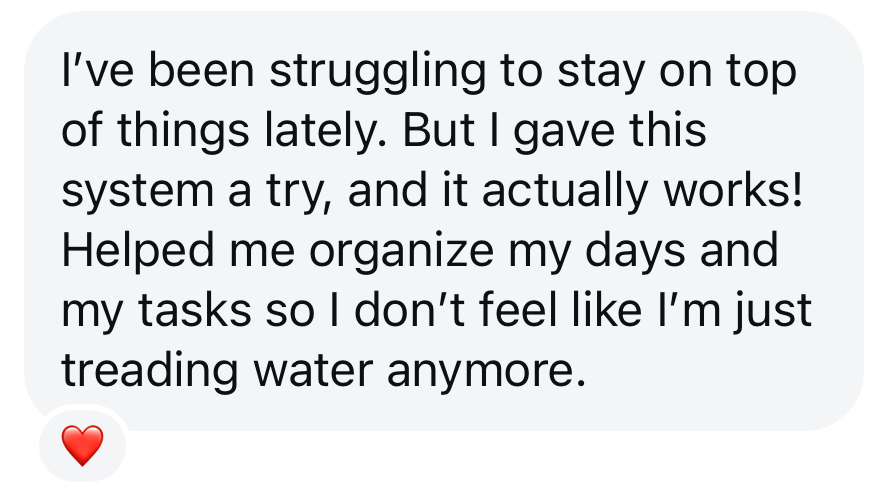
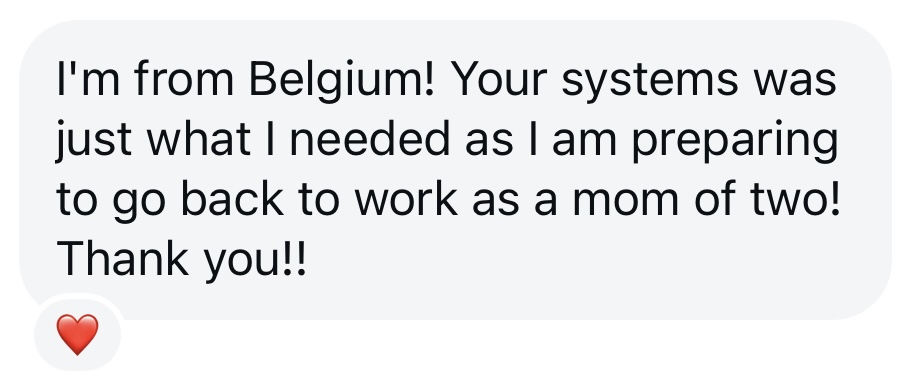
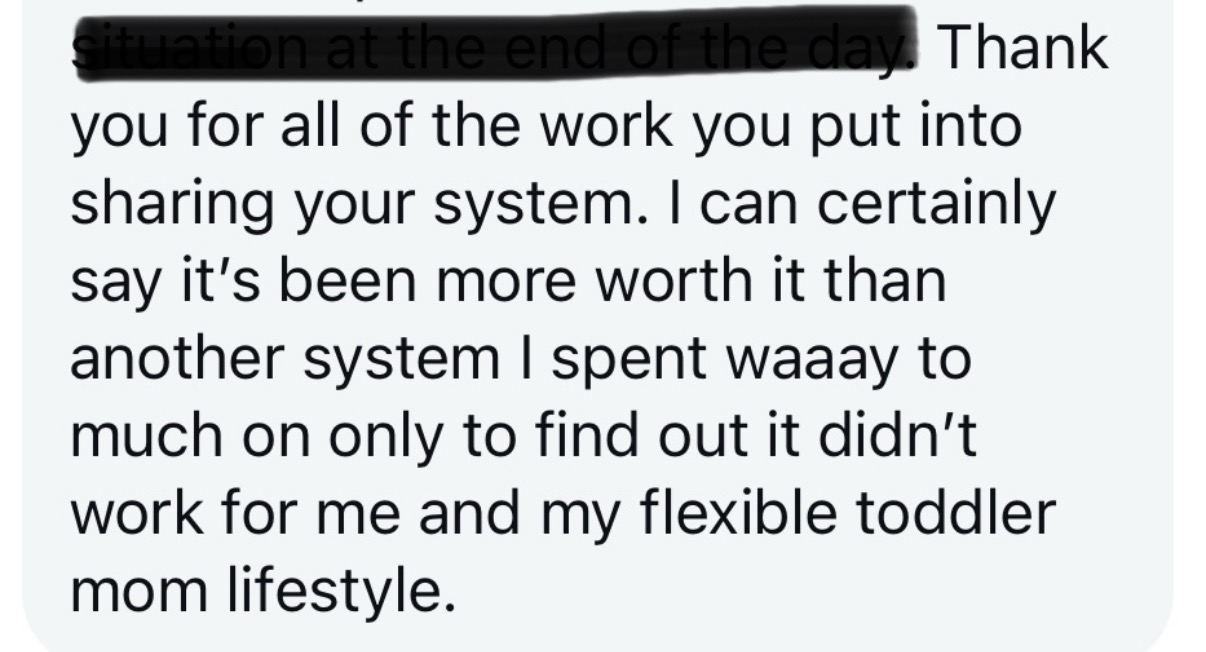
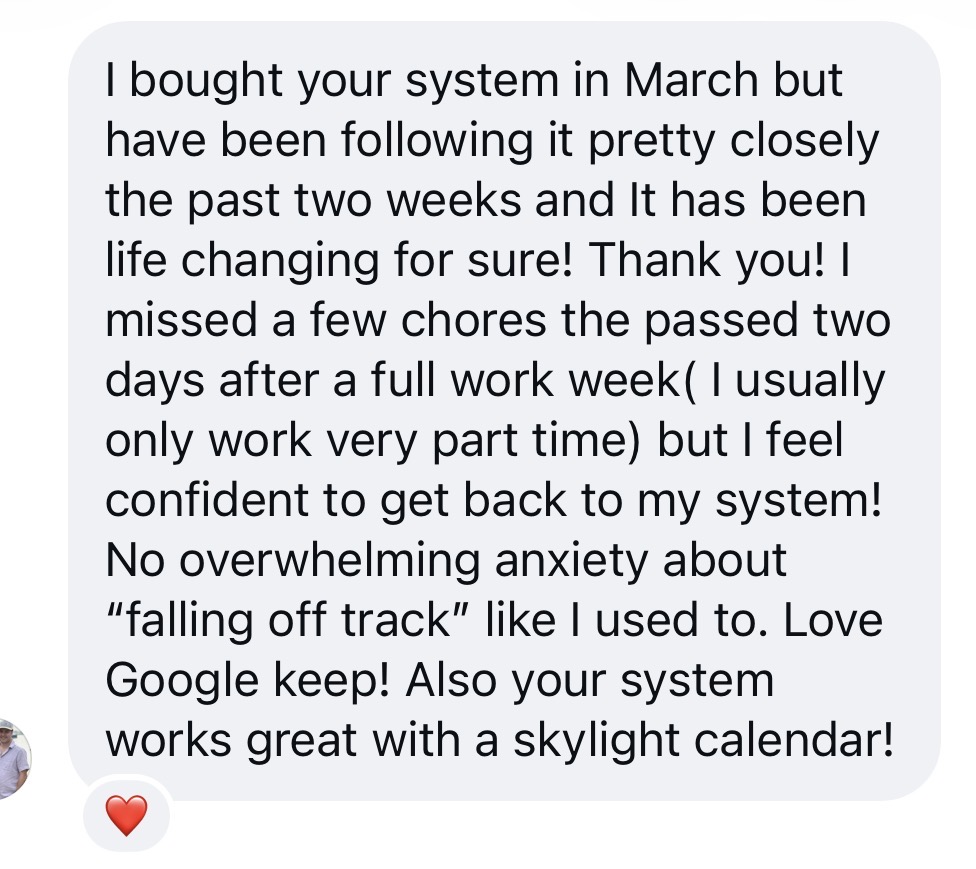
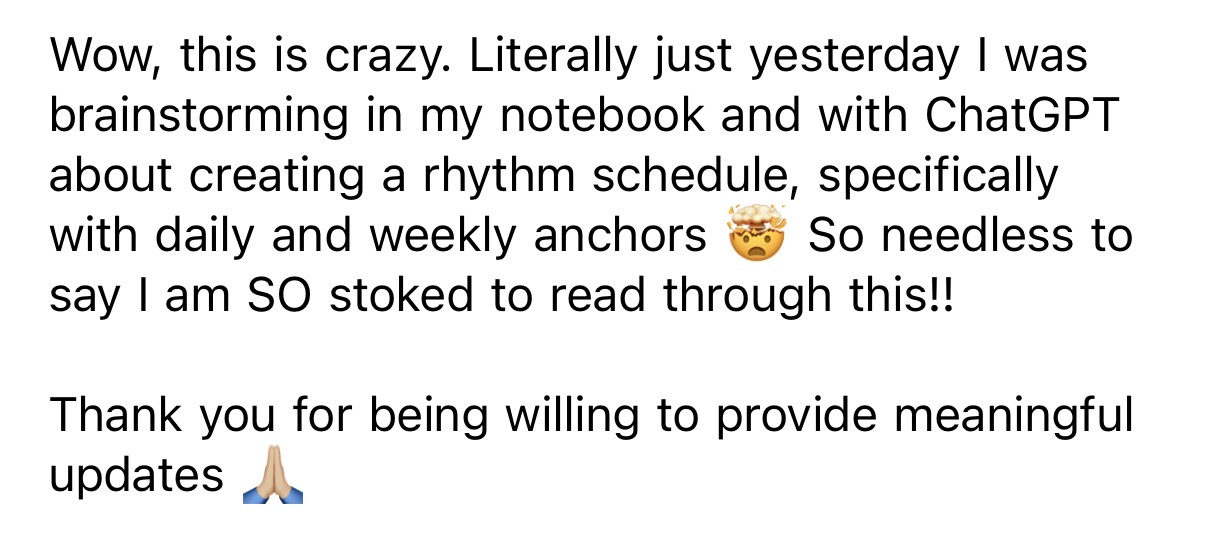
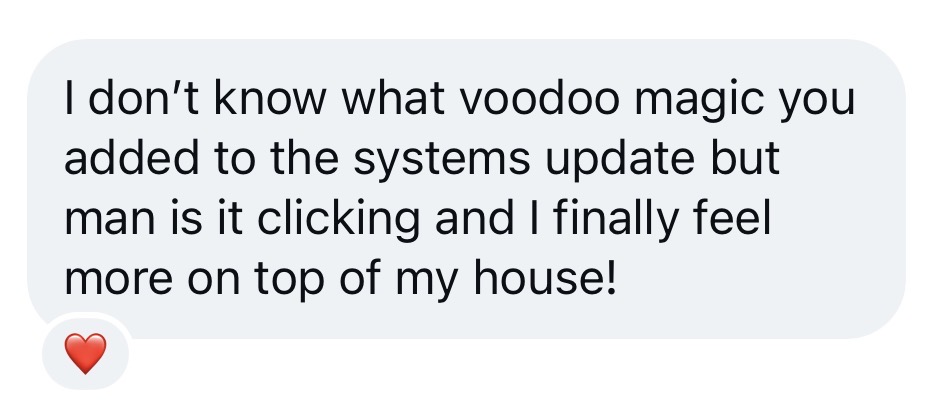
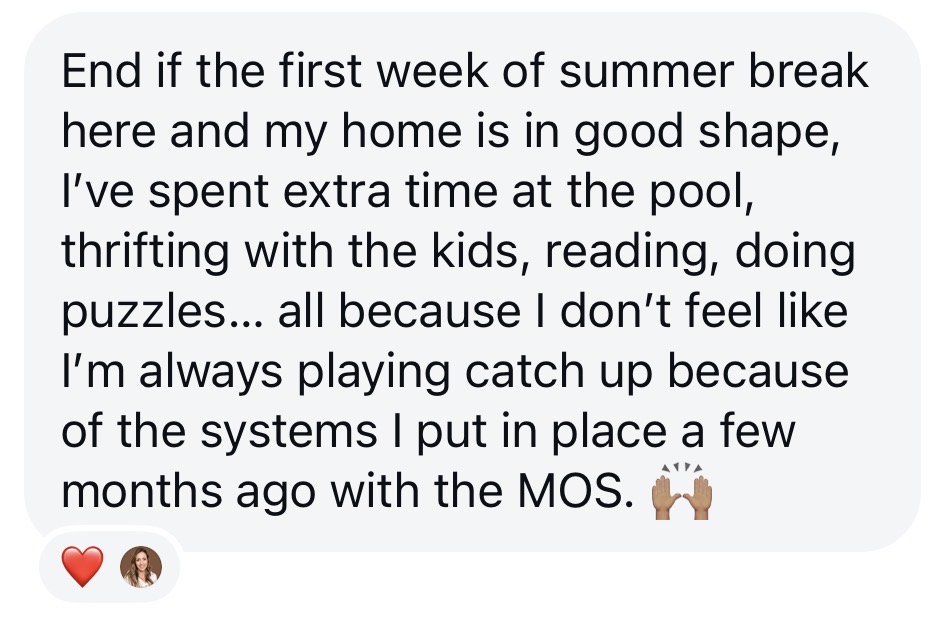
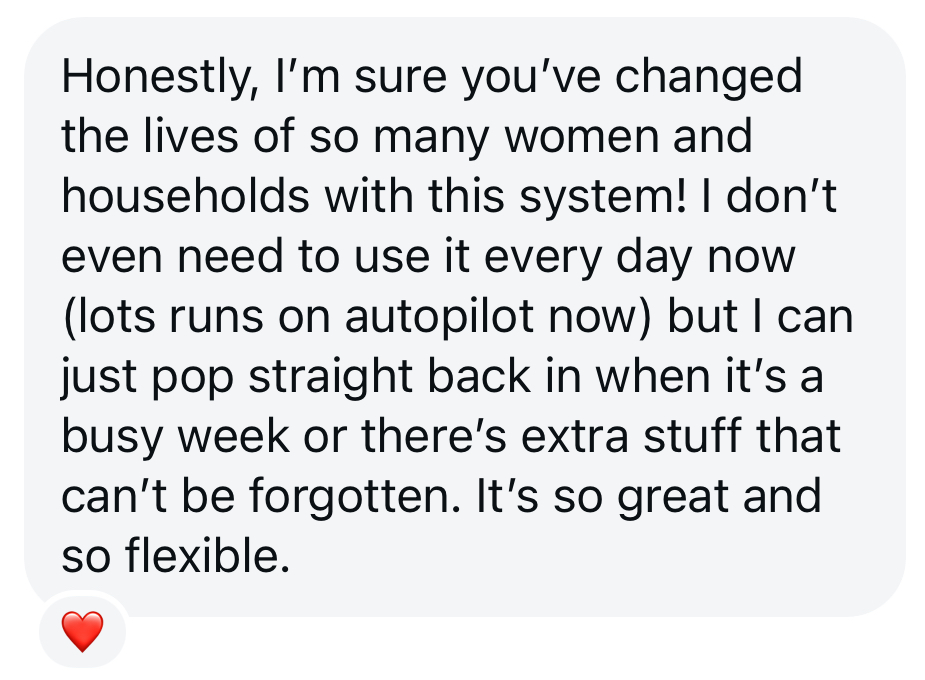
But don't just take my word for it...
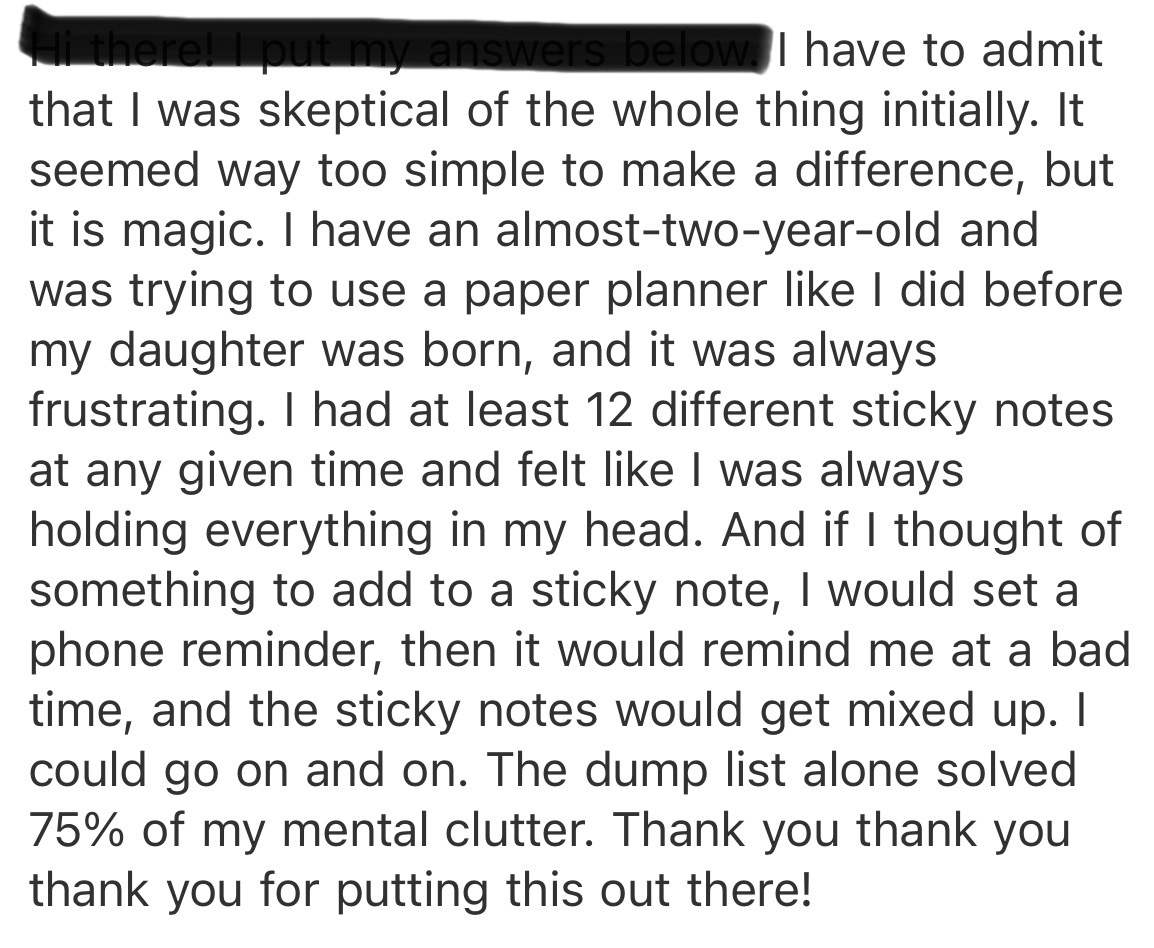
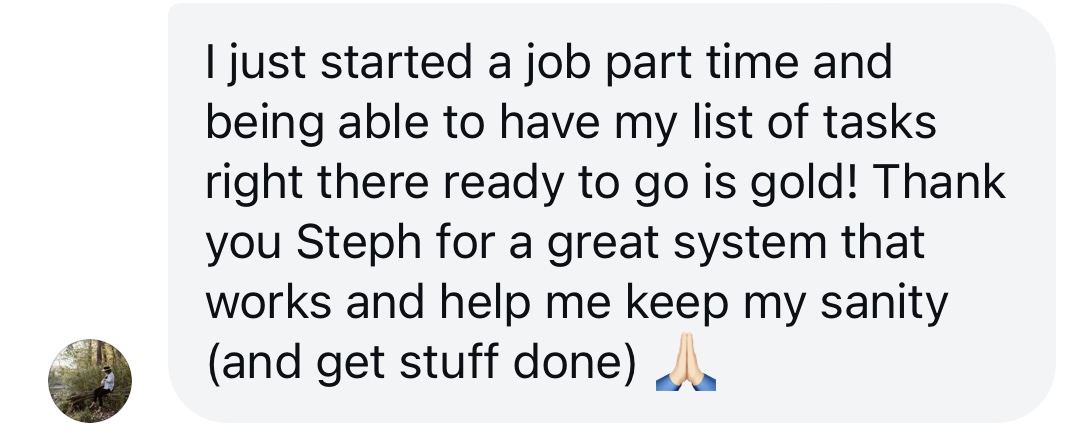
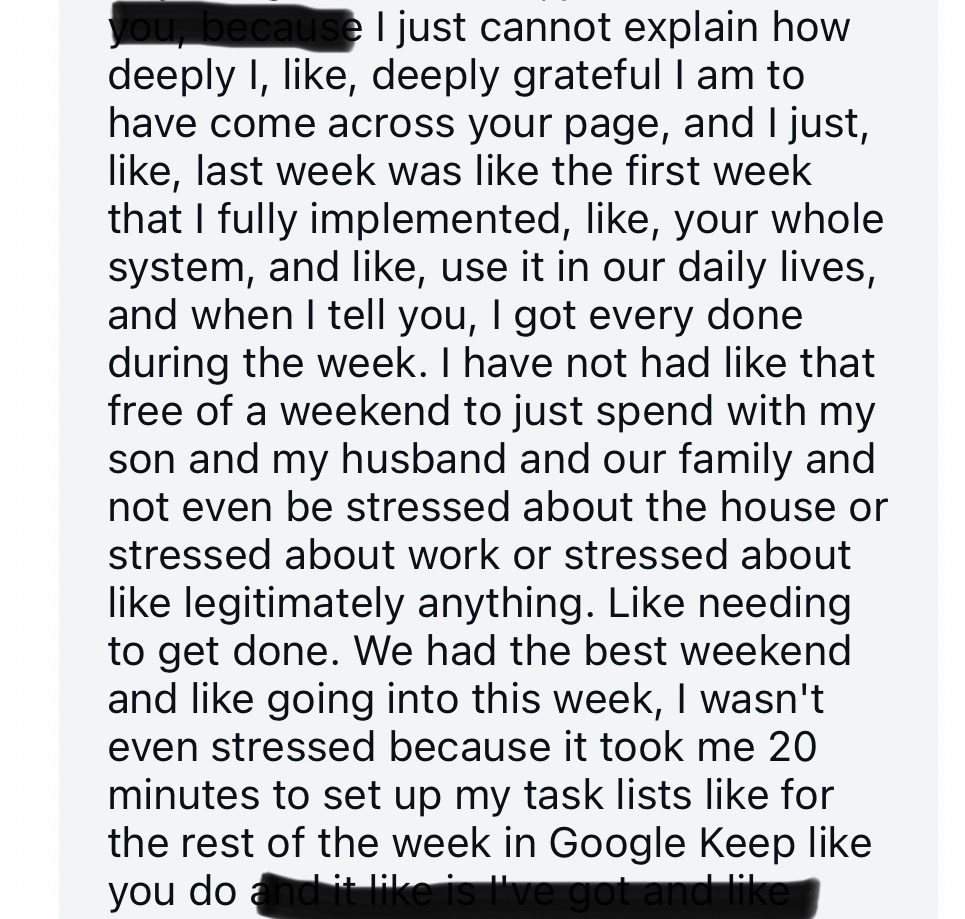




You can put the to-do list down before everything on it is done.
There will always be another load of laundry. There will also be an afternoon when your kid wants to show you something and you want to give them your full attention. It helps to know the school form has somewhere to go and there’s a time you’ll come back to it.
Start with what you’re carrying this week. I’ll show you where to put it.
Get The Motherhood Operating System NOW!