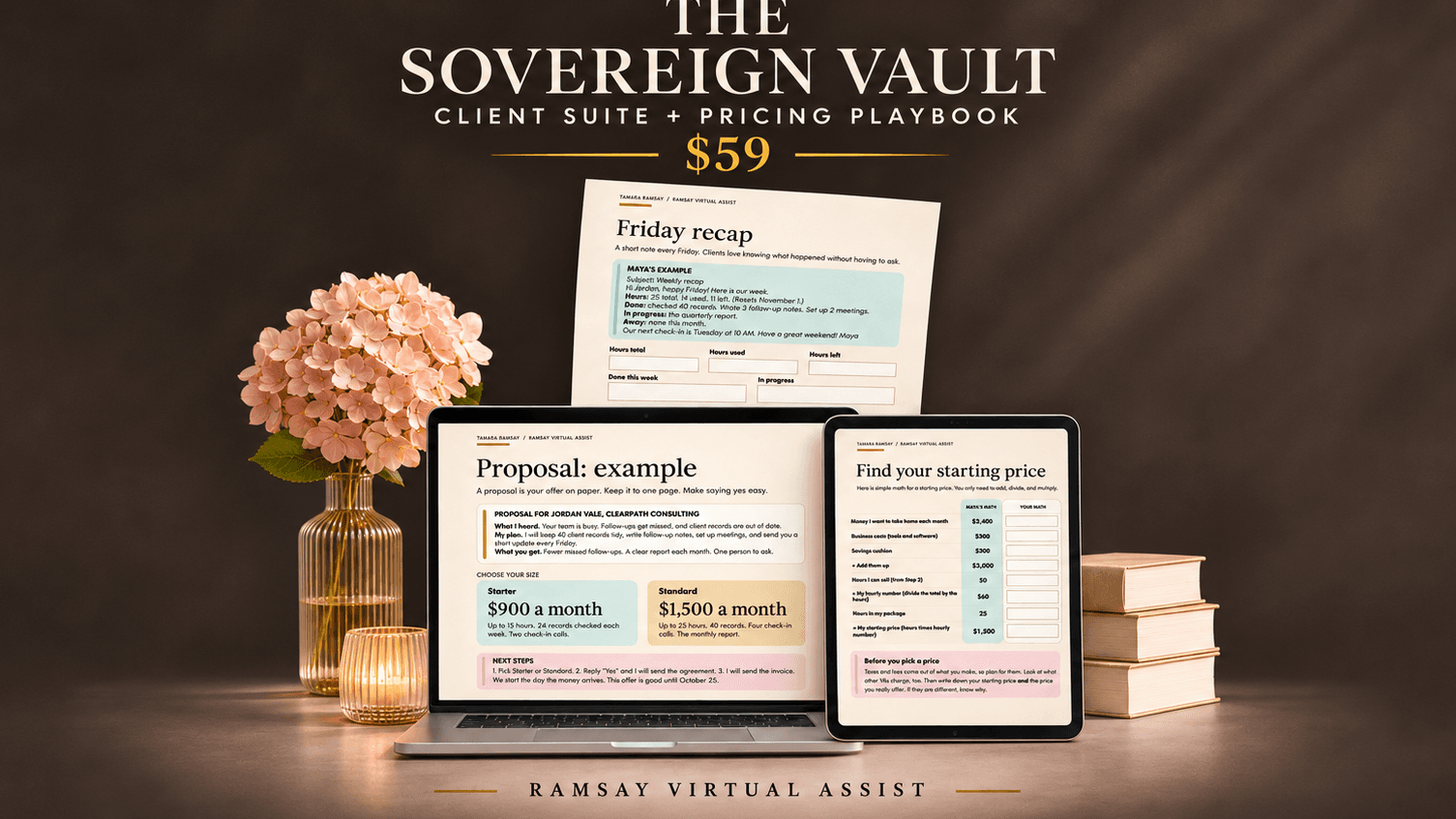
The Sovereign Vault: Canva Edition
$59
If you want help setting your price, finding clients and knowing what to send when someone says yes, start here. I’ll walk you through the process and show you what each step looks like filled in.
Open Start Here first. It shows what to open next and gives you the Canva template links.
Your VA Business Walkthrough: Eight pages and six steps, from choosing a service and finding clients to discovery, getting paid, onboarding and delivery.
Your Client Toolkit: Fifteen pages of fillable forms, with Maya’s fictional examples alongside templates you can use for your own clients. Work through your service menu, scope, proposal, calls and client updates.
Client Hours and Task Tracker: An Excel workbook with hours, tasks and a summary tab.
Canva templates: Service menu, discovery and proposal pack, welcome deck, monthly impact report and portfolio pack, plus completed and blank client document collections.
The bonus ZIP contains the original editable resources, agreements, blank W-9, trackers, examples and optional software help.
Vault extra: The updated 12-page Retainer Pricing & Boundary Playbook comes as its own fillable PDF. Work through eight steps to set your price and scope, then practice what to say about extra requests and renewals. The Canva worksheets are linked in the PDF. The original editable Word companion is in the bonus ZIP.
The Vault includes the $49 Client Suite and $19 Playbook. Get both for $59 and save $9 compared with buying them separately.
Digital downloads. You’ll need a Canva account to edit the Canva templates. Questions? Message @ramsayvirtualassist on Instagram.
Want VA tips, new products and free downloads? Tick the optional email box below. — Tamara