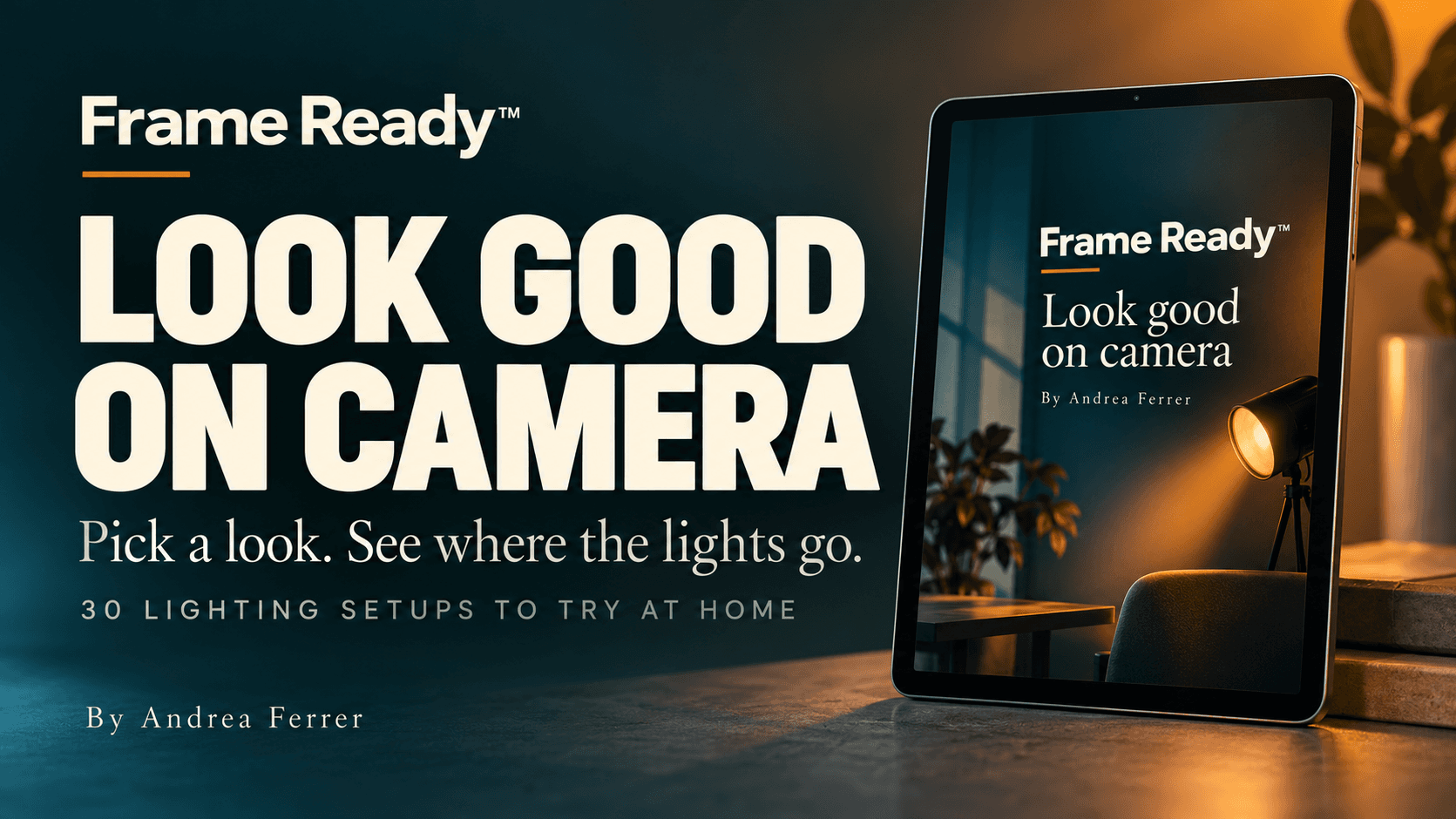
Frame Ready™: Look Good on Camera
$9
You look fine. So why does your video look off?
You sit down to record. Your face looks flat. The shadows feel harsh. Something about the shot just isn’t working.
So you move a lamp. Change a setting. Try again.
Before you buy another light, see what changing its position can do.
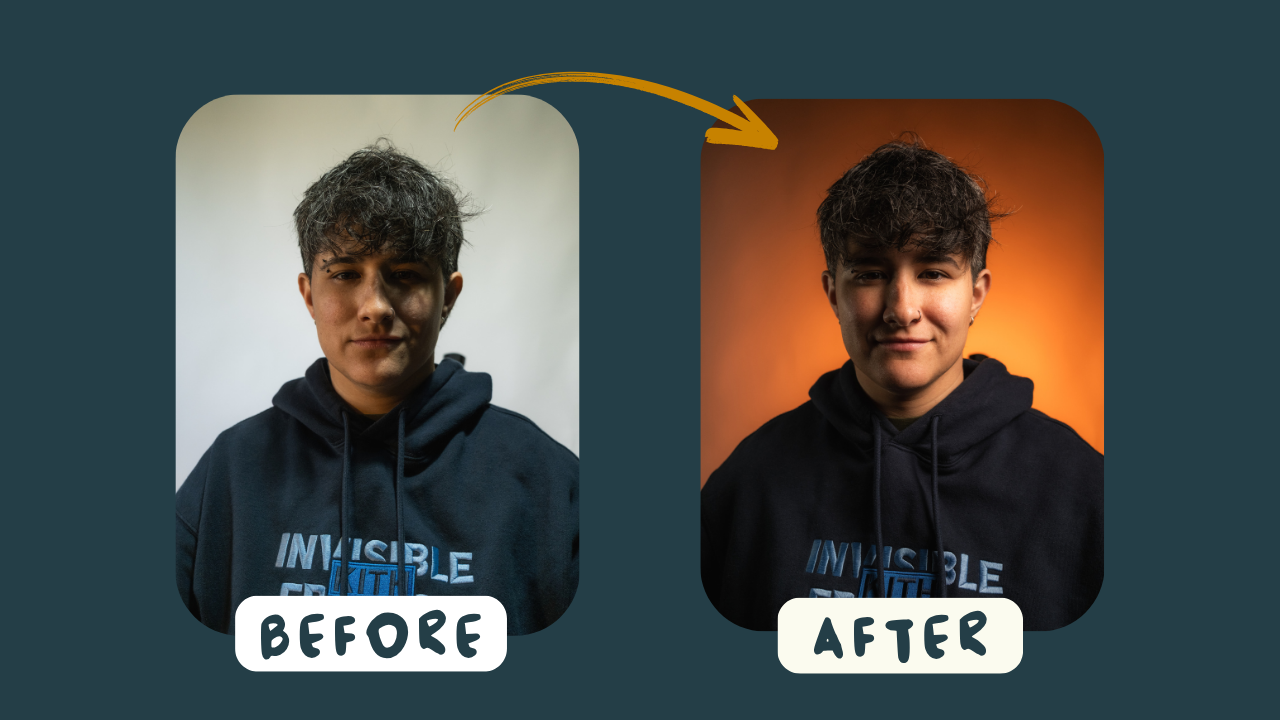
Frame Ready™ gives you 30 real lighting setups with clear pictures showing where you, your camera, and each light go.
Choose an example close to the equipment you have. Watch the setup video. Follow the layout and make it yours.
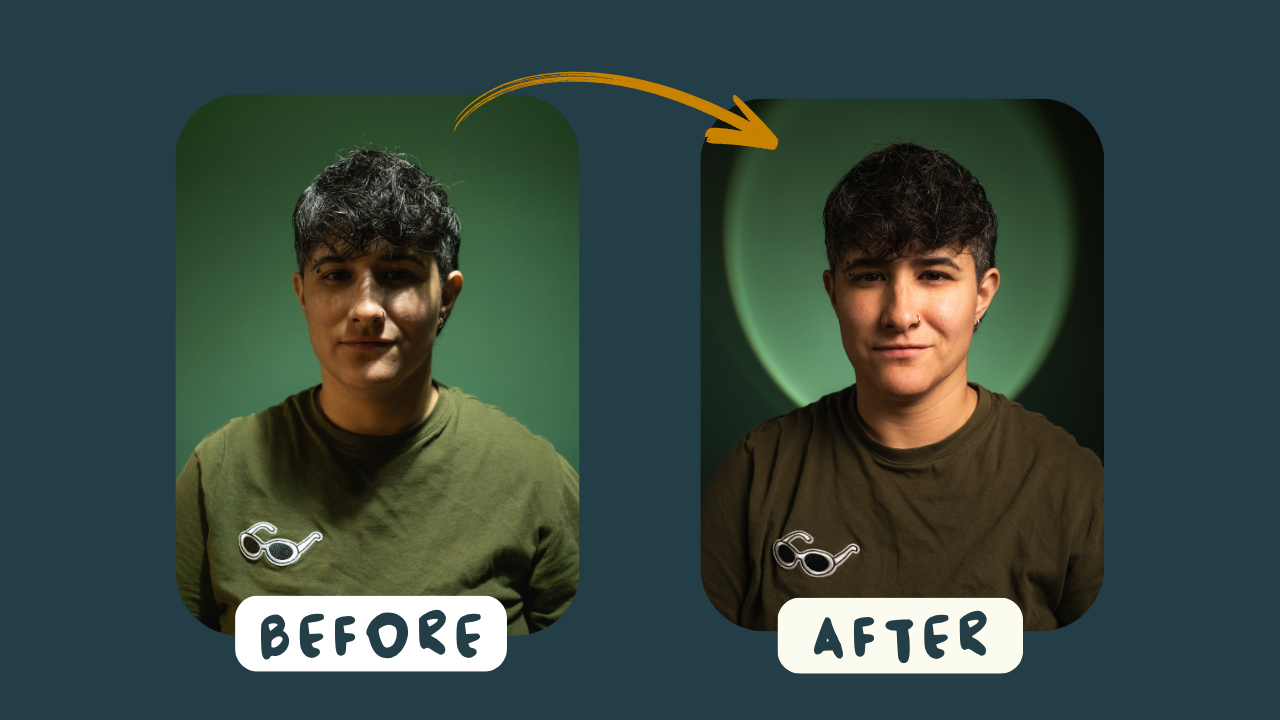
Start with one look you want to try.
You don't need to recreate all 30 setups.
Have a window and a lamp? Start there. Have a main light and a colored light? There's a starting point for that, too.
The “Start with what you have” guidance on page 2 points you to a recommended setup.
Here's how it works.
1. Choose a starting point.
Use the starting suggestions on page 2 or browse the linked chapter lists. Open the linked Instagram video to see the setup in action.
2. See where everything goes.
Follow the visual placement map. Check the equipment, light positions, brightness and color settings.
3. Make it work for you.
Record a test clip. Make small adjustments. Save the positions and settings so you can return to the look next time.
Inside Frame Ready™:
30 real lighting setups: ideas filmed in home offices, living spaces, a studio and more.
A clear map for every setup: see where you, your camera and your lights go.
Gear and starting settings: understand what was used and what you can try with your own equipment.
Links to all 30 setup videos on Instagram: watch the real examples alongside the guide.
Three recommended starting points: choose based on the equipment you have.
A camera-ready checklist and setup worksheet: check your shot and save what works.
Created by Andrea Ferrer
I'm a photographer, video strategist, and Creative Expression Coach.
I filmed these examples for my 30 Lighting Setups in 30 Days series.
Frame Ready™ brings the placements, equipment, and lessons together so you have somewhere to start when setting up your own shot.
Before you buy:
Do I need the same lights?
Not for every example. Start with a setup close to what you own. Different lights produce different results, and some looks need specific equipment or accessories.
Is this beginner-friendly?
The guide explains the maps, gives you recommended first setups and suggests small changes to try. You can start with one example and build from there.
Are these exact settings I can copy?
The placements and equipment come from the original guide. Most brightness percentages are suggested starting points, not measured settings from each shoot. Your room, lights and camera will affect the result.
Are the videos included inside the PDF?
The PDF contains links to the setup videos on Instagram. You need internet access, and Instagram may ask you to sign in. This is not a separate hosted video course.
Does it include personal feedback?
No. Frame Ready™ is a guide to use on your own. Personal setup advice is available separately through Show Up Sharp™.
How do I get it?
You receive access after checkout and through your confirmation email.
Let's GO!
Get Frame Ready™ and give your next video a clear starting point...