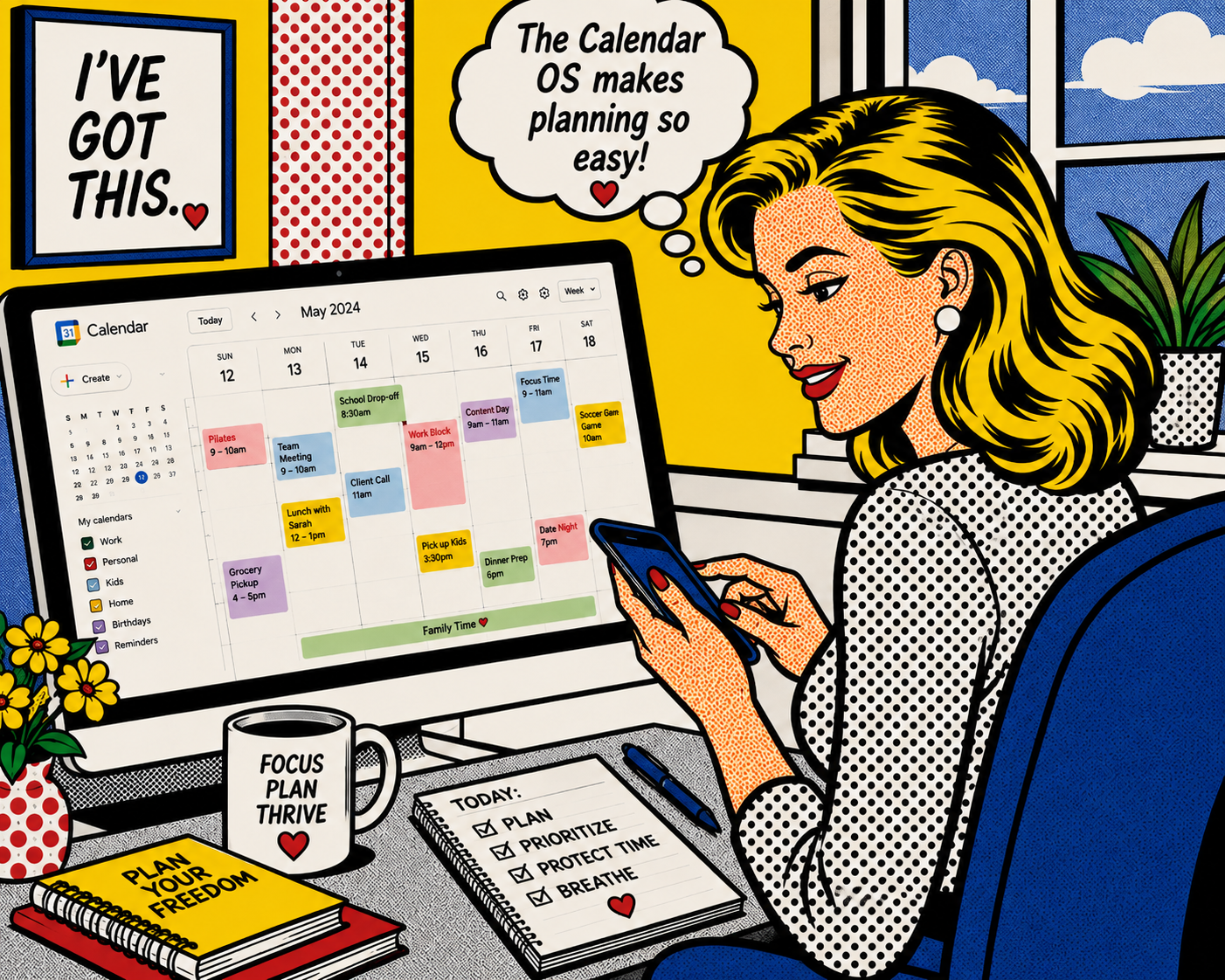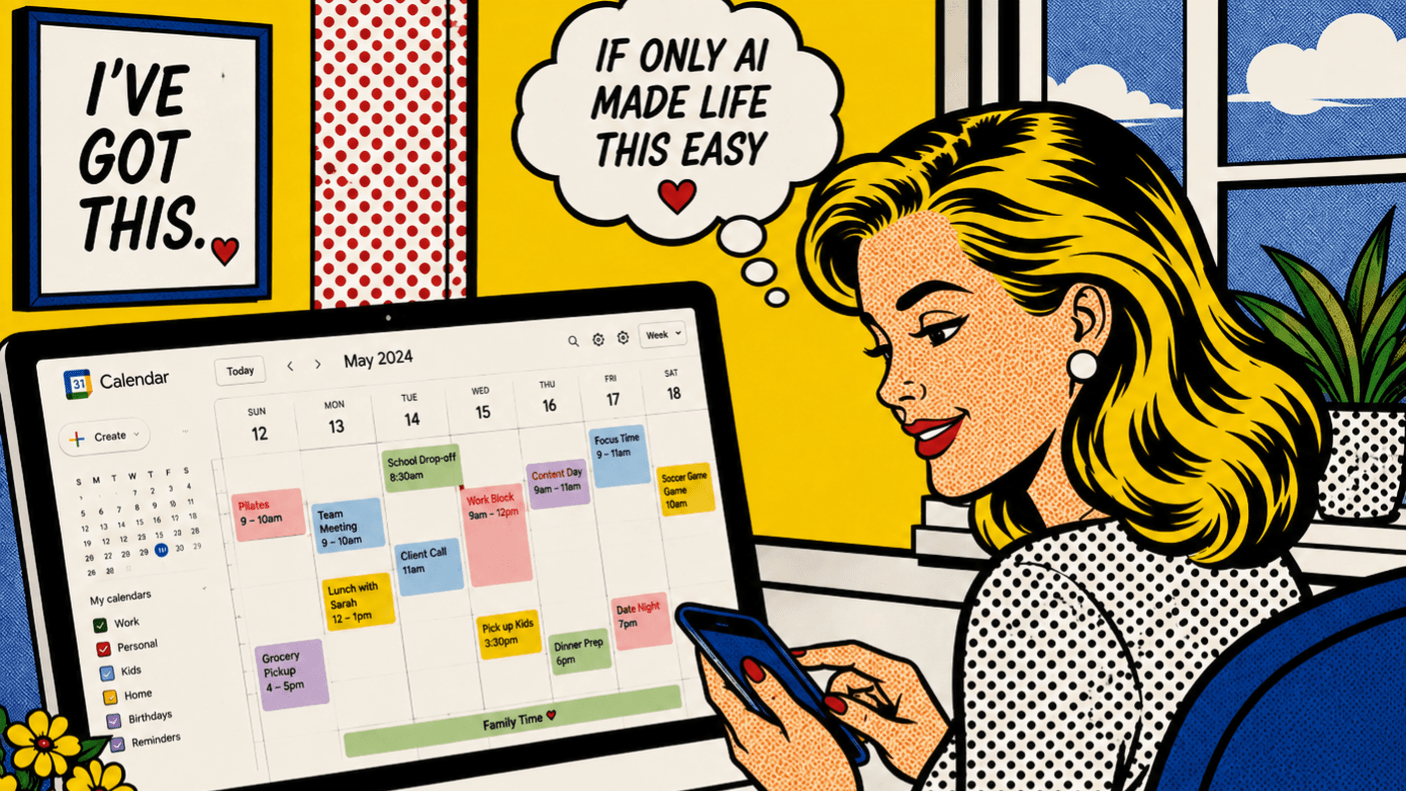
The Calendar OS
$49
The executive assistant for your family's schedule. I built it for my own household and I run it every day.
You're the one who remembers the field trips. The one who keeps track of when the orthodontist is. The one who manually translates the school newsletter into calendar entries — every single week. The one running the entire family's logistics off memory and a low-grade sense of dread that you're forgetting something.
You've been carrying the family operating system in your head. That was never sustainable.

Here's the thing every calendar tool gets wrong: they hand you a better calendar and leave the work — the entering, the orchestrating, the remembering — as your problem.
But you already have a calendar. The calendar was never the bottleneck. The bottleneck is that you are the entry clerk. The translator of school newsletters and email confirmations and group chats into structured entries someone — usually you — has to type in. And the reminder service. And the conflict-checker.
The Calendar OS starts from the opposite end.
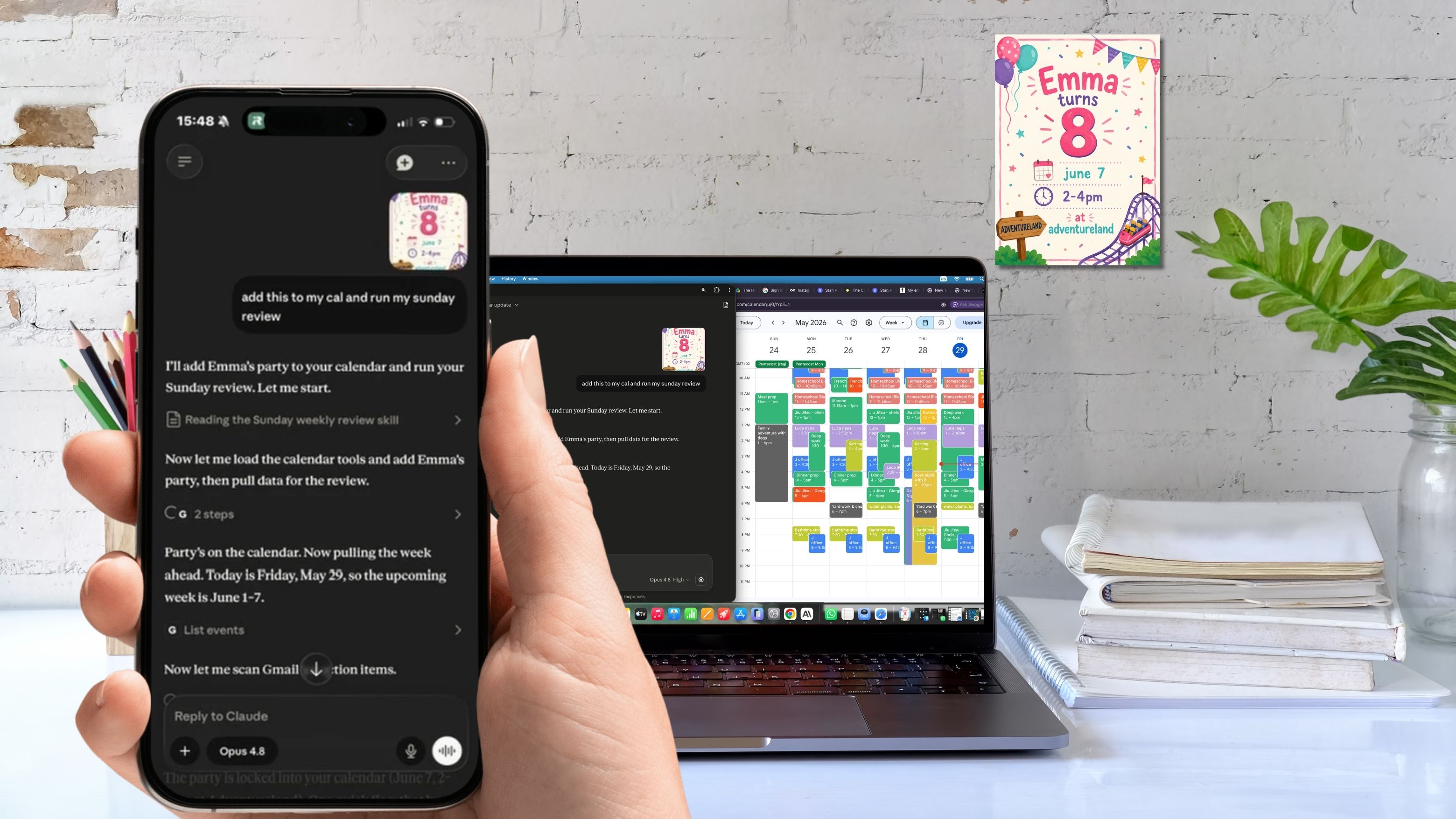
It absorbs the work. Forward an email. Paste a screenshot. Snap a photo of the school flyer on the fridge. The system extracts the event, checks for conflicts, asks who's going, color-codes it by person, and puts it on your shared calendar — confirming with you before committing.
You stop being the family's scheduling system. The system becomes the scheduling system.
It's not a calendar app. It's the operational layer your household has been running without.
What you're getting
The Calendar OS is a premium AI skill you install in Claude (the manual walks you through every step). Your purchase includes three things:
The skill file — the actual Calendar OS, the agent that runs your household's scheduling. You drag one file into Claude and toggle it on.
The User Manual — a beautifully designed 16-page setup-and-use guide. How to install it, how to enable the Google connectors, and how to get the most out of every mode.
The Quick Reference Sheet — a one-page cheat sheet to save to your phone. Every command at a glance, for when you're between school pickup and dinner.
You'll need a Claude Pro or Max account, plus the Google Calendar and Gmail connectors enabled in Claude (the manual walks you through both — it takes five minutes).
What it does
The Sunday weekly review — ~15 minutes. A strategic read of the coming week, day-by-day breakdown, conflicts surfaced, low-effort dinner nights flagged, partner-shareable summary you can send in one tap.
The daily morning briefing — ~2 minutes. Today's events, tomorrow's heads-up, any urgent emails, optional update for your kitchen whiteboard.
Calendar capture from anywhere — screenshots, forwarded emails, PDFs, photos of paper flyers. The system extracts the event, checks conflicts, asks who's attending, and adds it to your shared calendar after you confirm.
Always-on Q&A — "When is the field trip?" "What weekends are free in August?" "Are we double-booked Thursday?" Real questions, real answers, instantly.
Color-by-person briefings — see at a glance whose day is overloaded, not just which categories are full.
The Family HQ upgrade — optional. Generates a clean weekly brief sized for your kitchen whiteboard, Skylight, Hearth, or wall calendar.
Multi-timezone aware — for households with traveling partners or distant family.
Who it's for
Households where someone is holding the family's entire schedule in their head — and is tired of being the human reminder service, the appointment-tracker, the school-newsletter-translator, the one explaining the week to everyone else. Designed for high-performing mothers managing the invisible logistics of modern family life.
The promise
You stop carrying the family operating system in your head. The system carries it — and hands you back the read-out, the reminders, and the relief.
Built and tested
Researched, designed, tested, and refined by Chelsea in her own household. If it didn't survive a random Tuesday at her house, it wouldn't be in your hands.
Part of the suite
The Calendar OS is the foundation system of The Household OS — the first system to build, because every other system depends on the calendar being honest. Same "Let's nail the X" shape across the suite. Build this one first; everything else gets dramatically easier when it's in place.
Activation
After installing, open Claude and type "Let's nail the calendar system." The system takes it from there.
FAQ
Do I need to know anything about AI to use this? No. The skill walks you through setup step by step. If you can type a sentence and click a few buttons in Claude's settings, you can run this.
What's the Google Calendar / Gmail connector, and why do I need it? Claude has built-in connections to Google services that, when enabled, let it read your calendar and email directly. The Calendar OS uses these to pull your real schedule (instead of you copying and pasting it every time) and scan your email for school updates, appointment confirmations, and other scheduling artifacts. Enabling the connectors takes five minutes and the skill walks you through it.
Does this work with Apple Calendar or Outlook? Not in this version. The Calendar OS is built on Google Calendar and Gmail. If you primarily use Apple Calendar or Outlook, you can sync events to Google Calendar to use the skill, but native Apple/Outlook support isn't currently part of this product.
Will it write events to my calendar without asking? No. The skill always shows you the structured event and waits for your confirmation before committing anything to your calendar.
Will the system see my private emails? The Gmail connector gives Claude read-access to your inbox during your sessions with the skill. The skill is focused on scheduling-relevant content (school newsletters, appointment confirmations, RSVPs) and ignores everything else. You control the connector at any time in Claude's settings and can disconnect whenever you want.
Can my partner use it too? The skill lives in your Claude account. Your partner can receive the partner-ready summaries you generate, but only one account runs the skill at a time. Most households find this works well — one person runs the Sunday review, both reference the summary throughout the week.
What if I don't have a kitchen whiteboard or Family HQ display? That's fine. During onboarding, the system asks if you have a household display. If you say no, it skips the Family HQ brief in default outputs. If you ever decide to add one later, just say "turn on Family HQ" and the system starts generating the format.
What happens if I cancel my Claude account? You retain the skill file and the Operations Manual. To run the skill, you'll need an active Claude Pro or Max account.