The Meal OS
$49
The Meal OS
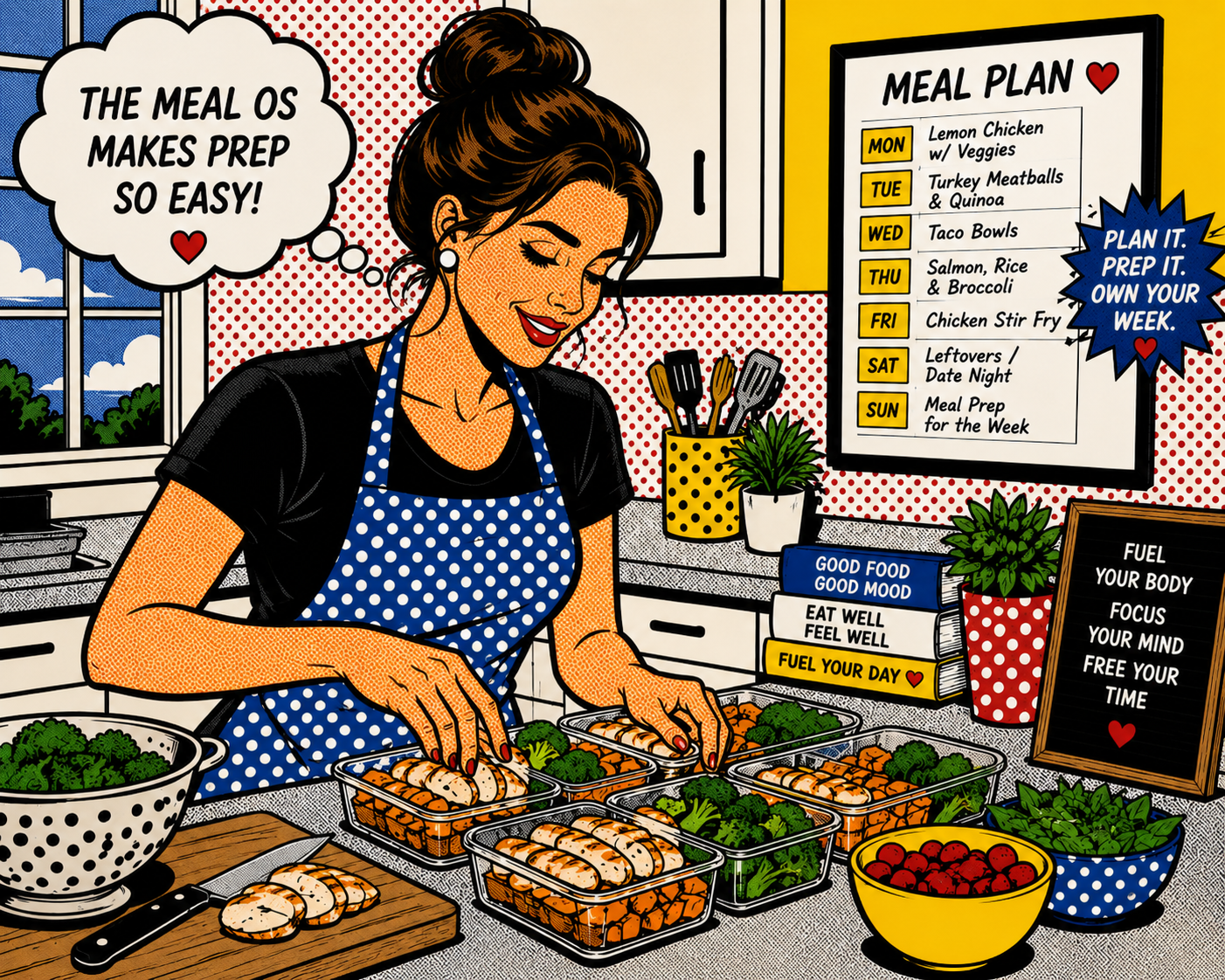
An executive assistant for family dinners — built around when you actually cook, not what you feel like making. I run it in my own kitchen every week.
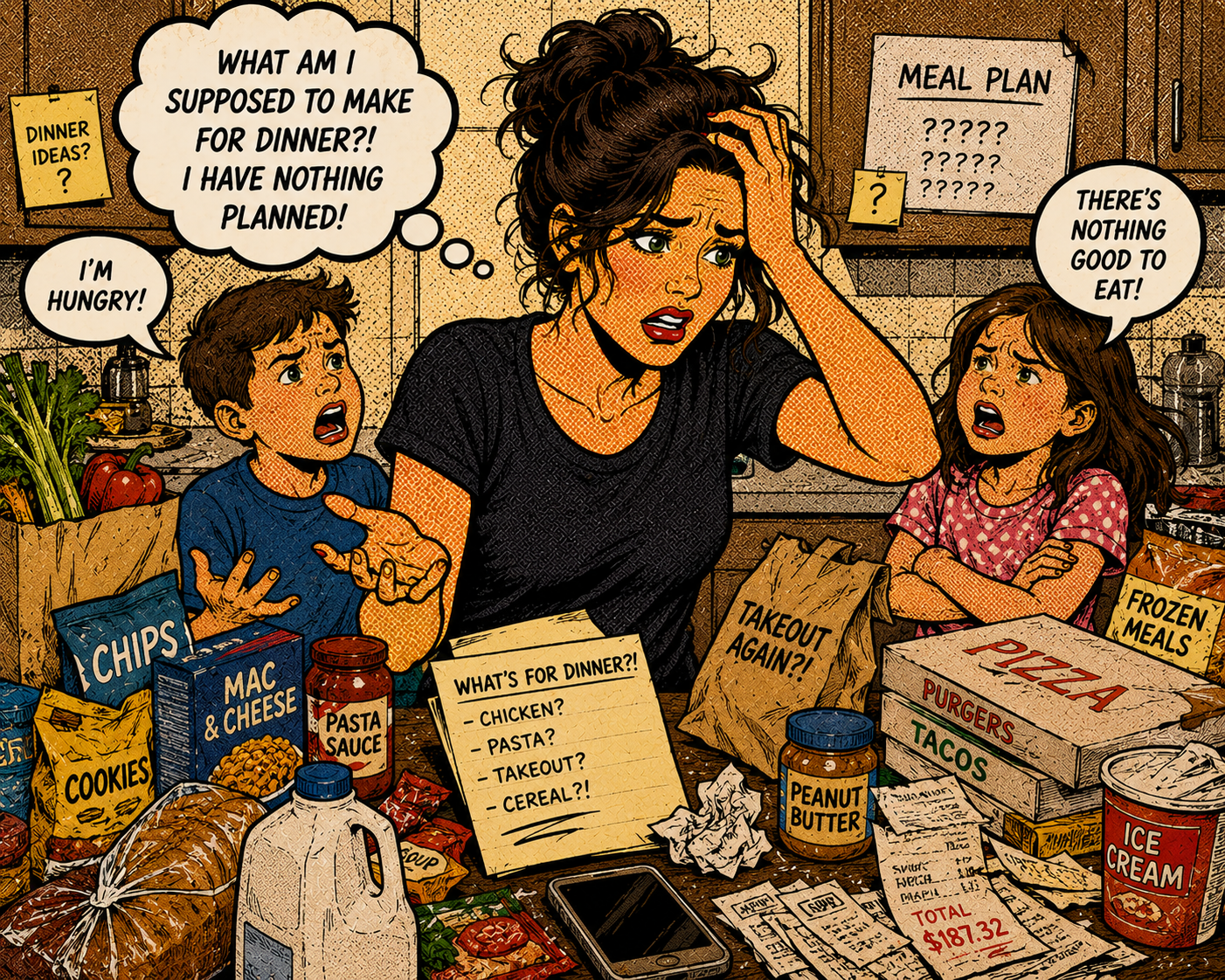
Here's the thing every meal planner gets wrong: they hand you recipes and leave the hardest part — finding the time — as your problem.
But you already know what your family likes to eat. That was never the bottleneck.
The bottleneck is that cooking never fits the day you actually have. The recipe wants 45 minutes you don't own. The plan assumed a calm evening you haven't had since 2019.
The Meal OS starts from the opposite end.
It asks one question first — when do you actually cook? Sunday batch while the house is quiet. Fifteen minutes each morning. At lunch while the baby naps. Or nothing until you walk in at six and need it on the table by six-thirty.
Then it reads your real week and drops dinner into the windows that already exist. A slow-cooker meal only lands on a morning you can start it. A genuinely fast dinner lands on the night you're walking in at six. Nothing assumes time you don't have.
It's not meal planning. It's time management — that happens to end in dinner.
What you're getting
The Meal OS is a premium AI skill you install in Claude (it takes about two minutes — the manual walks you through every step). Your purchase includes three things:
The skill file — the actual Meal OS, the agent that runs your dinners. You drag one file into Claude and toggle it on.
The User Manual — a beautifully designed setup-and-use guide. How to install it, how to invoke it, and how to get the most out of every mode.
The Quick Reference Sheet — a one-page cheat sheet to save to your phone. Every command and mode at a glance, for when you're standing in the kitchen.
You'll need a Claude Pro or Max account to run it. That's the only requirement.
What it does
Builds a weekly dinner plan around your cooking window — not a generic 7-day grid, but seven dinners matched to when you can actually cook each day.
Reads your real calendar (pairs with The Calendar OS) so the stacked nights get the easy meals and the open ones get room — automatically.
Ends every plan in a complete grocery list — grouped by your stores in the order you shop, with a "staples to check" line so you're not re-buying olive oil.
"Tonight" mode — a two-minute answer to "what's for dinner," based on your time, who's home, and what's on hand.
Kitchen Capture — photograph your fridge, get dinner that uses what's about to go to waste.
A house rotation that learns — it remembers your family's go-to meals and gets sharper every month.
Cooks to you — quick-hits-and-clean-up-fast or take-pride-and-enjoy-it, it plans to the cook you actually are.
Who it's for
Households where someone is holding the daily "what's for dinner" question in their head — and is tired of meal planners that solve the easy half of the problem and ignore the hard half: the time.
The promise
You stop deciding what's for dinner. The week already knows — and it already knows when you'll cook it.
Built and tested
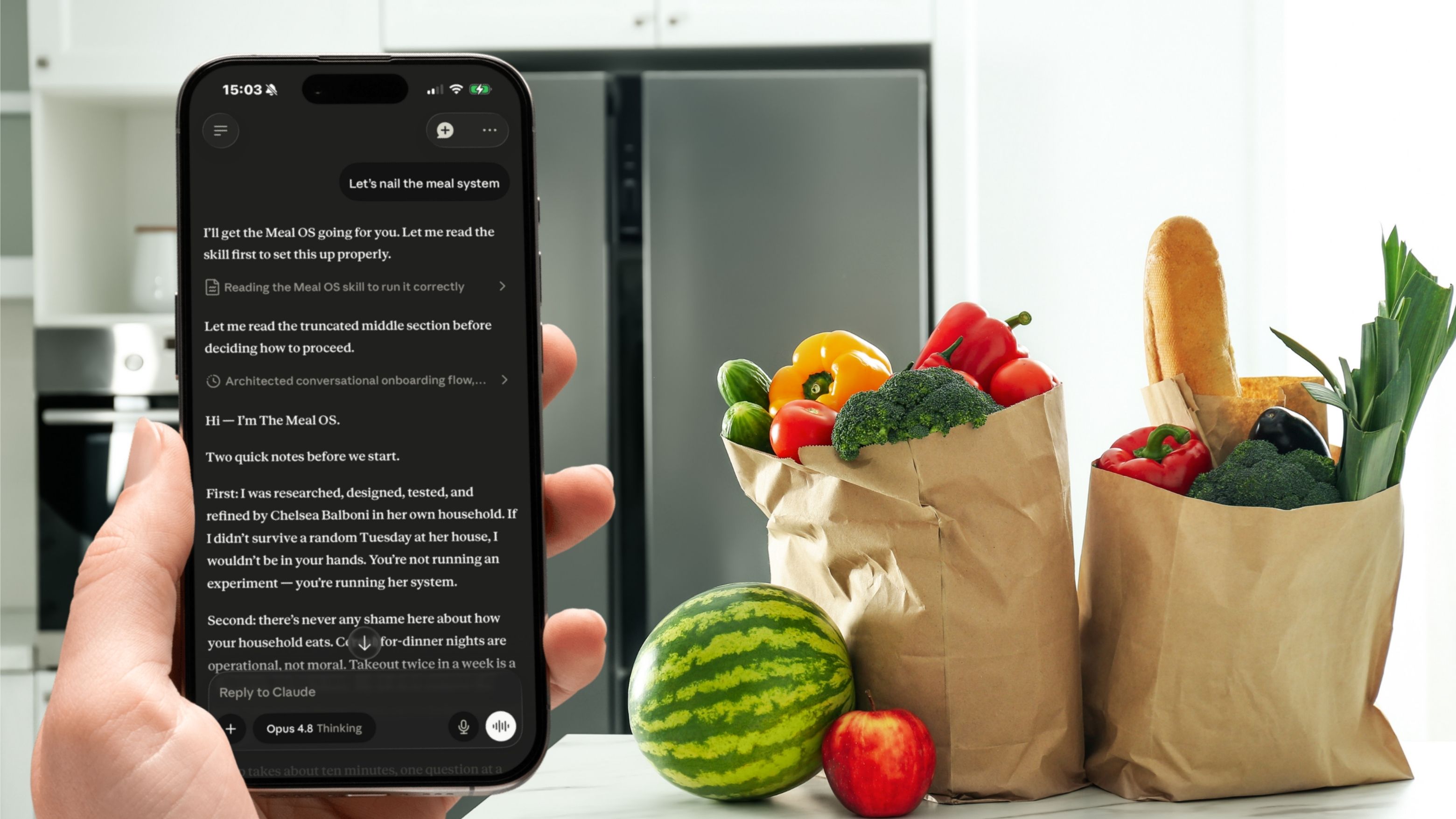
Researched, designed, tested, and refined by Chelsea in her own household. If it didn't survive a random Tuesday at her house, it wouldn't be in your hands.
Part of the suite
The Meal OS is the second system in The Household OS curriculum, built directly on The Calendar OS. Same "Let's nail the X" shape, every product. Build the calendar first; the meals fit into it.
Activation
After installing, open Claude and type "Let's nail the meal system." The system takes it from there.
FAQ
Do I need to know anything about AI to use this? No. The skill walks you through everything step by step. If you can type a sentence, you can run this.
Do I need The Calendar OS to use this? No — but if you have it, the Meal OS gets sharper. Without The Calendar OS, the Meal OS plans around your cooking window and a few quick questions about your week. With it, the Meal OS reads your real calendar directly, so the busy nights and the open nights pick themselves. Either way, it works.
What if I have dietary restrictions or allergies? Tell it during onboarding — vegetarian, gluten-free, no shellfish, the toddler who only eats white food, whatever's real. The system treats them as hard rules, not preferences. It won't quietly slip a no-go ingredient into the plan.
Does it know what's in my pantry? Not by default — continuous pantry tracking is a chore nobody wants to do. But it asks before each plan if there's anything to use up (the half-bag of rice, the chicken thawing in the fridge) and builds those into the week. Kitchen Capture mode is the deeper version: snap a photo of the fridge, and dinner gets built around what's already there.
What if my cooking window changes week to week? That's expected and built in. The system asks at every weekly plan: what does this week look like? You can shift the window — "Sunday batch this week, but next week I'm traveling Monday through Wednesday" — and the plan adapts. Your default cooking window is a starting point, not a contract.
Can my partner use the grocery list? Yes. Every weekly plan ends in a grocery list that's shareable — copy and text it, drop it into a shared note, or screenshot it. The list is grouped by your stores in the order you actually shop, so whoever's running the errands has a clean path through.
What happens if I cancel my Claude account? You retain the skill file and the Operations Manual. To run the skill, you'll need an active Claude Pro or Max account.