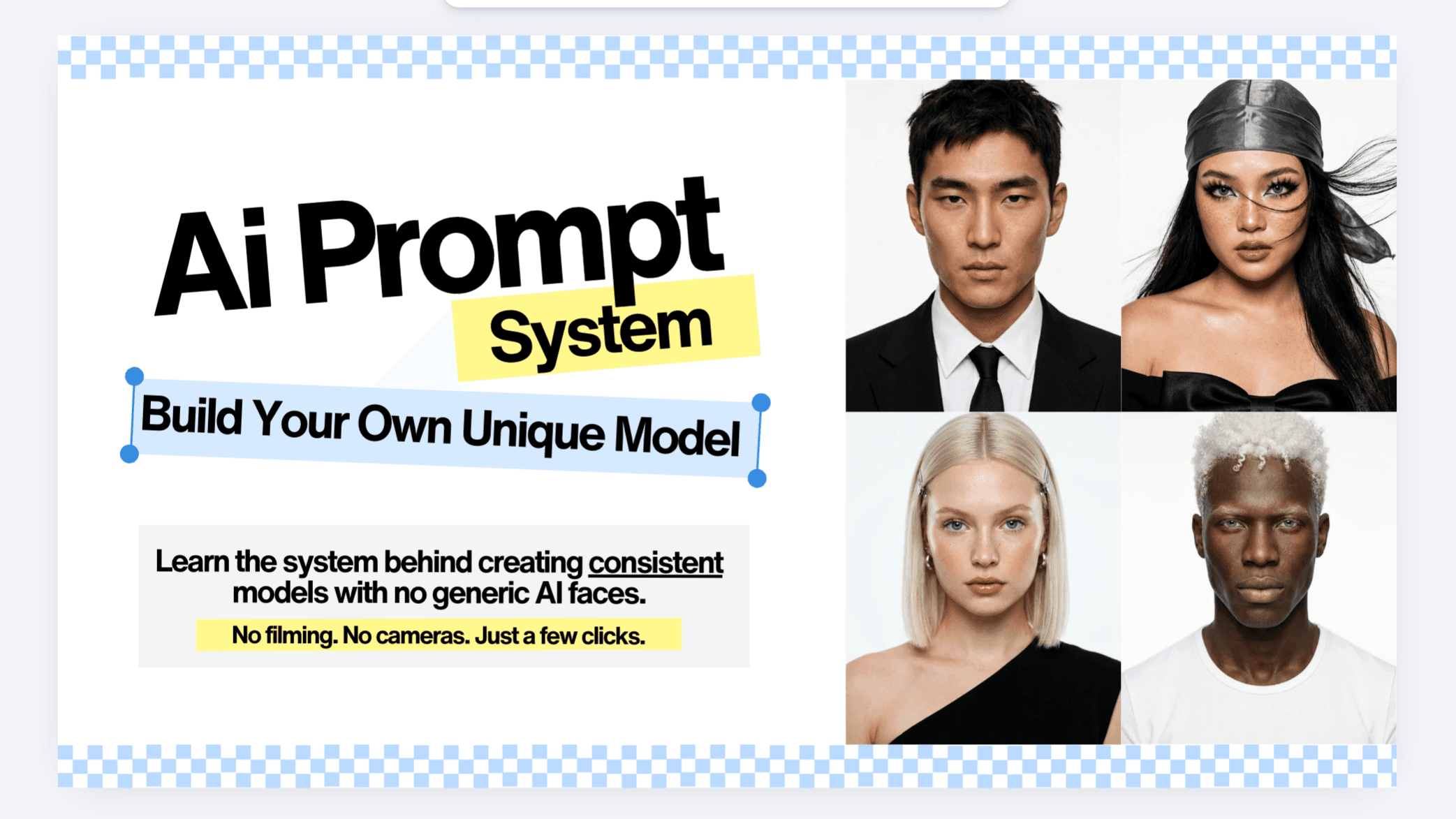
The AI Model Playbook | Photos, Videos, UGC
$29.90$49
Build your own unique AI model with easy-to-follow steps.
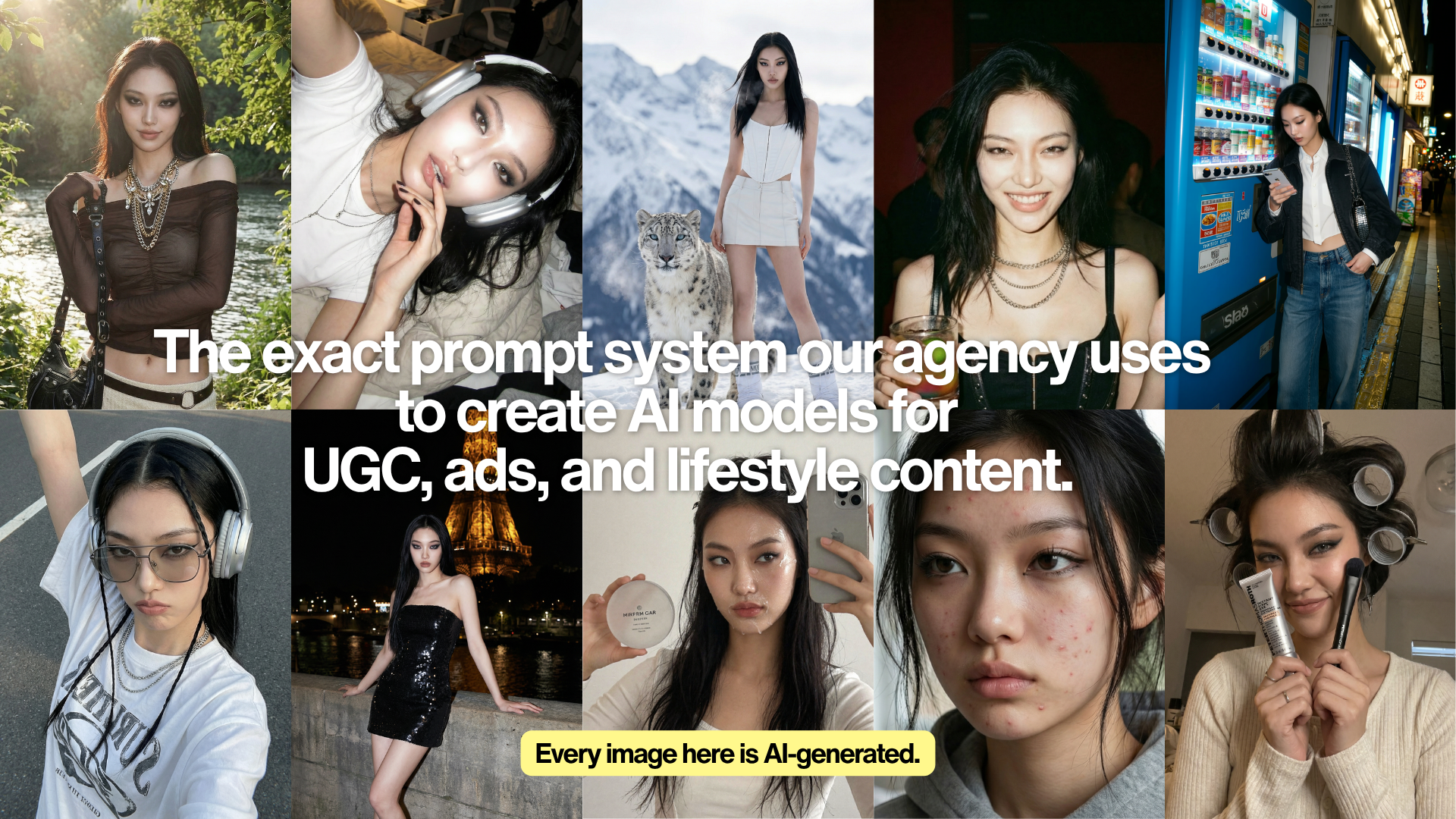
You've seen AI models all over your feed.
Brands using them. Creators using them. Agencies (like us) using them for client work. It's everywhere.
And honestly? You've probably thought about trying it.
But something keeps stopping you.
Maybe it's the tools. There's a new one every week and you don't know where to start.
Maybe you tried already but ended up wasting your credits on inconsistent faces.
Same.
Here's what nobody tells you:
You don't need to be tech-savvy.
You don't need to keep burning thousands on shoots, models, and rental studios.
You don't need a node-based workflow with a hundred boxes connected by lines, burning through credits while you figure it out.
You just need an easy-to-follow system.
We learned this the hard way.
When we first started using AI for client work, our outputs were inconsistent. The model's face changed every time. Some images looked AI-fake. We were spending more time & credits fixing AI than actually using it.
So we built a system. Tested it on real client campaigns. Refined it until it actually worked, every time.
Now we run full UGC and ad campaigns from a single AI model, in one afternoon.
This is that system.
This is for you if...
✓ You're a brand owner tired of spending thousands on one-time shoots
✓ You're a freelancer or SMM who wants to generate AI models with client's products & services
✓ You've tried AI before but couldn't figure out how to keep it consistent
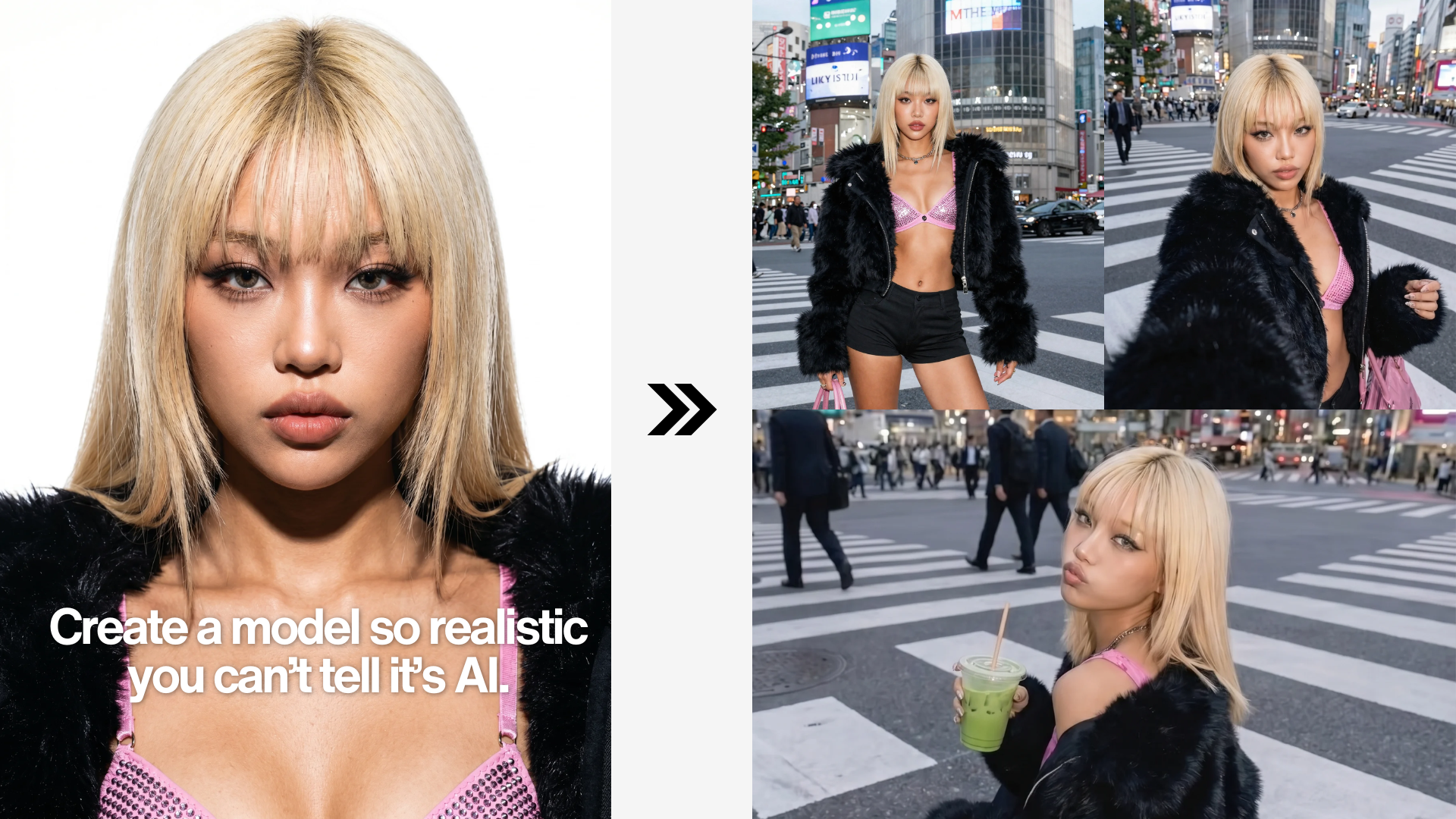
By the end of this guide, you'll have:
A signature AI model with a locked unique visual identity.
The exact prompts that keep her consistent across every scene.
A workflow that turns one base image into photo, video, and UGC content.
What's Inside?
PART ONE: BUILD YOUR MODEL Three ways. Pick the one that fits you.
Create an original character exactly the way you imagine it.
PART TWO: LOCK HER FACE The one thing that separates real-looking models from random AI experiments.
Most AI tools generate a different person every time. We'll teach you the anchor prompt method that locks her identity, so she looks like her in every single image.
PART THREE: MAKE HER LOOK HUMAN Perfect skin looks fake. Perfect symmetry looks fake.
The small details that make AI models actually believable. Pore texture, lighting imperfections, natural posture. The stuff most people skip.
PART FOUR: ONE IMAGE, ENDLESS OUTPUTS Steal our exact template. Use it today.
How to take one base image and multiply it into a full content library. Different outfits, settings, moods, all the same model. The exact prompt template we use, ready to copy and paste.
PART FIVE: BRING HER TO LIFE Photo is good. Video is what grows accounts.
Turn your AI model into video for movement, expression, and story. Plug-and-play prompt formulas included.
PART SIX: THE FULL WORKFLOW Generate in a few clicks. One afternoon. Done.
This is the part nobody else is teaching properly. We'll show you the exact stack we use internally, in the exact order, with the exact prompts that connect each step. One afternoon to learn. Use it forever.
PART SEVEN: TROUBLESHOOTING CHEAT CODES Every problem you'll hit. Every fix we use.
Sometimes the face shifts, the skin looks fake, or the output feels off. We'll walk you through how to fix them in seconds.
So when something breaks, you know what to do.
Why This Is Worth Learning Now
This is one of the highest-income skills in 2026.
Brands are paying real money for AI UGC packages.
Agencies are charging premium for AI ad creatives.
Creators are building entire feeds around their AI personas.
The people who learn this properly are the ones getting hired (or hiring themselves out).
You don't have to be a creator — you just have to start.
Disclaimer:
This guide teaches you the system. The tools to run it are paid subscriptions on your end.
Expected monthly spend: around $30–$50 USD.
Most tools offer free trials, and our workflow is designed to use fewer credits compared to heavy node-based setups — so your subscription lasts much longer than you’d expect.