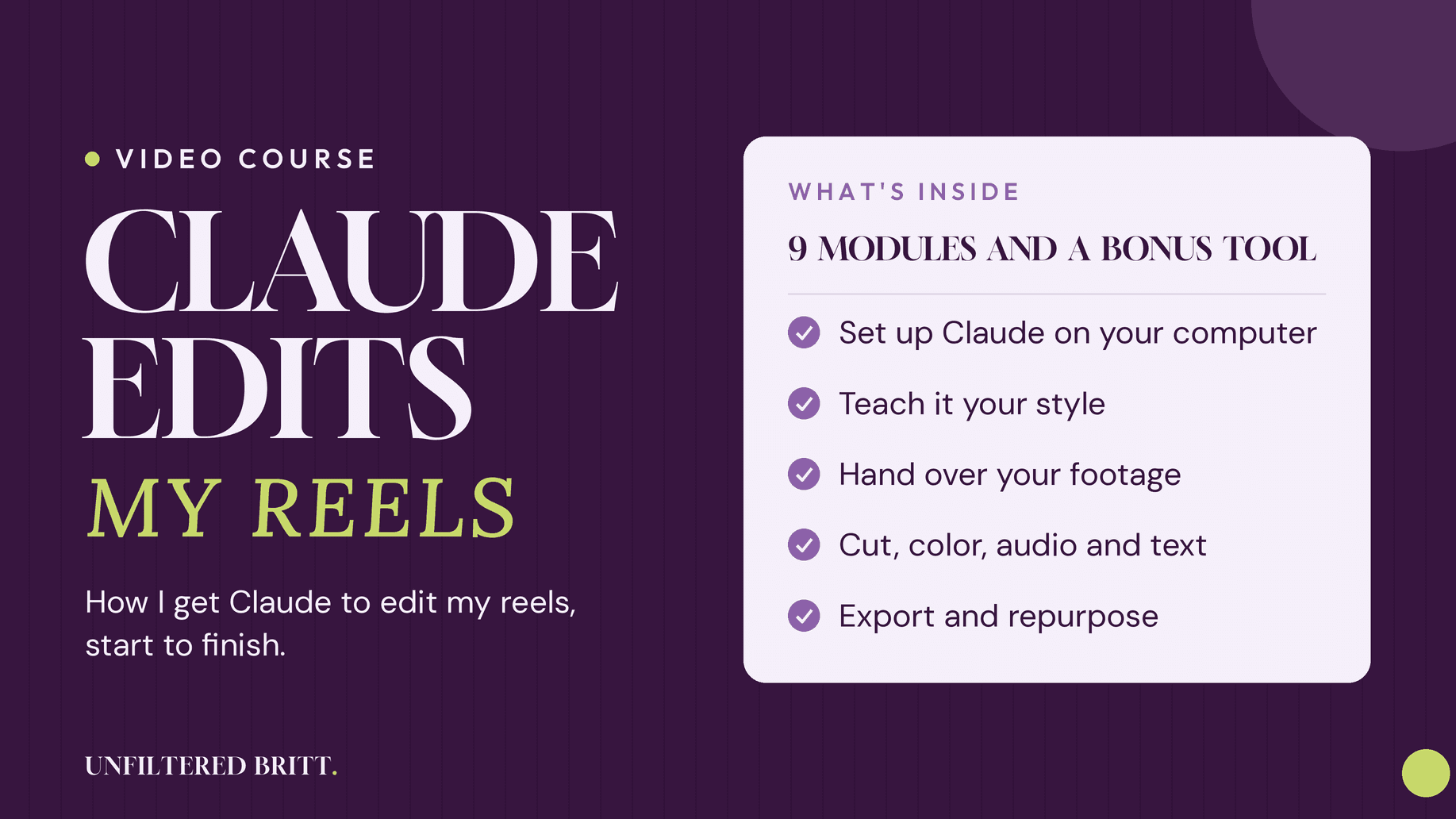
Claude Edits My Reels
$19
You record on your phone, drop the file in a folder, and Claude cuts it, colors it, adds the music and the text, and hands you an MP4. No editing app. You just tell it what you want, in plain English, the way you'd tell a person.
This is how I make every one of my reels now. The course walks you through it one layer at a time, with the actual prompts I use on screen, so you can copy them.
What's inside
A starter lesson if you've never opened Claude before
Module 1: Claude sets up your computer. You paste one message.
Module 2: Folders and assets
Module 3: Build your style, so the reels look like you and not like a template
Module 4: Hand over your footage
Module 5: The first cut
Module 6: Color and skin
Module 7: Audio. Your voice, music and sound effects
Module 8: Text, overlays and captions
Module 9: Revision rounds, export and repurpose
You also get
Every prompt in the course, in one place, ready to copy
My reel editing skill file, so Claude remembers how you like things and you stop repeating yourself
The Reel Inspiration Builder, the tool I built to show Claude what I want my text and overlays to look like. Click a font instead of describing it. For me - this is what makes the whole course worth it :)
What you need
The Claude desktop app on a paid plan ($20 is fine for starting)
A computer (Windows or Mac) and your phone
An afternoon for the first reel. The second one is faster. By the third you're mostly just talking.
No editing experience. No code. If you can type a text message, you can do this.