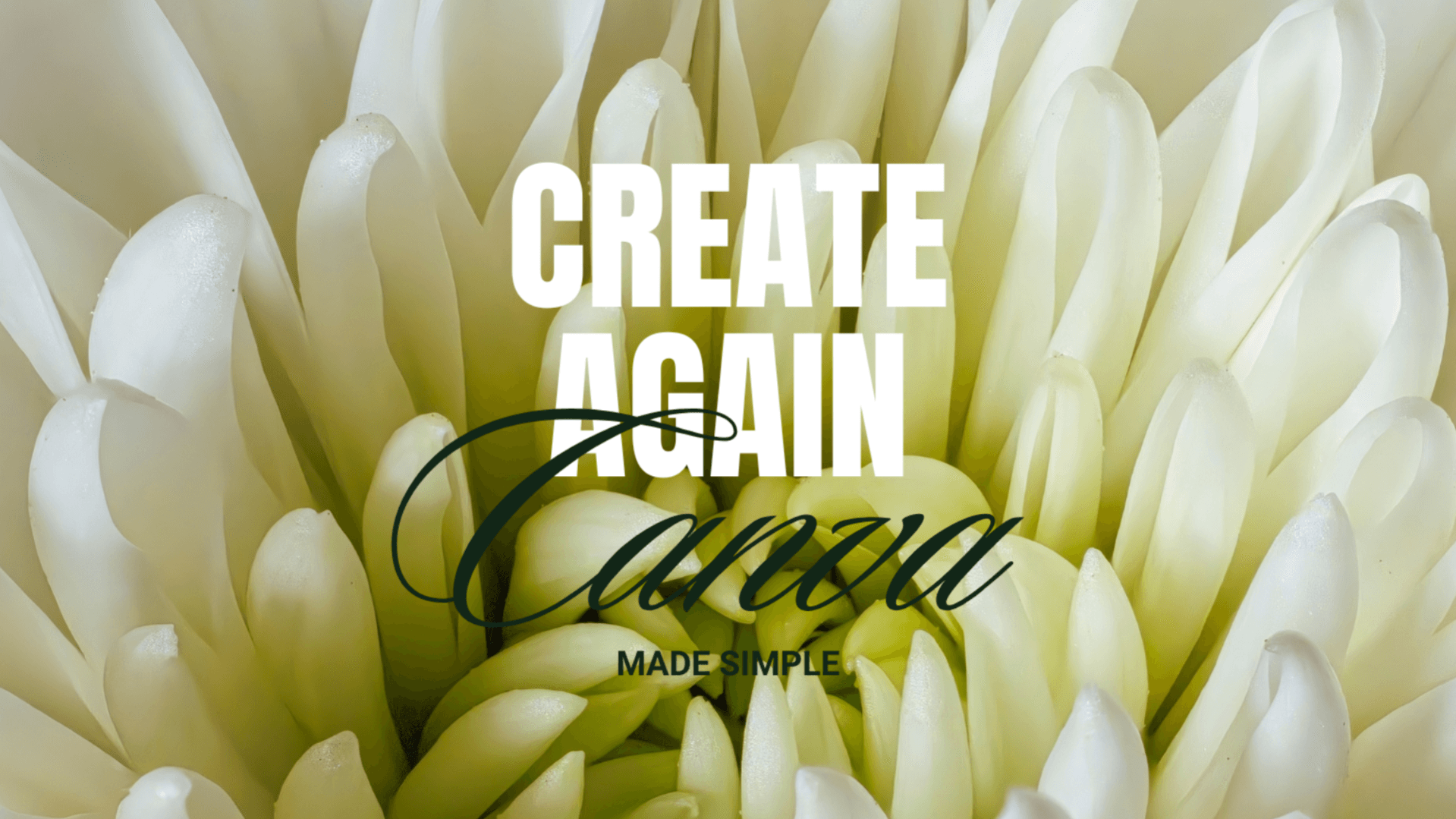
Create Again: Canva made simple
$17
You don’t need to be techy to start.
You just need something simple.
If part of you has been wanting to create something again…
share your ideas,
start posting,
or build something for yourself…
but you feel stuck because Canva feels confusing—
you’re not the only one.
It’s not that you can’t do it.
It’s just that no one has shown you a simple way to begin.
That’s exactly why I created
Create Again: Canva made simple
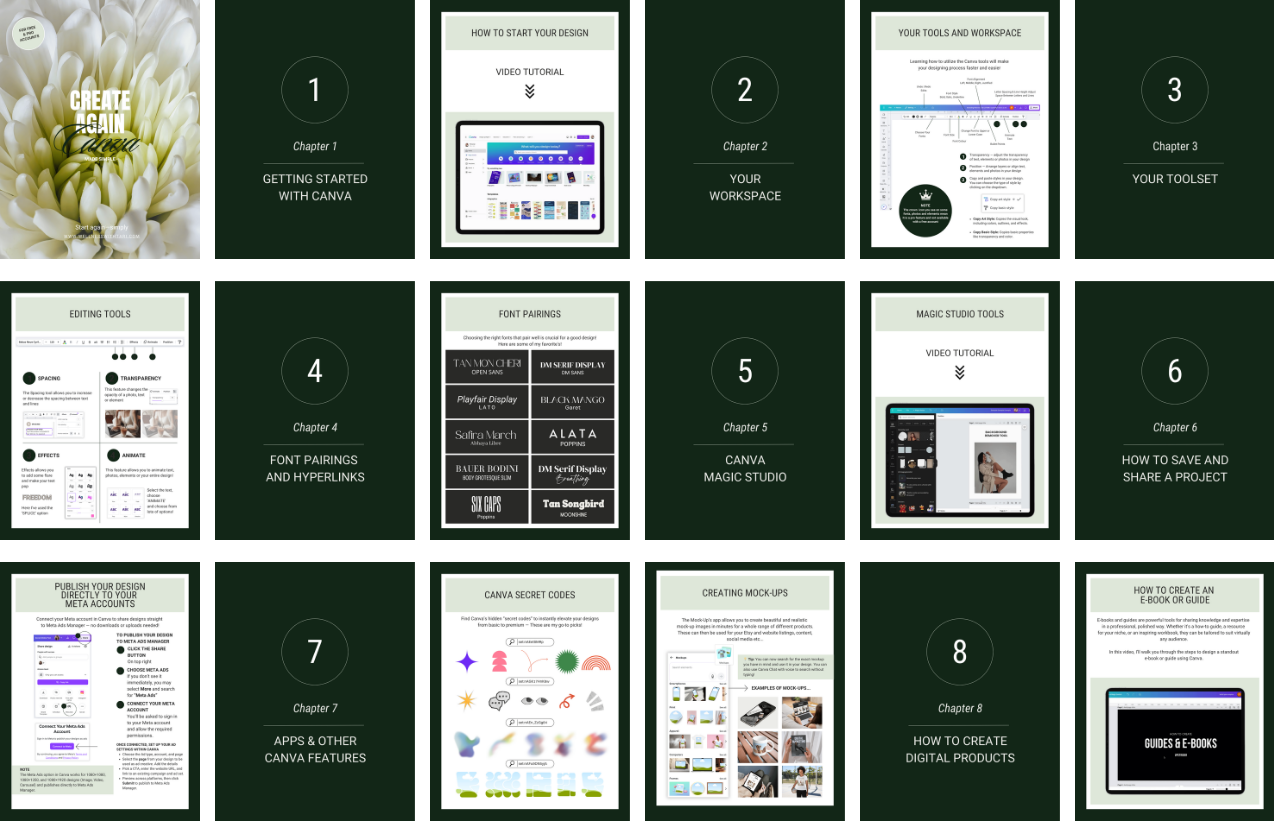
A beginner-friendly 70-page guide with videos to help you:
understand Canva without confusion
create clean, simple designs
start without overthinking
What’s inside:
We’ll go step by step, simply—
Getting started with Canva
Understanding your workspace
Your essential toolset
Font pairing, hyperlinks, and brand kit
Canva Magic Studio (making things easier, not harder)
Saving and sharing your projects
Apps and other useful Canva features
How to create simple digital products
Bonus!!!
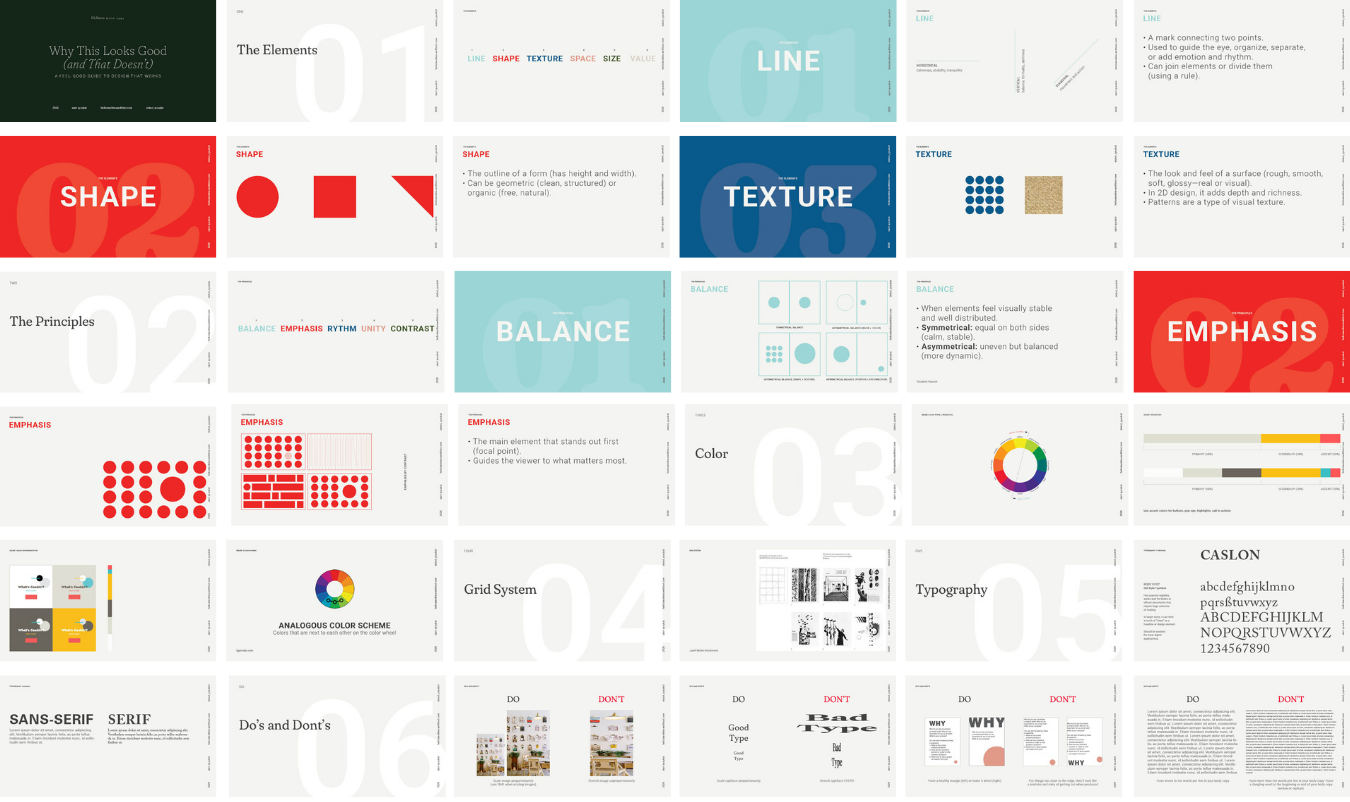
You’ll also get a 100-page Design Guide—
so you can understand what actually makes a design feel clear, balanced, and “right.”
Inside: Principles & Elements of Design, Color, Typography, Grid Systems,
and simple do’s and don’ts you can apply right away.
I come from a background in design and branding, so I’ve seen how complicated things can feel…
and how simple they can actually be when guided the right way.
You don’t need to get everything perfect.
You just need to start.