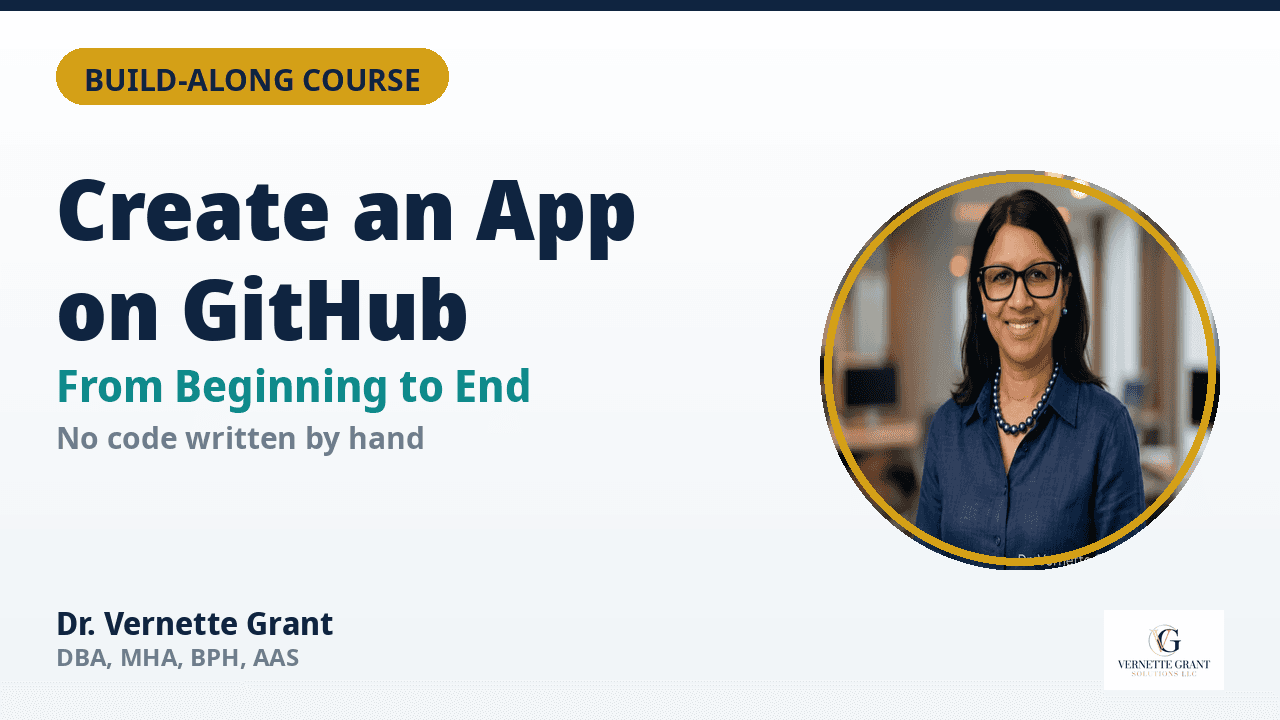
Create an App on GitHub — From Beginning to End
$47
How to Create an App on GitHub — From Beginning to End
Build-Along Video Course for Non-Technical Founders
You have the idea. You don't need a computer science degree to build it.
Most app ideas die in the same place: "I don't know how to code." This course removes that wall. In twelve build-along video chapters, you will go from zero — no GitHub account, no code, no technical background — to a deployed, working app live at your own web address, with logins, payments, and a store listing that sells it.
You direct the build. Your AI assistant does the building. GitHub holds every version of your app, free.
WHO THIS IS FOR
- Founders, consultants, and creators with an app idea and no programming background
- Professionals who want a digital product or tool for their existing business
- Anyone who has opened a no-code platform, gotten overwhelmed, and closed the tab
WHAT YOU WILL BUILD AND LEARN
1. Start with the problem — your one-sentence promise
2. Write your plain-language spec — screens, features, and your "done" test
3. Set up your GitHub home base — free account, first repository, first commit
4. Build with your AI assistant — the five-rule prompting pattern
5. Test like a customer — the four testing passes
6. Add logins and protect your app — plus the server-side keys rule
7. Connect the money — pricing, automatic delivery, confirmation email
8. Deploy and go live — GitHub Pages, custom domains, DNS in plain English
9. Write your store listing — the six-question structure
10. Launch checklist + when something breaks
WHAT YOU GET
- The complete build-along video course (12 chapters in one video)
- The Build-Along Workbook (PDF): checklists for every phase, spec template, prompt patterns, confirmation email template, launch checklist, glossary
- The full course transcript
- The companion written guide (14-page PDF)
Built and taught by Dr. Vernette Grant, DBA, MHA, BPH, AAS — healthcare AI governance consultant, founder of Vernette Grant Solutions LLC, and creator of the PPTO Framework.
Build with the same assistant: https://muse.ai/join (referral code 44WYKY)