
Podia is convenient, but it isn’t the only way to keep things simple.
Podia remains a strong option if you want your website, products, courses, email, and community managed in one place. The alternatives start to make more sense when one part of that setup needs to do more.
Better suited to Creators selling directly from social, with built-in booking and 0% Stan platform transaction fees.
Podia has built its reputation on making online businesses feel manageable. Creators often praise how easy it is to get started, how little technical knowledge it requires, and how much of the workflow can be managed on a single platform. For a lot of people, that simplicity is exactly the appeal.
Simplicity can be a tradeoff.
The more specific your needs become, the more likely you are to run into areas where Podia stays intentionally basic, pushes you toward a higher plan, or leaves part of the job to another tool. That doesn’t make Podia a bad choice; sometimes there’s just a better fit.
We’re here to help you decide.
Why Make the Switch?
Part of Podia’s appeal is having fewer subscriptions to juggle. But some of that convenience disappears when an important part of your offer still depends on another tool. Coaching is a clear example: Podia can collect payment, but appointment scheduling requires an external calendar. You’re still managing a separate service to deliver something you’re selling through Podia.
Course creators may encounter a different limitation. Podia’s built-in quizzes use multiple-choice questions and recommend embedding an external tool for longer written responses. If reviewing a student’s work is part of what they’re paying for, that adds another step to the teaching process. There’s also no dedicated mobile app for customers who would prefer to access their learning that way.
You also have limited control over certain parts of the customer experience. Purchase-confirmation emails can’t be edited, and even though you can run campaigns independently, email costs can increase once you exceed your plan’s included subscriber allowance.
An alternative becomes more compelling when it can handle one of those missing steps directly. The benefit isn’t simply about getting more features; it’s about having less work to do with the ones you already use.
All prices below are in USD and based on monthly billing. Payment-processing fees might apply. Trustpilot ratings are from September 30, 2026, and cover all users, not just Creators.
Stan: Direct Selling With Built-In Booking
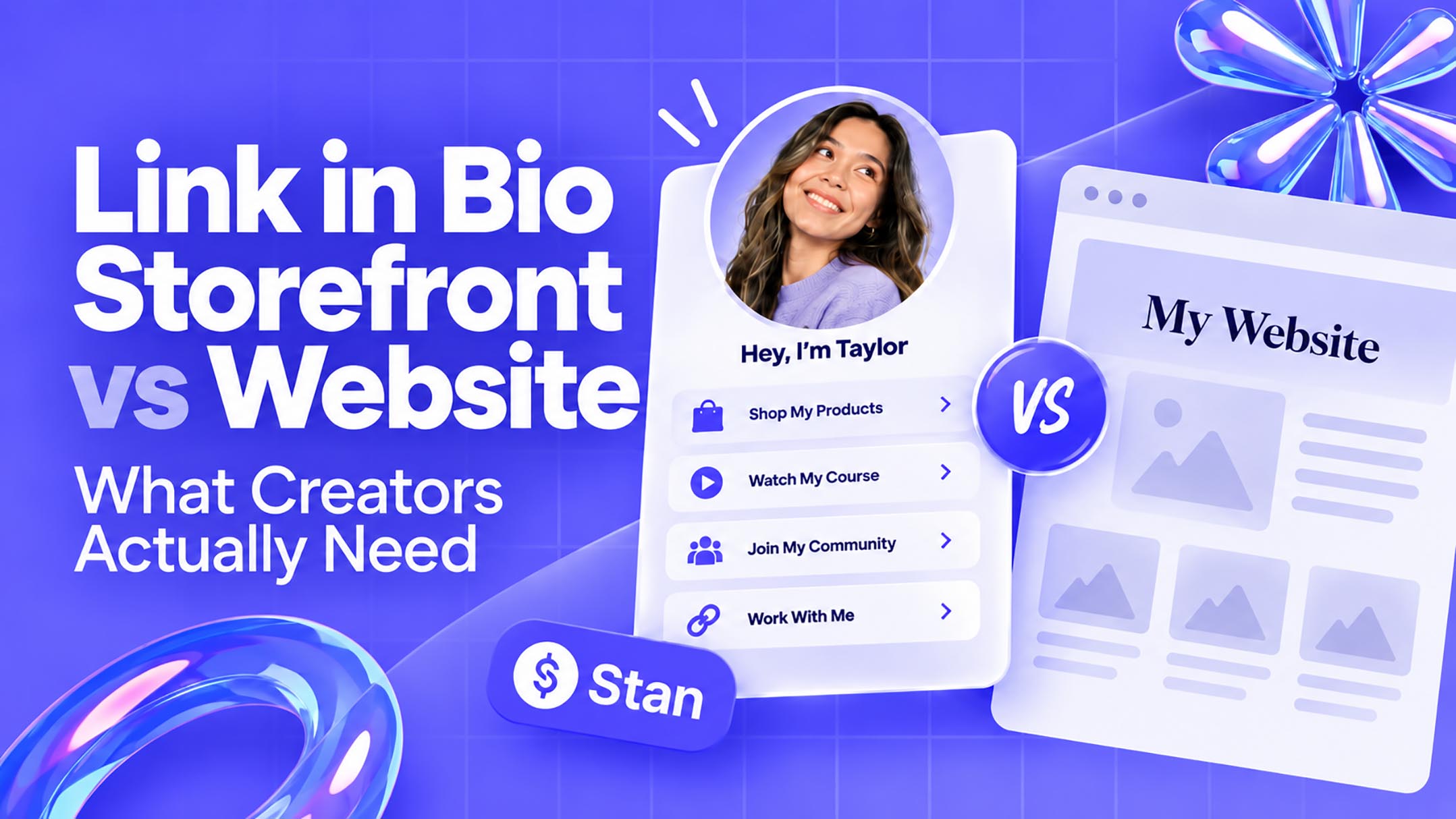
Stan offers a different way to sell without giving up hosted digital products. Rather than making a full website the center of the experience, its storefront puts the offer directly in front of someone arriving from your social content. For followers already familiar with your work, this keeps the next step (buying from you) intuitive.
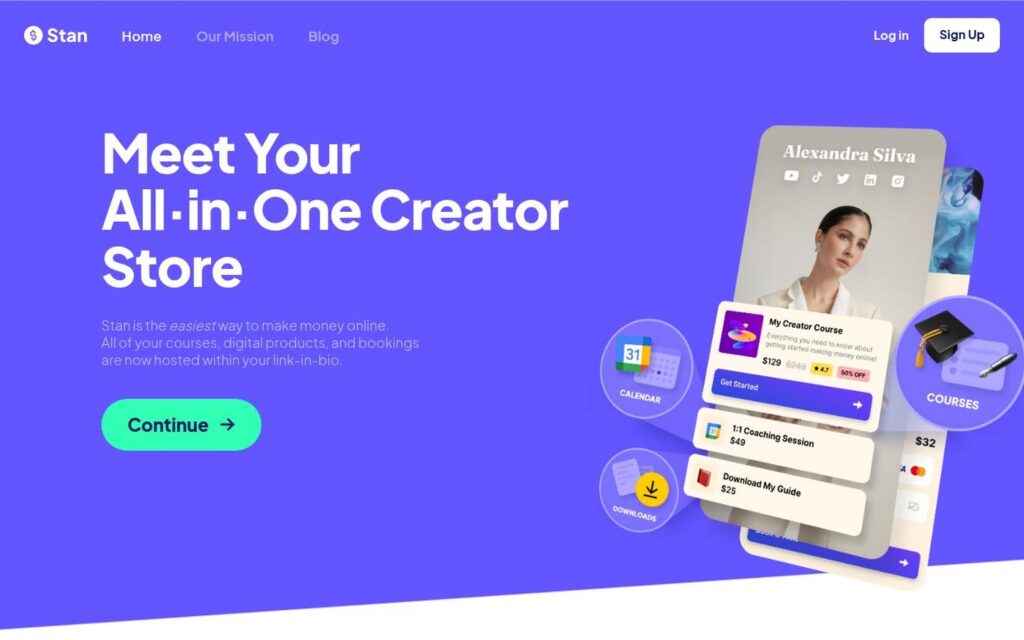
⭐ 4.7/5 from 2,179 reviews on Trustpilot

Pricing: Creator $29/month; Creator Pro $99/month. Both charge 0% Stan platform transaction fees.
Biggest advantage over Podia: Stan charges 0% seller fees on both Creator and Creator Pro, so you don’t have to upgrade to stop paying a percentage of each sale. Podia’s Mover plan charges 5%, which drops to 0% on Shaker and Earthquaker.
Creator Pro includes unlimited email contacts and customers. Podia allows unlimited customers, too, but expanding your email list beyond its included subscriber allowance costs extra. With Stan, growing that list doesn’t push you into a more expensive email tier.
Appointment booking is built into both Stan plans, giving you yet another practical advantage if you sell paid sessions. Podia requires an external scheduling tool.
Potential tradeoff: Stan won’t replace Podia’s built-in blog, and email marketing requires Creator Pro rather than the entry-level Creator plan. If your blog is an important source of traffic, you’ll need to keep it hosted separately.
Kajabi: More Control Over Marketing Automation
Kajabi gives you more flexibility in how customers buy and how you deliver the experience afterward. That’s useful when you want to do more than sell access to a library of content, and particularly if working directly with your members is part of the deal.

⭐ 3.4/5 from 2,344 reviews Trustpilot
Pricing: Basic $179/month; Growth $249/month; Pro $499/month.
Biggest advantage over Podia: More adaptable sales flows and built-in live sessions. Podia supports post-purchase upsells, but Kajabi lets you arrange a sequence that changes when someone declines an offer. For example, you could offer a coaching package after a purchase, then present a lower-priced option if the customer passes. That gives you more control than displaying additional products on an upsell page.
The difference continues after checkout. Kajabi’s community includes live video rooms where you can run workshops and use breakout groups without a separate meeting service. Podia lets you sell and schedule events, but live sessions require an external service such as Zoom. If live participation is a regular part of what customers pay for, keeping it inside the community removes that extra handoff.
Potential tradeoff: More functionality doesn’t mean more generous limits. Kajabi Basic allows five products, compared with 50 on Podia Mover, despite its higher subscription cost. A Creator moving an existing catalog may need a higher Kajabi plan immediately, so check capacity as carefully as you check capabilities.

Teachable: A Dedicated App for Your Students
When students return to an online course regularly, the user experience becomes a larger part of the conversation. Teachable offers users an app-based option rather than relying on the mobile browser experience available through Podia. That’s a notable accessibility shift for your customers, not just a different dashboard for you.
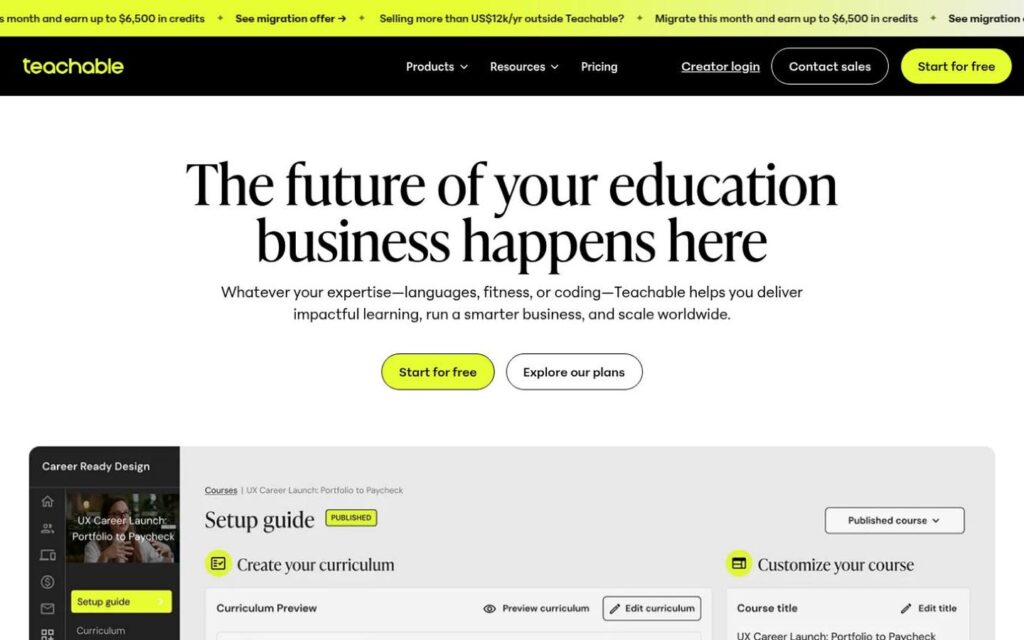
⭐ 3.3/5 from 1,106 reviews Trustpilot
Pricing: Starter $39/month; Builder $89/month; Growth $189/month; Custom pricing available.
Biggest advantage over Podia: Teachable includes iOS and Android student apps across its standard plans. Students can access your teaching through a dedicated learning app, though it uses Teachable’s branding rather than a custom app for your business.
Potential tradeoff: The entry plan is more restrictive elsewhere. Starter allows five published products, compared with 50 on Podia Mover, and charges a higher transaction fee. That can outweigh the lower subscription price when you’re migrating an existing catalog.
Thinkific: Assignments and Instructor Feedback
A multiple-choice quiz can check whether someone understood a lesson. It can’t replace reviewing the work they produce. Thinkific becomes a more compelling Podia alternative when that feedback is part of what students pay for, such as in a photography course where you assess their finished images.

⭐ 1.8/5 from 867 reviews Trustpilot
Pricing: Basic $54/month; Start $109/month; Grow $219/month; Plus quoted individually.
Biggest advantage over Podia: More detailed learning tools and less manual work around group sales. Thinkific’s Start plan includes assignment submissions and instructor feedback. Grow adds reports that reveal where students stop watching a video or struggle with particular questions.
The group-purchasing experience is another benefit. On Grow and above, a company can purchase team access to a course in a single transaction and then distribute those seats. Podia supports group purchases through a more manual process. If you regularly sell training to organizations, removing the back-and-forth can make sense.

Potential tradeoff: Most of those advantages sit above Basic. Assignments require Start, while the detailed engagement reports and group-order tools require Grow at $219/month.
Gumroad: Product Sales Without a Monthly Subscription
Moving from Podia to Gumroad means switching from a site builder to a simpler product storefront. That’s a reasonable trade when you already have a website or primarily use Podia to sell downloads.
There’s also another route for customers to find your work. Gumroad’s Discover marketplace lets people browse products without first visiting your website or following you on social.
⭐ 1.4/5 from 417 reviews Trustpilot
Pricing: No monthly subscription; standard direct-sale fees are 10% + $0.50 per transaction. Sales through Gumroad Discover carry a 30% fee.
Biggest advantage over Podia: Gumroad handles more of the administrative work for international sales. As the merchant of record, it collects and remits applicable sales tax on transactions through its platform. Podia can calculate and collect those taxes at checkout, but submitting them to the relevant authorities remains your responsibility.
Potential tradeoff: Gumroad has no recurring monthly cost or annual fee, but it takes 10% + $0.50 from direct sales and 30% from Discover sales. Those fees add up as orders increase. If you sell regularly, Podia’s Shaker plan could work out cheaper, you pay a monthly subscription, but Podia doesn’t take a cut of each sale.
Let’s Compare
An entry plan is only useful if it includes the reason you’re switching. This comparison highlights the conditions that are easy to miss.
When It Makes Sense to Stay With Podia
Podia consolidates a lot, which is exactly why it works well for many Creators. Whether it still makes sense depends on how you sell and where your customers come from. If your website is the main destination and people spend time there before buying, Podia can still be a strong fit.
If most of your traffic comes from social and the goal is to move people from content to checkout quickly, Stan is a stronger alternative. Want to test the setup before making the switch? Here’s our 14-day free trial.