
Skool is great at community. These alternatives give you different ways to build around it.
If Skool feels too focused on the group itself, the right alternative depends on what you want to do differently.
With approximately 25 million users and 170,000 communities, Skool is blowing up right now, and honestly, it deserves the hype.
No more scattered groups or lost conversations. Skool pulls your whole course community into one place, so members can actually learn, connect, and stay engaged.
Here’s what Skool actually gives them:
- A community feed for posts, questions, comments, and conversations.
- A course area where you can organize lessons, resources, and educational content.
- A shared calendar that keeps upcoming events and sessions visible to the whole group.
- Built-in live calls so members can join without leaving the platform.
- Points, levels, and leaderboards that reward participation and can even unlock new content.
What really stands out about Skool is its gamification, which is more than a superficial extra. Members earn points when others engage with their posts and comments, helping them move through levels and climb the leaderboard. Creators can also set courses to unlock once a member reaches a certain level, giving participation a tangible reward. Skool explicitly frames the system as a way to encourage members to contribute rather than simply lurk.
That focus on participation is a big part of what Skool does so well. If an active community is central to what you sell, the platform gives people a real reason to keep showing up.
So why would you look anywhere else?
Why Creators Look for Skool Alternatives
Skool’s laser focus on education communities is great until your business starts to outgrow it.
You may want an alternative if:
- You’re selling more than just group access. If digital products, coaching, or downloads are part of your mix, you’ll want a platform that isn’t locked into a membership-first mindset.
- You want more control over your marketing. Skool is all about the member experience, but it won’t run your email list, funnels, or customer acquisition for you.
- Those transaction fees start to sting as you grow. Both Skool plans take a cut of every sale, so the math shifts as your revenue climbs.
- You need a different kind of community experience. More branding control, complex spaces, a branded app, or a simpler forum may matter more than gamification.
There is no single replacement that improves on Skool in every direction. The better question is what you want the platform to do besides host the group.
How Much Does Skool Cost?
Skool keeps it simple with two plans to choose from.

- Hobby: $9/month
- Pro: $99/month
Both plans include Skool’s core community and course features. The biggest difference is what Skool charges when you make a sale.
On Hobby, you’ll pay 10% plus $0.30 every time you make a sale. Pro drops that to 2.9% plus $0.30 per transaction up to $899, but charges a higher percentage for bigger sales.
Hobby keeps the upfront cost low, making it a practical option for testing a new community. As revenue grows, Pro becomes more attractive because the lower transaction fee can offset the higher monthly subscription.
5 Skool Alternatives
Skool is excellent at what it was built to do. The alternatives below are worth looking at when you want community to work a little differently or when your business needs to do more outside the group itself.
Stan
⭐ 4.7/5 (2,169 reviews) on Trustpilot
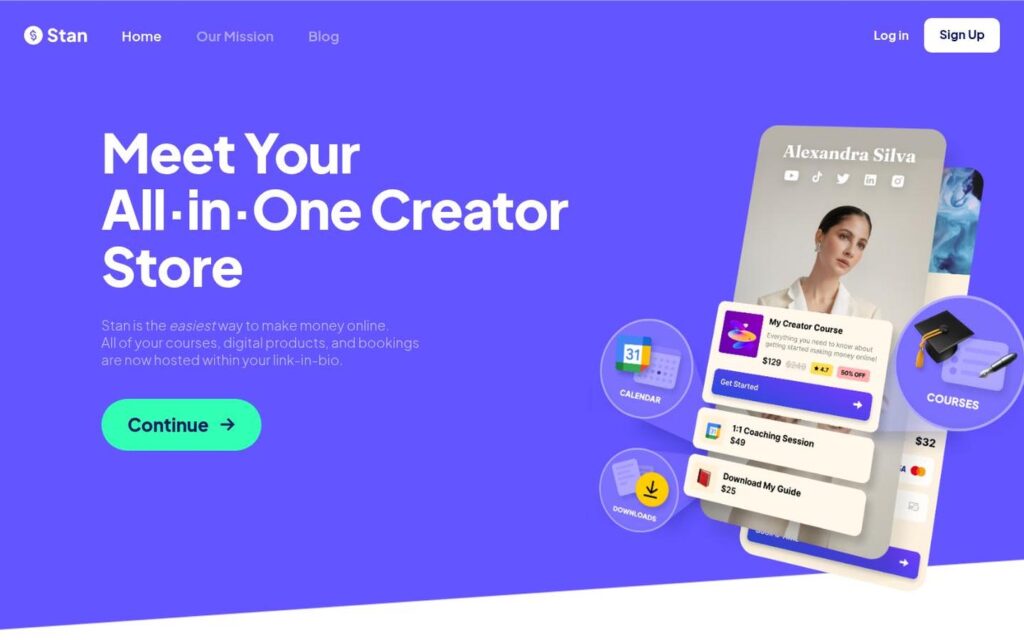
Stan is the clearest alternative for Creators who like the idea of having a community but don’t necessarily want the entire business built around one.
Stan Community gives you a dedicated space where members can interact and access content. The key difference is that it lives inside a much broader storefront. People can buy directly from you without first becoming community members, and you can decide where Community makes sense in the experience.
That means you have way more freedom as your offers evolve. You can keep selling from the same place and only add Community when it actually adds value for your audience.
Stan starts at $29 per month for Creator, with Creator Pro at $99 per month, and Stan charges 0% platform transaction fees on both plans.
✨If you’re into Skool’s community vibe but want more ways to monetize, Stan should be high on your shortlist.
Circle
⭐ 3.9/5 (108 reviews) on Trustpilot

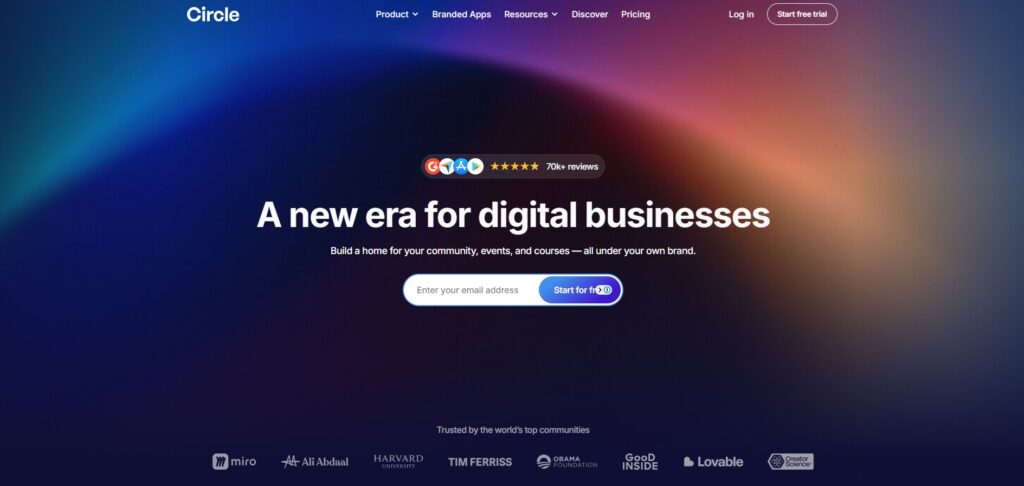
Circle stays much closer to Skool’s community-first model, but gives you more control over how that community is structured and branded.
You can create separate spaces for different conversations and programs, which is useful once a community starts getting too complicated for one main feed. Courses and live events are built in, and Circle gives you more control over the look and organization of the member experience.
Pricing starts at $89 per month for Professional and $199 per month for Business.
✨Circle makes sense if you are not trying to move away from a dedicated community platform. You simply want more room to organize and customize it.
Mighty Networks
⭐ 3.5/5 (218 reviews) on Trustpilot
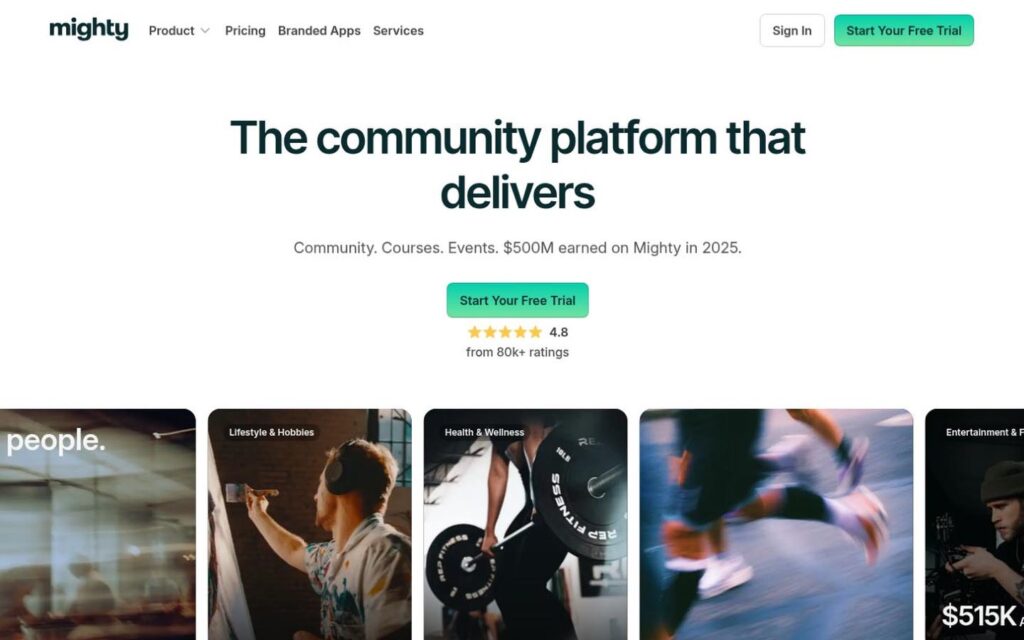
If you’re a creator who wants your community to be front and center and you’re thinking long-term, Mighty Networks is a platform that can actually grow with you.
Its Launch plan combines community and courses with built-in events, while higher plans add more automation and control. Mighty also supports branded apps through Mighty Pro, which puts it in a different category for businesses that want the community experience to feel more like their own platform.
Pricing starts at $79 per month for Launch or $179 per month for Scale.
✨Mighty Networks packs in more features than Skool. That can be a win or a headache, depending on your needs. If you’re running a bigger membership brand, though, all that extra depth might be what you’re after.
Kajabi
⭐ 3.4/5 (2,346 reviews) on Trustpilot

Kajabi moves much further away from the idea that the community should be the main event.
Community is part of the platform, but Kajabi is really designed to run a larger online business around it. The appeal is having more of the infrastructure in one system rather than stitching together a community platform with separate business tools.
That comes at a price. Kajabi’s Basic plan is $179 per month, Growth is $249 per month, and Pro is $499 per month.
✨For someone who only wants to run a paid group, that is a lot of platform. For an established education or coaching business that needs a community to sit inside something much bigger, the math may make more sense.
Podia

⭐ 4.1/5 (145 reviews) on Trustpilot
Podia is a good option when courses and digital content matter more than creating the most active community possible.
Community is included, but it sits alongside the rest of the business rather than driving the whole experience. That makes Podia useful for Creators who want customers to have somewhere to connect without turning participation into the product itself.
The tradeoff is that Podia is less focused on the engagement mechanics that make Skool stand out. There are no Skool-style points or leaderboards pushing members to keep contributing.
✨Its Mover plan also charges a 5% transaction fee, while upgrading to Shaker or Earthquaker removes Podia’s platform transaction fee.
If your priority is selling and delivering content with a community attached, rather than building everything around the group, Podia is worth a look.
Finding the Right Skool Alternative
You do not need to replace everything Skool does well. You just need to figure out which part of its model no longer fits.
If community participation is still the main attraction, Circle and Mighty Networks give you different ways to build on that idea. Kajabi and Podia make more sense when the business around the community needs more attention.
Stan’s playbook is a bit different. You still get a community hub, but it doesn’t boss around the rest of your business. If you’re a Creator who likes to mix up your sales strategies and still give your audience a place to hang out, that flexibility is a pretty compelling reason to give Stan a closer look.