
Beacons wants you to run your entire Creator business from one dashboard. That’s convenient, especially if your income comes from a mix of audience monetization, brand work, and affiliate opportunities.
But range doesn’t always mean depth. That is what makes comparing Beacons alternatives a little more complicated than finding another platform with a similar feature list. A Creator focused on selling directly to their audience has very different needs from someone building around sponsorships, structured education, or ecommerce.
That’s where the alternatives start to separate. Each platform is built around a different kind of Creator business, and that matters more than a long list of features.
Stan: When Your Audience Is the Business
⭐ 4.7/5 from 2,169 reviews Trustpilot
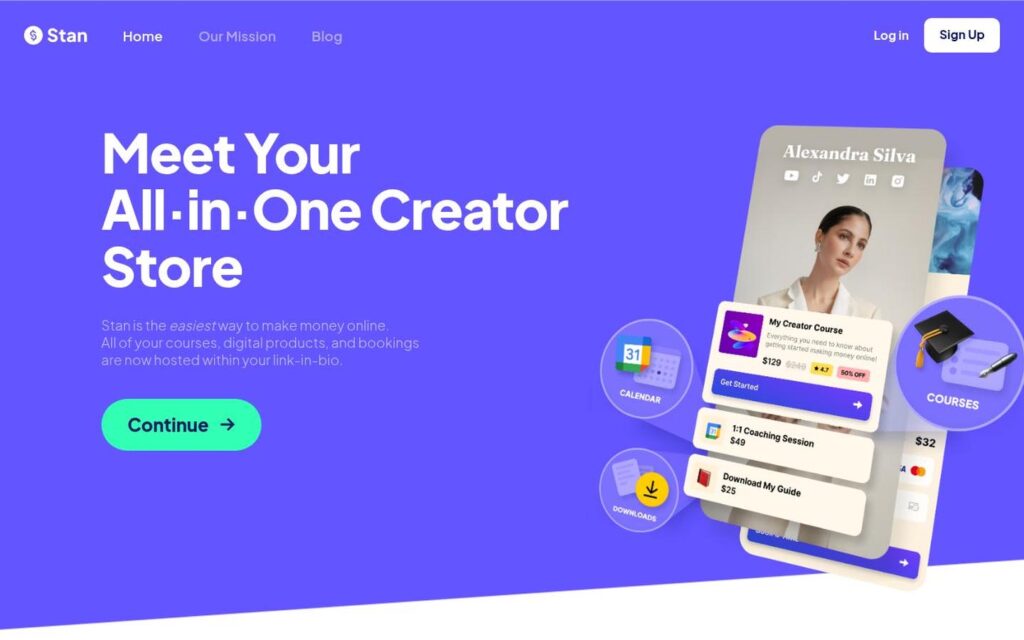
If your income is mostly from sponsorships and partnerships, Beacons’ broad reach can work in your favor. But if your audience is paying you directly, or you want them to, Stan is built to make that connection smoother.
That focus changes the whole experience. Stan puts itself between your content and the checkout, so your followers can go from discovering you to buying in just a few clicks. Stan is all about monetization, while Beacons leans into customization and branding.
Simplicity is Stan’s strength, and reviews back it up. Creators share how fast setup is and how easy it is for their followers to buy. Support gets noted too, with quick help when things go sideways. A minor limitation that comes up in user experience is customization. Some Creators wish they had more control over how their storefront looks.
Stan also leaves room for what you sell to change. You might start with a digital product and later add coaching or a membership without needing to move the whole business to a new platform.
Stan charges a flat subscription fee with 0% Stan platform transaction fees, while Beacons charges a 9% seller fee on its Free and Creator plans, which drops to 0% on Creator Plus and Creator Max.
Percentage-based fees can feel relatively painless when sales are small, but they get more expensive in dollar terms as the business grows. The more you sell, the more you pay. A flat subscription makes those costs more predictable, rather than taking a larger cut as revenue increases.
That doesn’t mean Beacons is a bad deal. If you want branding and partnership tools, it still makes sense. But if direct sales are the bigger part of your business, Stan is the stronger pick.
Pricing: $29/month for Creator or $99/month for Creator Pro, with 0% Stan platform transaction fees.
For a deeper head-to-head, see the Stan vs. Beacons comparison.
Linktree: For When You Need Navigation

⭐ 4.0/5 from 7,144 reviews Trustpilot
Not everyone looking beyond Beacons wants more software. So, Linktree makes sense if Beacons feels like more platform than you actually need.
Linktree is still very good at giving people one clean place to find everything you want them to see. Trustpilot users regularly mention how easy Linktree is to set up, navigate, and update, which is useful context if simplicity is the reason you are looking elsewhere in the first place.

That simplicity does come with limits. Some recent reviewers report login loops and account-access problems, although the overall sentiment around support is positive.
Selling is possible, but it is worth watching the fees. Linktree charges 12% on digital-product and course sales on Free, 9% on Starter and Pro, and 0% on Premium before Stripe processing.
So if you are leaving Beacons because you want a cleaner, easier link-in-bio rather than a larger Creator toolkit, Linktree is a logical step sideways rather than a step up in complexity.
Pricing: Pricing: Free plan available; Starter $8/month, Pro $15/month, or Premium $35/month.
Considering Linktree? Our Stan vs. Linktree comparison takes a closer look.
Gumroad: If You Just Need Somewhere to Sell
⭐ 1.4/5 from 418 reviews Trustpilot
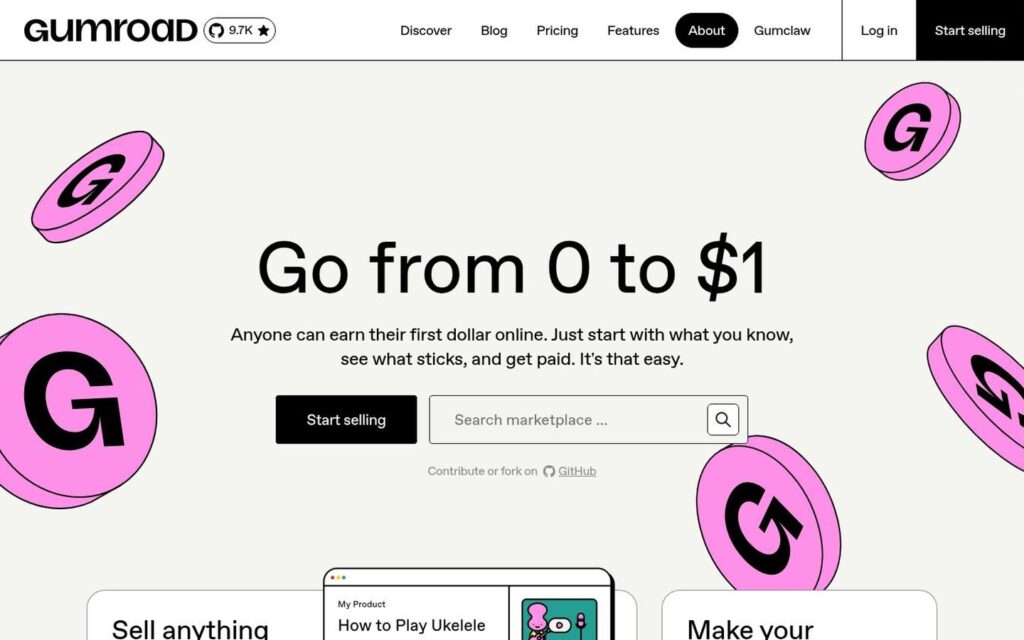
If you already have a product and just need a simple storefront, checkout, and delivery, you probably don’t need all the extra business tools Beacons packs in. And, Gumroad lets you jump in with zero monthly fees, which is perfect if your sales are still a bit unpredictable.
The tradeoff shows up once money starts moving through the platform. Creator reviews of Gumroad on Trustpilot repeatedly raise concerns about delayed or restricted payouts and difficulty getting useful help from support. Those complaints are worth considering if reliable cash flow is more important to you than avoiding a monthly bill.
The fee model also gets more expensive in dollar terms as you sell more. Gumroad reduces its direct-sale fee to 5% + $0.50 after $20,000 in paid sales within a calendar month, but that discount resets each month.
Gumroad is therefore a very different alternative to Beacons: less of a Creator hub, more of a straightforward place to put something up for sale.
See the Stan vs. Gumroad comparison.
Pricing: $0/month; standard direct sales cost 10% + $0.50 per transaction, plus payment processing.
Podia: If You Need a Homebase

⭐ 4.1/5 from 143 reviews Trustpilot
Some Creators don’t want a “better” link-in-bio. They need somewhere for the business to live. That is where Podia starts to set itself apart.
The experience is built much more like a traditional website rather than just being a pit stop between Instagram and the rest of the internet. Podia gives your business a real home where people can actually engage with your content and offers.
Trustpilot users are particularly positive about how approachable Podia feels. Recent reviews repeatedly mention the easy setup, simple interface, and responsive support, including Creators who say they can manage and update their sites without needing technical help.
The limitations tend to appear when someone needs something more specialized. Trustpilot’s recent review summary notes complaints around certain tracking tools and occasional support issues during more urgent or technical problems.

Podia is therefore worth considering when Beacons starts to feel too much like an entry point, and you want the business itself to live somewhere more substantial.
Pricing: Mover $39/month with a 5% transaction fee; Shaker $89/month with no Podia transaction fee. Annual billing lowers those to $33 and $75/month.
Want to know more about Podia before making a decision? This Stan vs. Podia comparison dives a bit deeper into functionality.
Kajabi: If You Want the Full Stack
⭐ 3.5/5 from 2,343 reviews Trustpilot
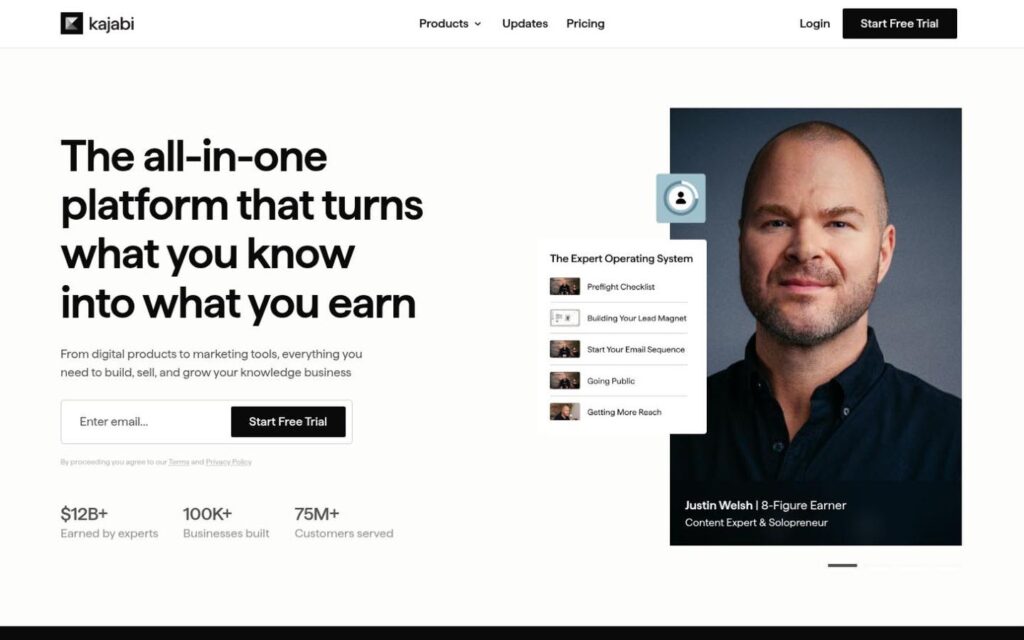
If you’re looking for something simpler than Beacons, Kajabi probably isn’t the move. It starts making sense when you have outgrown a storefront-style setup and want far more control over what happens before and after someone buys.
That is also what Kajabi users tend to value. Reviews frequently praise the convenience of running a substantial online business from a single system rather than stitching together several platforms.
But the same reviews make the tradeoff fairly clear. Pricing and plan limits are recurring criticisms, and some users describe the platform as slow, complicated, or frustrating when technical problems appear.
That makes Kajabi less of a direct Beacons replacement and more of a move into a different kind of setup. If you feel like Beacons does not give you enough depth, Kajabi takes you there. If you are trying to simplify, it probably goes in the wrong direction.
Pricing: Basic $179/month, Growth $249/month, or Pro $499/month. Annual billing lowers the monthly equivalents to $143, $199, and $399.
Read More on Kajabi
Teachable: If the Course is the Business
⭐ 3.3/5 from 1,105 reviews Trustpilot
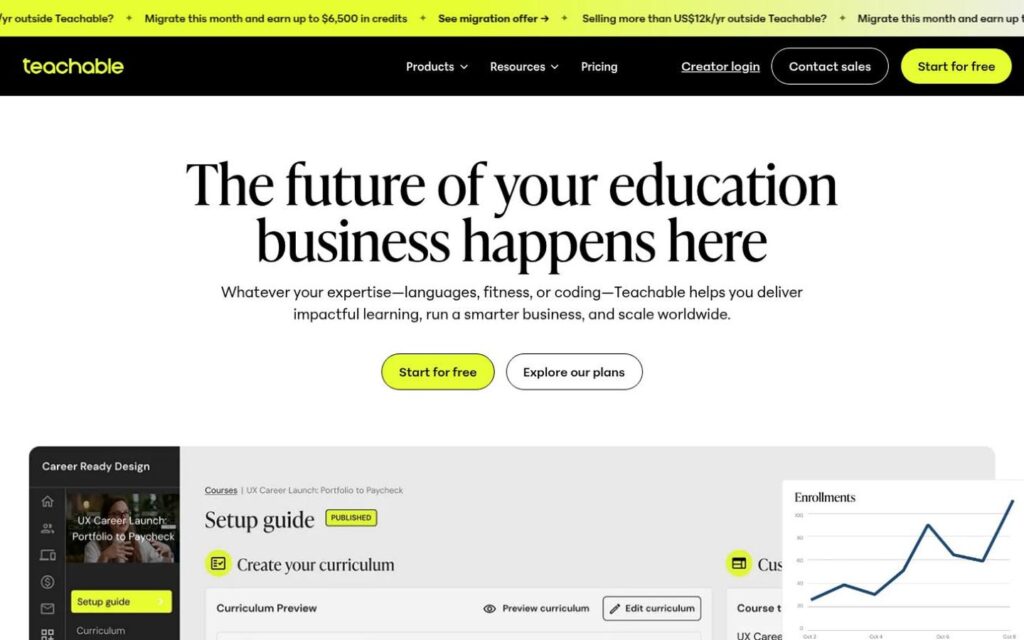
Teachable isn’t trying to be everything for everyone. It’s laser-focused on making your course experience exceptional, beyond what Beacons can do.
If courses are turning into a real revenue stream for you, what happens after someone buys matters just as much as the sale itself. That’s when you need a platform built for teaching, not just selling.
Recent feedback reflects that strength. One reviewer specifically praised Teachable’s checkout and student experience, while the broader review summary shows that users generally value its course-building tools and flexibility.
The tougher feedback tends to focus on the platform and the course tools. Slow support, difficulty reaching a person, technical glitches, and a sometimes-convoluted interface recur in recent reviews.
There is also a cost consideration at the entry level. Starter takes a 7.5% transaction fee. For Creators making regular course sales, that can make the cheaper plan less cheap than it first appears.
Bottom line: Teachable is what you want if you care more about delivering a great learning experience than running an all-in-one creator business.

Pricing: Starter $39/month, Builder $89/month, Growth $189/month, or Advanced $399/month.
For more on Teachable, see the Stan vs. Teachable comparison
Shopify: If the Creator Business Has Become an Ecommerce Business

⭐ 1.3/5 from 5,132 reviews Trustpilot
At some point, if you’re selling physical products, you stop needing more Creator tools and start needing real retail muscle. That is where Shopify belongs in this comparison.
Once you are dealing with real inventory and fulfillment, a Creator platform can start feeling like the wrong tool for the job.
Shopify is a logical alternative to Beacons, even though the two platforms are not particularly similar. Shopify gives a product business a much deeper commerce infrastructure and is designed around running a store rather than managing a Creator presence.
The cost is complexity. Shopify users regularly mention that the base subscription is only part of the bill. G2 reviewers frequently point to paid apps, transaction costs, and the need for coding or additional software when they want more advanced customization.
For a Creator who mainly sells digital offers, that can be a lot of store to maintain. For someone who now has shelves of inventory, shipping labels, and a growing product catalog, it starts to look much more appropriate.
Pricing: Basic $39/month, Grow $105/month, or Advanced $399/month on monthly billing
See the Stan vs. Shopify comparison.
How to Compare Beacons Alternatives
The differences are less about which platform can technically do what. Most of them overlap on the basics. What matters is where each platform puts its focus, what it costs as your business grows, and where you may eventually start to feel its limits.
As stated, a lower monthly price does not always mean a lower cost, especially when seller fees increase with revenue. A more specialized platform can be a much better fit when one part of the business has become important enough to need deeper tools. And sometimes the right move is simply to choose something easier because you are paying for functionality you rarely use.
The comparison below is meant to make those tradeoffs easier to spot. It shows what each platform is most naturally suited to, how its pricing works and the main limitation worth considering before you switch.
When Switching Makes Sense
Creator platforms can look similar from a distance. Most can give you a page, somewhere to sell, and a handful of tools for managing what happens around it. The meaningful differences usually show up later, when you are actually trying to run the business, and the same issues keep getting in your way.
Switching platforms only makes sense if it solves a real problem. A longer feature list or a shinier dashboard won’t automatically make your job easier. Start with the thing you are tired of working around.
If selling directly to your audience is the reason you started looking, Stan is worth a closer look. Its storefront is built around that path from social to sale, pricing stays predictable as revenue grows, and there is a 14-day free trial if you want to see whether it actually feels better before making the switch.