
Want a deeper connection with your audience? Build an online community.
It takes your relationships beyond social media, making them stronger and longer-lasting. With paid memberships, exclusive content, and regular engagement, your community can also become a reliable source of recurring revenue.
There are three main types of platforms to consider:
- Community-First Platforms that focus on discussions and engagement
- Membership Platforms that offer subscriber benefits
- All-In-One Creator Tools that bring together community features, courses, coaching, and digital products.
Struggling to choose a community platform for your business?
Here’s how 7 of the best compare across pricing, features, and ideal use cases, so you can find the right fit quickly.
The 7 Best Community Platforms Compared
Stan Store: The Best Community Platform for Creators
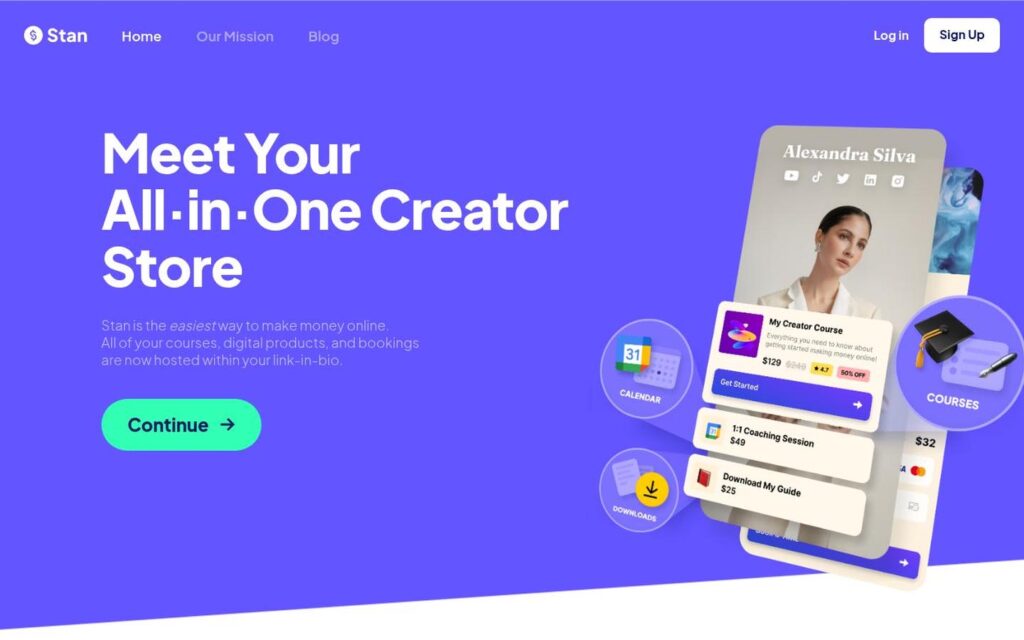
⭐ Stan currently holds a 4.7/5 Trustpilot rating from more than 2,100 reviews.
Best For: Creators who want to monetize their communities alongside digital products, courses, and coaching.
Pricing: $29/month (Creator) or $99/month (Creator Pro).
Building a community is great. Juggling five different tools to monetize it? Not so much.
Stan Store is your all-in-one Creator platform. Build free or paid communities, share resources, and connect with your audience through discussions and messaging. You can also sell courses, coaching sessions, webinars, and digital products (all from your link-in-bio storefront).
With no additional platform transaction fees (payment processing still applies), Stan keeps things simple.
Circle: Suited for Branded Communities
⭐ Circle currently holds a 4.0/5 Trustpilot rating from more than 100 reviews.
Best For: Established Creators, coaches, and brands wanting a customizable community experience.
Pricing: Starts at $89/month with annual billing.

Circle gives Creators more control over how their communities look and function.
Build dedicated spaces for discussions, courses, events, and memberships. Keep members engaged with livestreams, directories, and gamification. Plus, built-in analytics and automations make managing your community a breeze.
However, customization comes at a cost. With a higher starting price and platform transaction fees, Circle can be overkill if you’re just getting started.
Skool: For Course-Based Communities
⭐ Skool does not have a Truspilot profile with online reviews to assess.
Best For: Educators, coaches, and Creators selling access to courses and group learning.
Pricing: $9/month (Hobby) or $99/month (Pro).
Skool makes running a paid learning community surprisingly simple.
Classroom content, community discussions, and live calls all live in one place. Points and leaderboards make participation fun, so members keep showing up long after their first lesson.
The $9/month Hobby plan sounds like a steal, but there’s a catch: a 10% transaction fee. On the other hand, the Pro plan lowers that to 2.9%, making it more attractive as your community grows.
Mighty Networks: Paid Membership Community Businesses
⭐ Mighty Networks currently holds a 3.4/5 Trustpilot rating from more than 200 reviews.
Best For: Entrepreneurs building a dedicated community or membership business.
Pricing: Starts at $79/month with annual billing.
Mighty Networks is built for Creators who want their community to be the business, not just another revenue stream.
It brings together community spaces, courses, events, and paid memberships, all enhanced by AI tools that keep members engaged. If you need advanced automations or a branded app, those are also available on their higher-tier plans.
There’s plenty of functionality, but that added complexity isn’t for every Creator. If you’re primarily selling digital products, you probably don’t need the robust features of Mighty Networks.
Kajabi: Best for Advanced Marketing Features
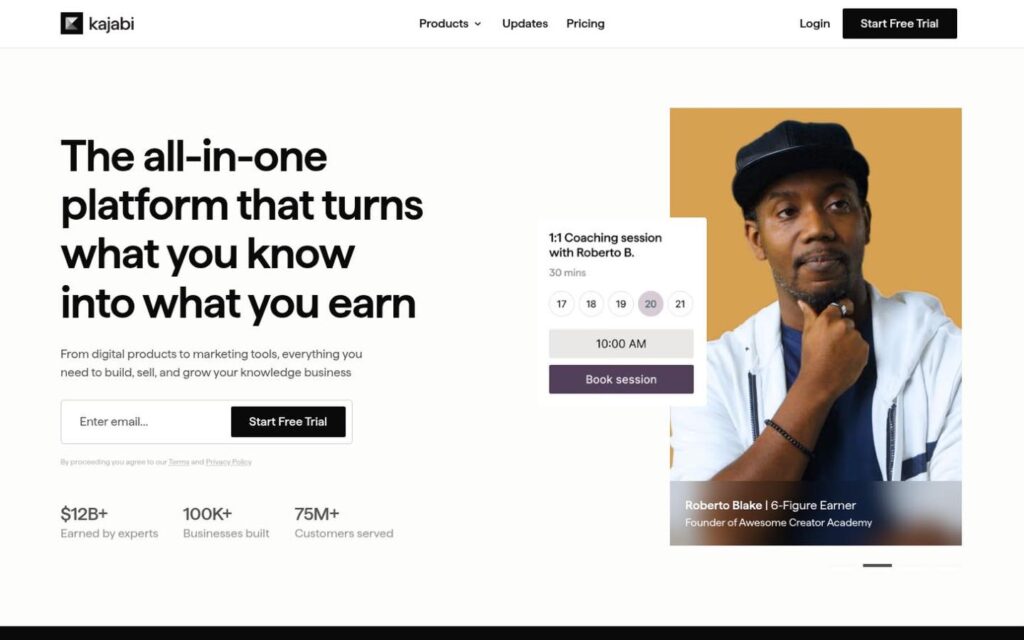
⭐ Kajabi currently holds a 3.5/5 Trustpilot rating from more than 2,300 reviews.

Best For: Established knowledge businesses that need community management alongside marketing and sales tools.
Pricing: Starts at $143/month with annual billing.
Kajabi isn’t just a community platform. It’s an entire marketing stack.
Run paid memberships, host courses, build websites, and manage email campaigns and sales funnels. If you’re selling multiple products and need everything to work seamlessly together, this is a solid solution.
The downside? You’re paying for the whole toolkit, whether you use it or not. For newer Creators, $143/month can be a tough sell.
Patreon: Best for Fan Memberships
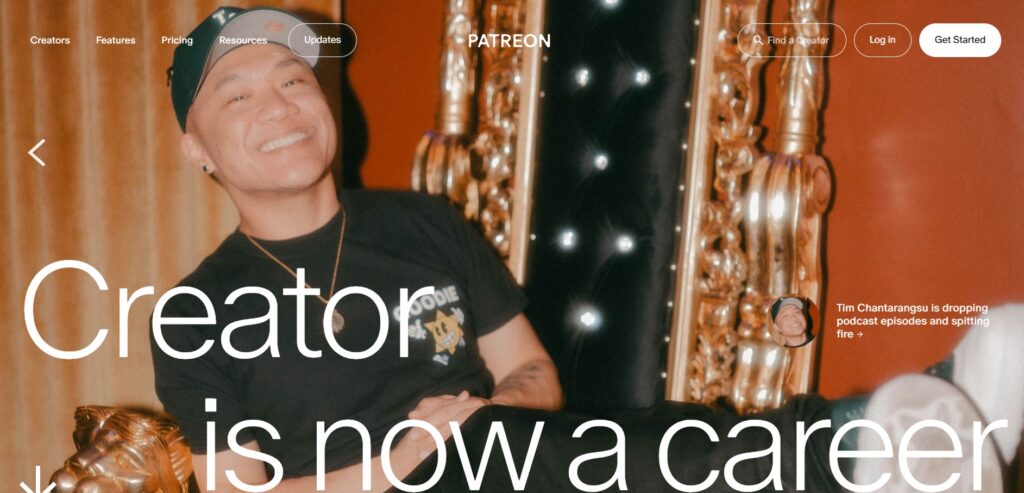
⭐ Patreon currently holds a 1.2/5 Trustpilot rating from more than 900 reviews.
Best For: Artists, entertainers, podcasters, and content Creators with dedicated audiences.
Pricing: Free to start, with a 10% platform fee for new Creators, plus payment processing fees.
Patreon lets Creators turn loyal fans into paying subscribers without building an entire business from scratch.
You can offer tiered memberships, exclusive content, community chats, and subscriber-only perks in exchange for recurring payments. It’s straightforward, especially if you already have an engaged audience.
The trade-off? Patreon takes a cut of your earnings, and its storefront functionality is limited compared to platforms built for selling digital products.
Discord: The Free Conversation-Driven Community Platform
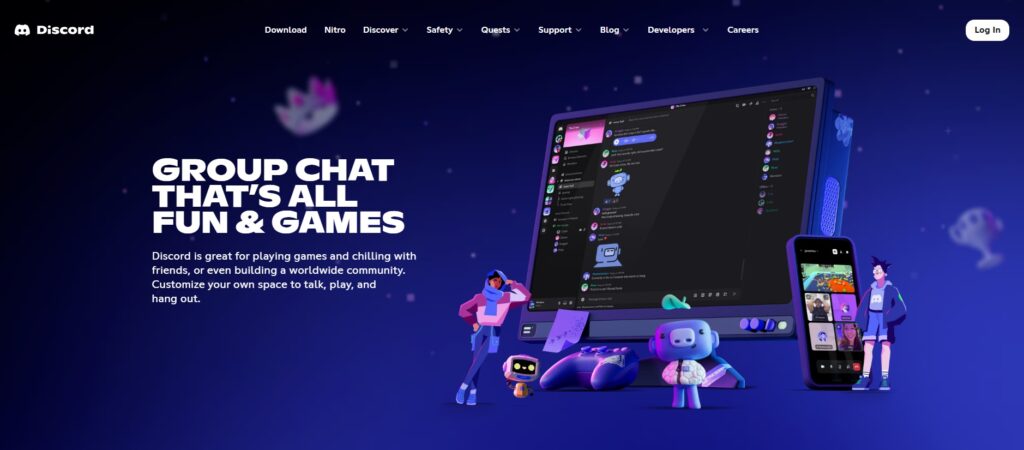
⭐ Discord currently holds a 1.2/5 Truspilot rating from more than 1,700 reviews.
Best For: Creators building active, conversation-driven communities.
Pricing: Free to create and operate a basic server.
Discord is great at getting people talking. Turning those conversations into a business? That’s where things get tricky.
You get text channels, voice and video chats, member roles, and plenty of moderation controls without paying to run a basic server. It’s especially popular with gaming, tech, and hobby communities where members want to hang out in real time.
The downside? Discord isn’t built for selling digital products, and native monetization options are limited, particularly outside the US.
Community Platform Pricing and Fees Compared

When choosing a community platform, look beyond the subscription fees. Factor in the percentage of sales the platform takes; it can make a big difference to your bottom line.
Understanding the full cost structure will help you choose a platform that aligns with your financial goals and keeps more money in your pocket.
Choosing the Best Community Platform for Your Audience
Choosing the right community platform matters.
Your choice of platform needs to align with your business model, support your goals, and meet your audience’s needs. Most importantly, it should offer monetization options that match your trajectory.
Consider Your Monetization Strategy
Big communities aren’t always profitable, so think about what you want to achieve.
Are you growing a free community to build your audience, or creating a paid membership to generate recurring revenue?
Subscriptions bring in steady, predictable income. One-time purchases suit standalone products.
Selling courses, coaching, or digital downloads? Pick a platform that supports every type of monetization you offer your audience.
Compare Community Engagement Features
Having 1,000 members means nothing if nobody participates.
Look for discussion feeds, messaging, livestreaming, and event features that give members a reason to stick around. Gamification helps, but it won’t save a boring community.
Make sure the experience works just as well on mobile as it does on desktop.
Calculate Your Total Platform Costs
The cheapest plan isn’t always the cheapest platform.
Monthly subscriptions, transaction fees, and payment processing costs add up quickly. Factor in any additional tools you’ll need for email marketing, checkout, or course hosting.
The best platform isn’t the one with the most features. It’s the one that fits your business without eating into your profits.
Build and Monetize Your Community With Stan Store
Build your community in one place. Stan Store brings discussions, memberships, courses, coaching, and digital products together, so you can engage your audience and earn from your work without switching between platforms.
Start with a free community, add paid memberships when you’re ready, then grow your revenue alongside your audience. Our affordable pricing and built-in Creator tools make it simple.
Ready to turn your audience into a thriving community? Start your free Stan Store trial and bring your community, courses, and digital products together in one place.