
Where to Sell Online Courses: Best Platforms Compared
When it comes to selling online courses, you have three main options: marketplaces, creator storefronts, and dedicated course platforms.
The best fit for you will depend on how you plan to attract students, what fees you’re willing to pay, and how much control you want over your business.
We’ve compared Stan, Udemy, Teachable, Thinkific, and Kajabi side by side, covering teaching features, pricing, and flexibility, so you can find the best platform for your next course.
Where to Sell Online Courses: 5 Platforms Compared
Marketplaces like Udemy come with a built-in audience actively searching for courses. This means less time marketing and more time creating, a great option if you want to tap into existing demand quickly.
On the other hand, platforms like Teachable or Kajabi put you in the driver’s seat. You’ll need to handle your own marketing and drive traffic to your courses, but in return, you get greater control over your brand and customer relationships.
It comes down to your priorities: a wider reach or full control over your marketing.
5 online course platforms compared
Where should your course live?
Compare who each platform suits, how you pay, and the tradeoff to consider before you choose.
Stan: Best for Selling Courses From Your Social Profiles
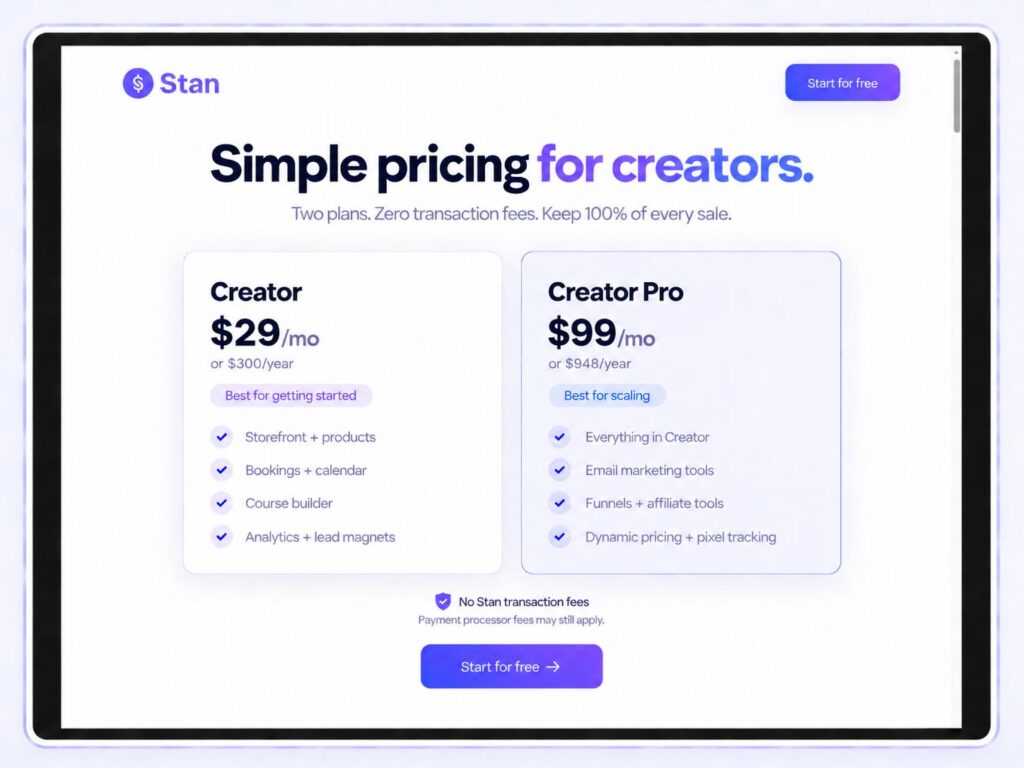
Stan brings your storefront, checkout, and course hosting under one roof, making it easy to promote from your social profiles. Creators can build video lessons into modules, add downloadable resources, and drip-release content to keep audiences engaged over time.

Stan Store pricing starts at $29/month for Creator, which includes course hosting. Creator Pro is $99/month and includes payment plans and email marketing tools. Neither plan charges platform transaction fees, though standard payment processing fees still apply.
It’s a great option for creators who sell through social content. Just make sure you have a clear offer and a solid promotion strategy to drive students to your store.
Udemy: Best for Access to a Course Marketplace
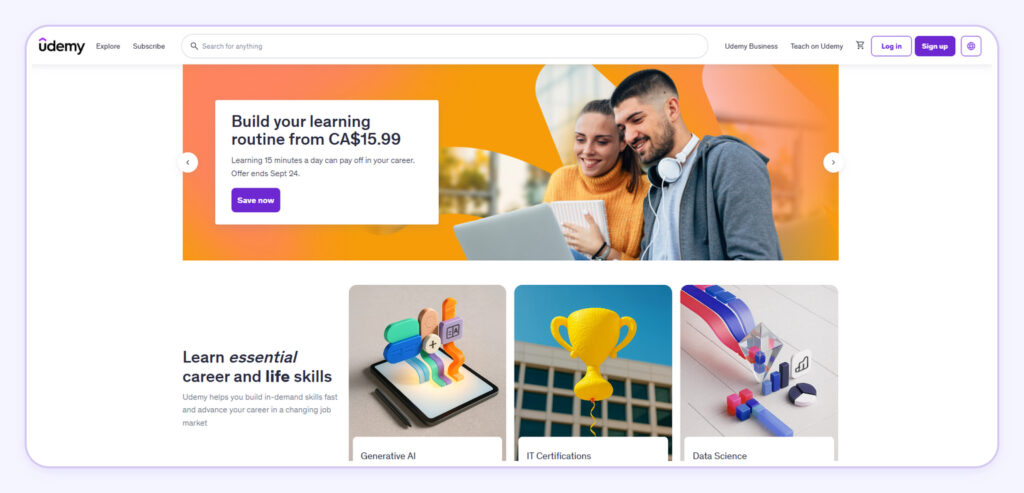
Udemy is a great place to list your course, as it’s already a go-to platform for people looking to learn new skills. Best of all, there’s no upfront fee to create or host your course, though keep in mind that visibility and sales aren’t guaranteed.
Under Udemy’s revenue-sharing model, instructors receive 97% of the net amount from qualifying instructor coupon or referral-link sales, compared with 37% for sales without those promotions. The net amount reflects applicable taxes and fees.
Keep in mind that subscription program payouts work differently, so those percentages won’t always apply. Your earnings will also vary depending on how your students choose to buy your course.
Teachable: Best for Building a Dedicated Course Business
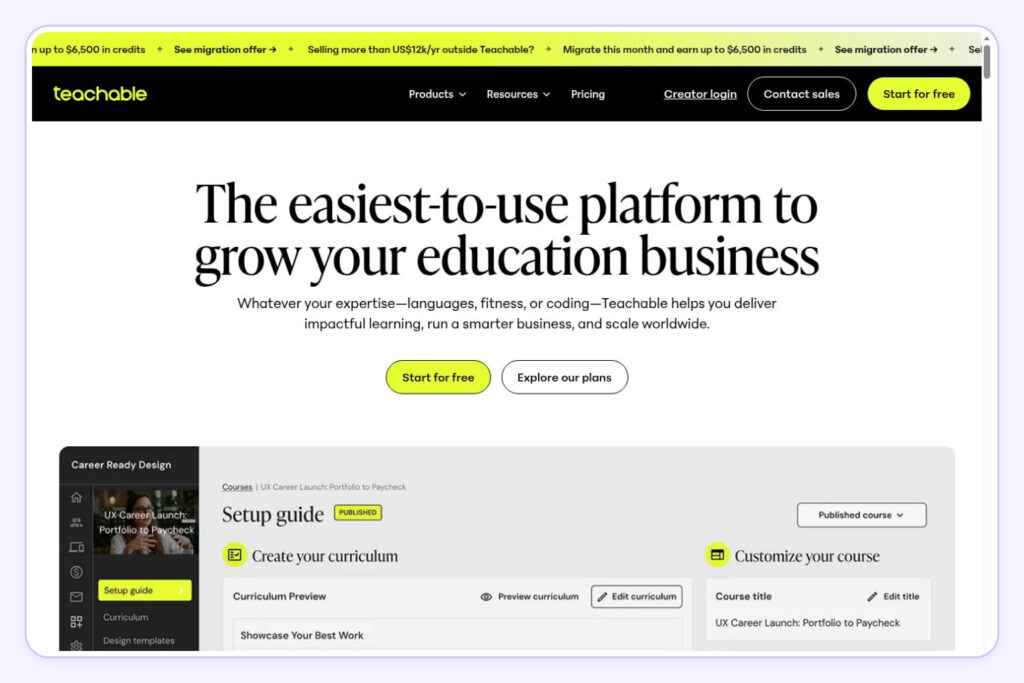
Teachable is a solid choice for course creators. It brings together hosted courses, student management, and integrated checkout, everything you need to run a teaching business in one place.
Its Starter plan costs $39/month plus a 7.5% platform transaction fee. Higher-tier plans come with 0% platform transaction fees when using supported payment gateways. Keep in mind that standard processing fees still apply.
Before picking a plan, check the product limits and make sure it has the teaching and sales features you need. Think ahead about what you’ll need as your course library expands.

Read our Stan Store vs. Teachable comparison for a closer look at which platform suits your business.
Thinkific: Best for Structured Learning Programs
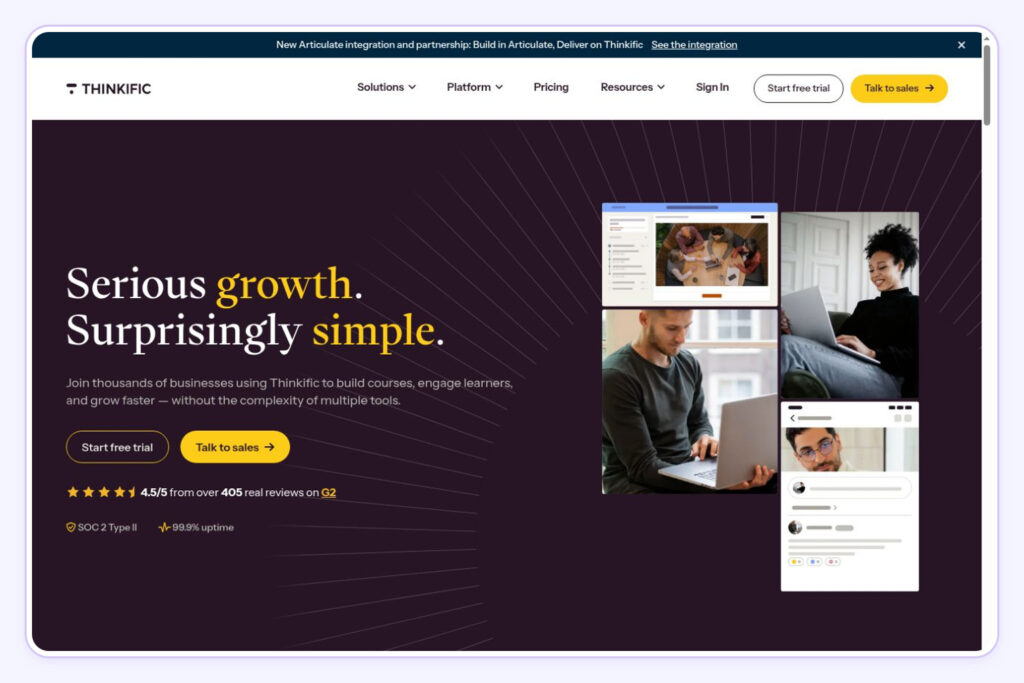
Thinkific makes it easy to organize lessons, assess learning, and track student progress. Build your course with quizzes and discussion features, and host it on your own branded domain.
The Basic plan starts at $54/month when billed monthly. Keep in mind that completion certificates and assignments are only available on higher-tier plans. If your students need graded work or proof of completion, make sure to factor in those additional costs.
Compare the plan containing your required teaching tools, then factor in payment processing and any applicable third-party payment gateway fees.
Kajabi: Best for Combining Courses and Marketing
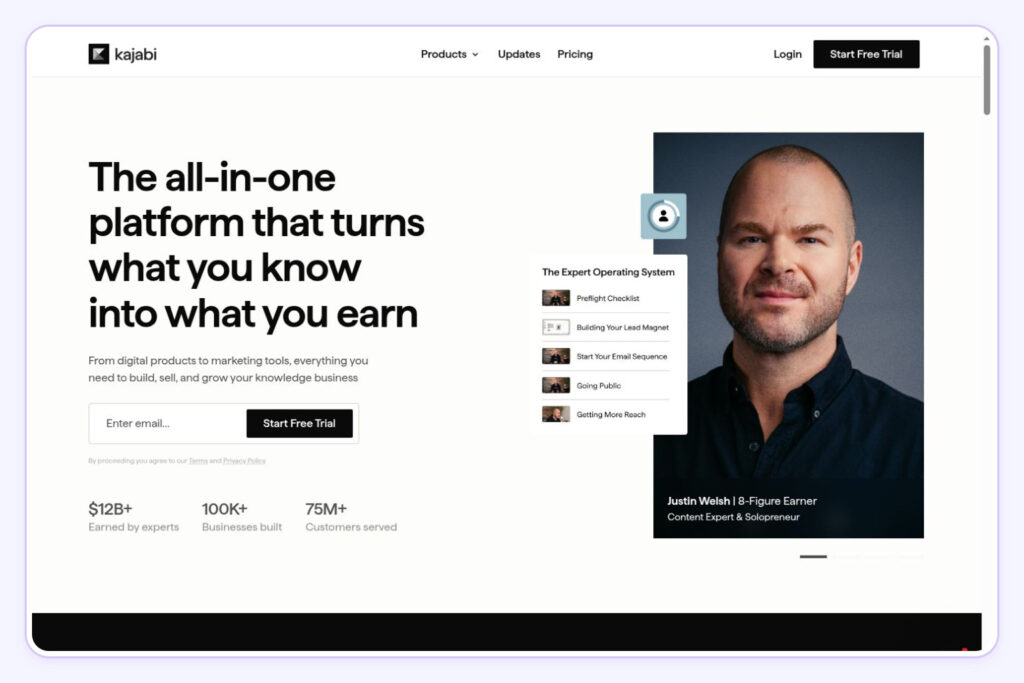
Kajabi combines courses, websites, landing pages, marketing emails, and sales funnels in one place. If you want to streamline your tools and manage both course delivery and promotion under one roof, it’s a solid option to explore.
The Basic plan starts at $179/month when billed monthly, with payment processing fees charged separately.
Whether this subscription is worth it depends on which tools it replaces and how often you’ll use it. Just be sure to check product and contact limits before signing up, a growing email list or additional courses may mean upgrading your plan down the line.
How to Choose the Right Online Course Platform
Calculate Your Total Costs
Add up subscriptions, platform transaction fees, payment processing, and necessary upgrades. When pricing digital products, compare platforms using the same course price and expected monthly sales volume to see what you’d actually keep.

Check billing terms, too. An advertised monthly rate may require paying for a full year upfront. A cheaper subscription can end up costing more overall if the platform takes a larger percentage of each sale.
Check Branding and Customer Access
Look for control over pricing, discounts, branding, and checkout. Consistent branding helps students recognize your business at every step of their purchase journey.
Check whether you can export student contacts and email past buyers who’ve opted into marketing. These features are key to building relationships and promoting future courses. Always review plan restrictions before choosing a platform.
Match Features to the Course You Want to Teach
Begin by defining what students will achieve by the end of your course. From there, look for key features like video hosting, downloadable content, mobile access, and easy lesson organization.
Decide whether assignments, certificates, communities, or automation will help deliver that outcome. If you’re testing an idea, create a mini-course focused on one specific skill. Choose the tools your teaching plan requires, with room to expand as your courses develop.
Start Selling Your Course With Stan
The right platform fits your audience, budget, and teaching needs. For creators selling through social profiles, Stan brings course hosting and checkout into one storefront.
Start building your Stan Store, then follow our guide to create an online course on Stan.
Organize your first lessons, configure checkout, and test the experience from a student’s perspective before sharing your course with your audience